Official art
GTA 6 Wallpapers (4K, Official)
Updated
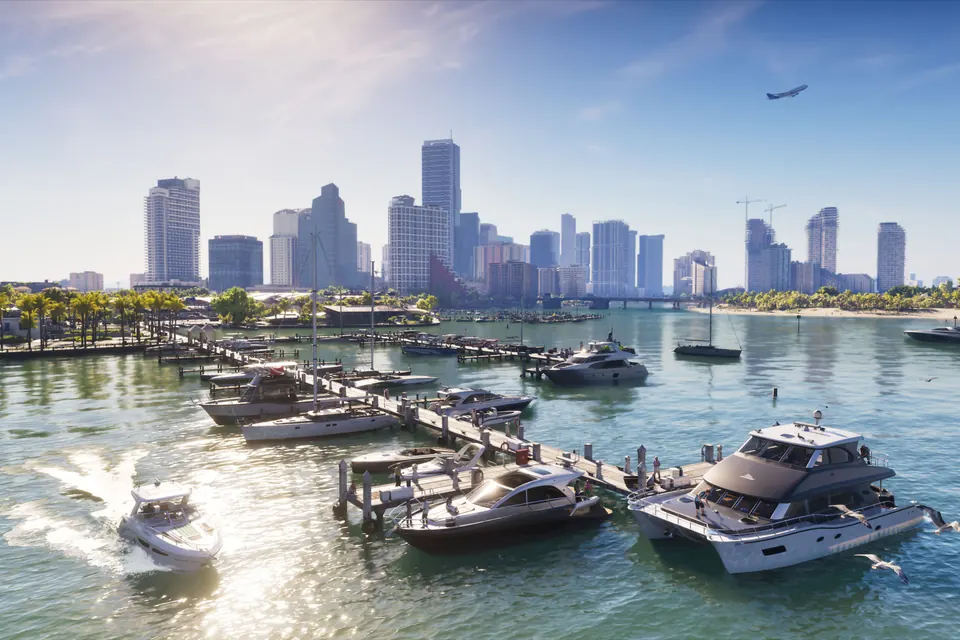
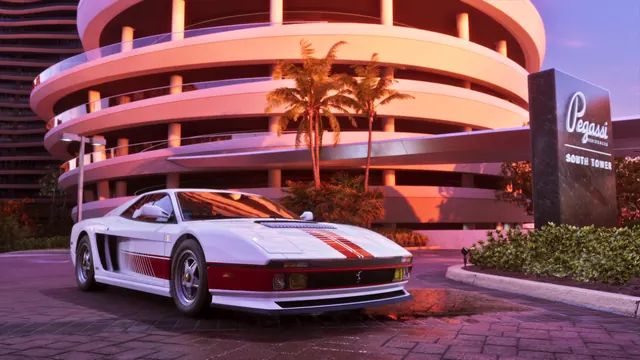
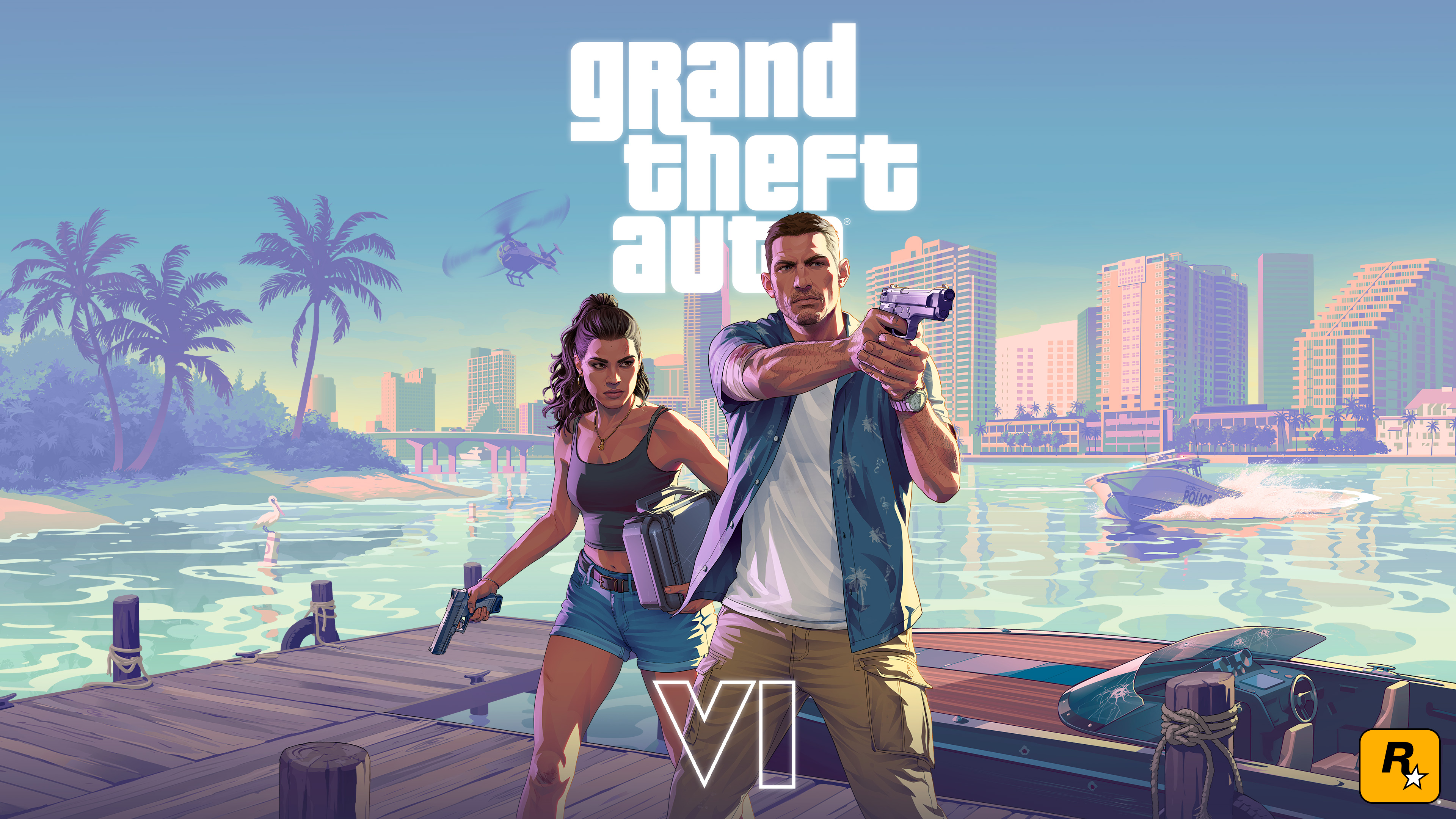
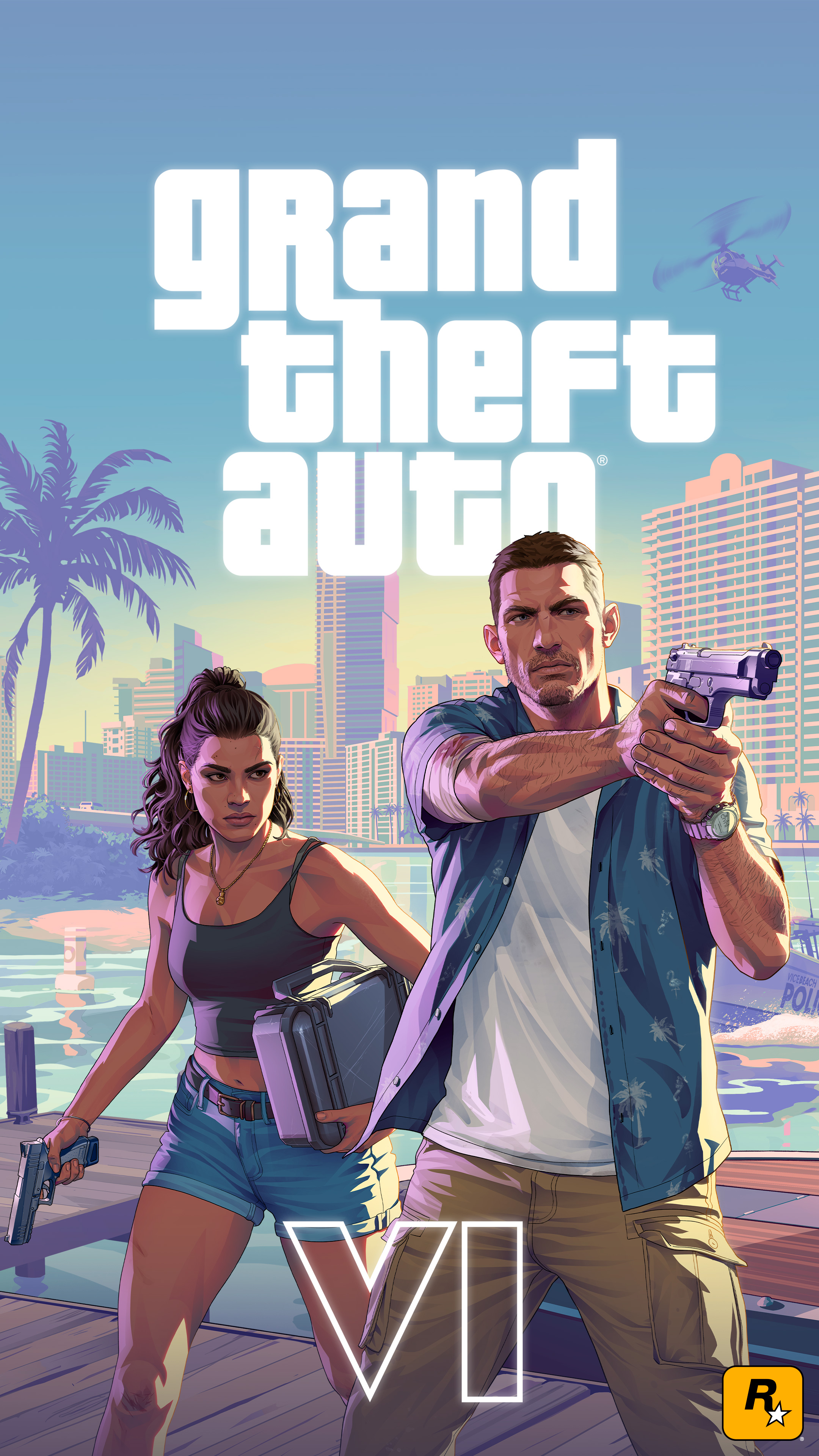
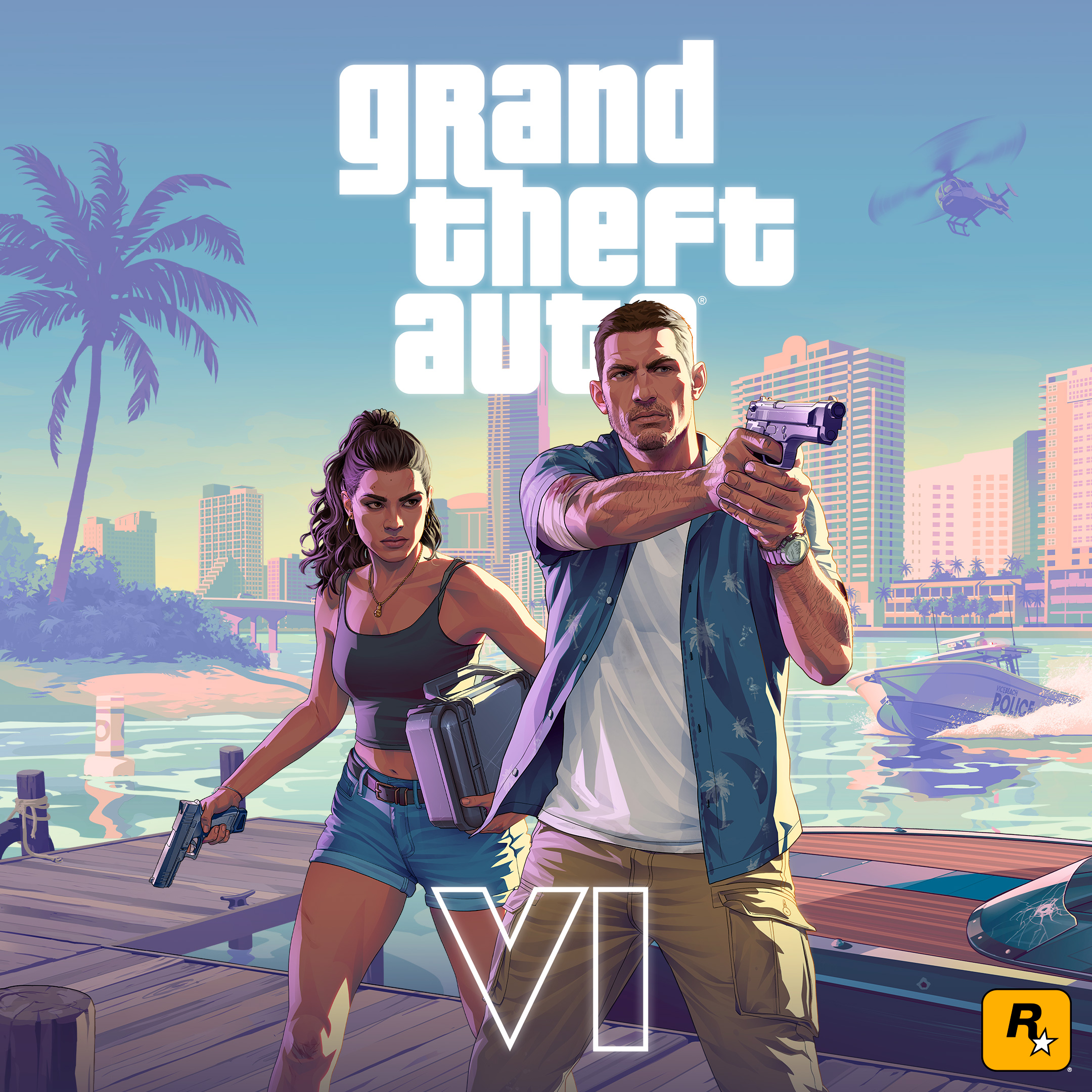
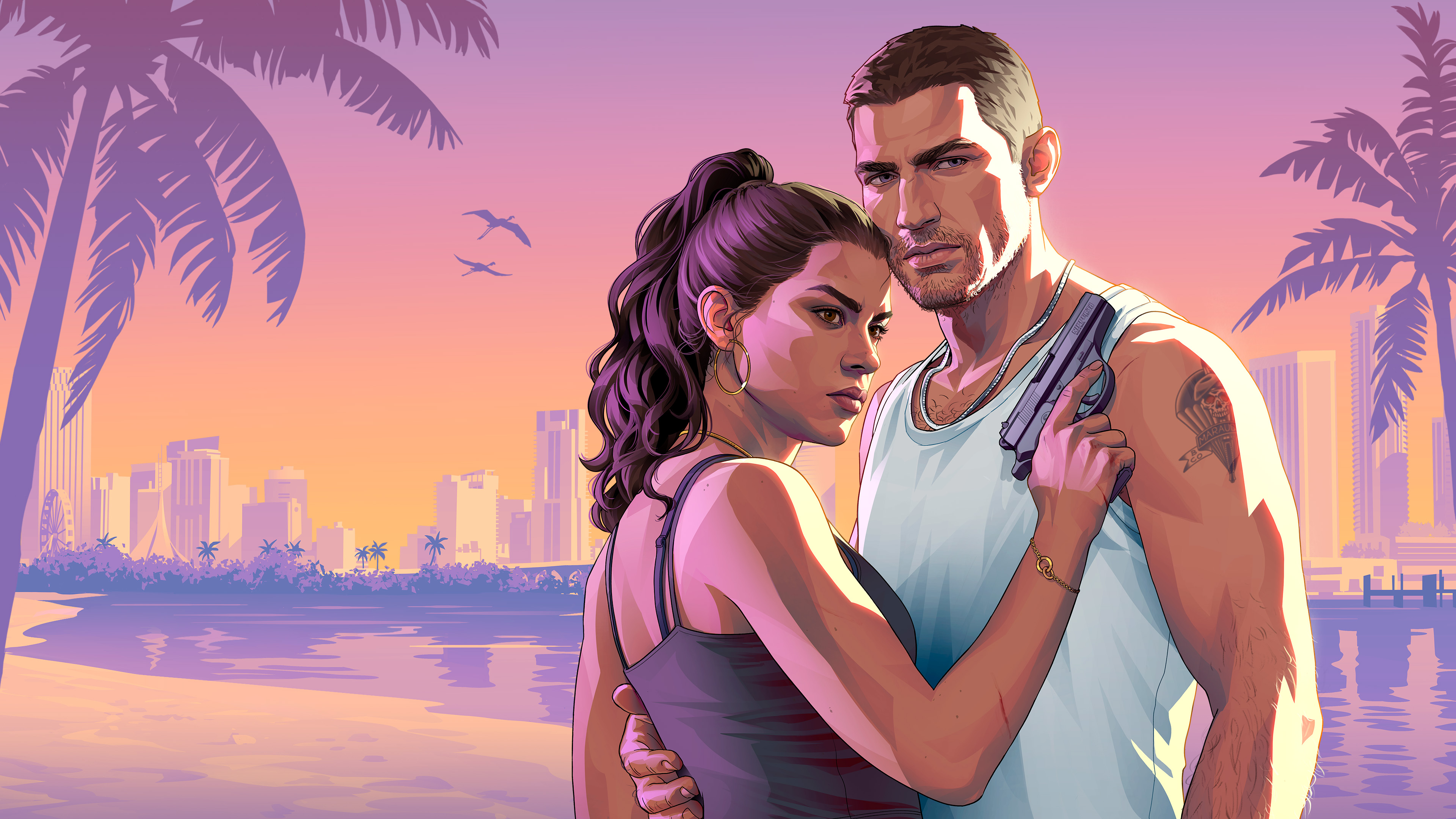
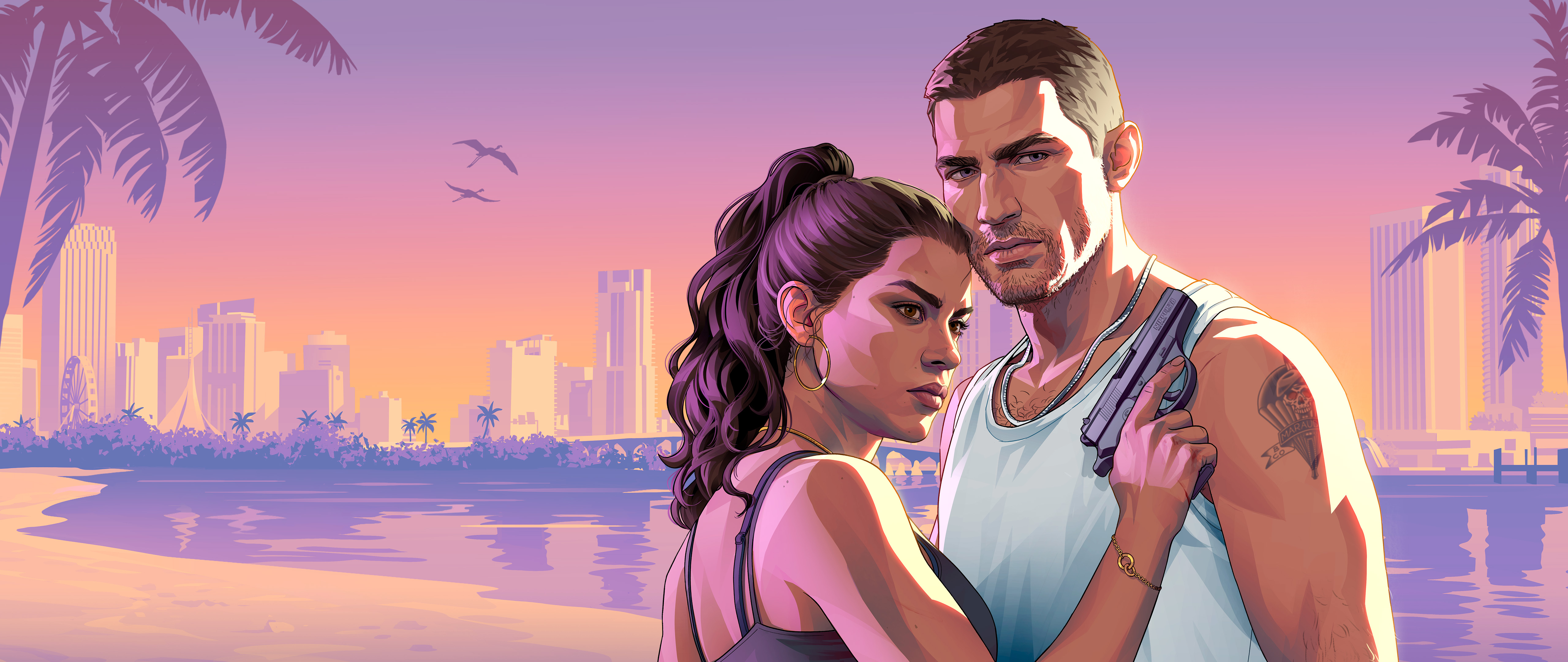
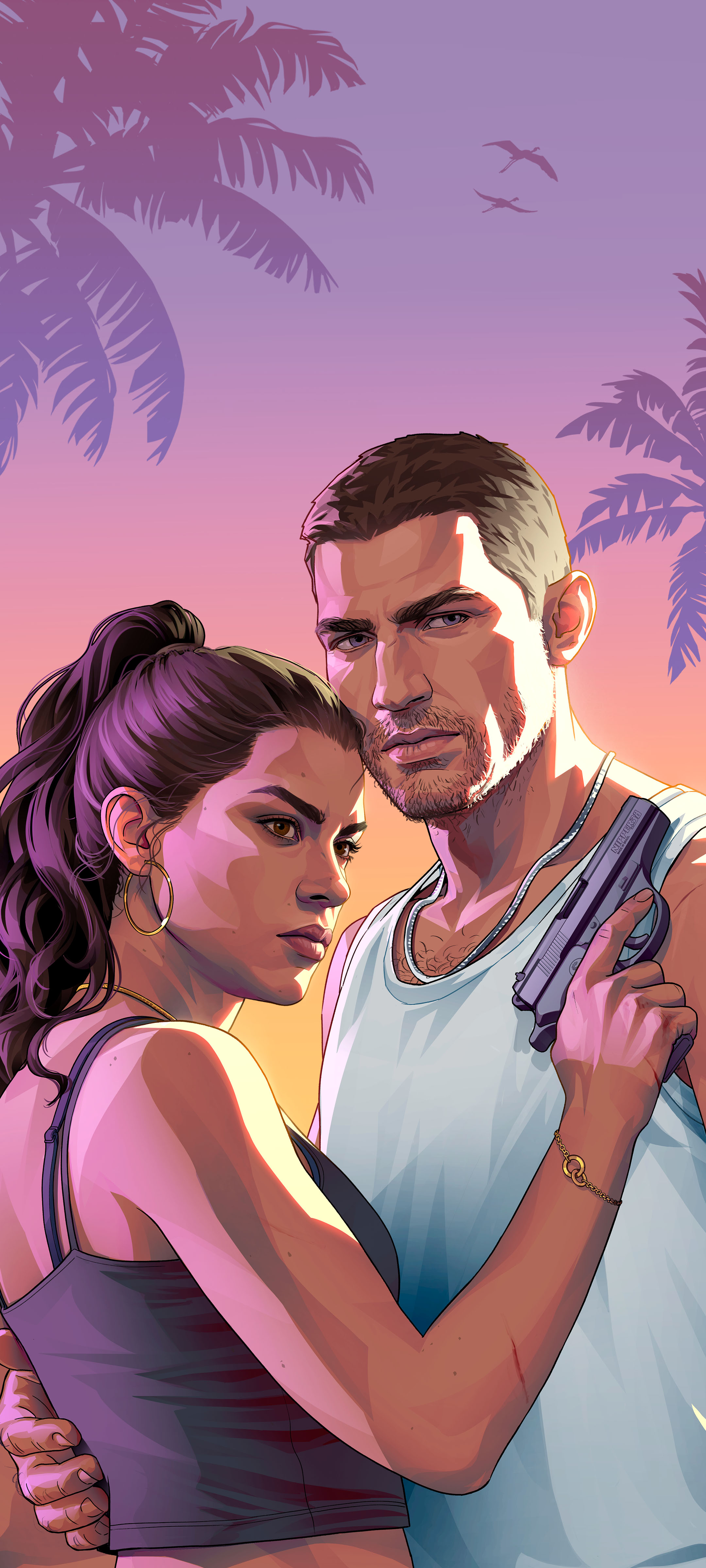
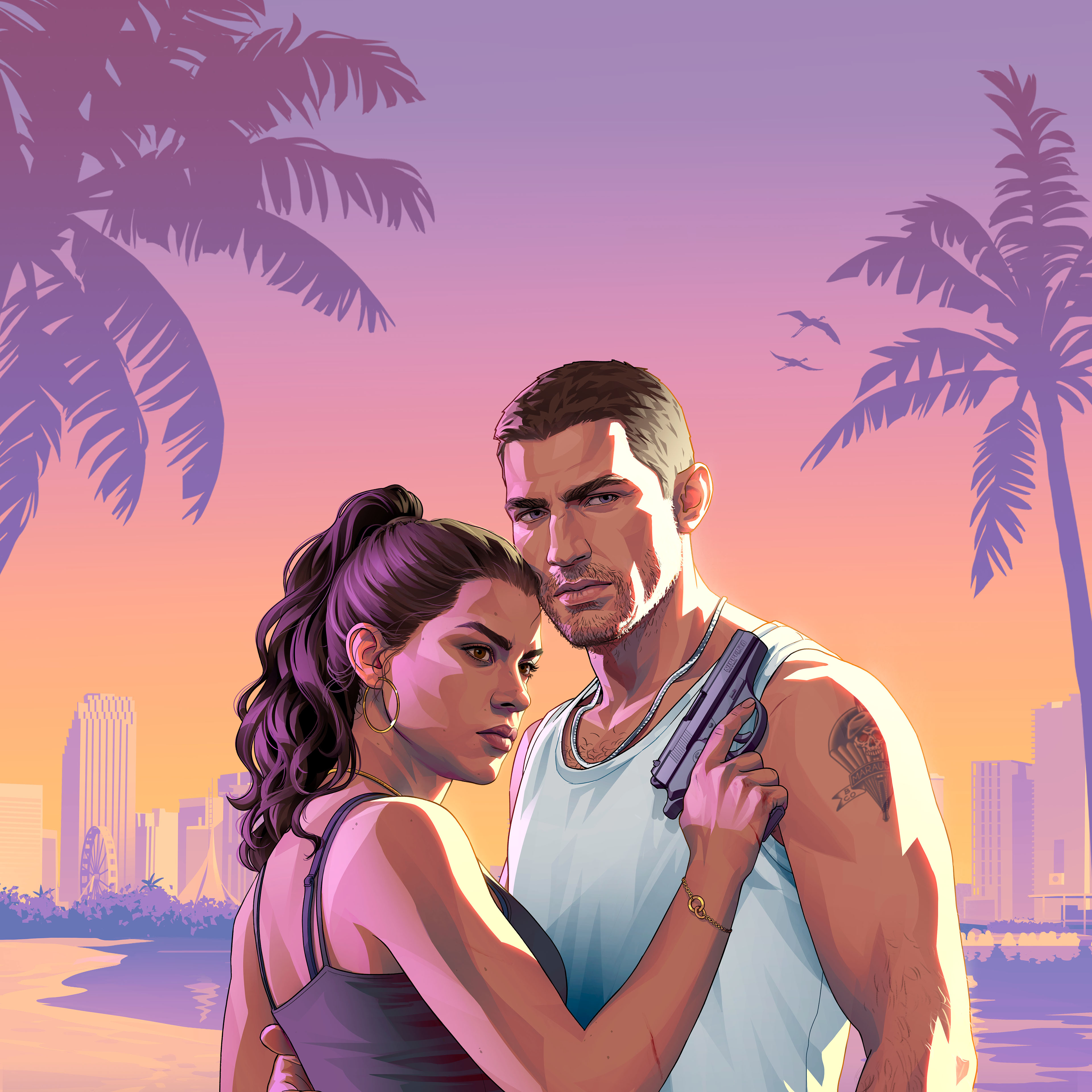
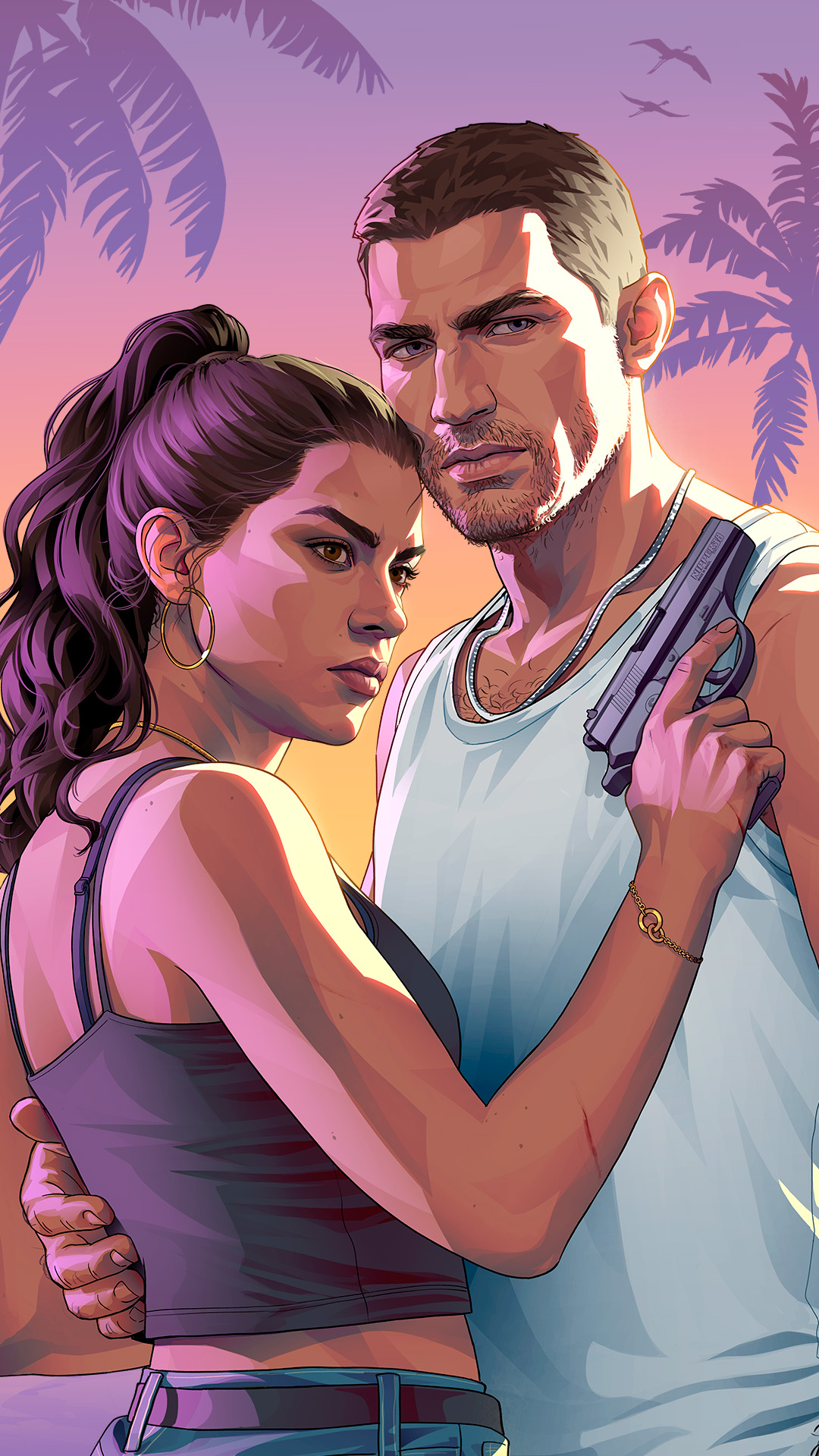
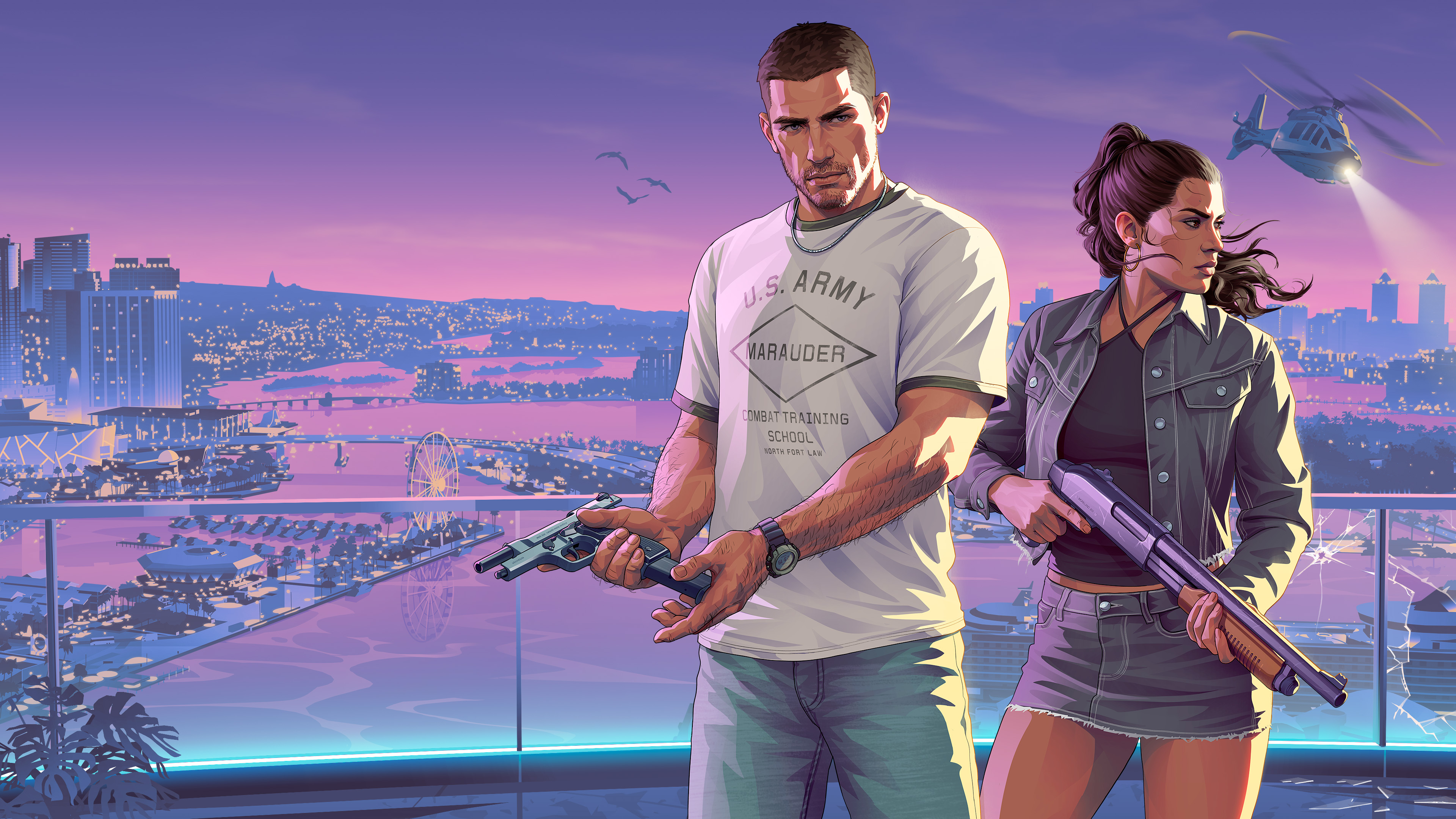
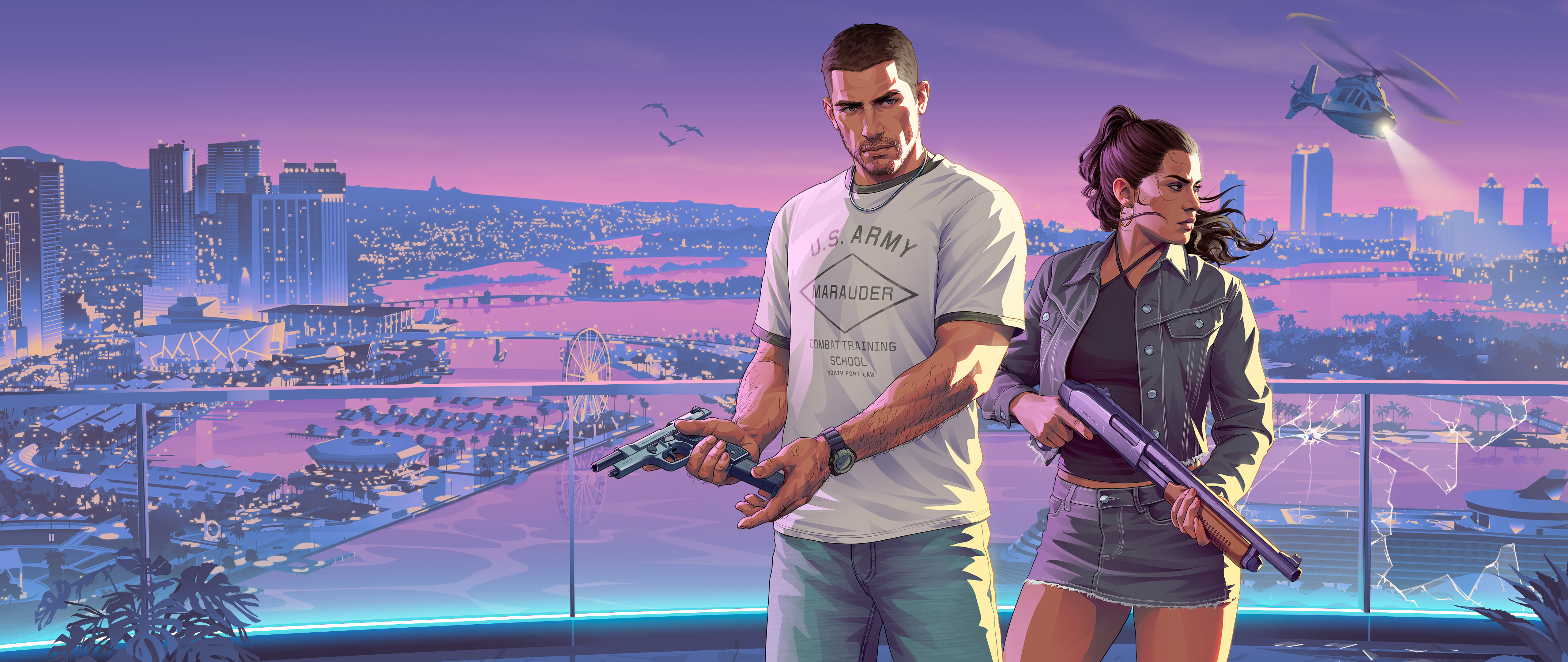
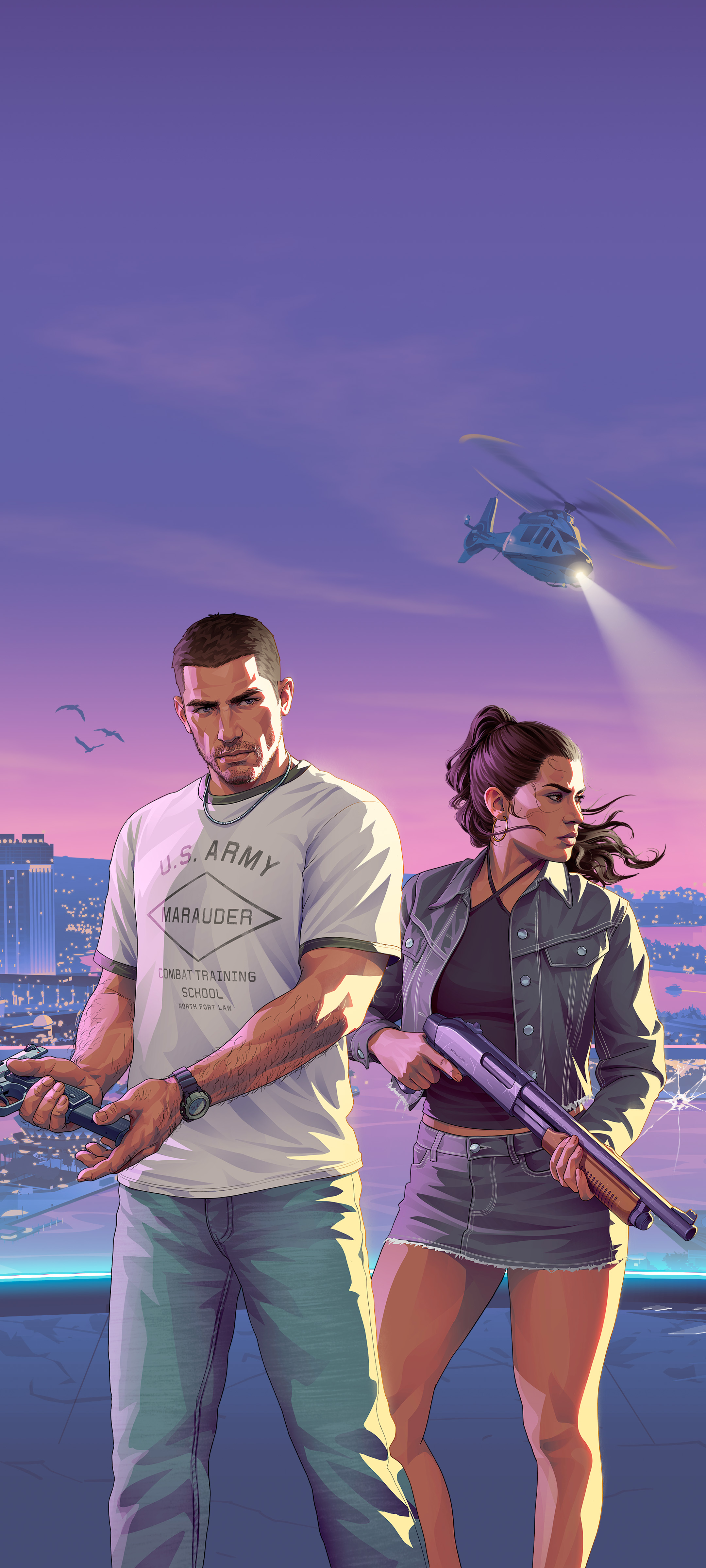
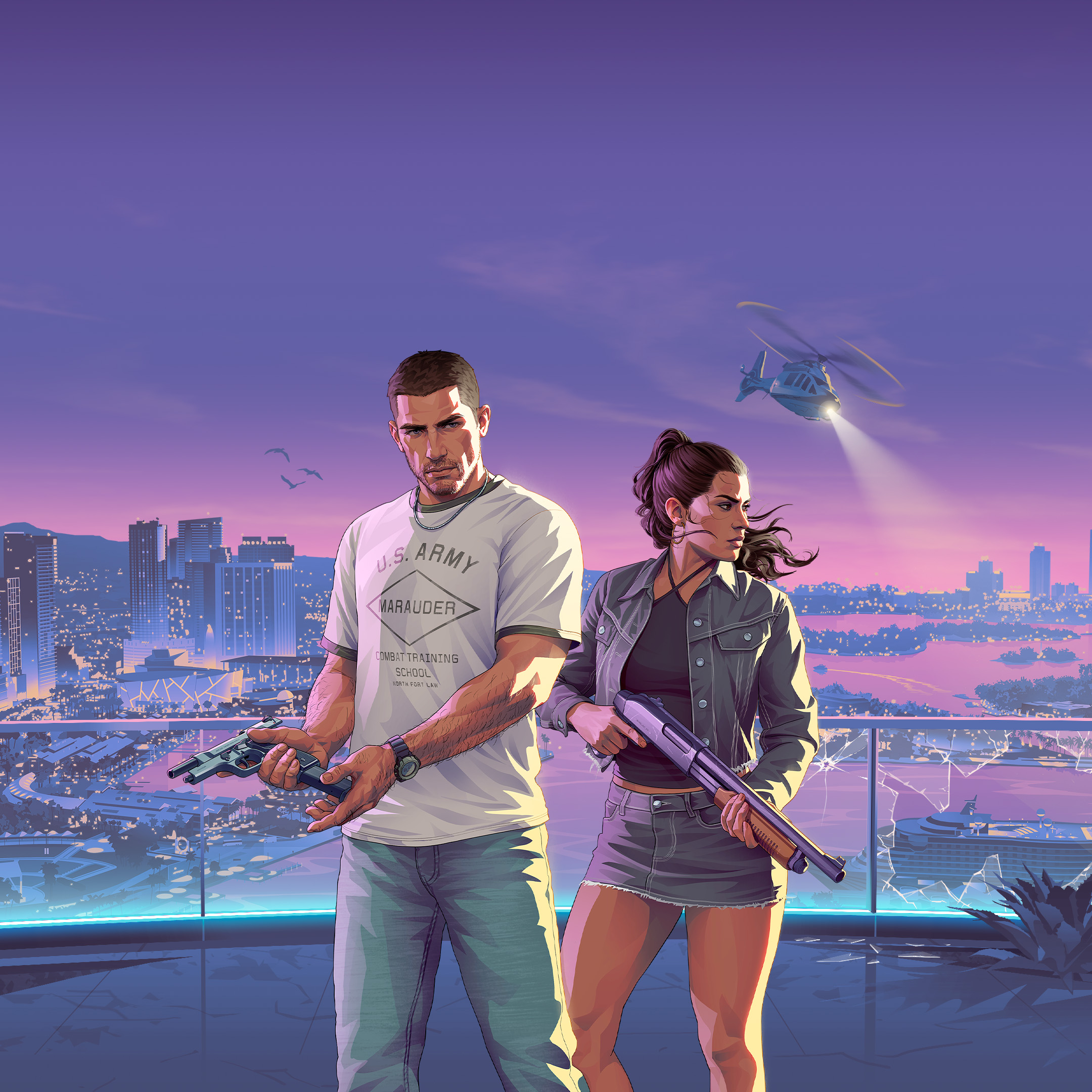
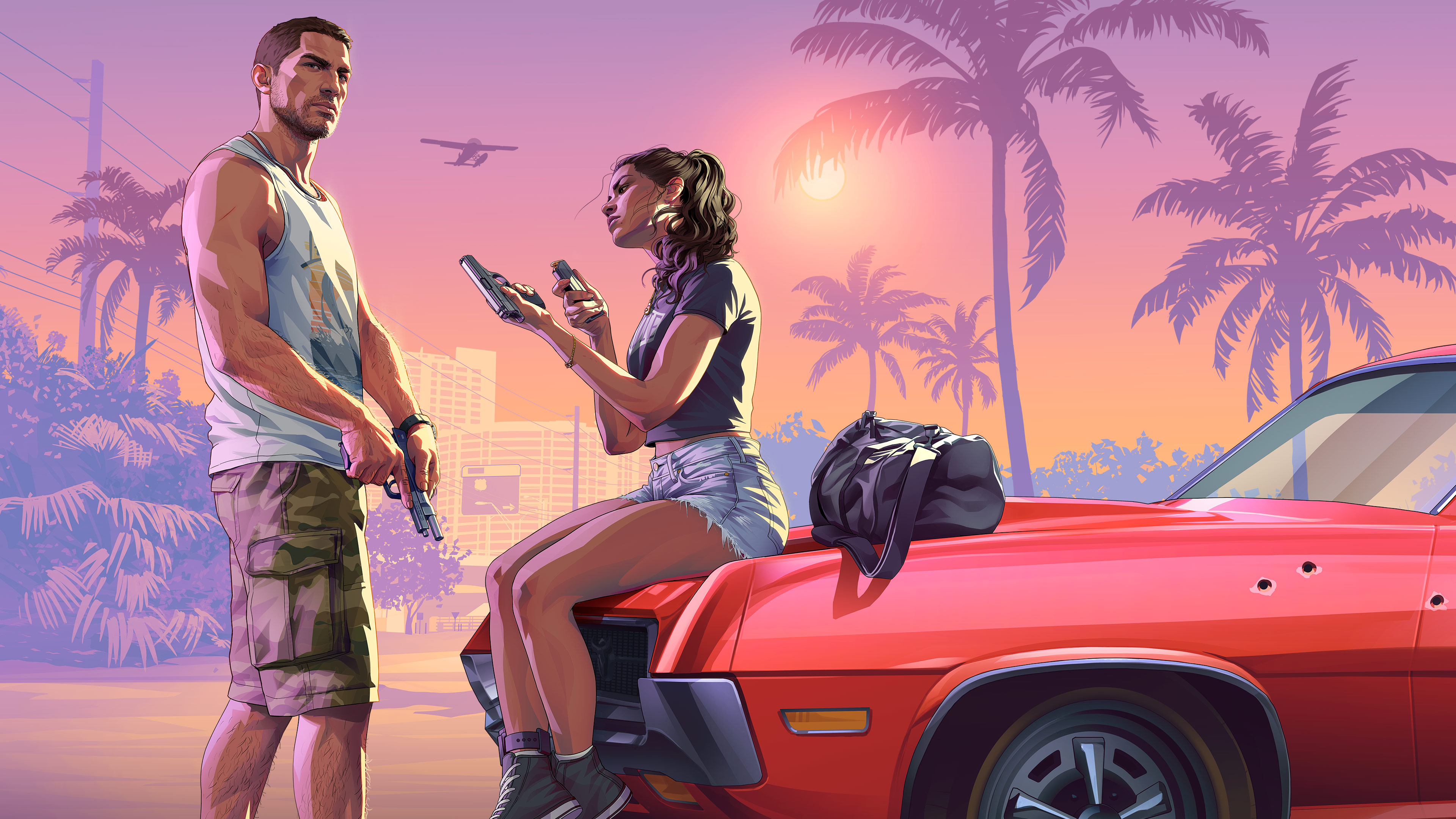
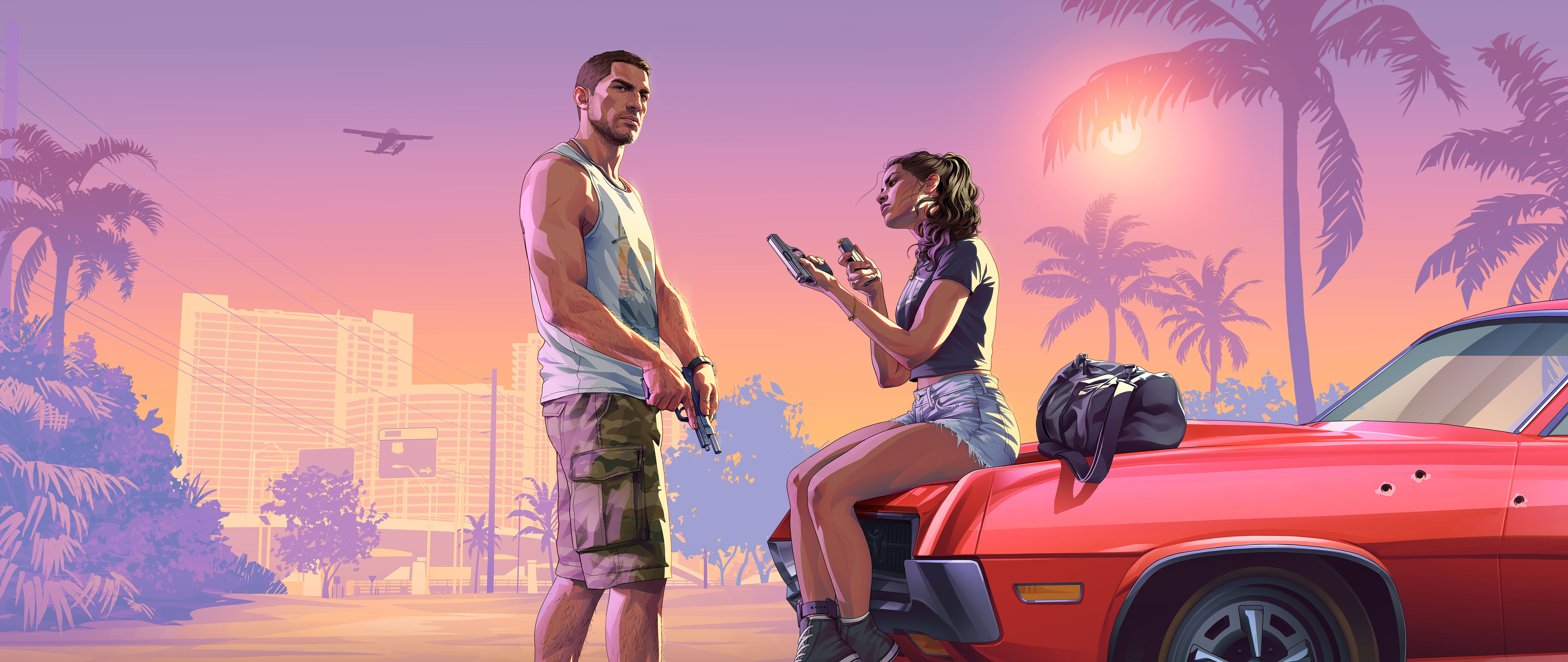
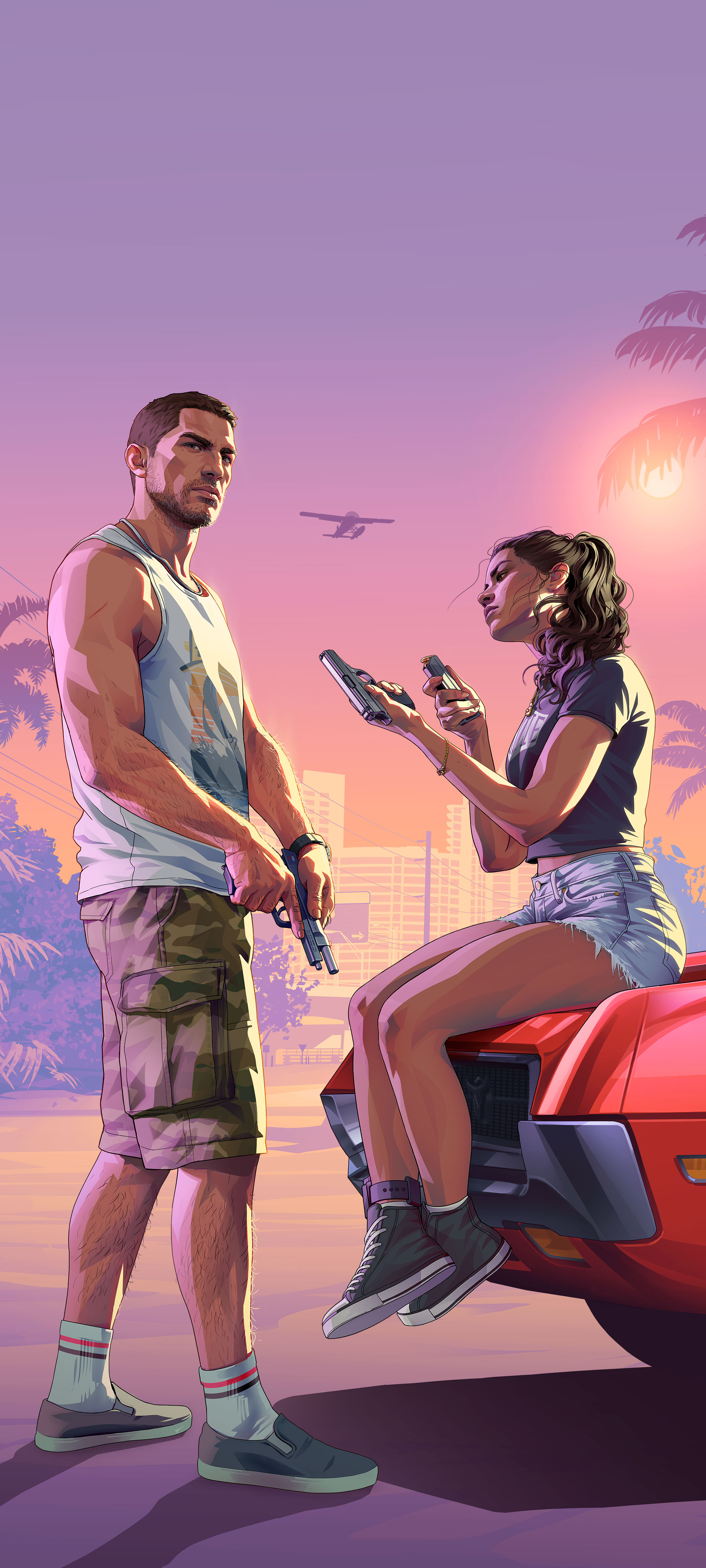
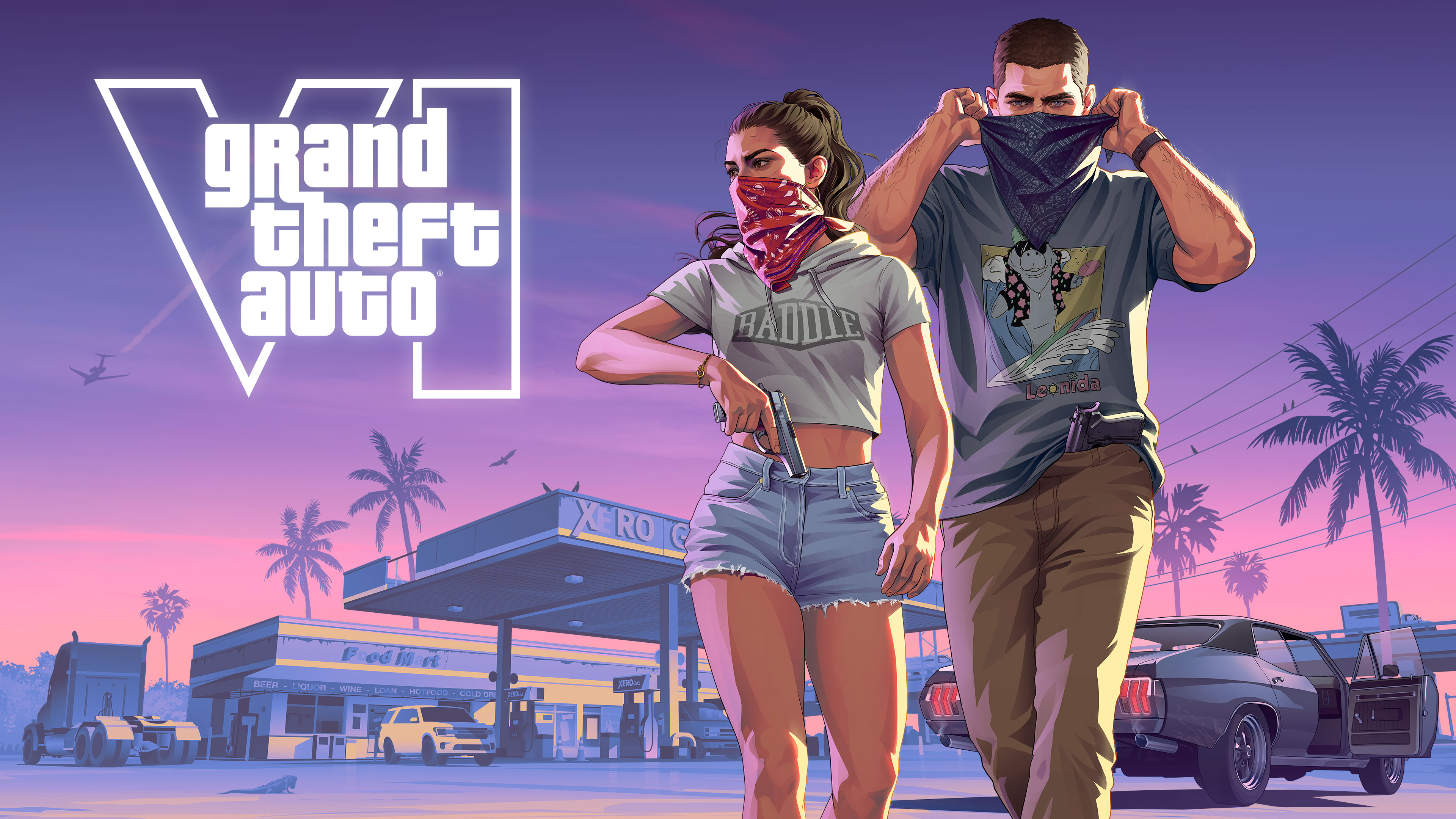
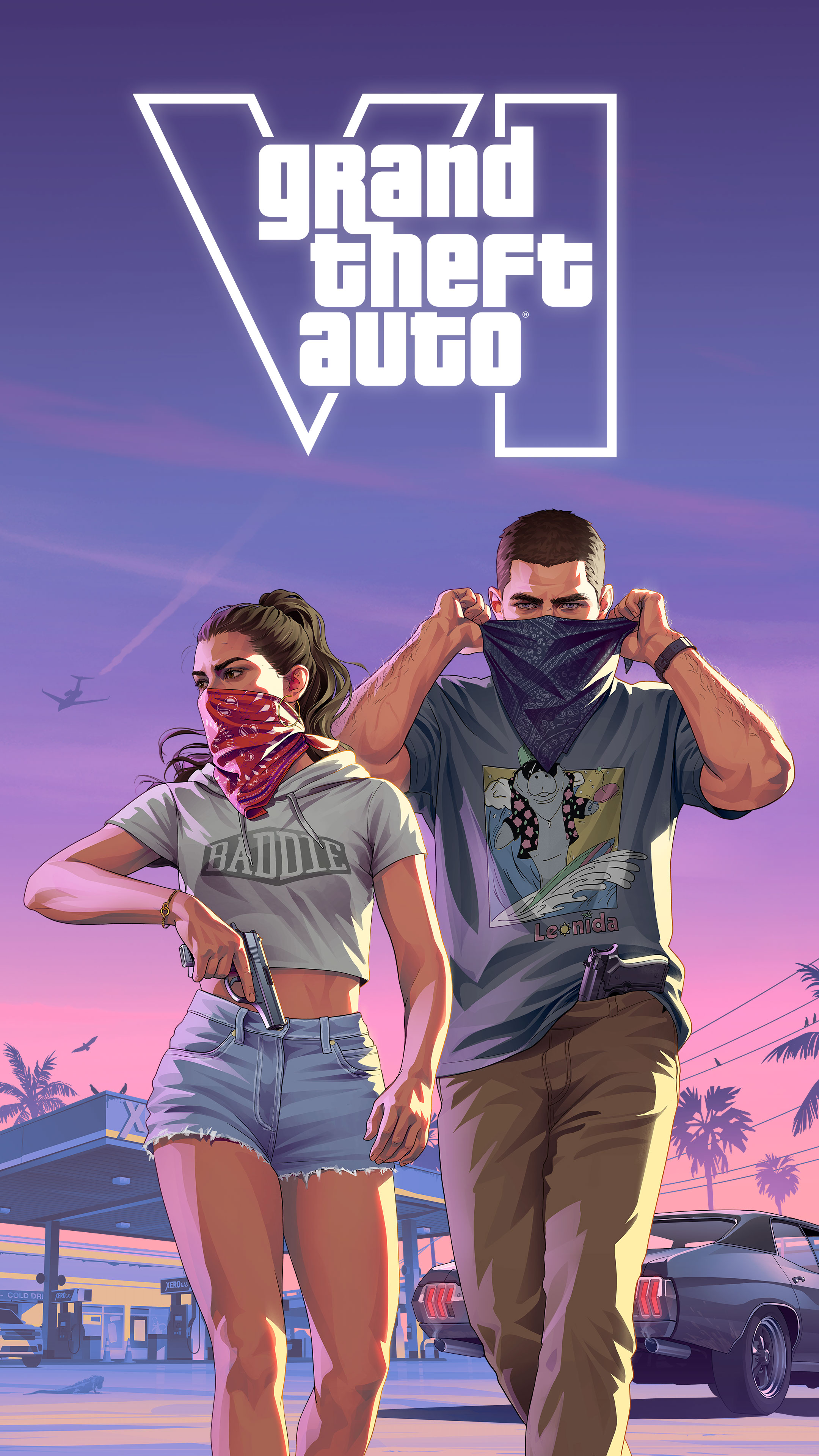
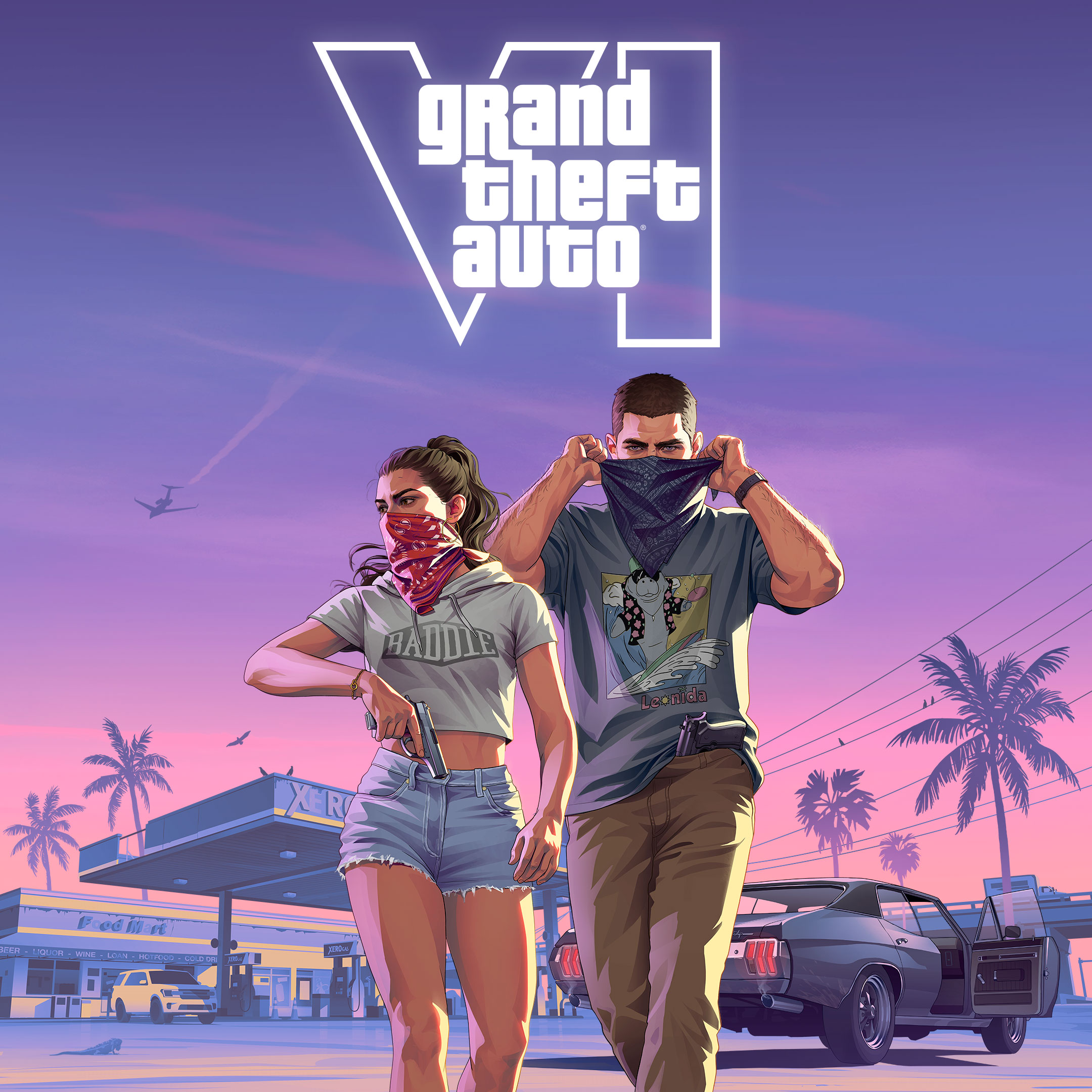
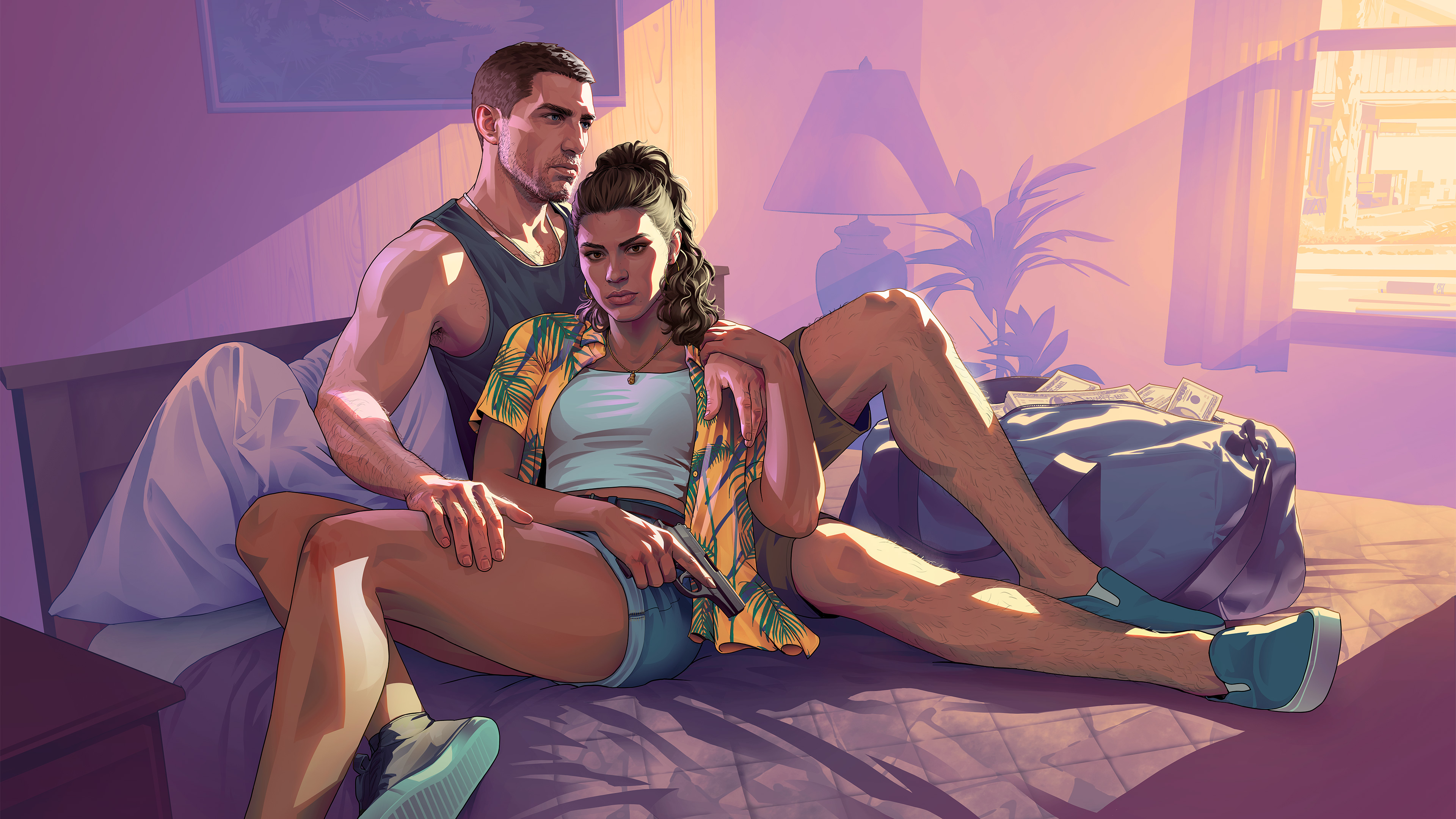
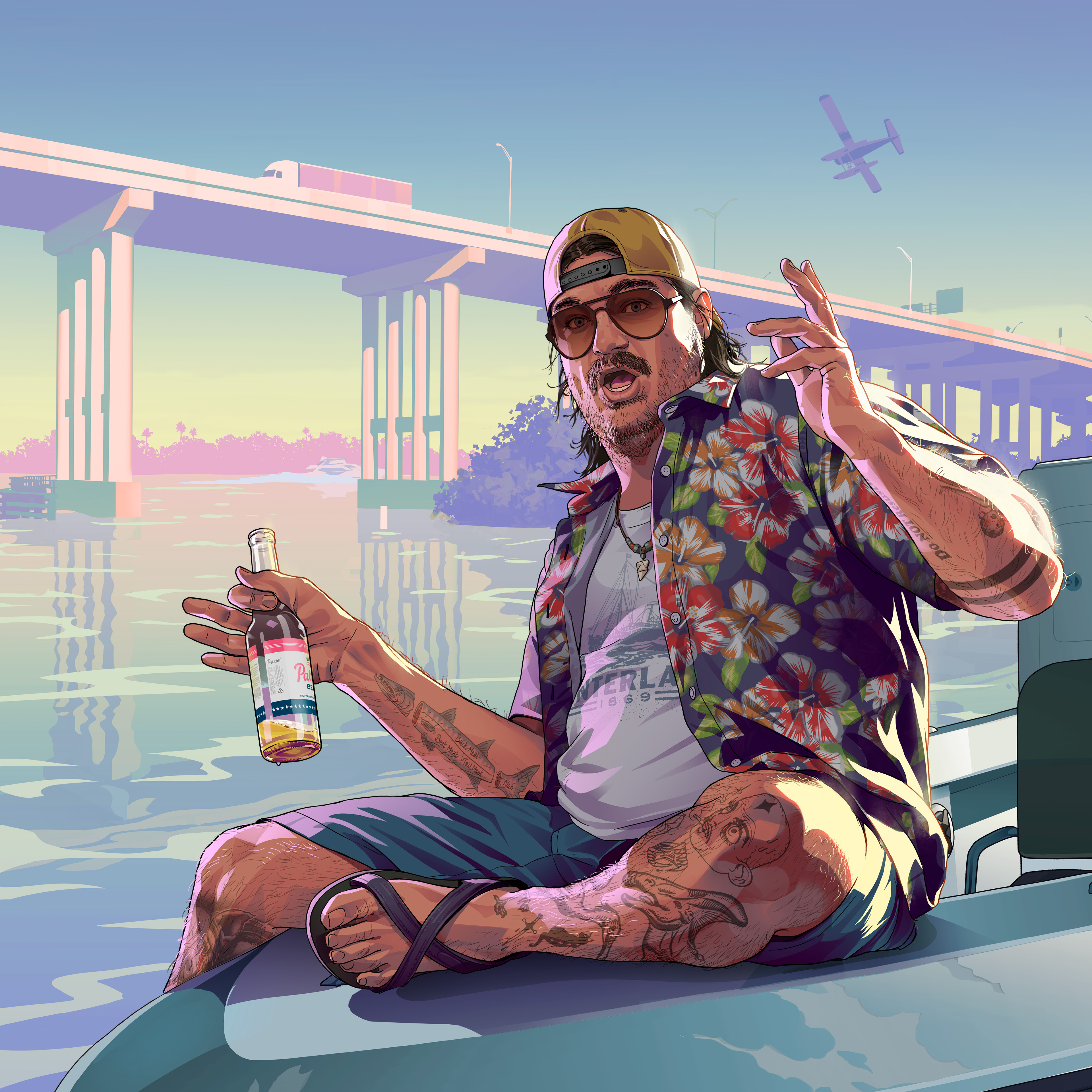
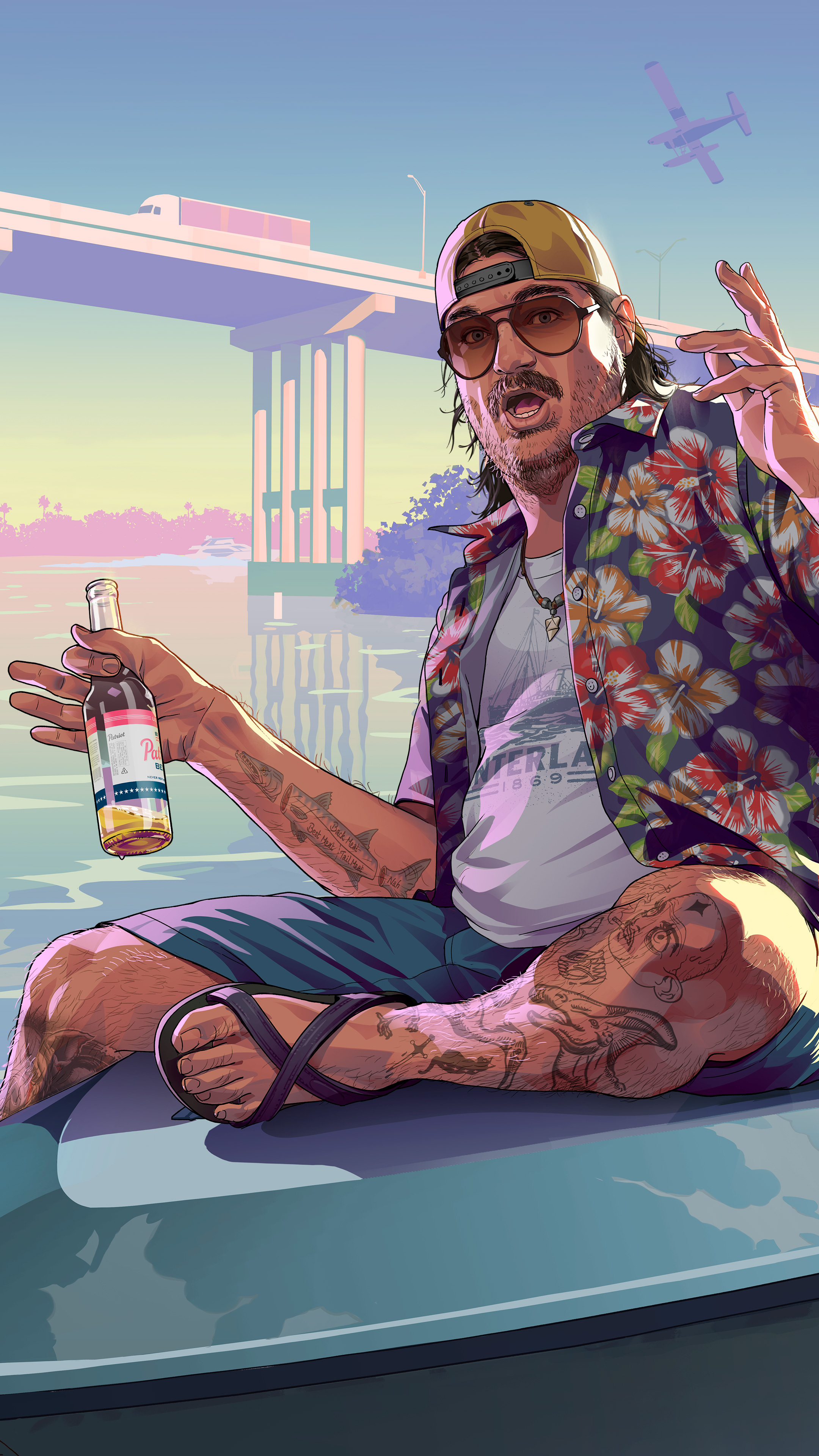
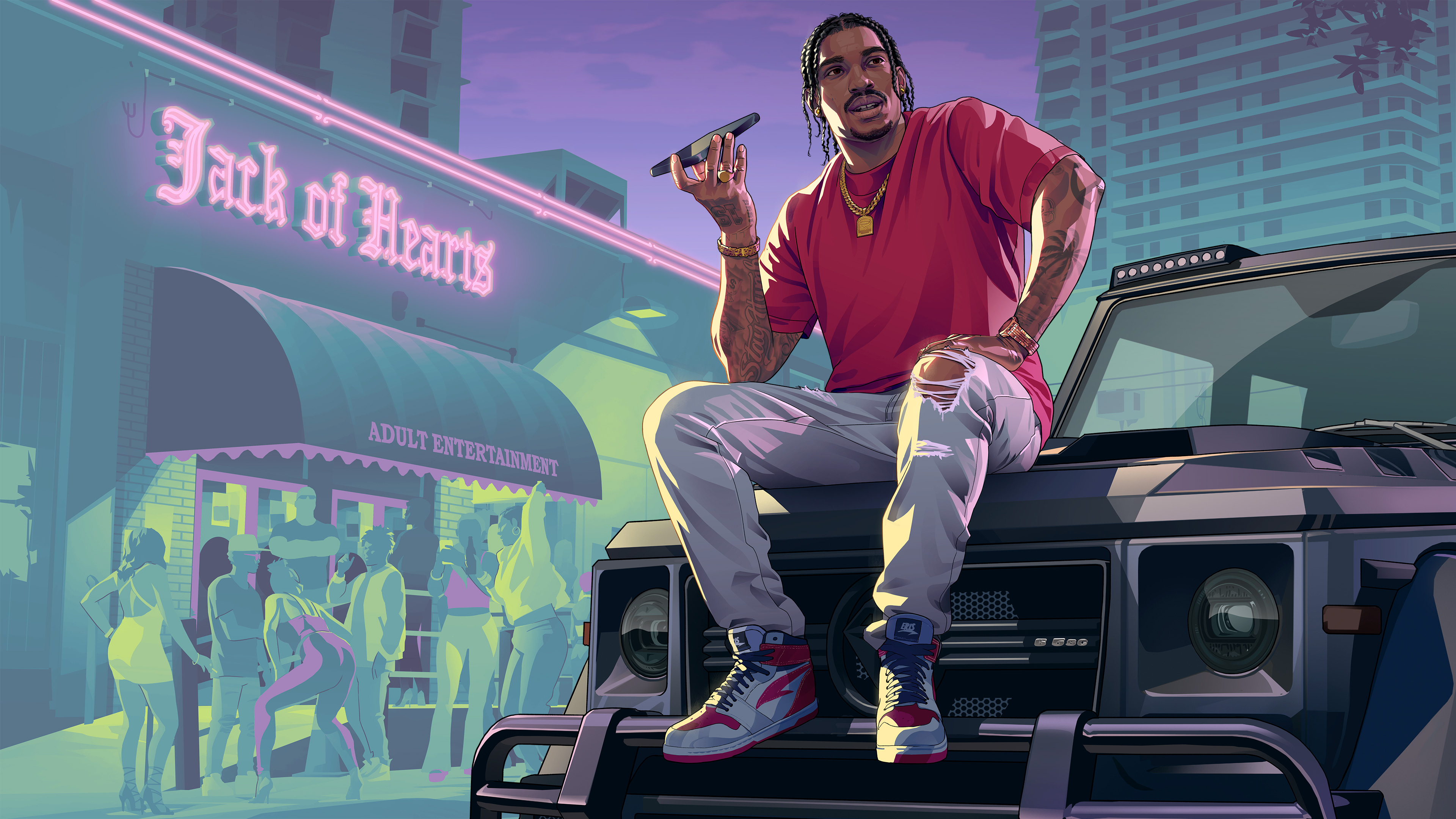
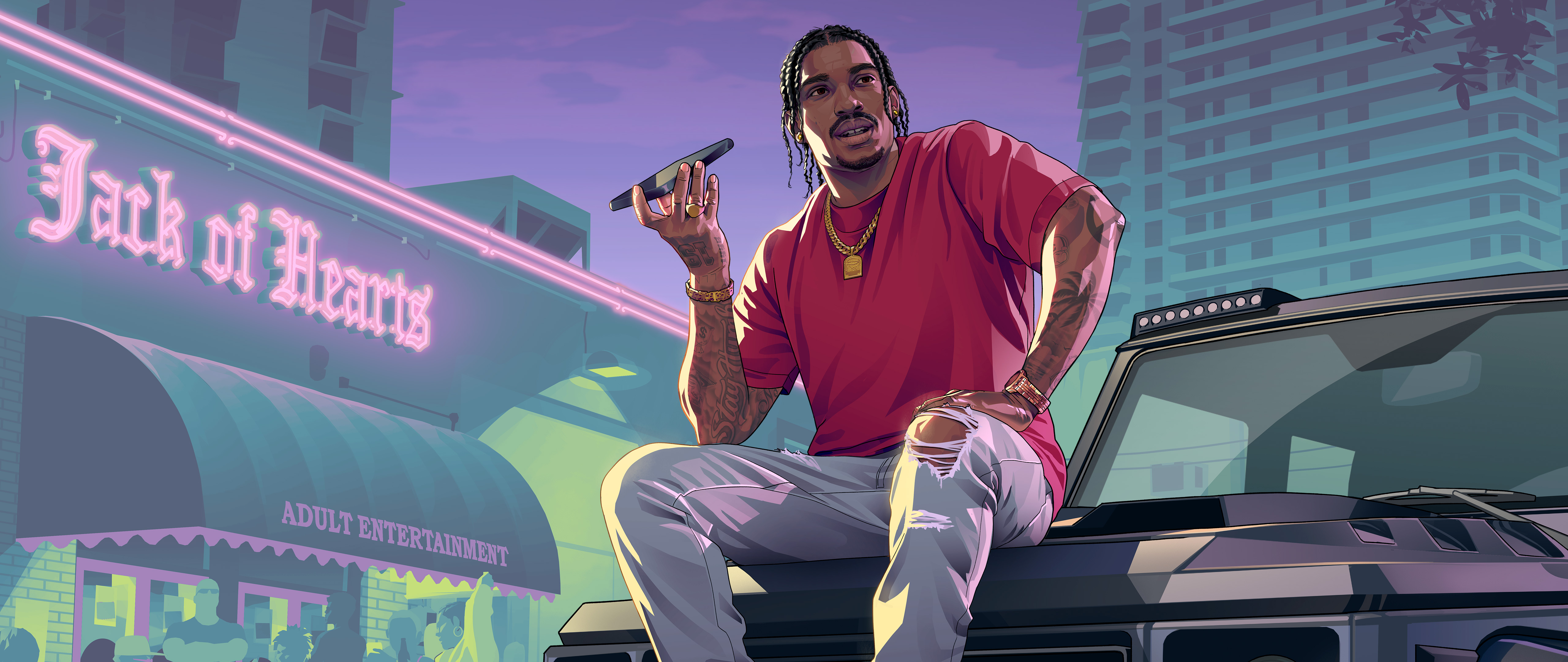
All 23 official GTA 6 wallpapers Rockstar has released, free to download for personal use. Tap any image to see it full size, then pick your size: 4K desktop, 5K ultrawide, phone, tablet, portrait or square. 144 full-resolution files in total.
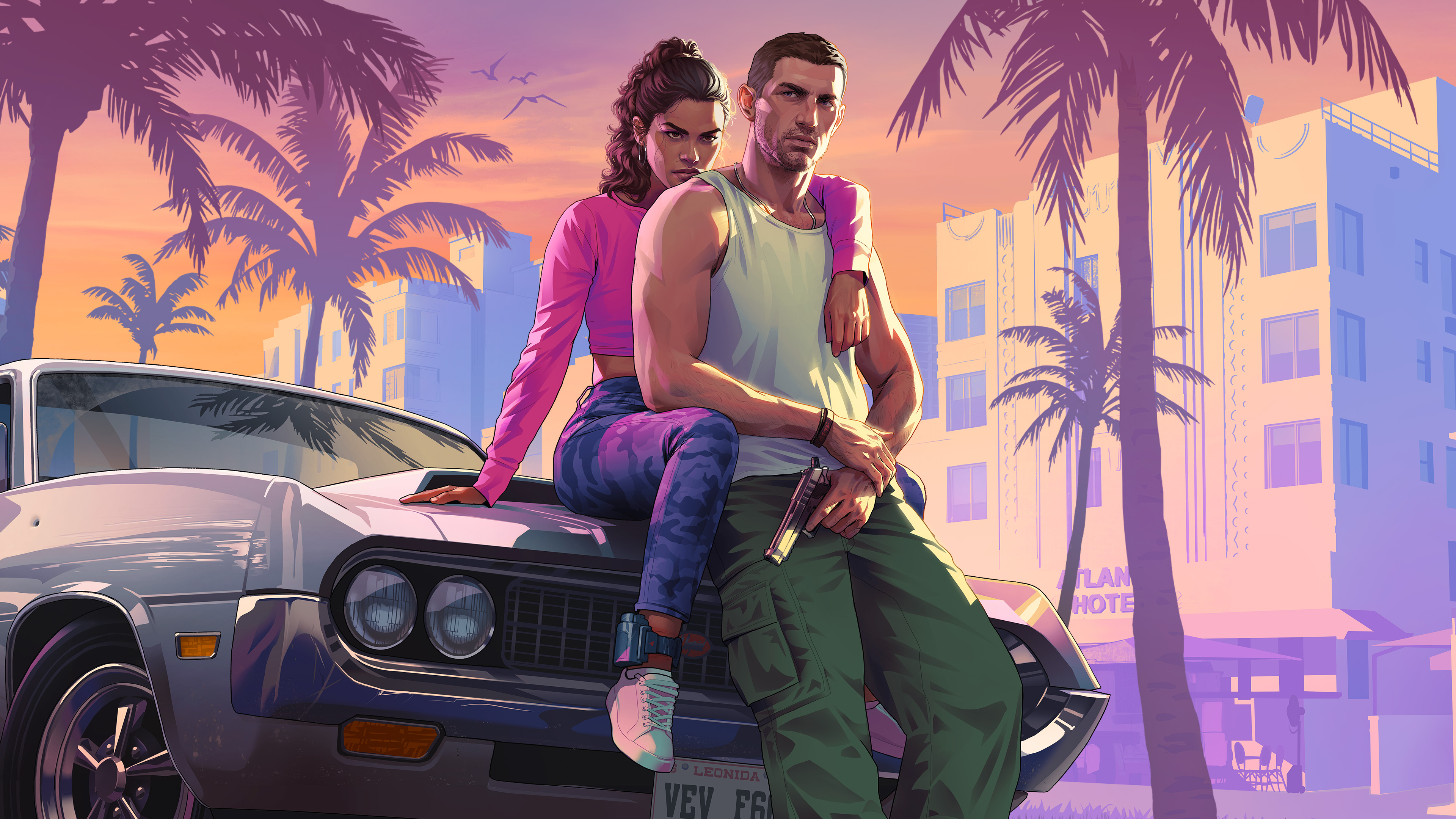
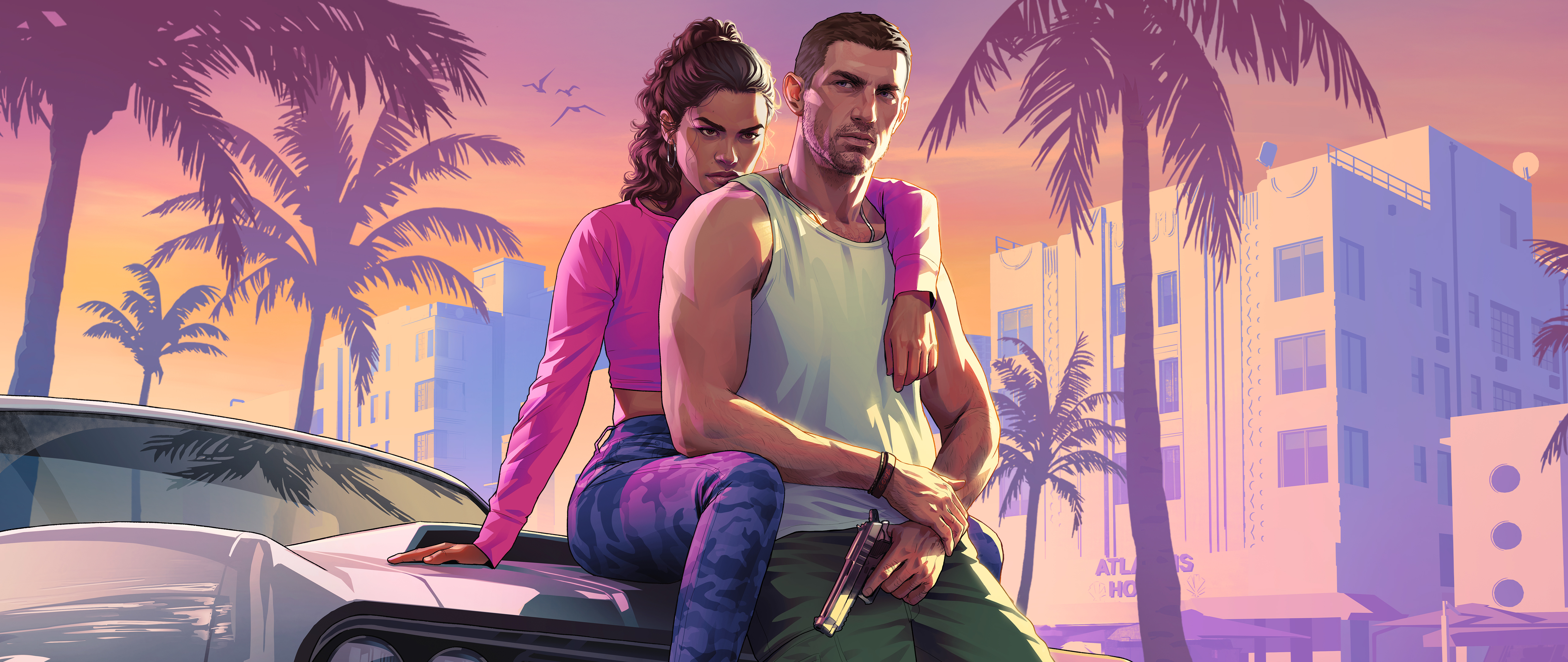
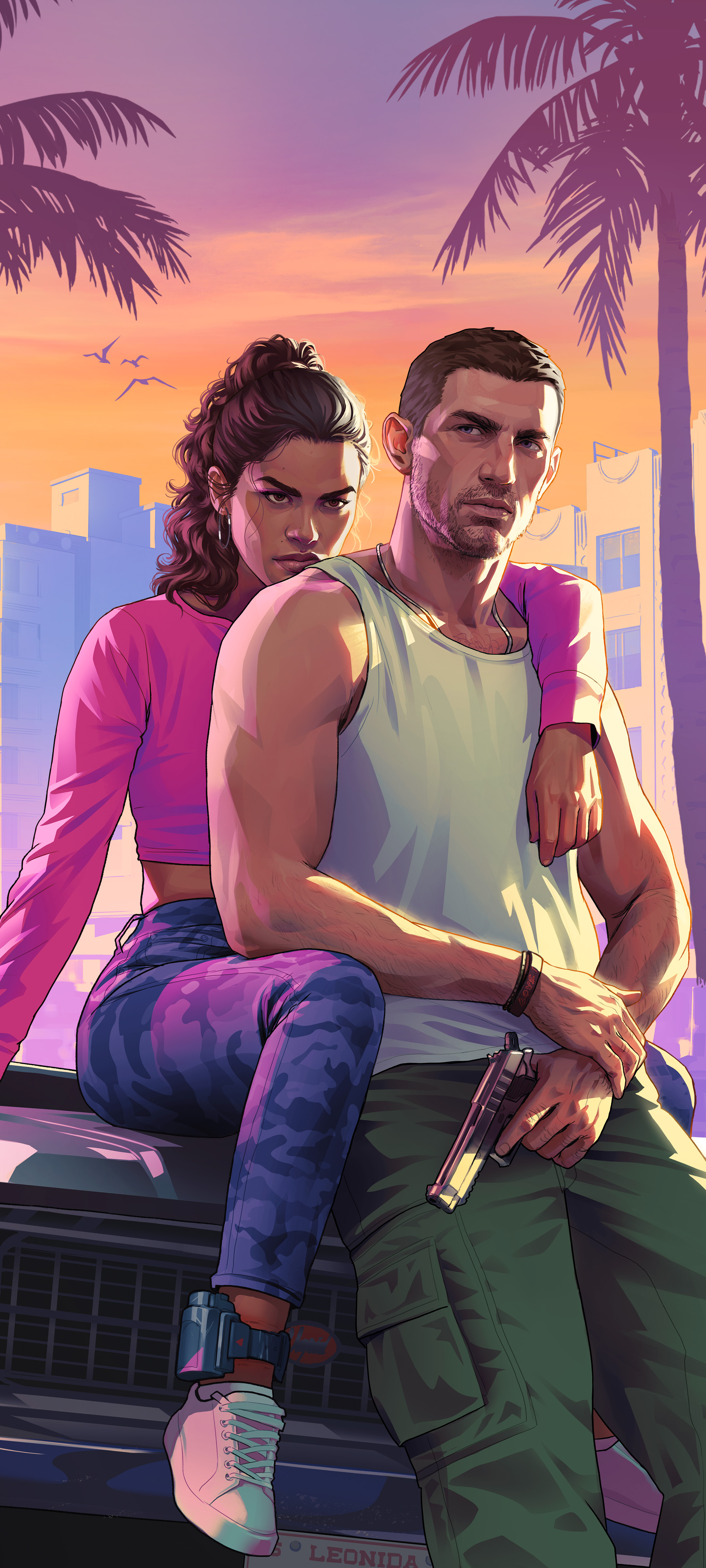
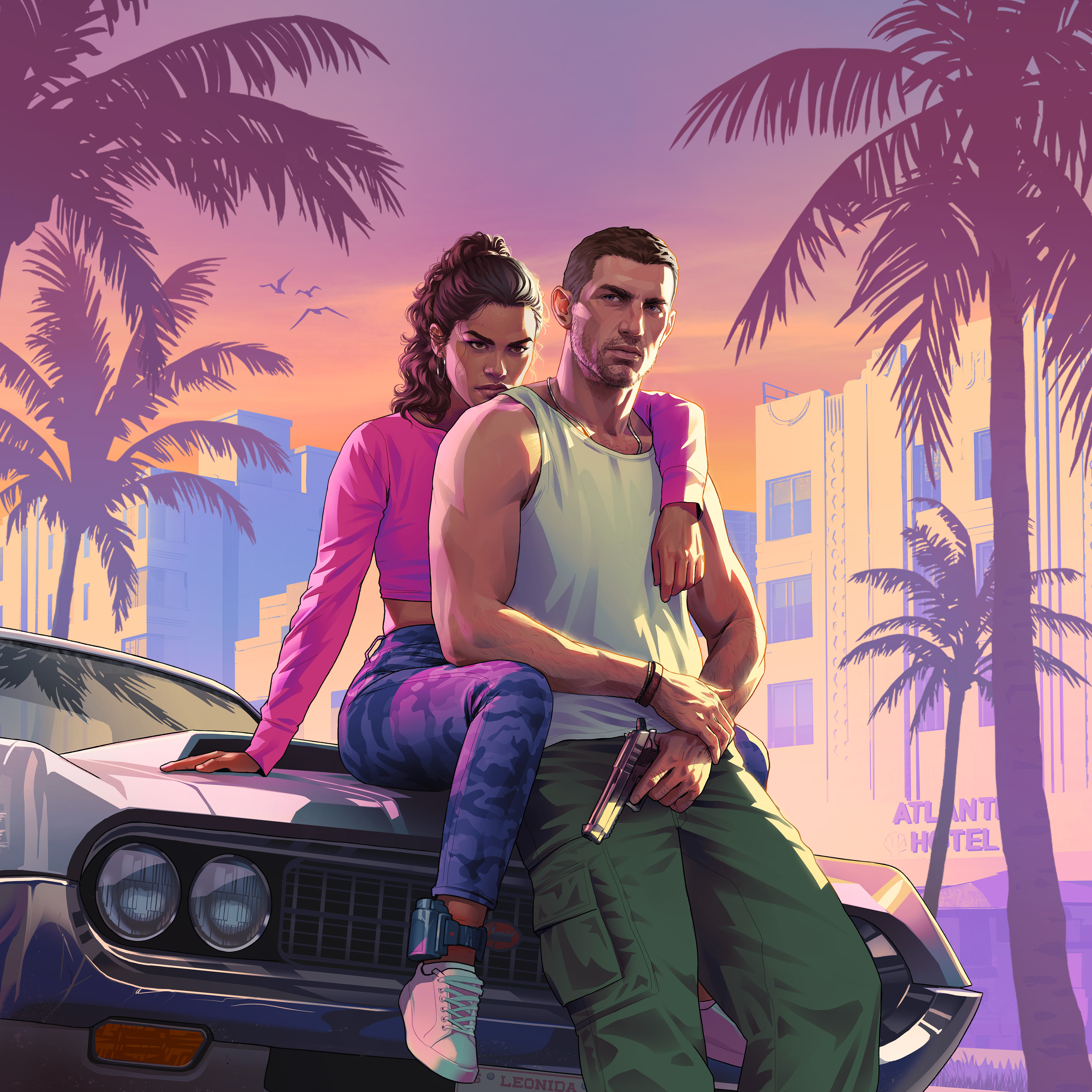
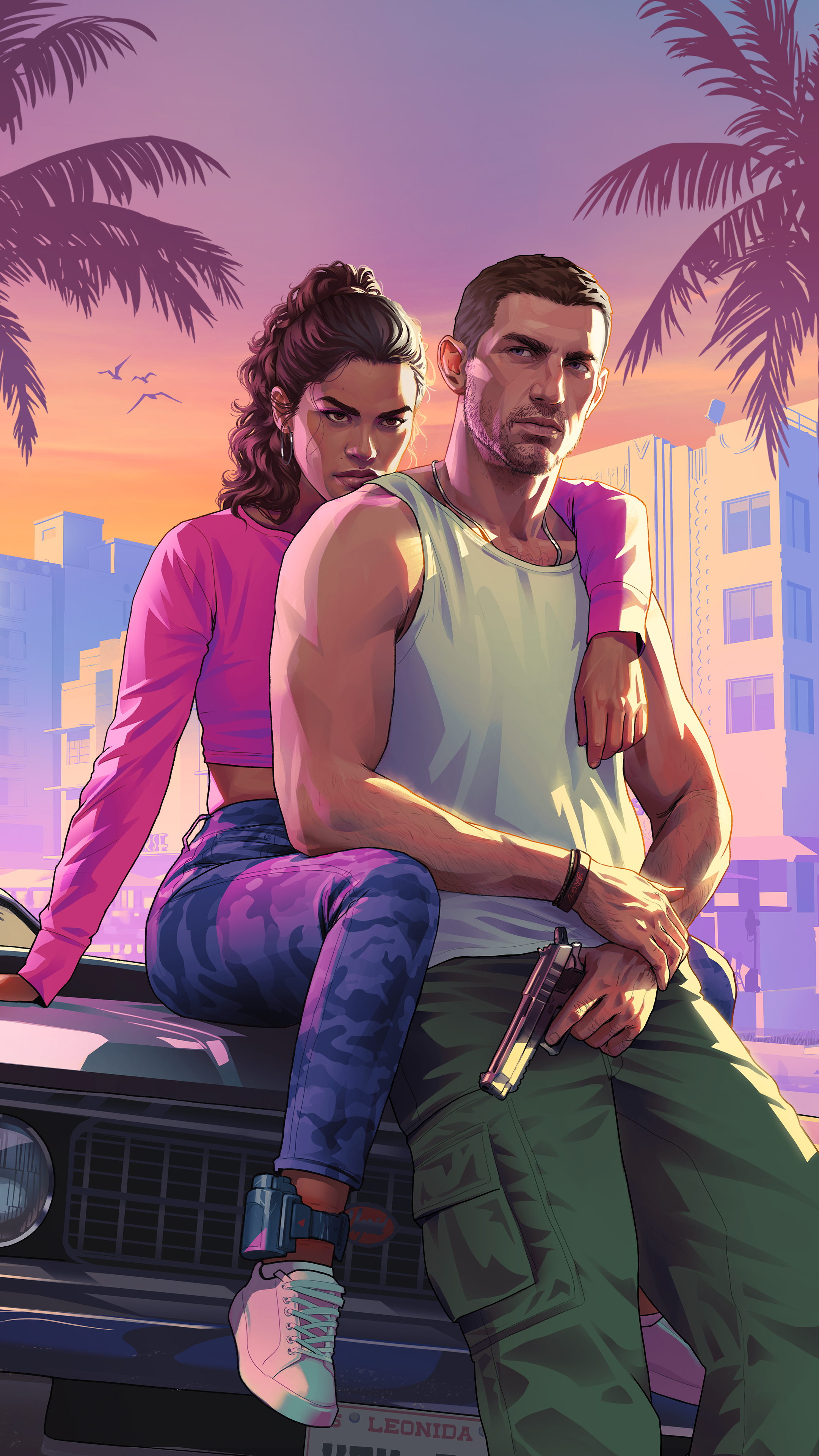
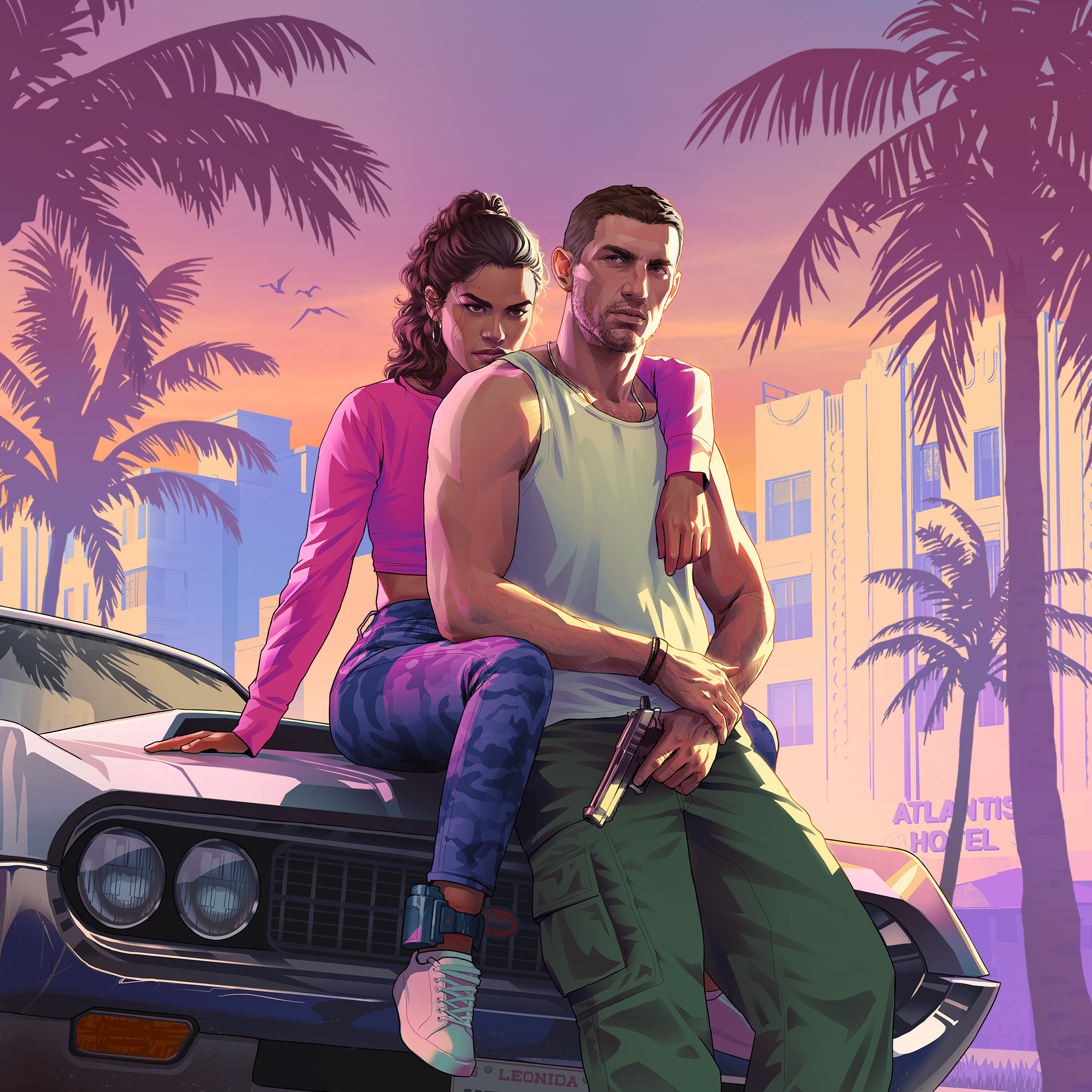
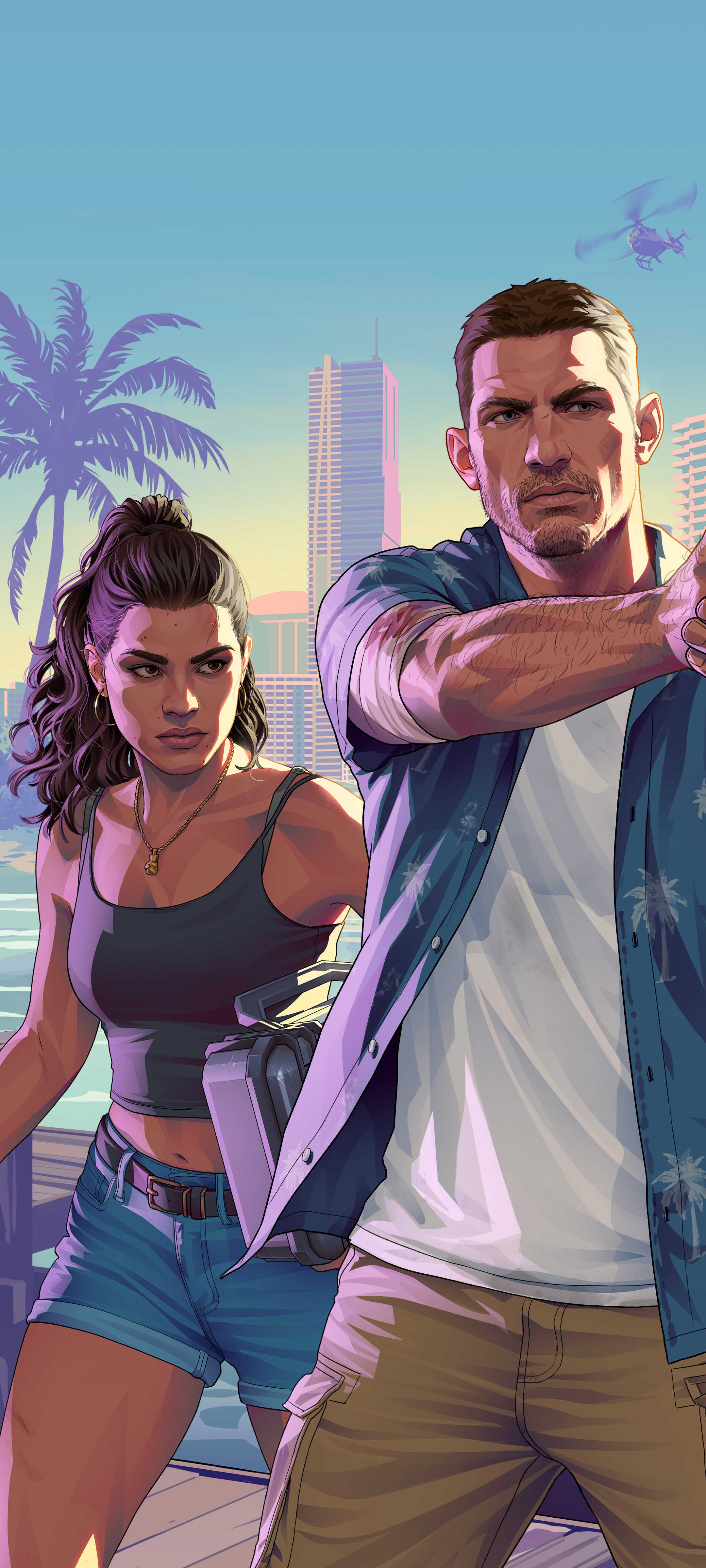
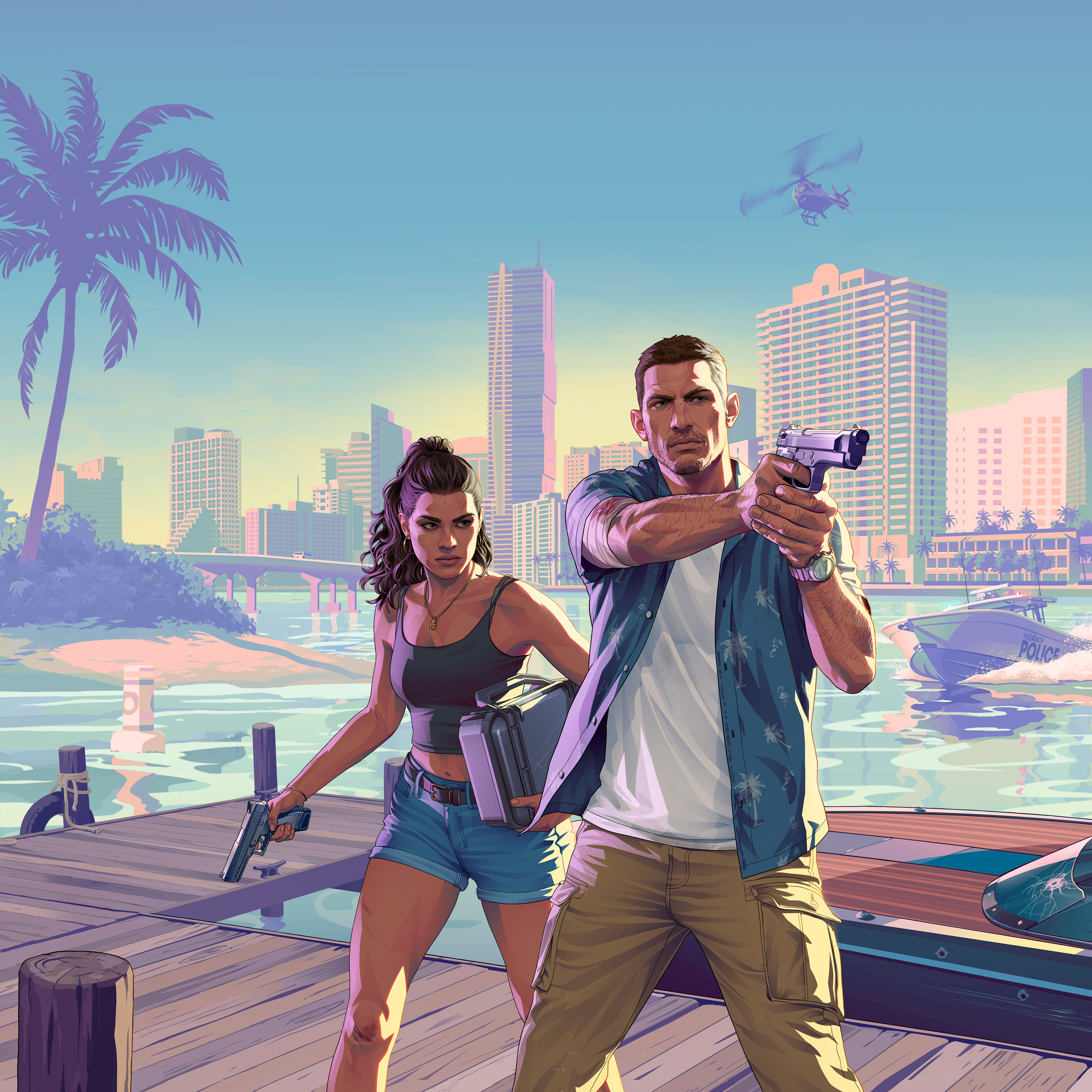
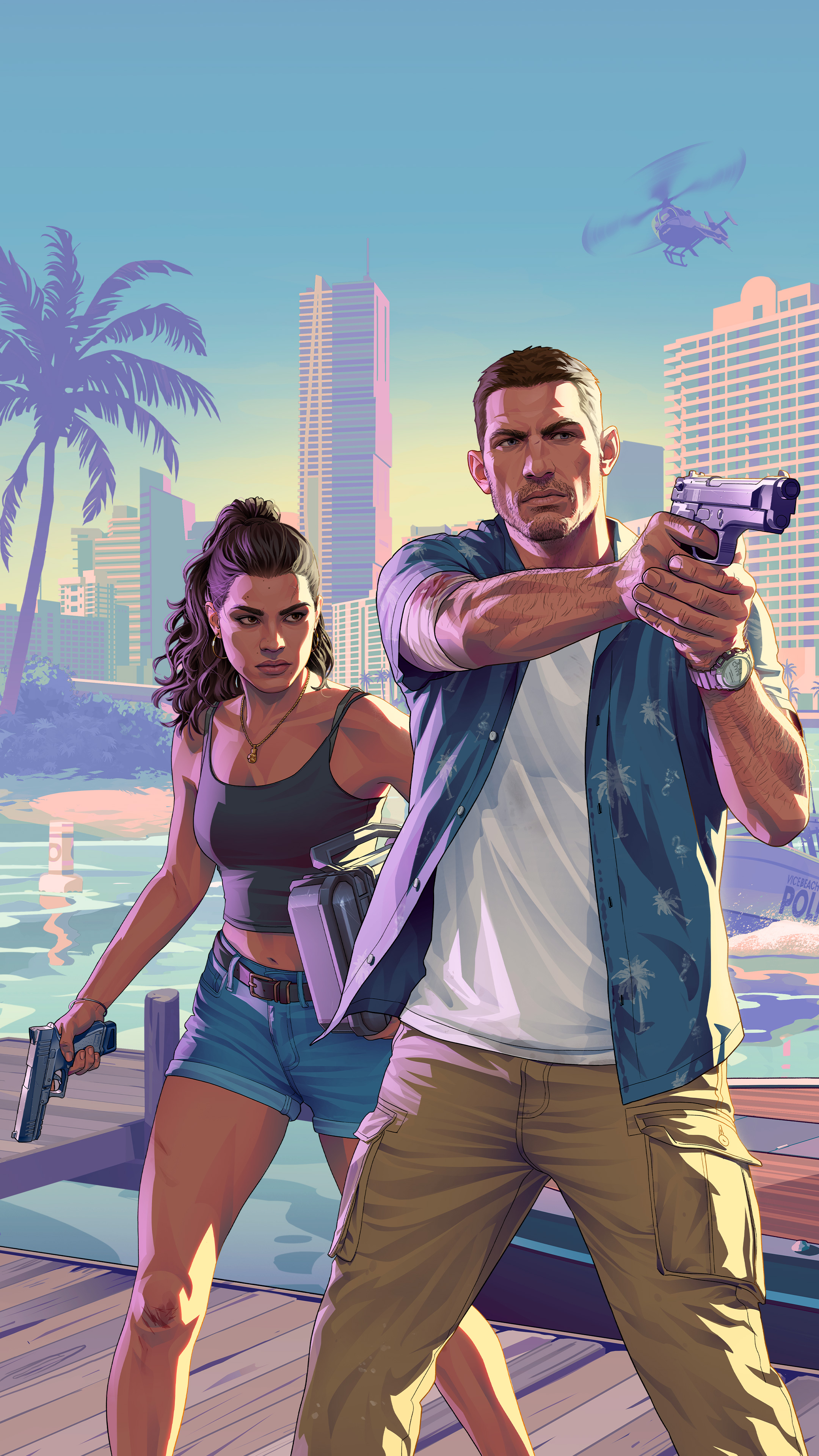
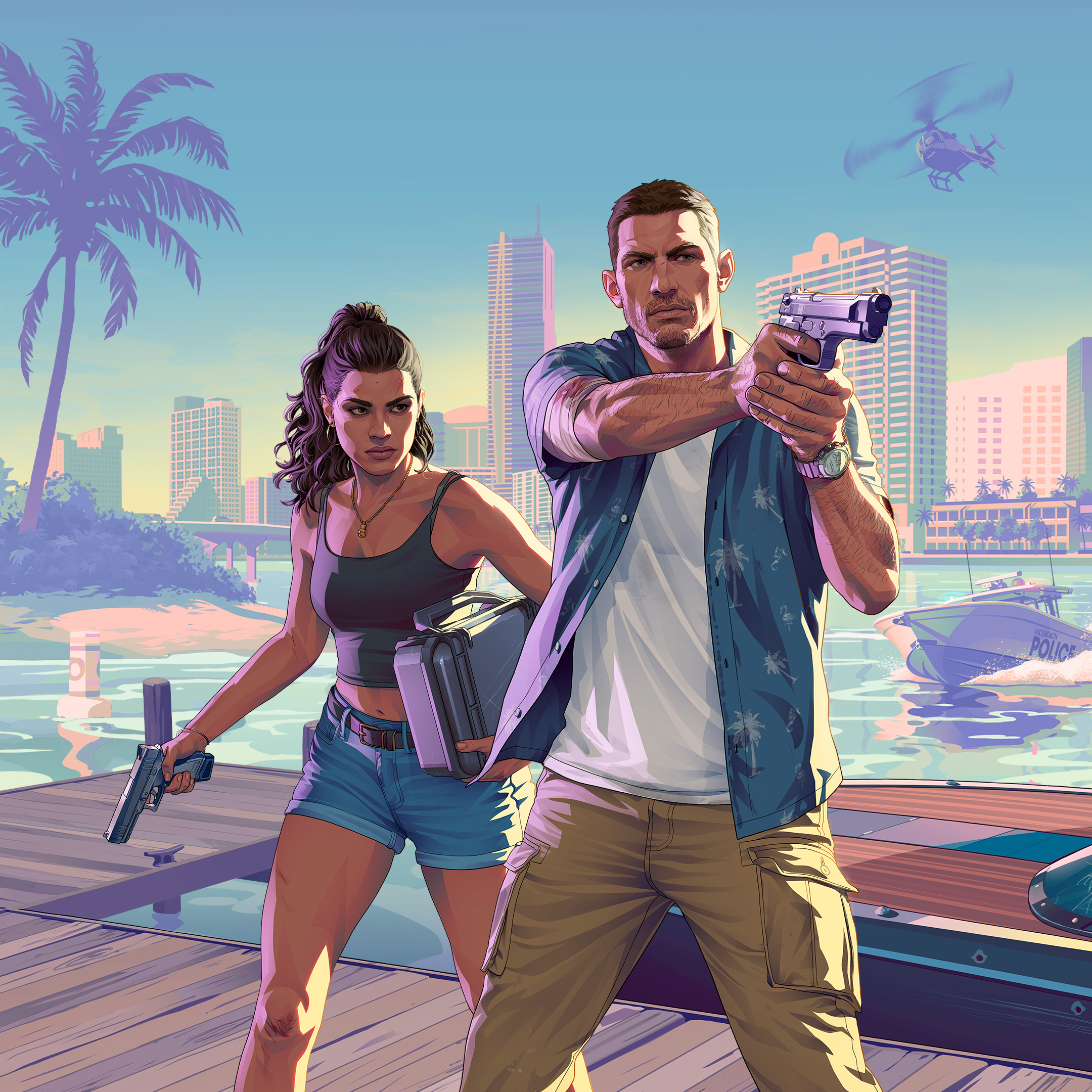
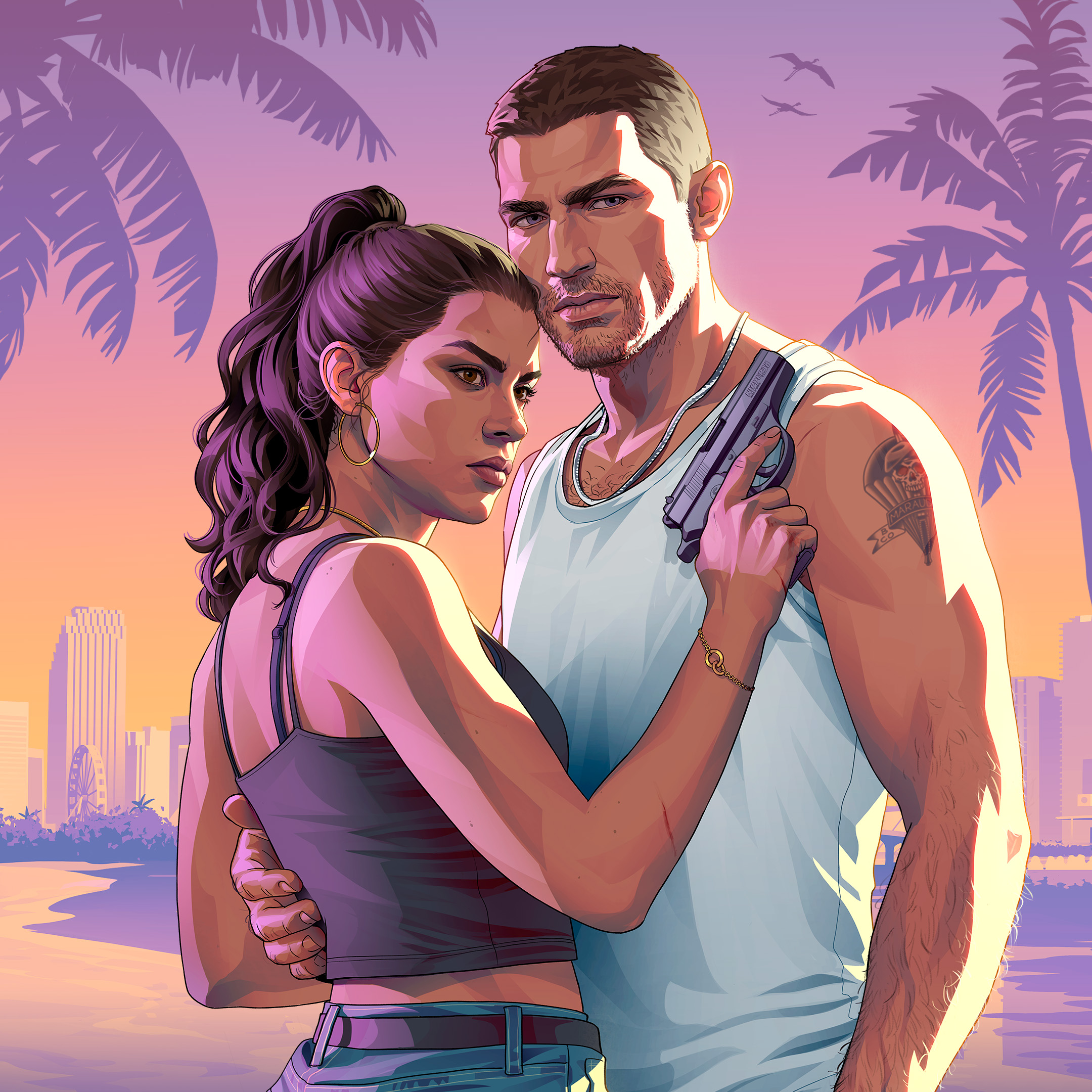
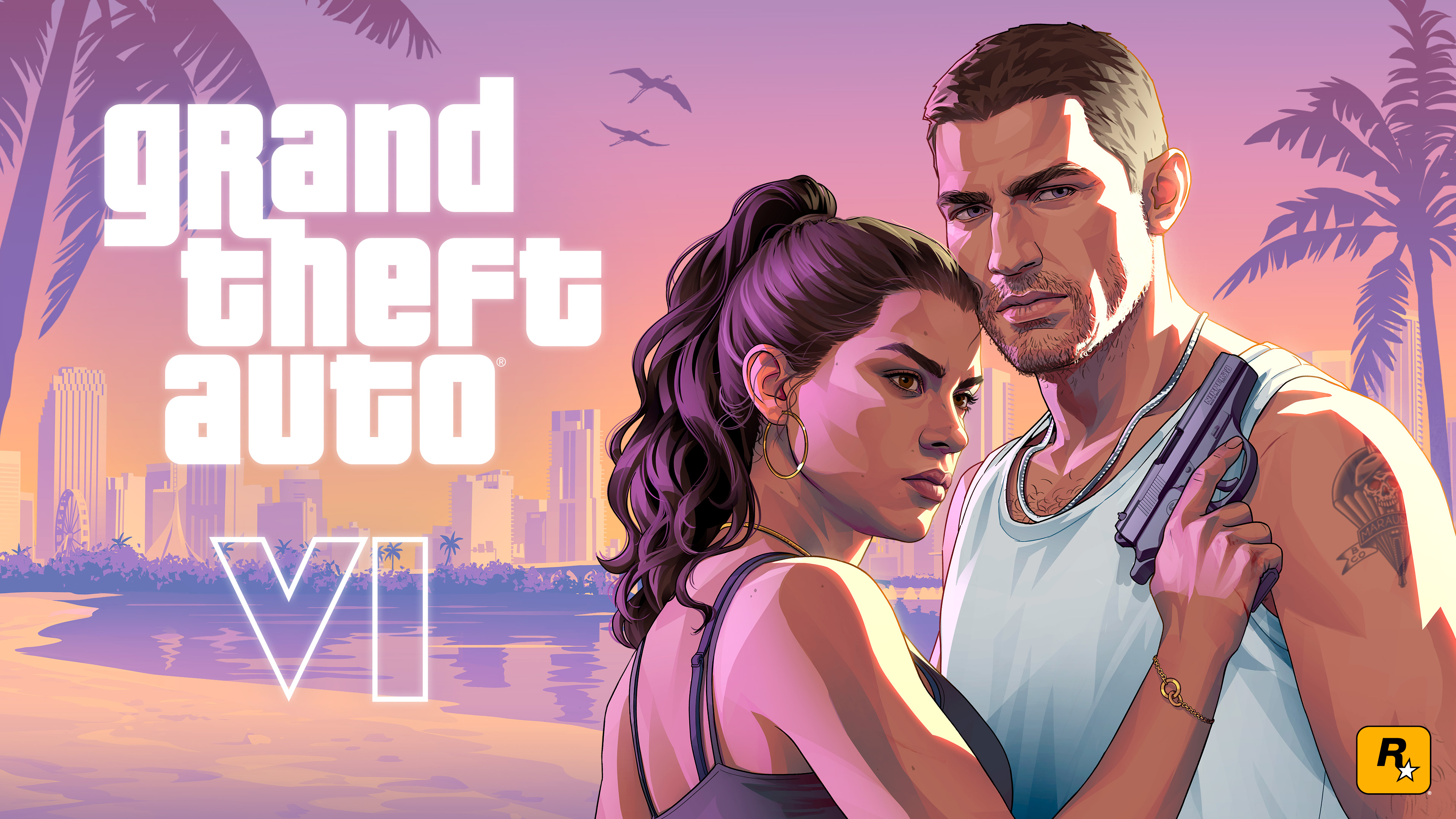
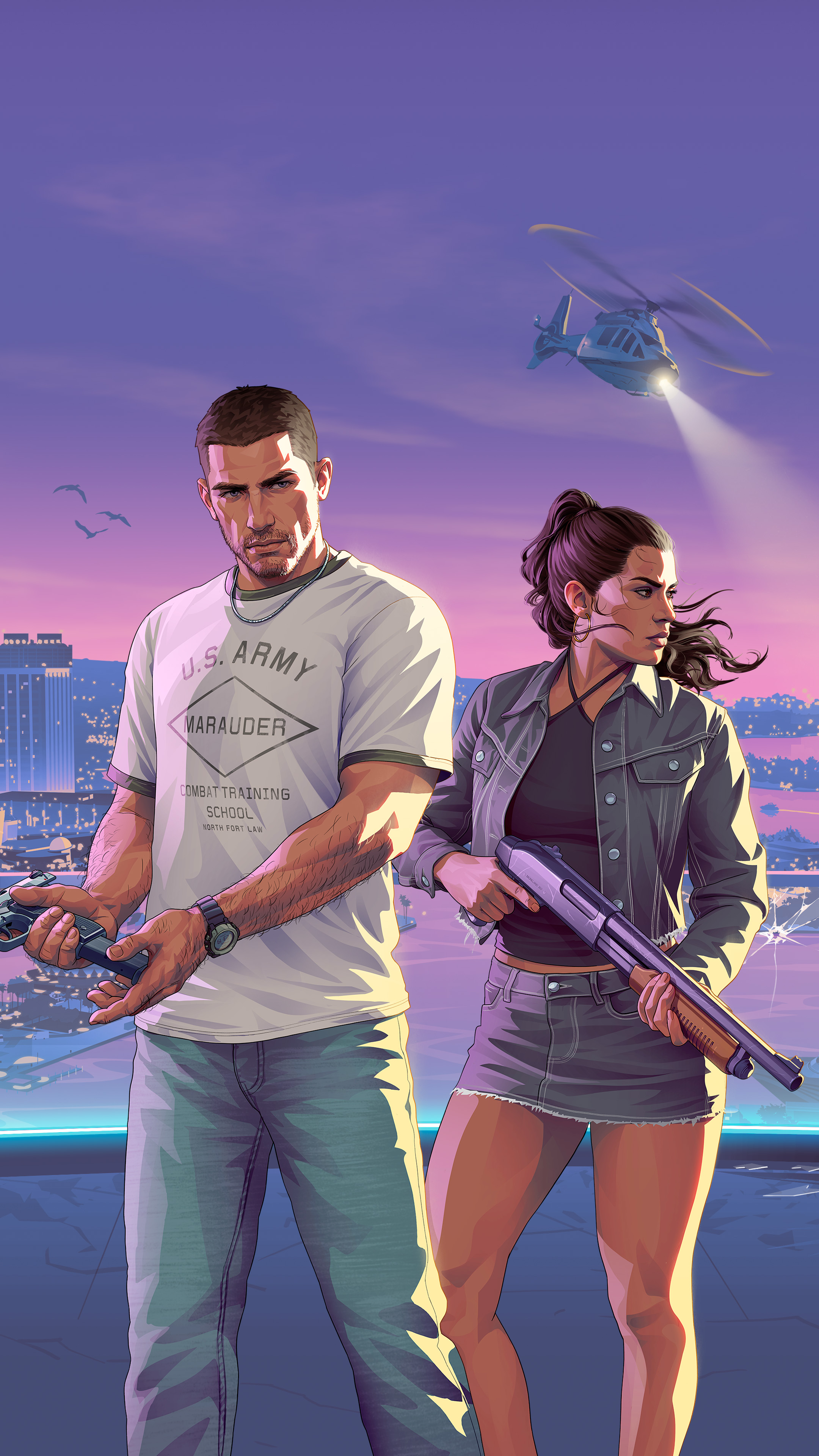
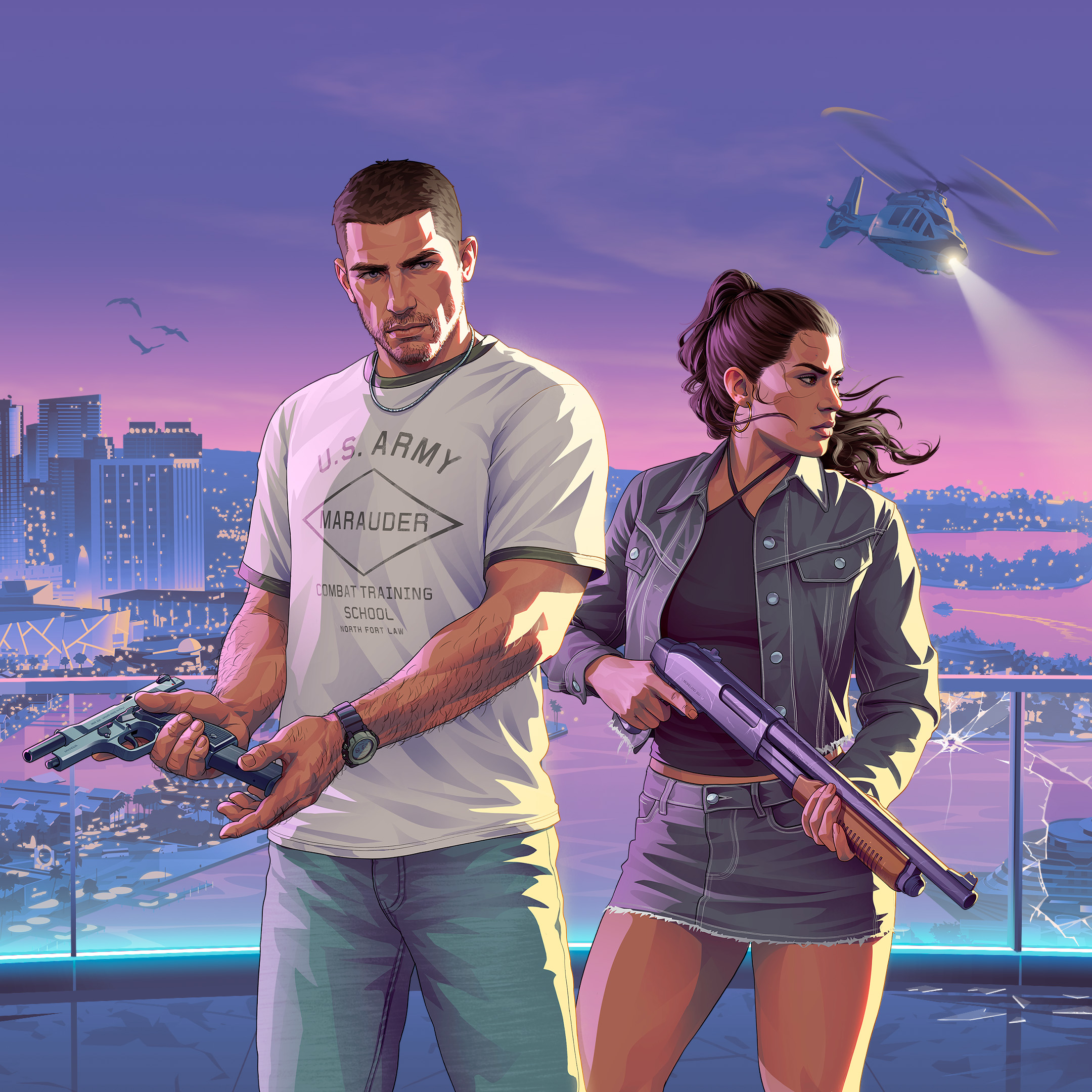
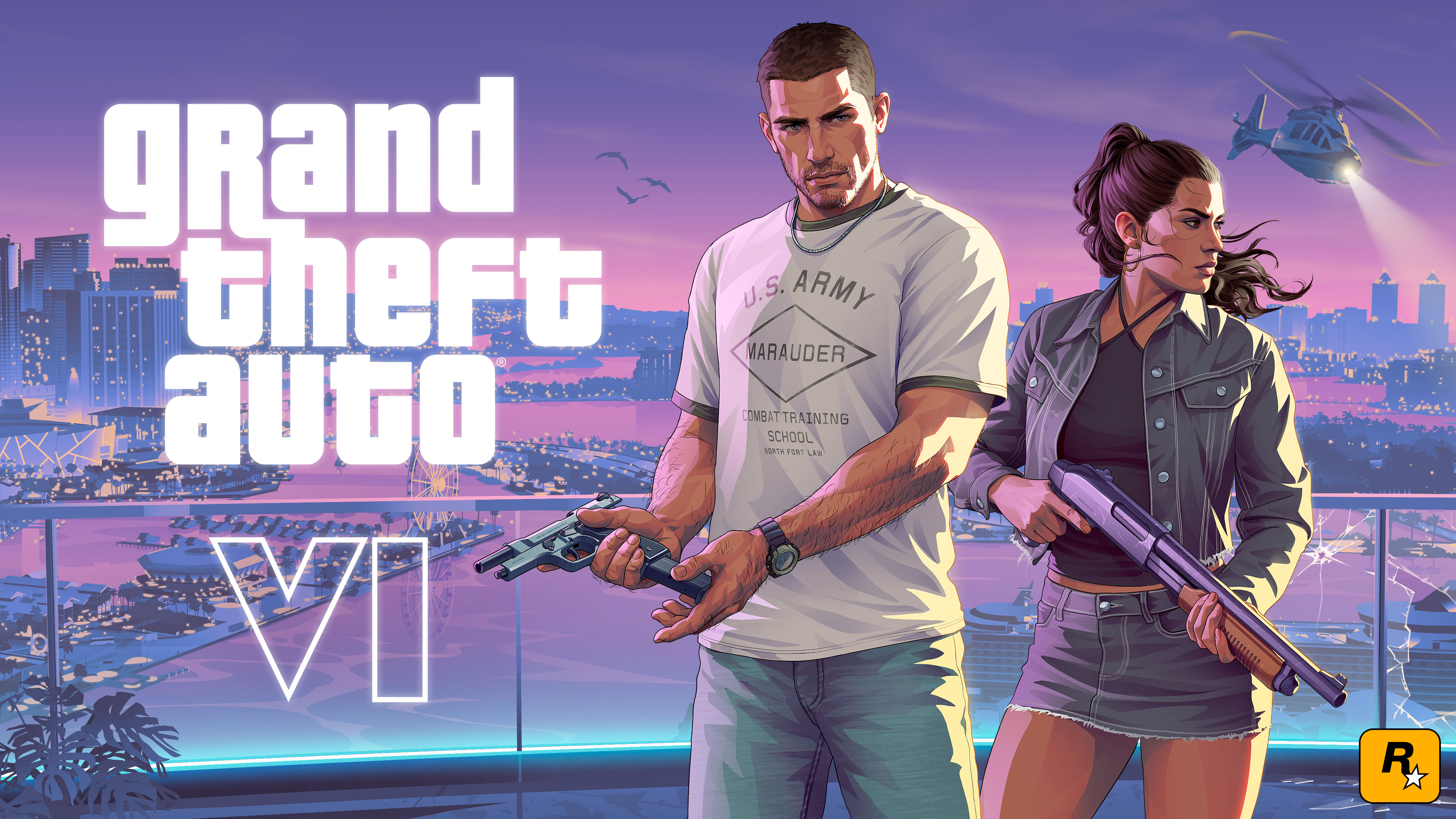
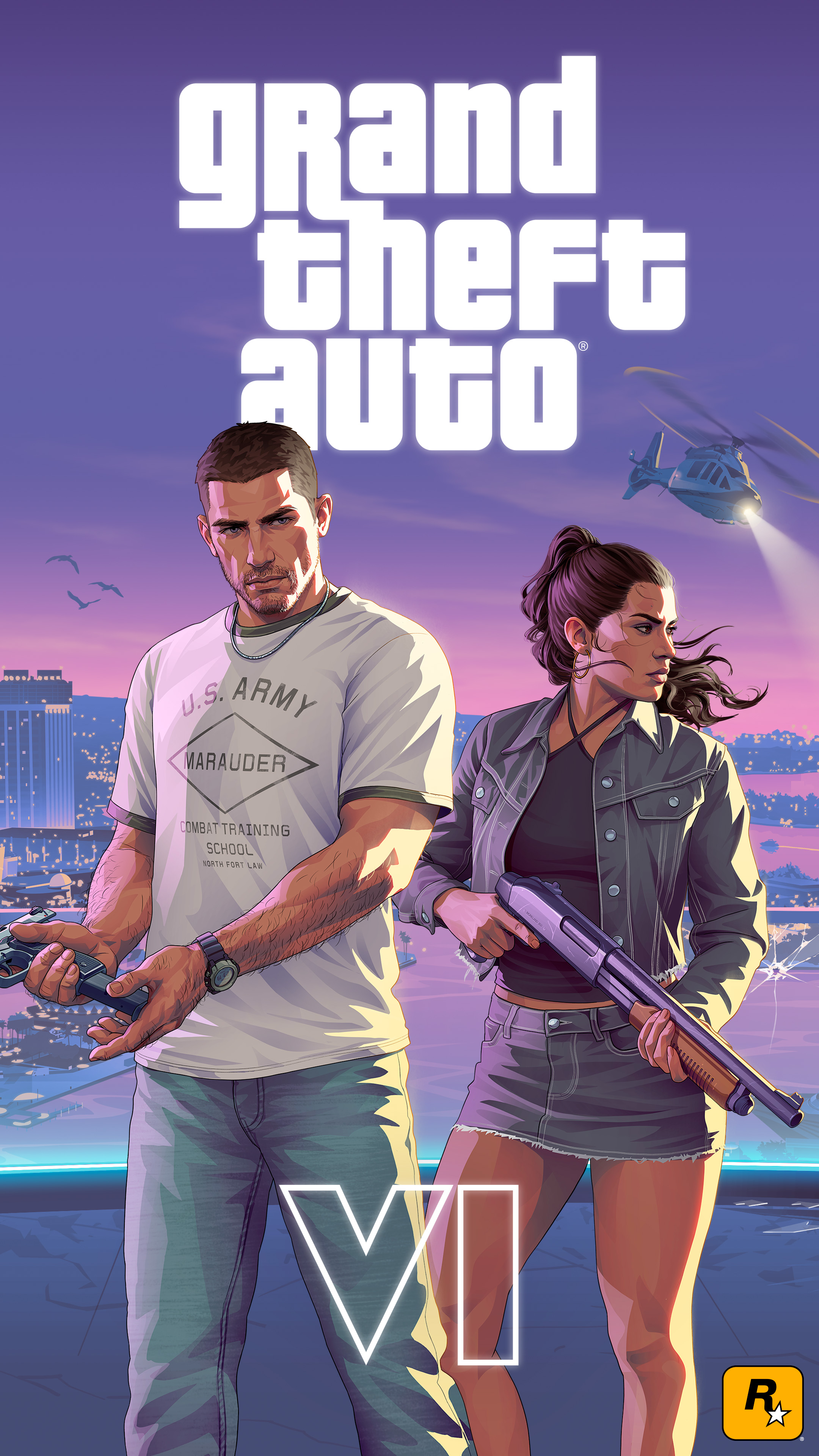
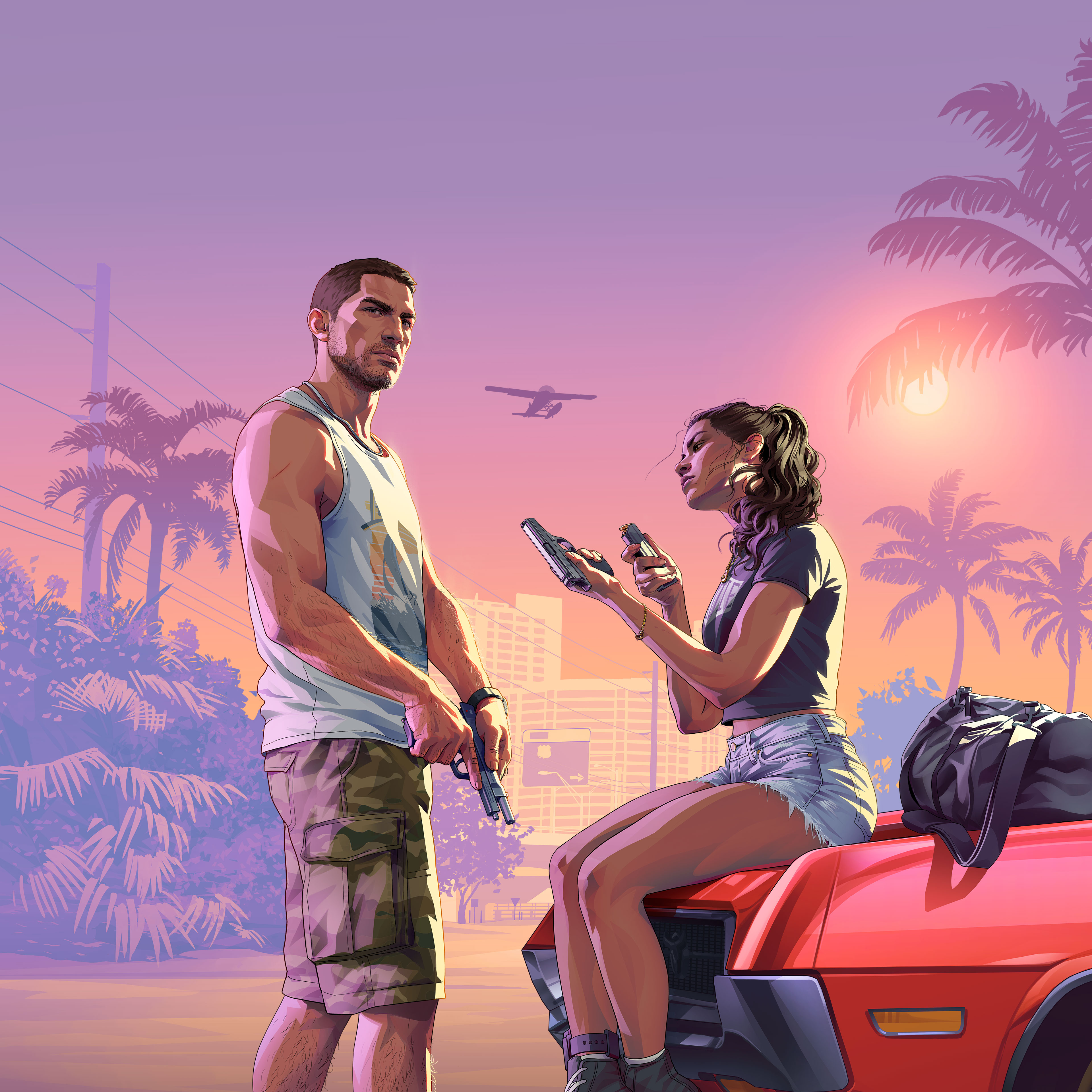
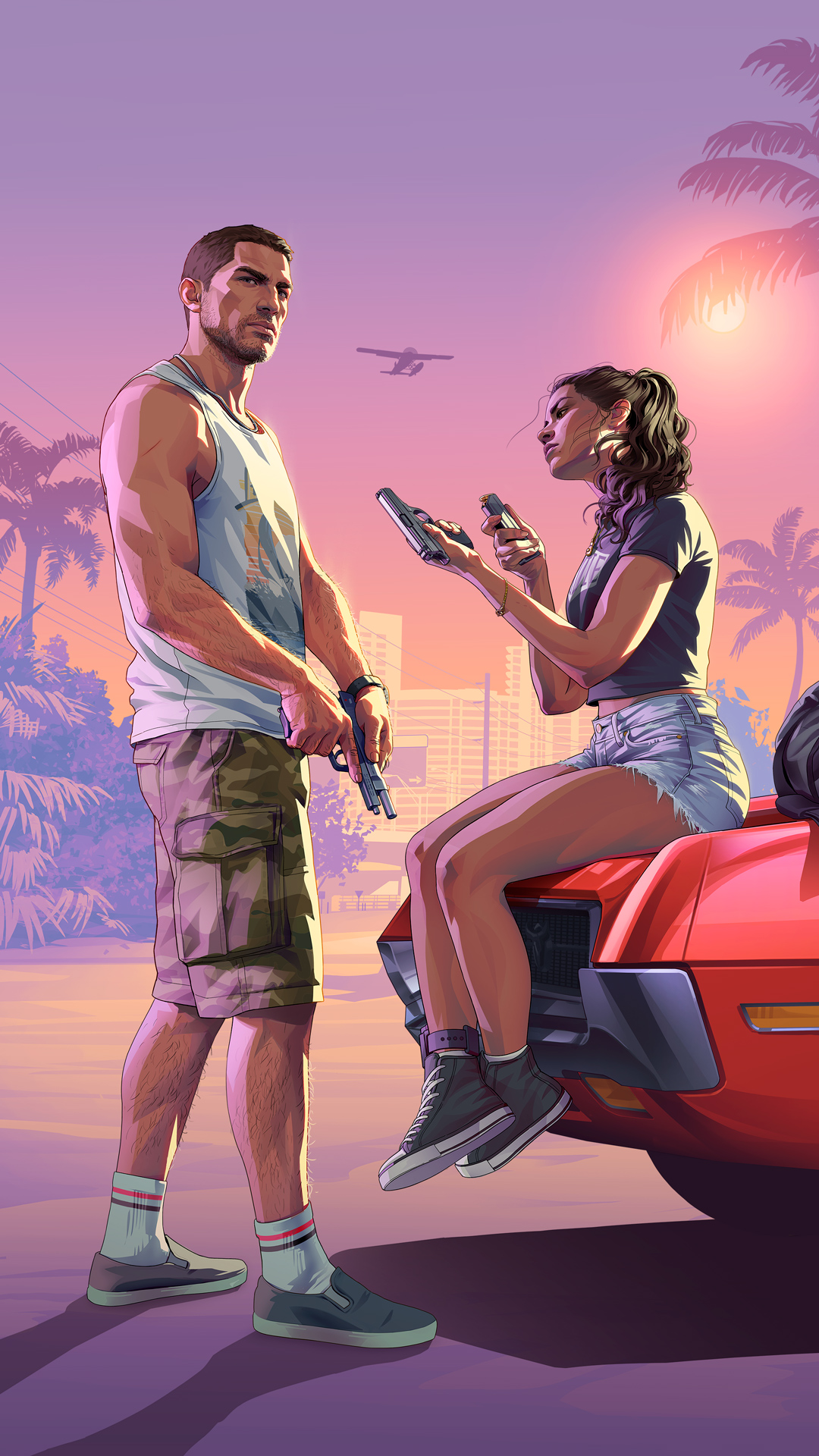
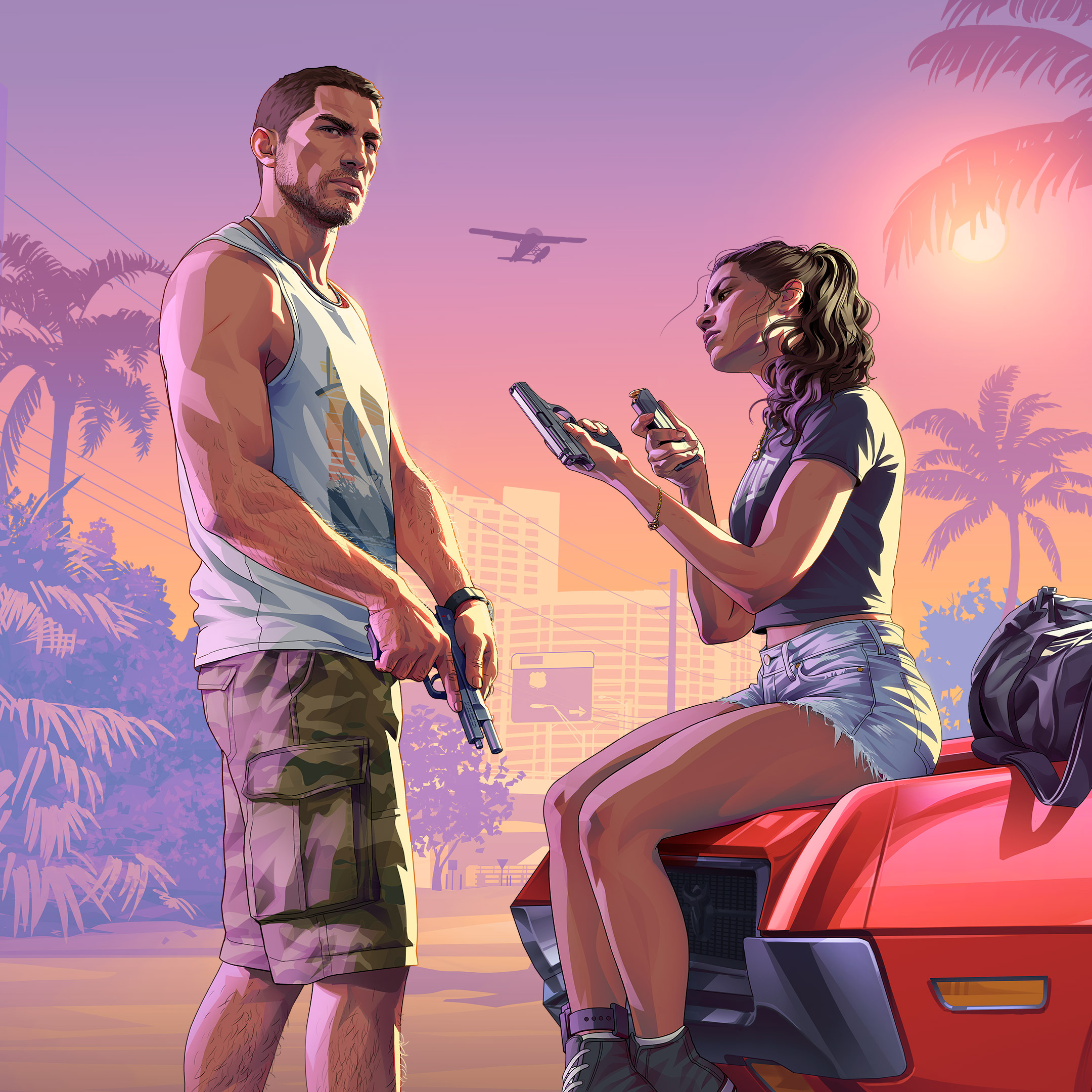
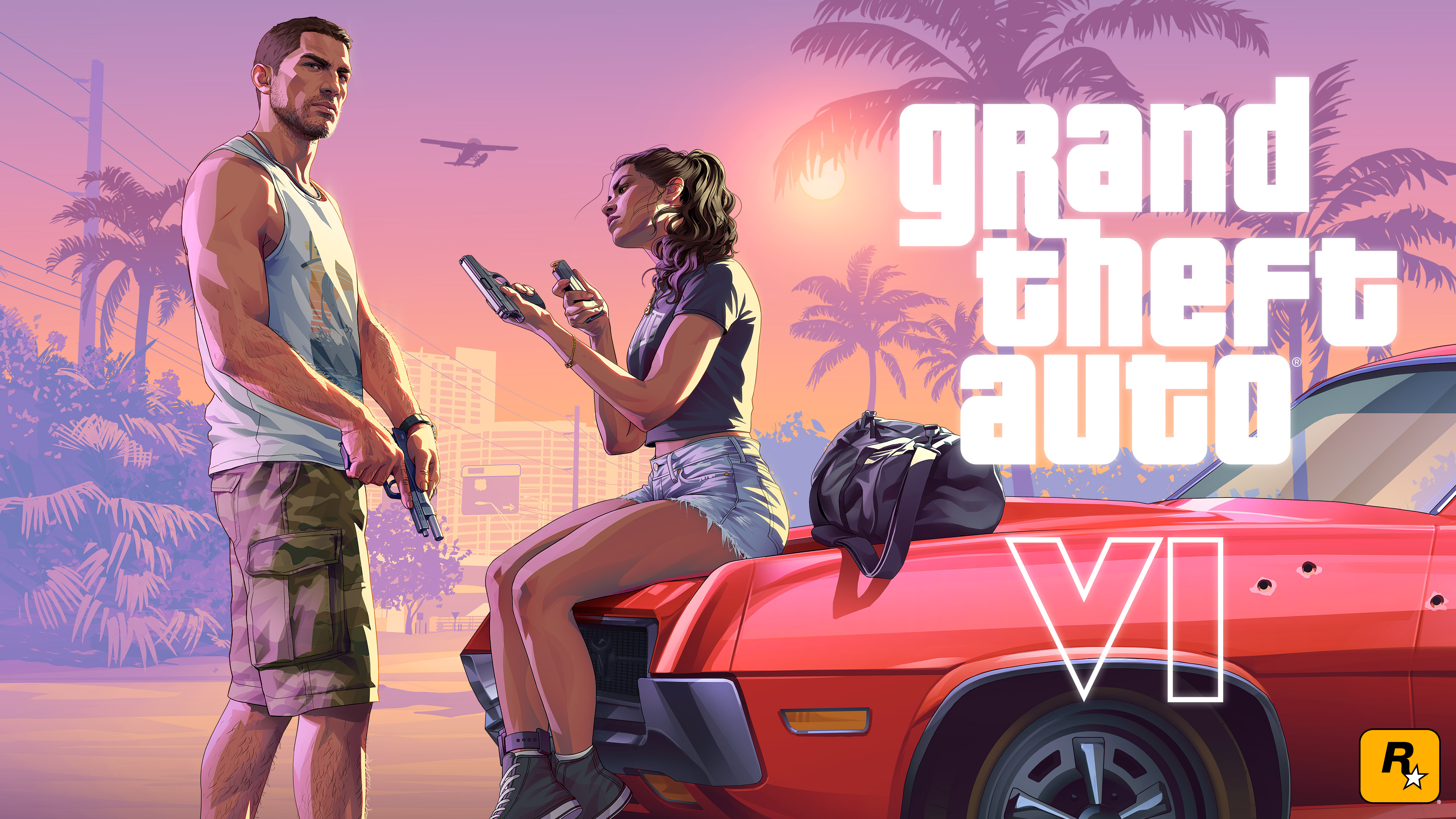
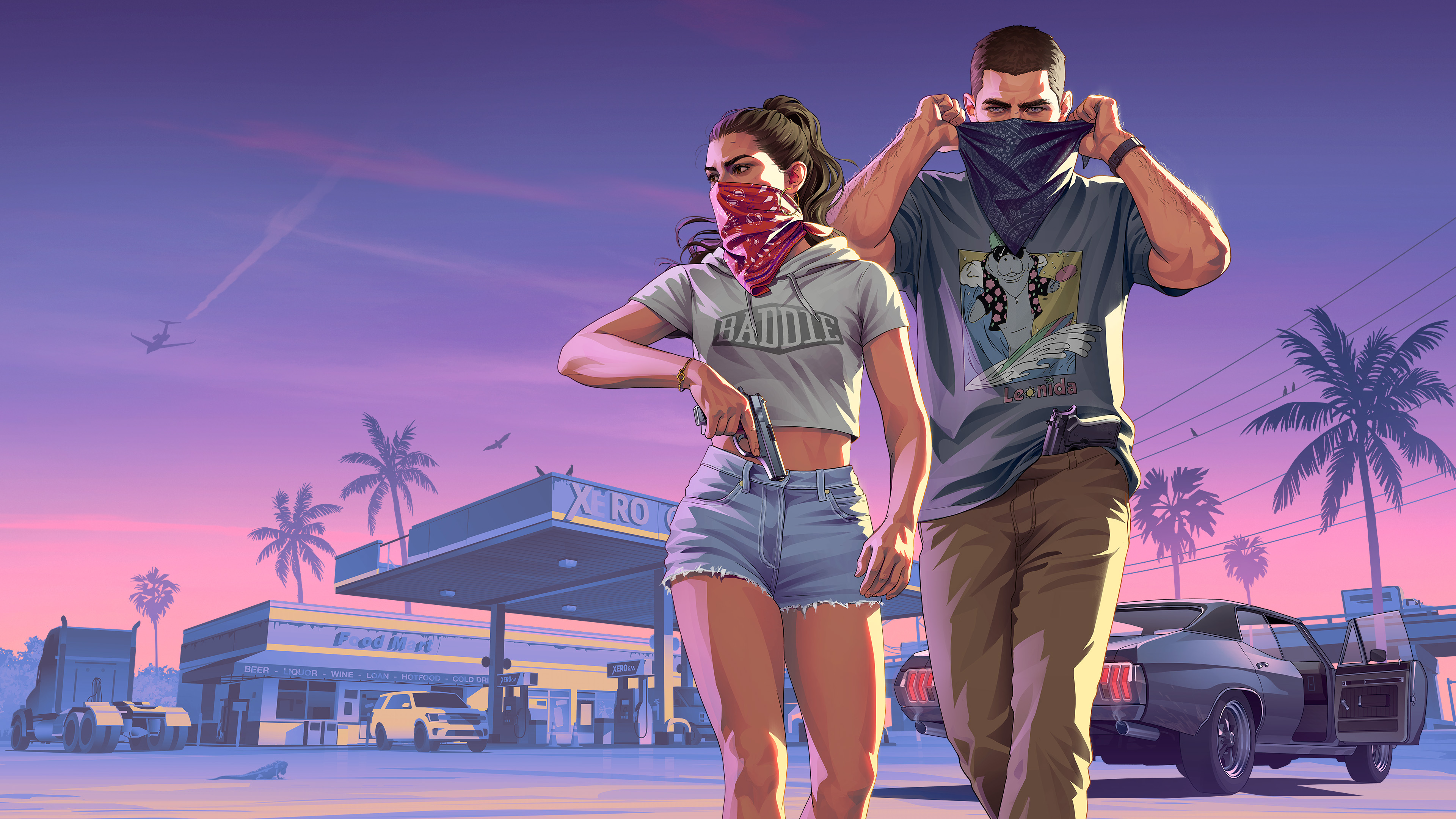
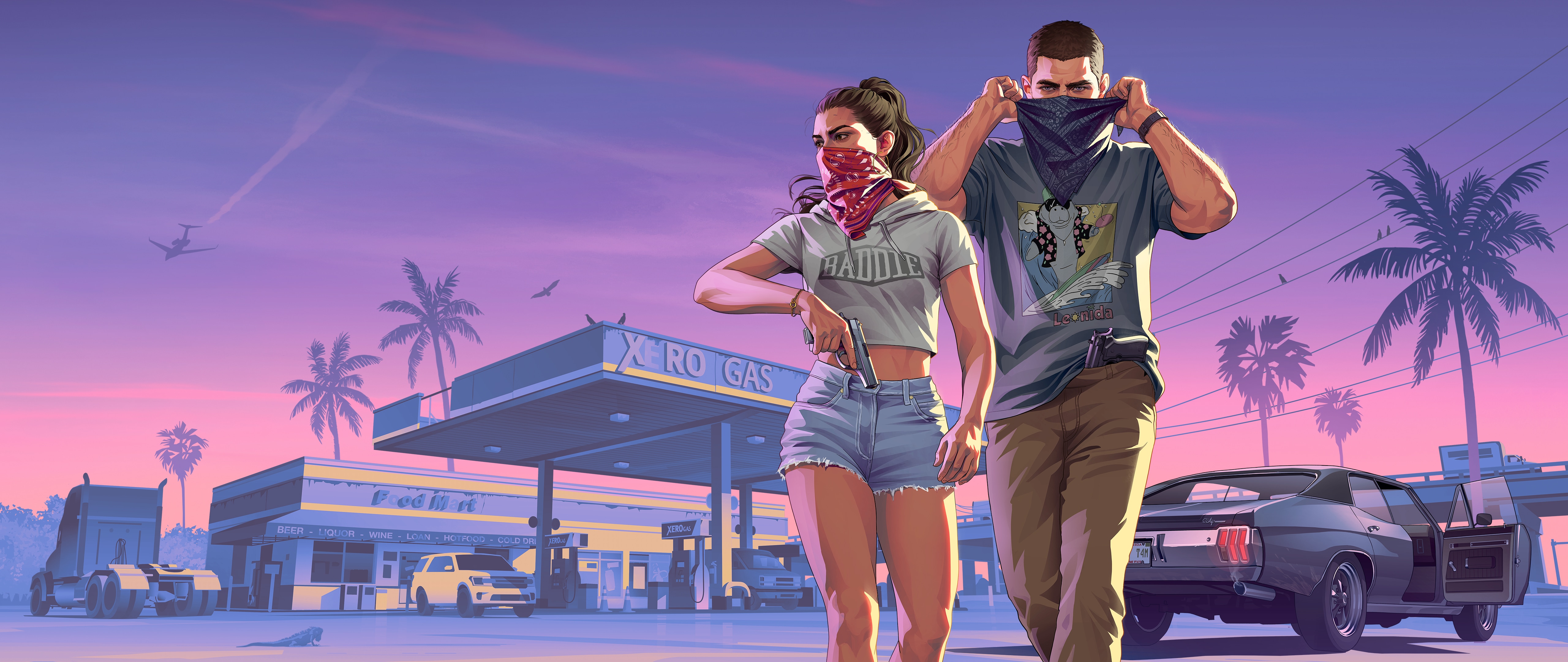
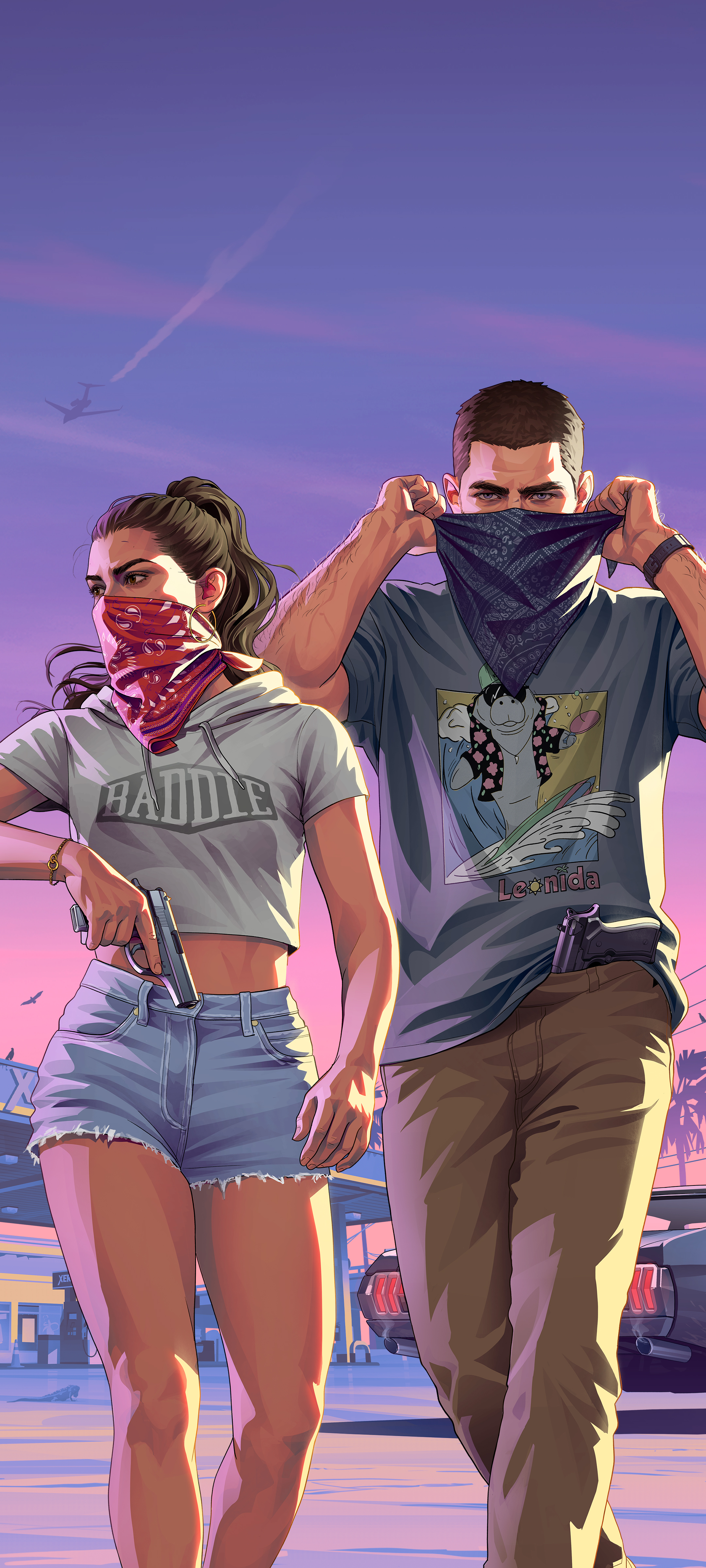
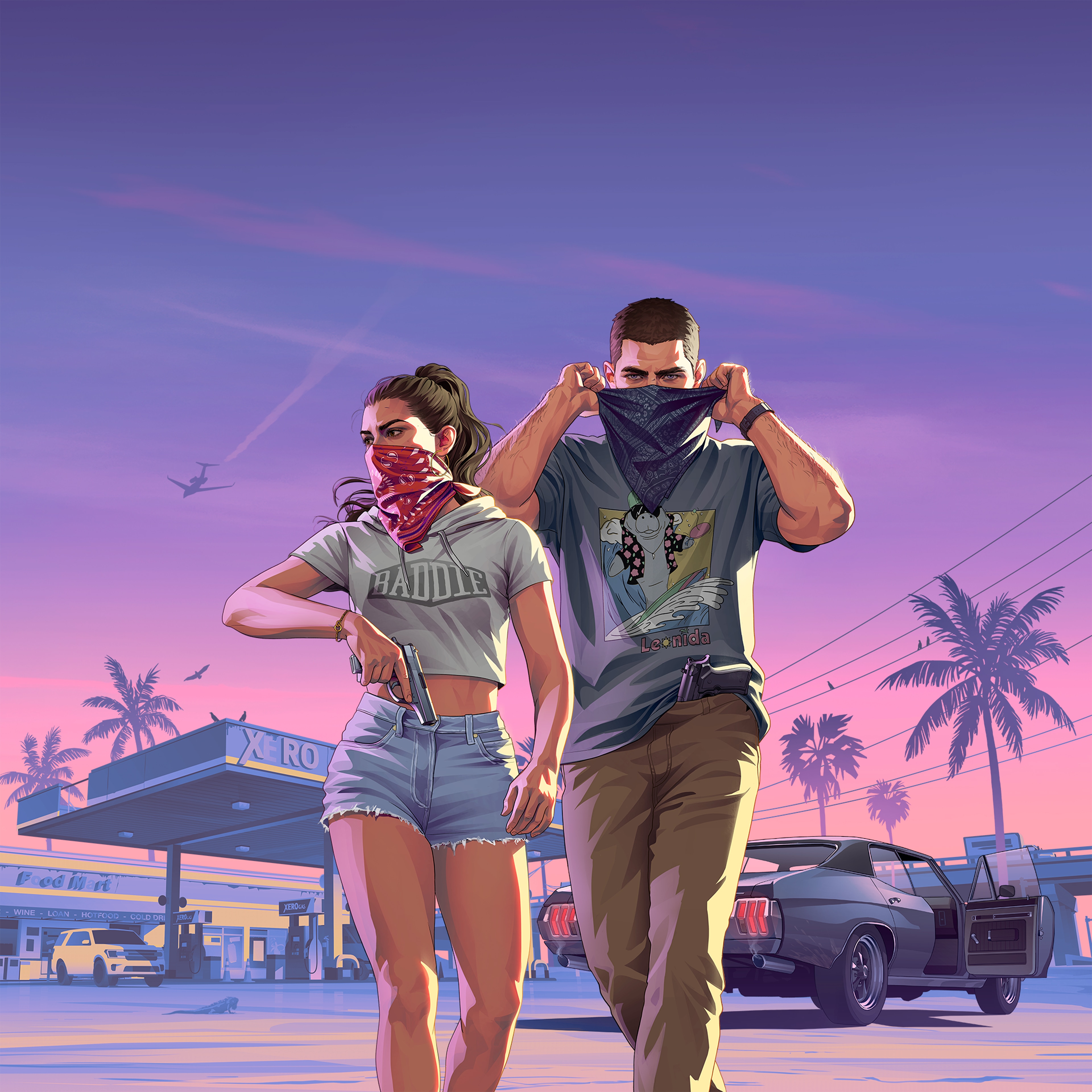
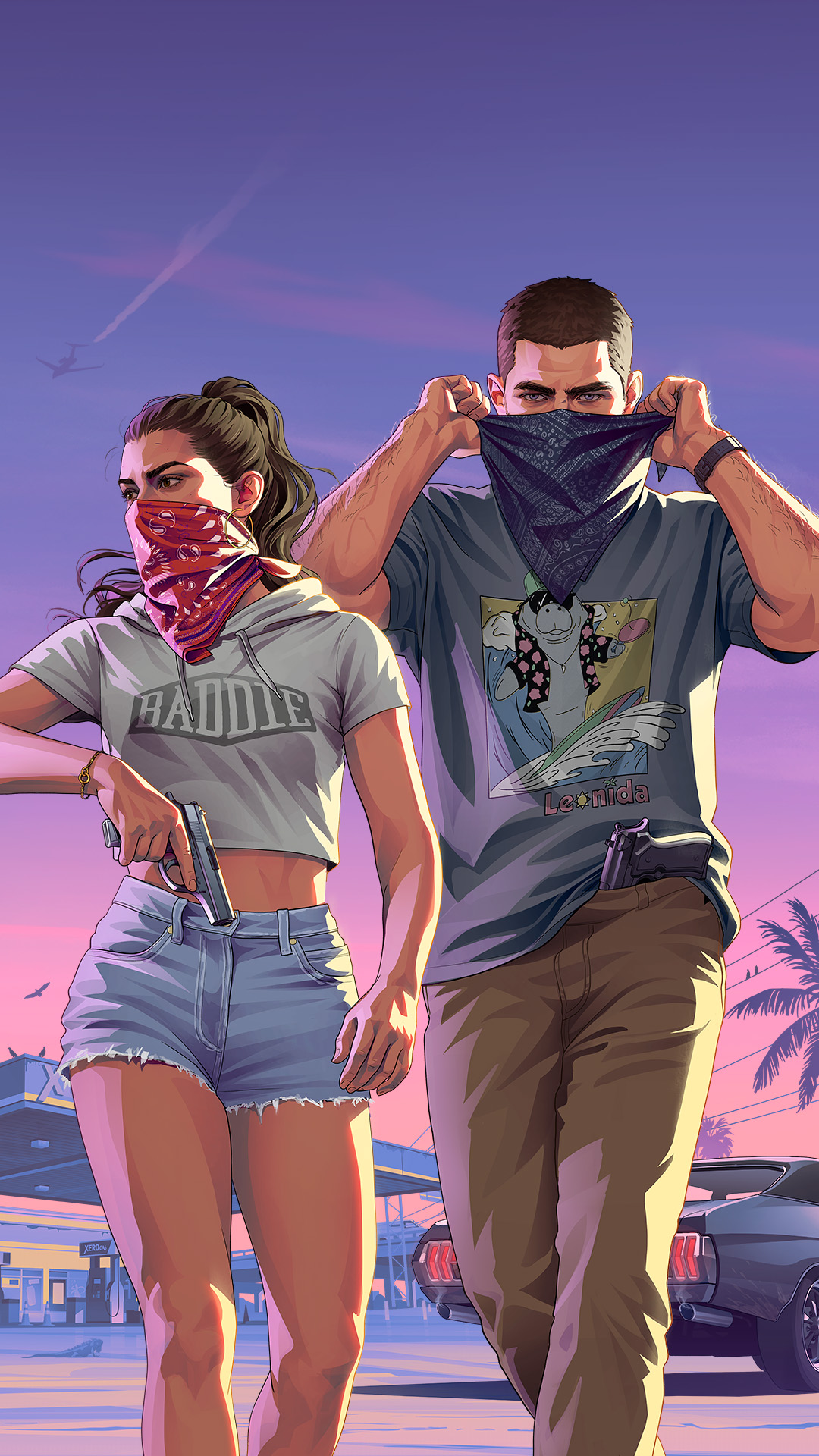
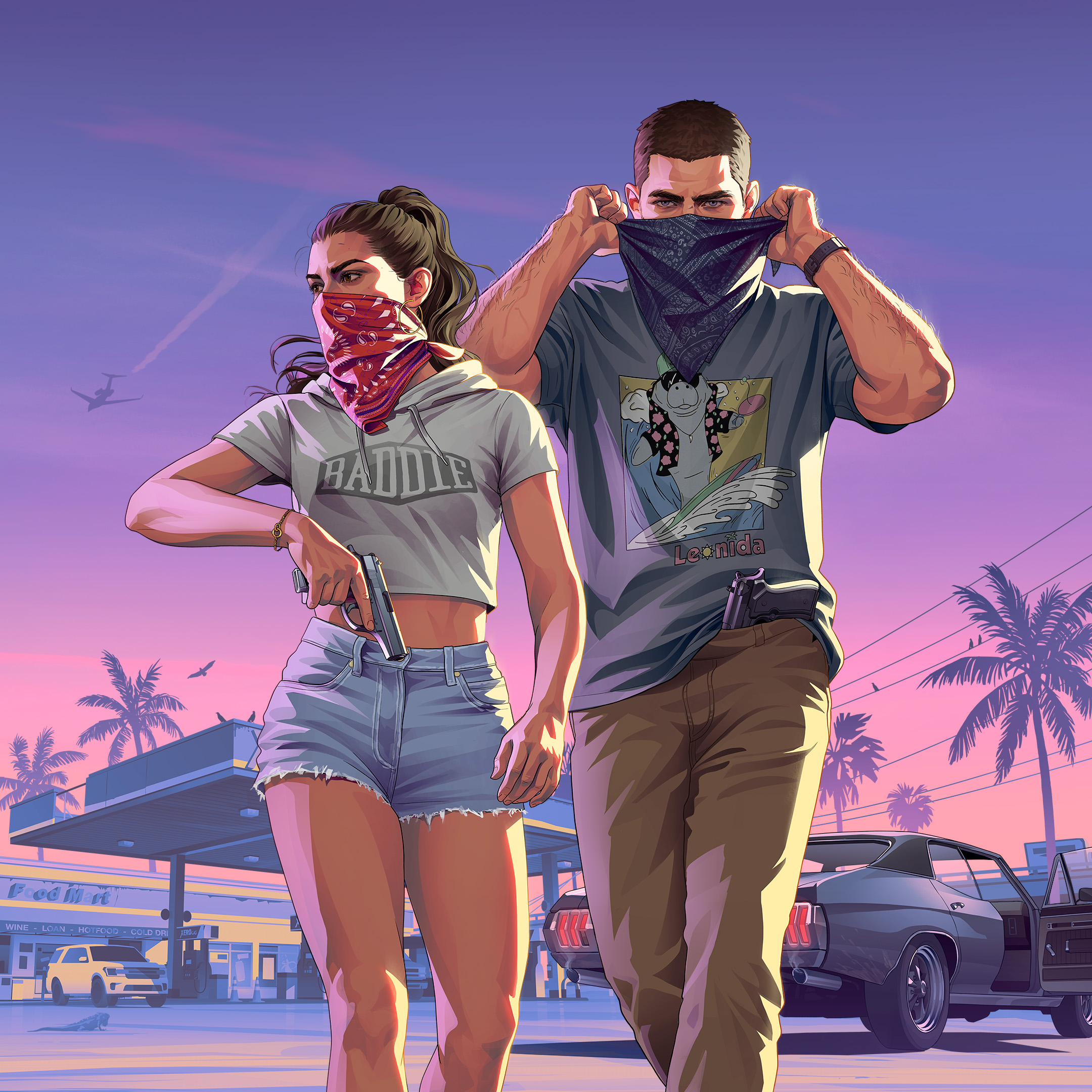
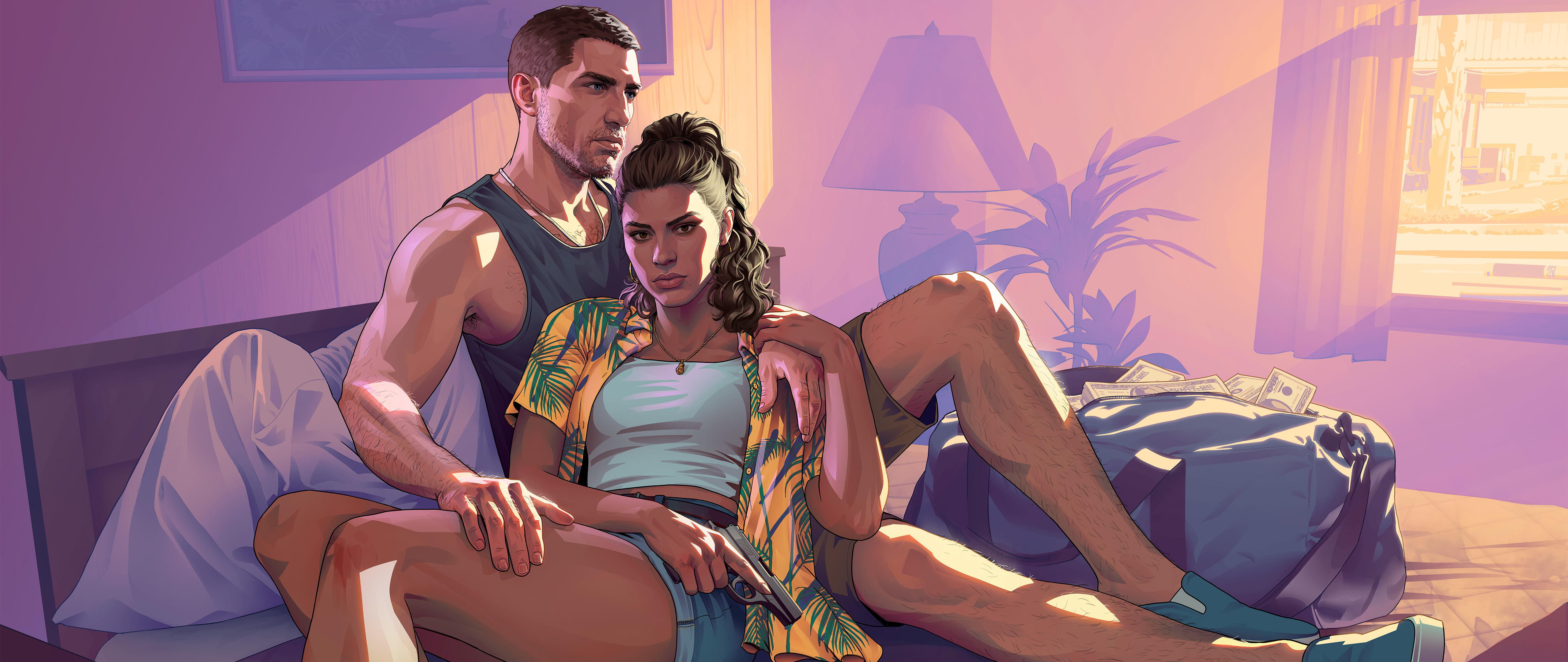
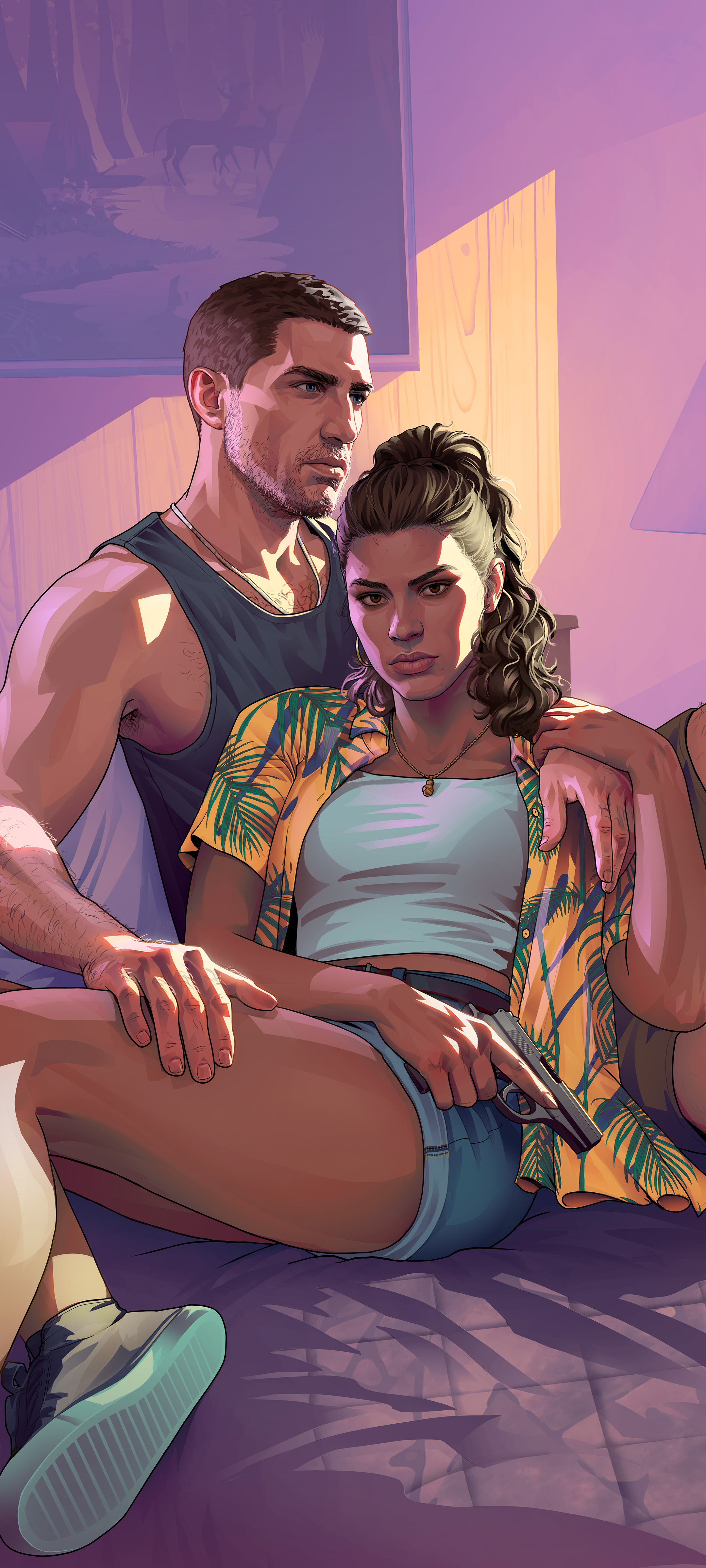
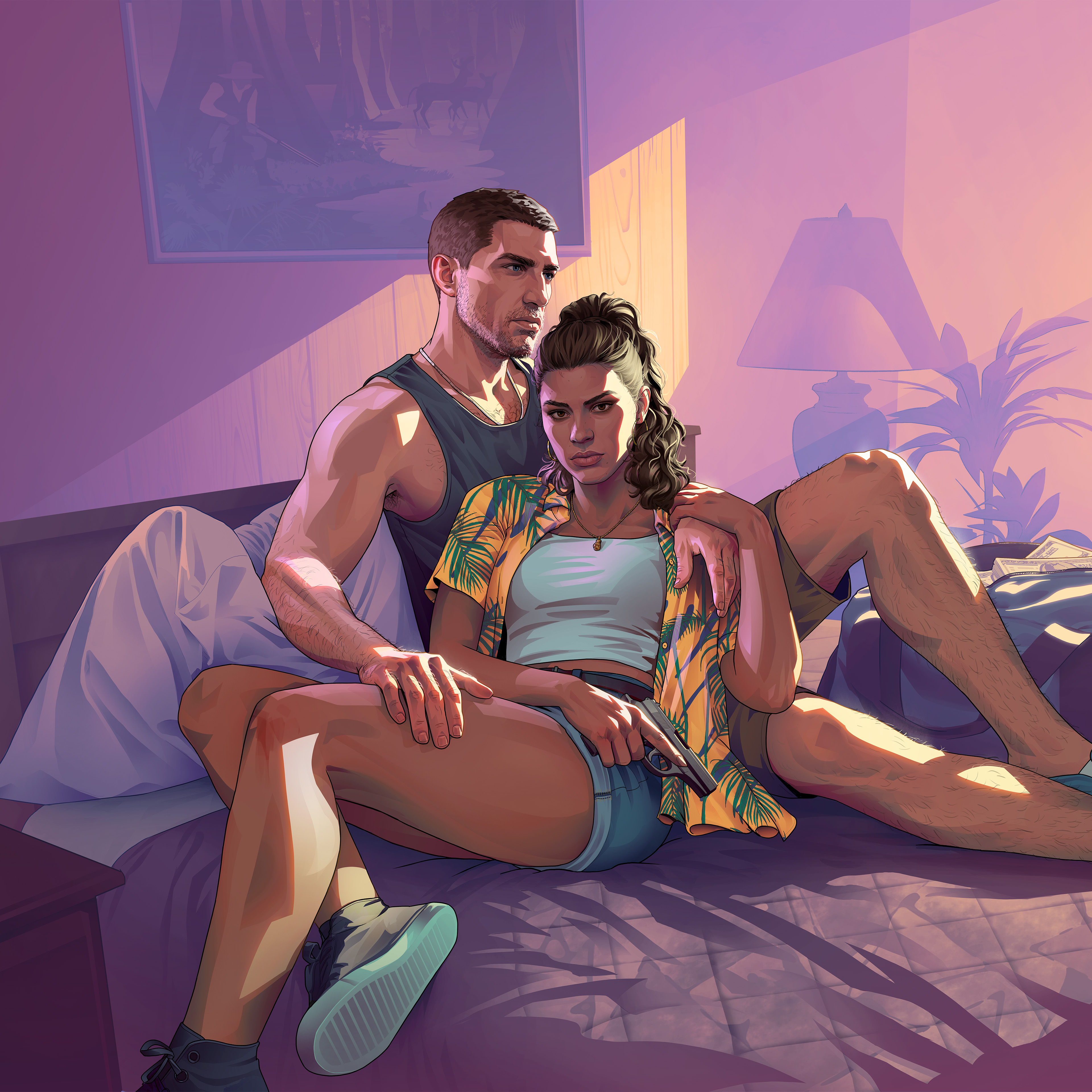
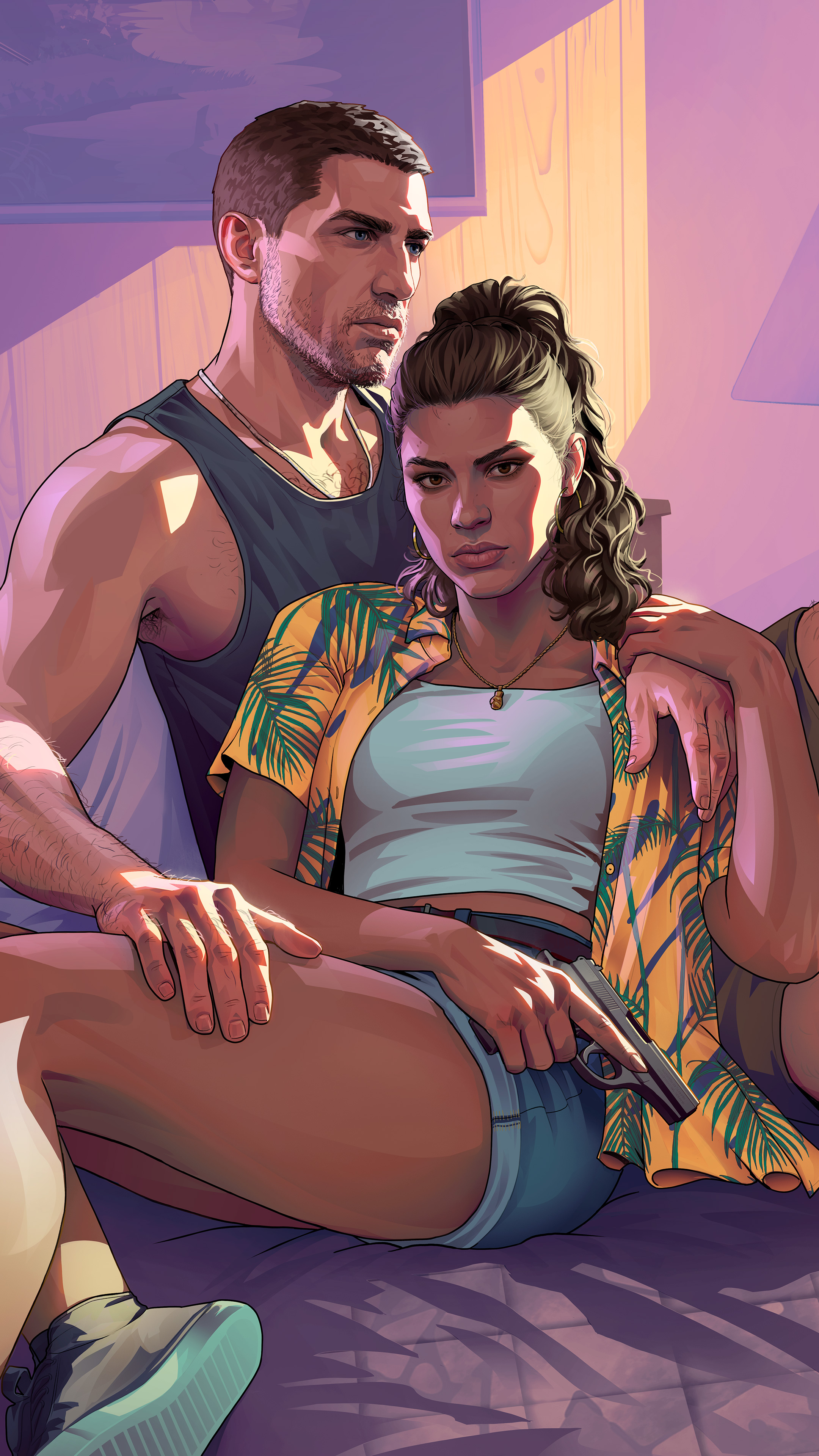
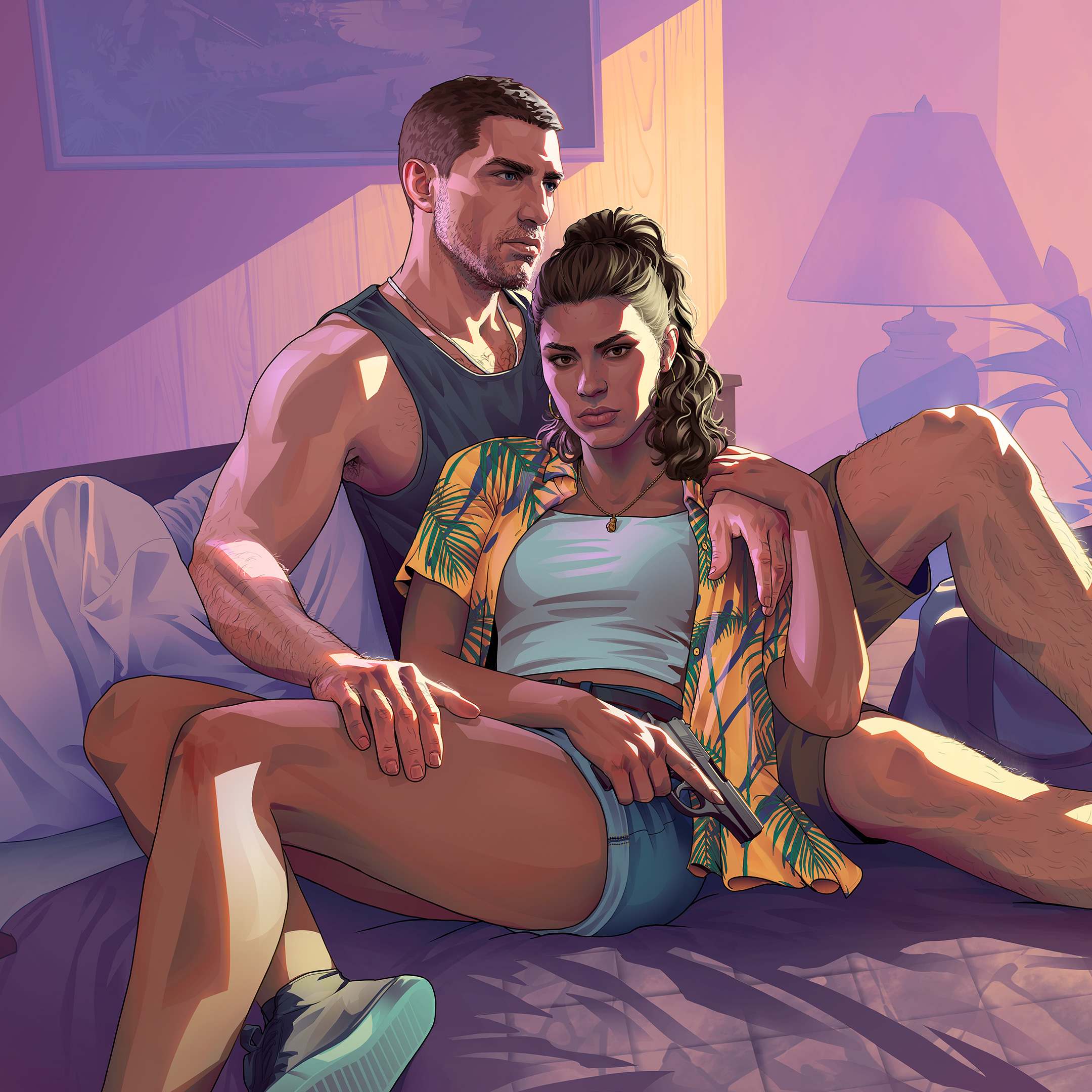
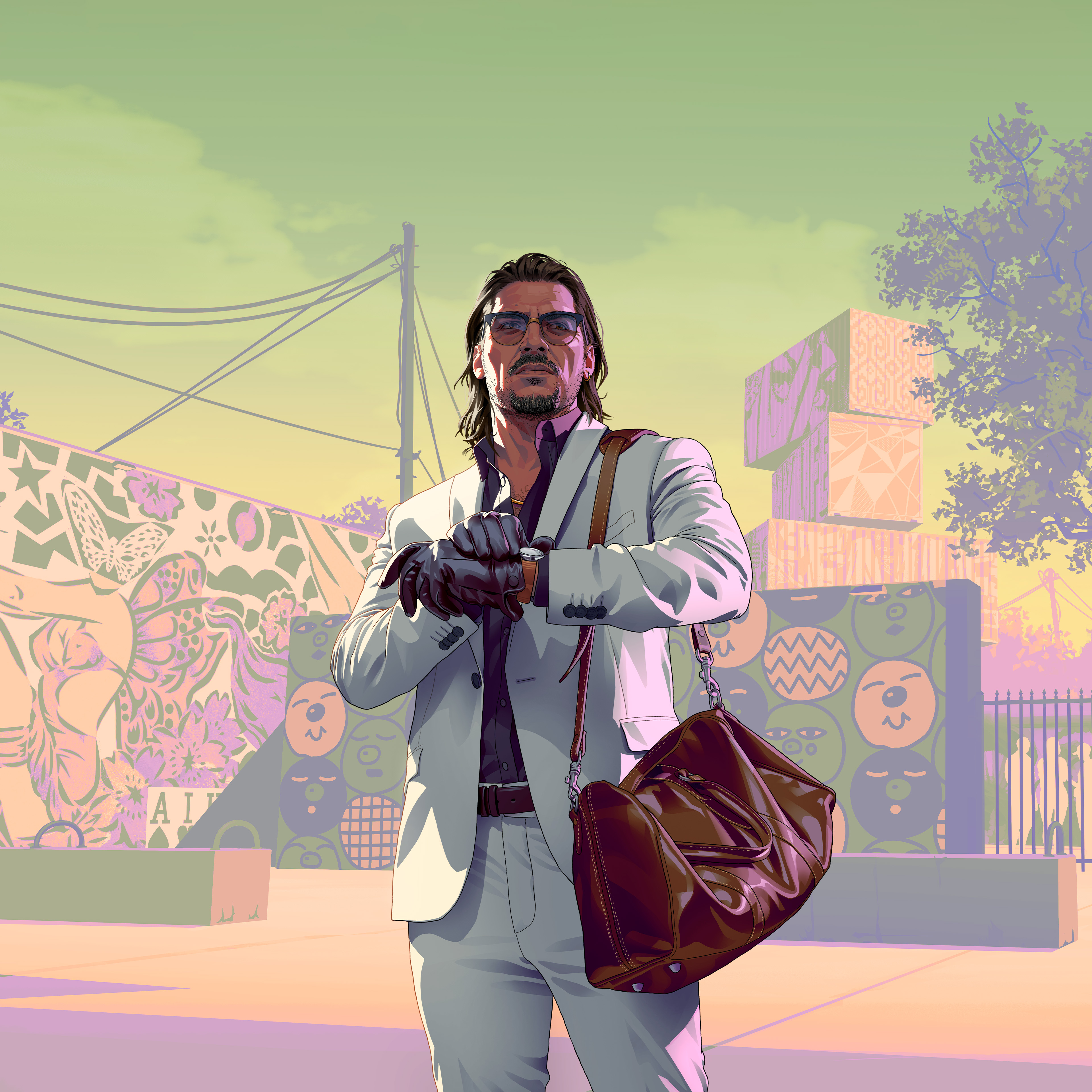
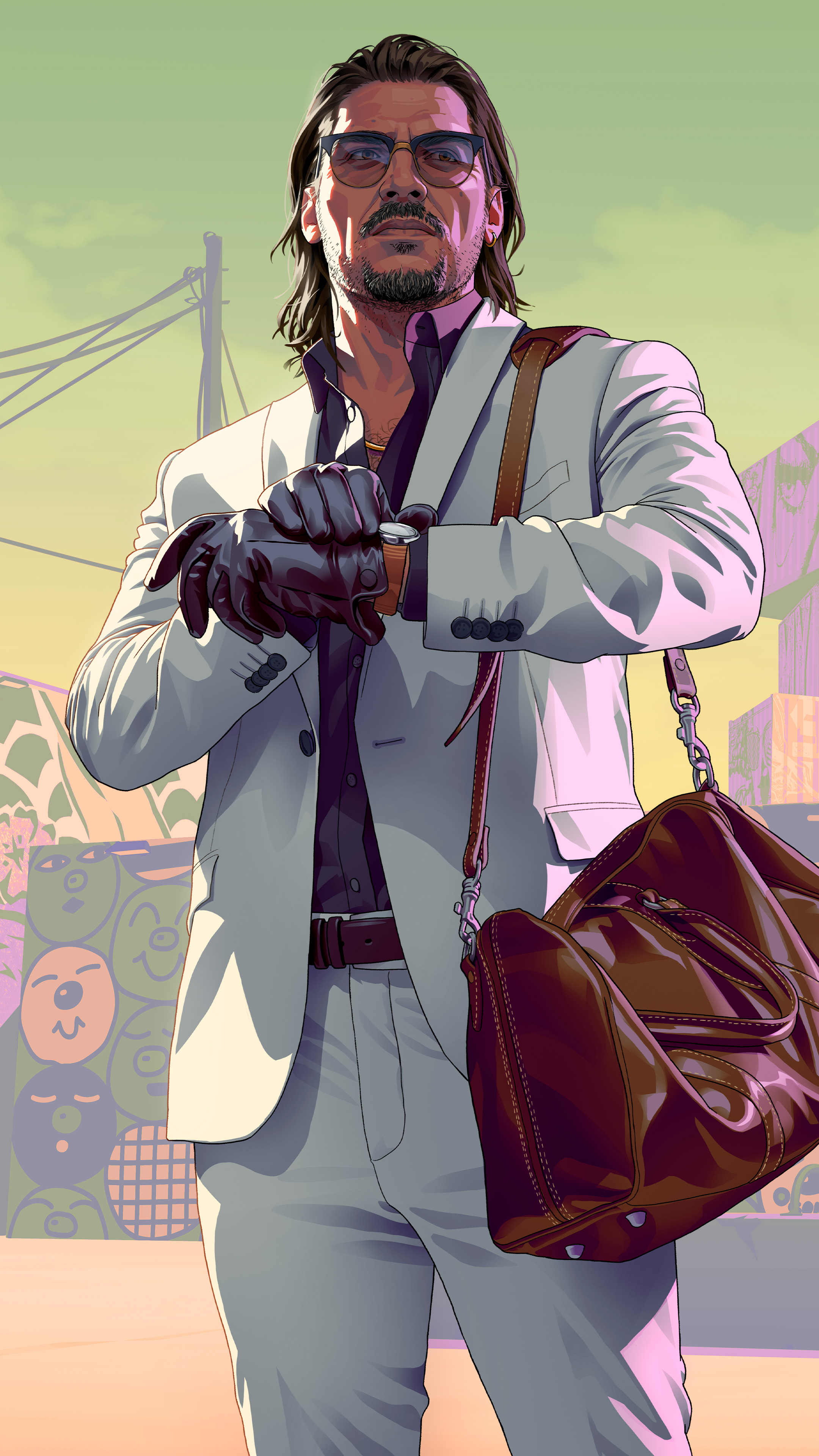
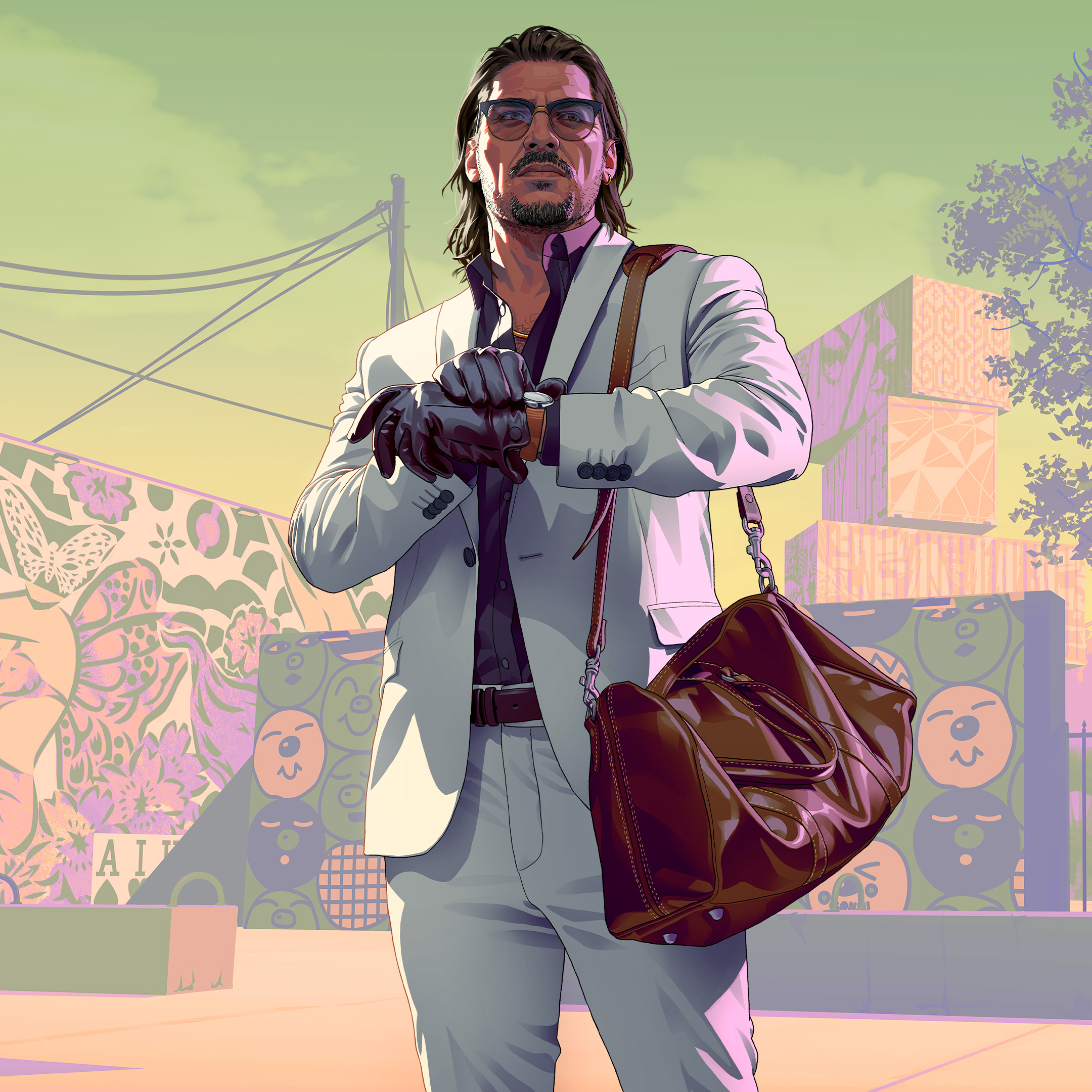
Jason and Lucia wallpapers
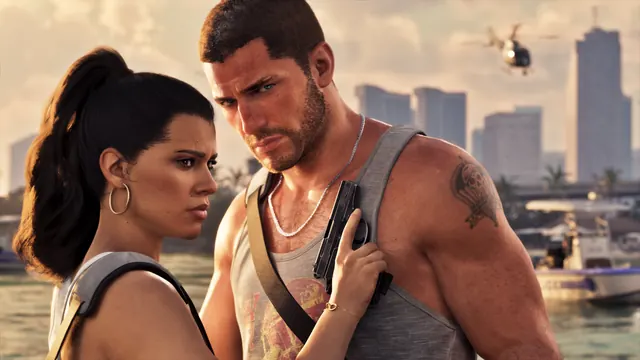
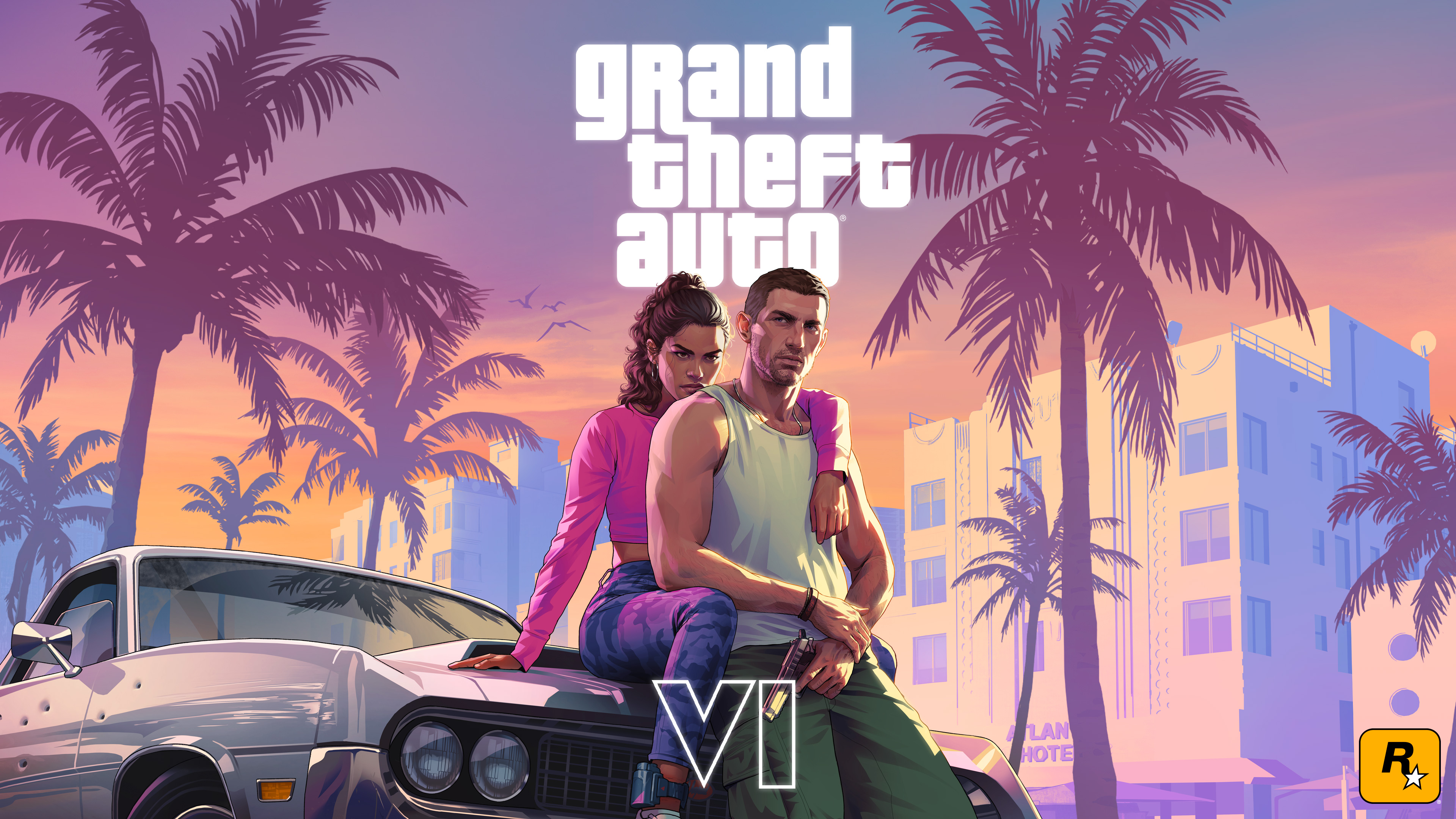
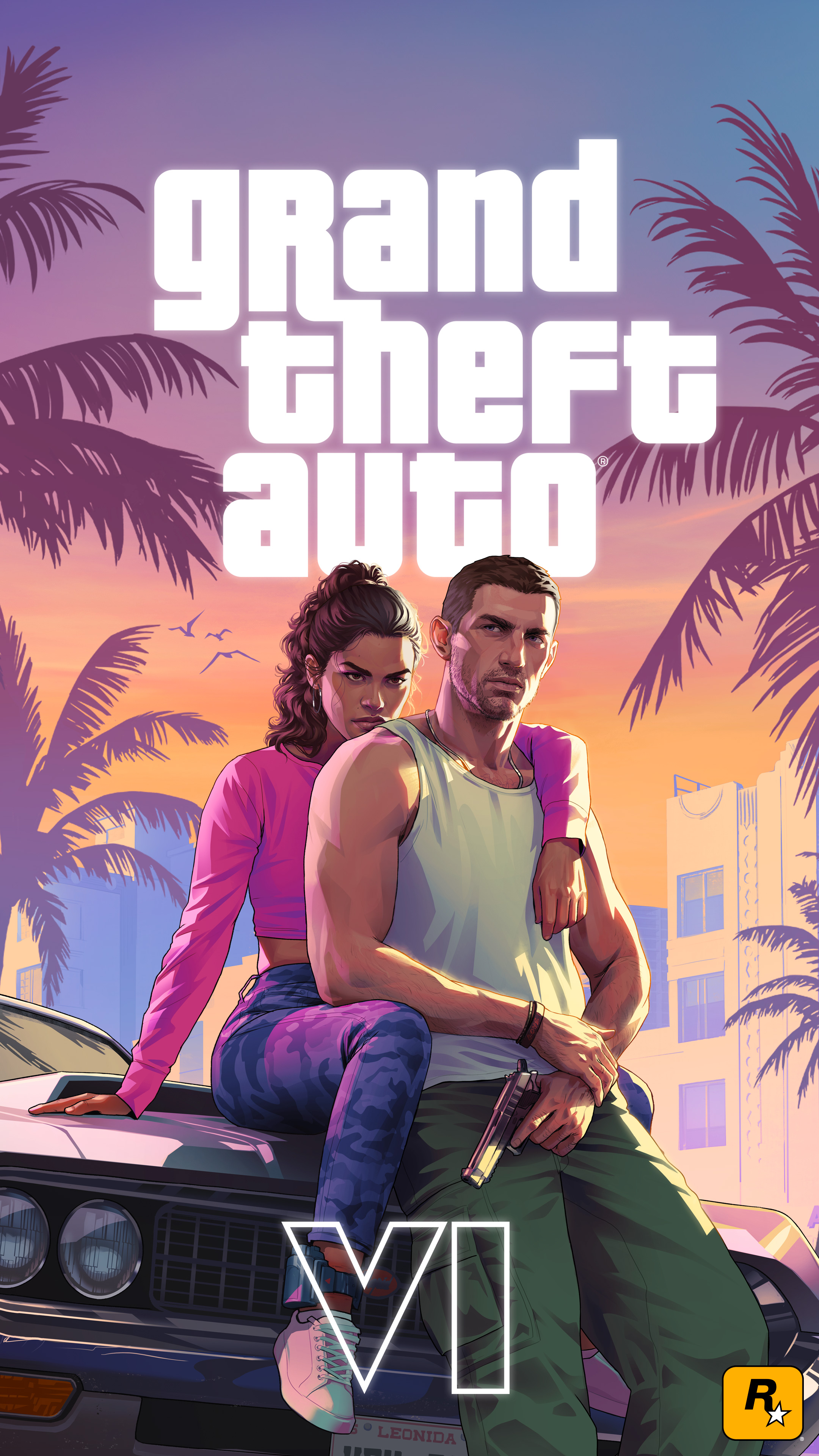
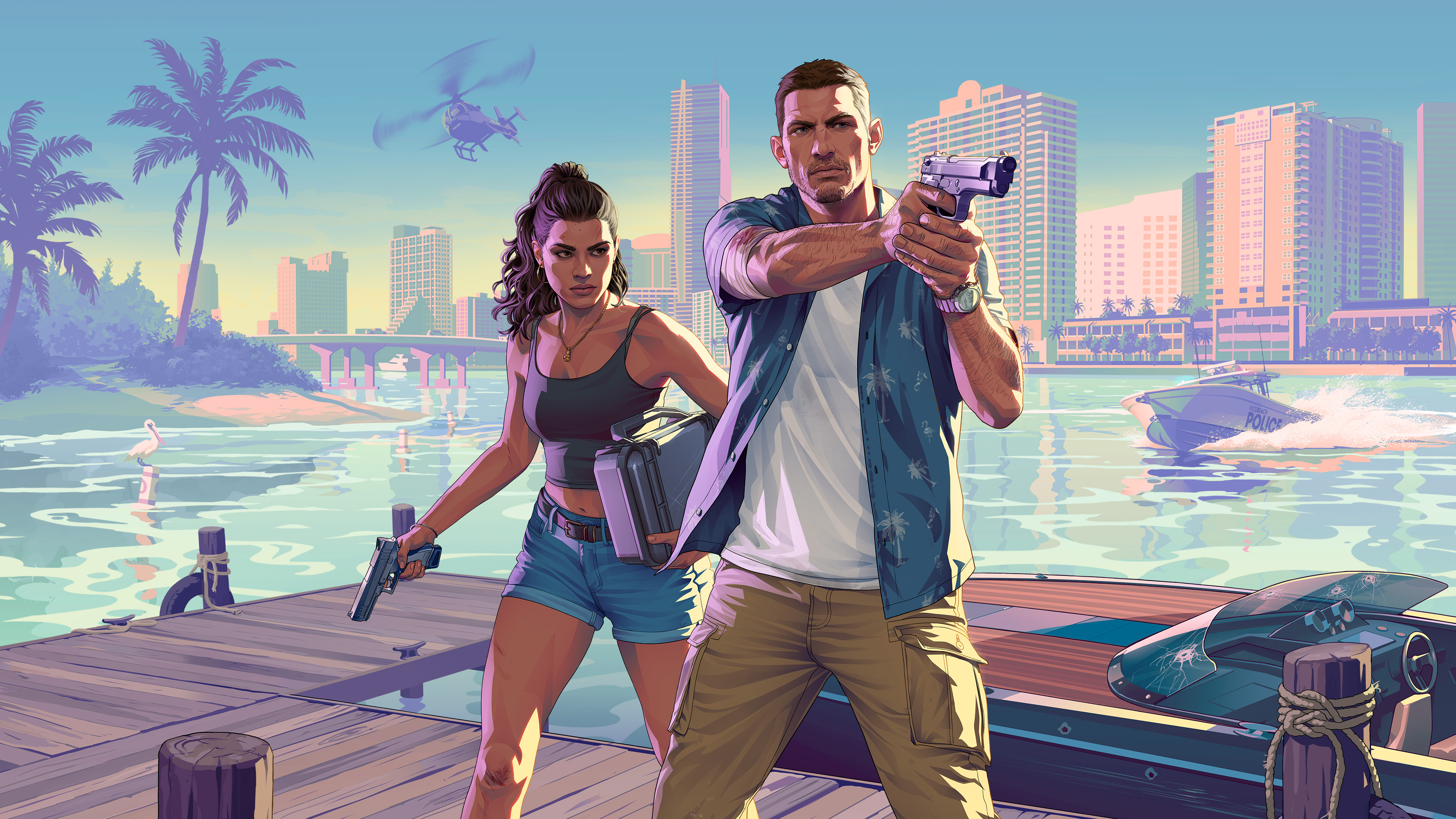
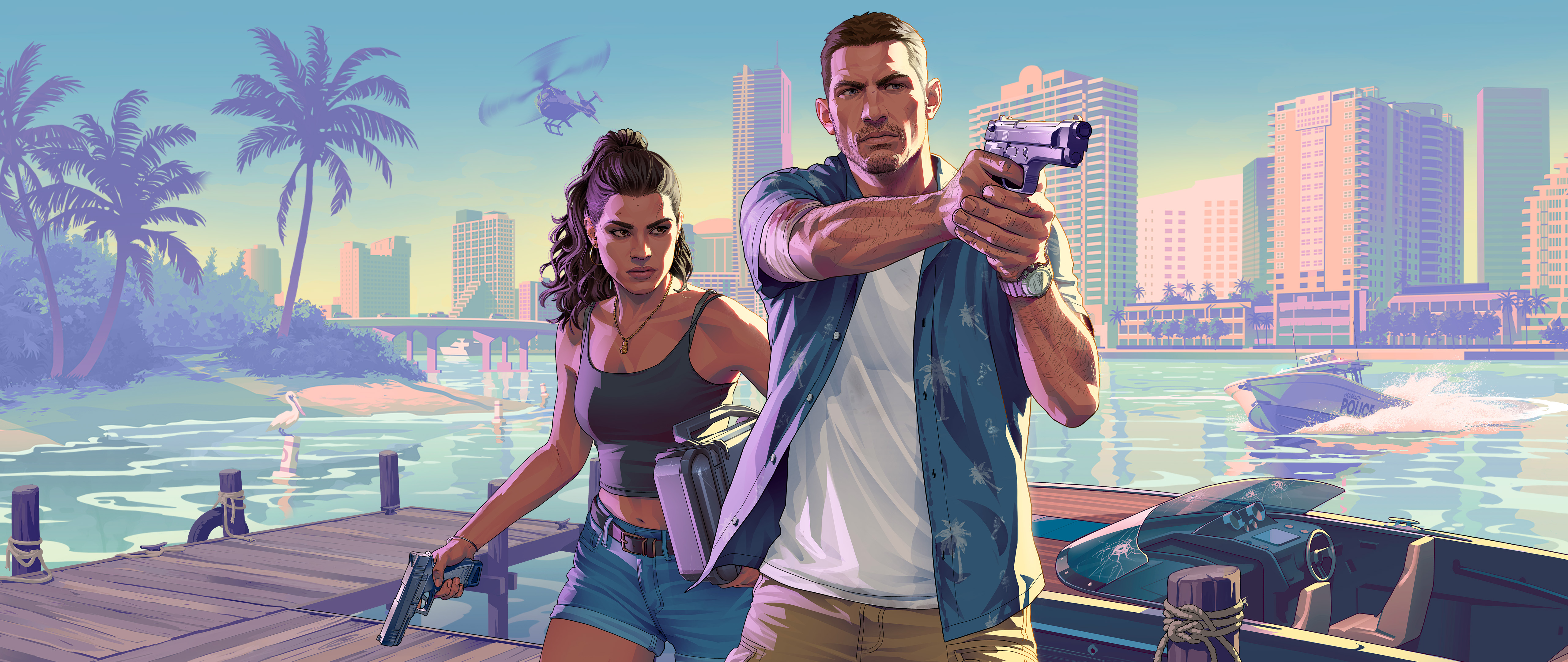
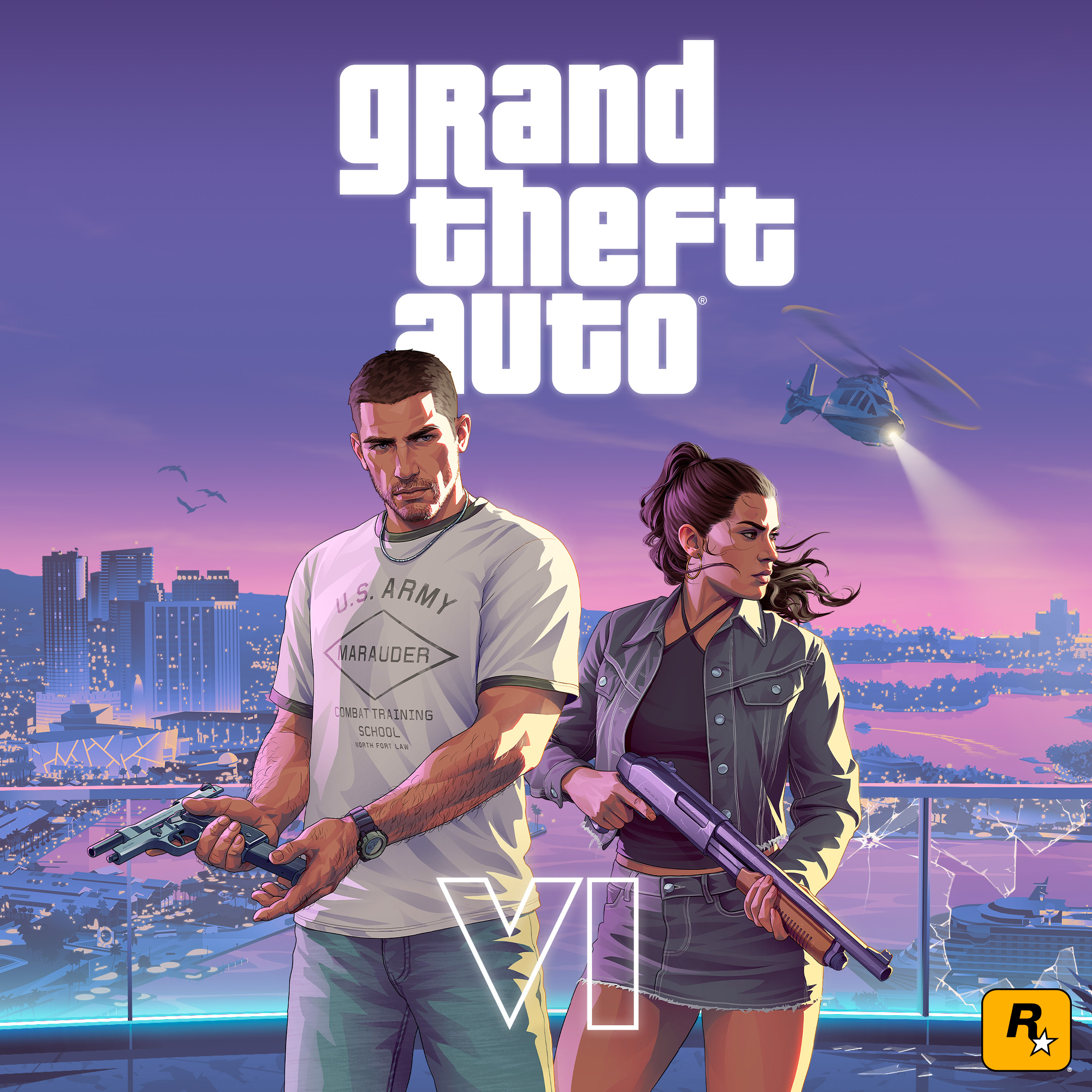
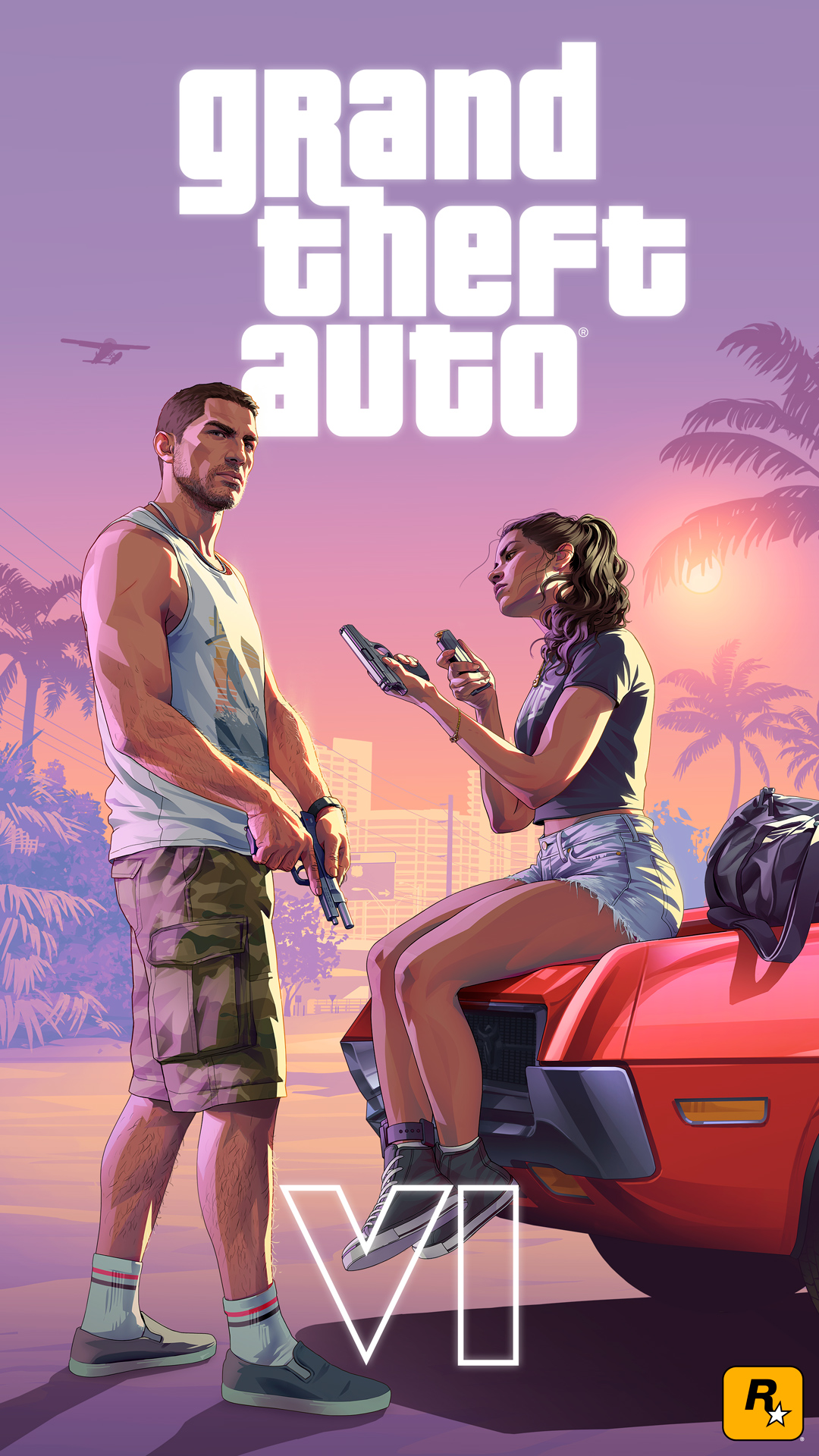
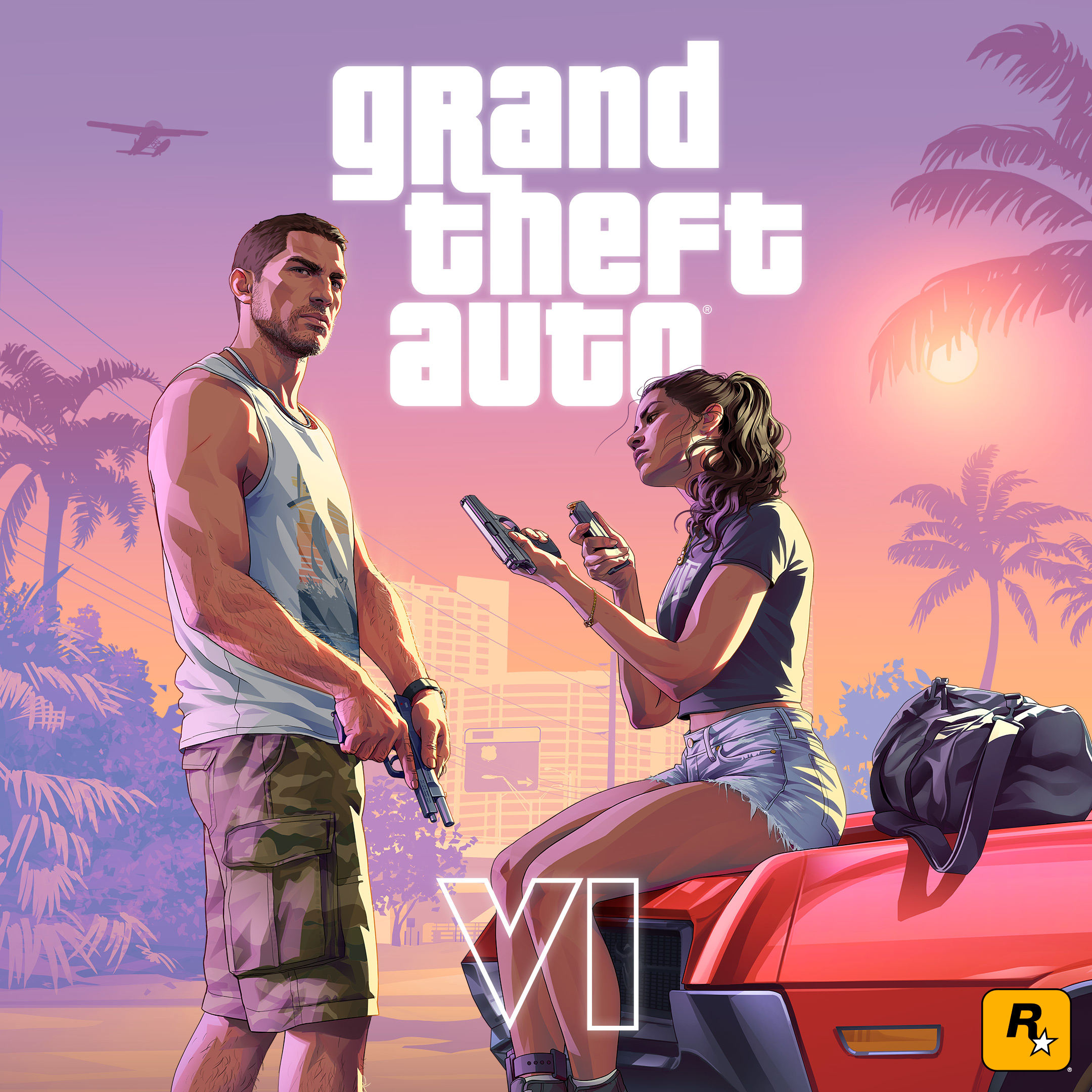
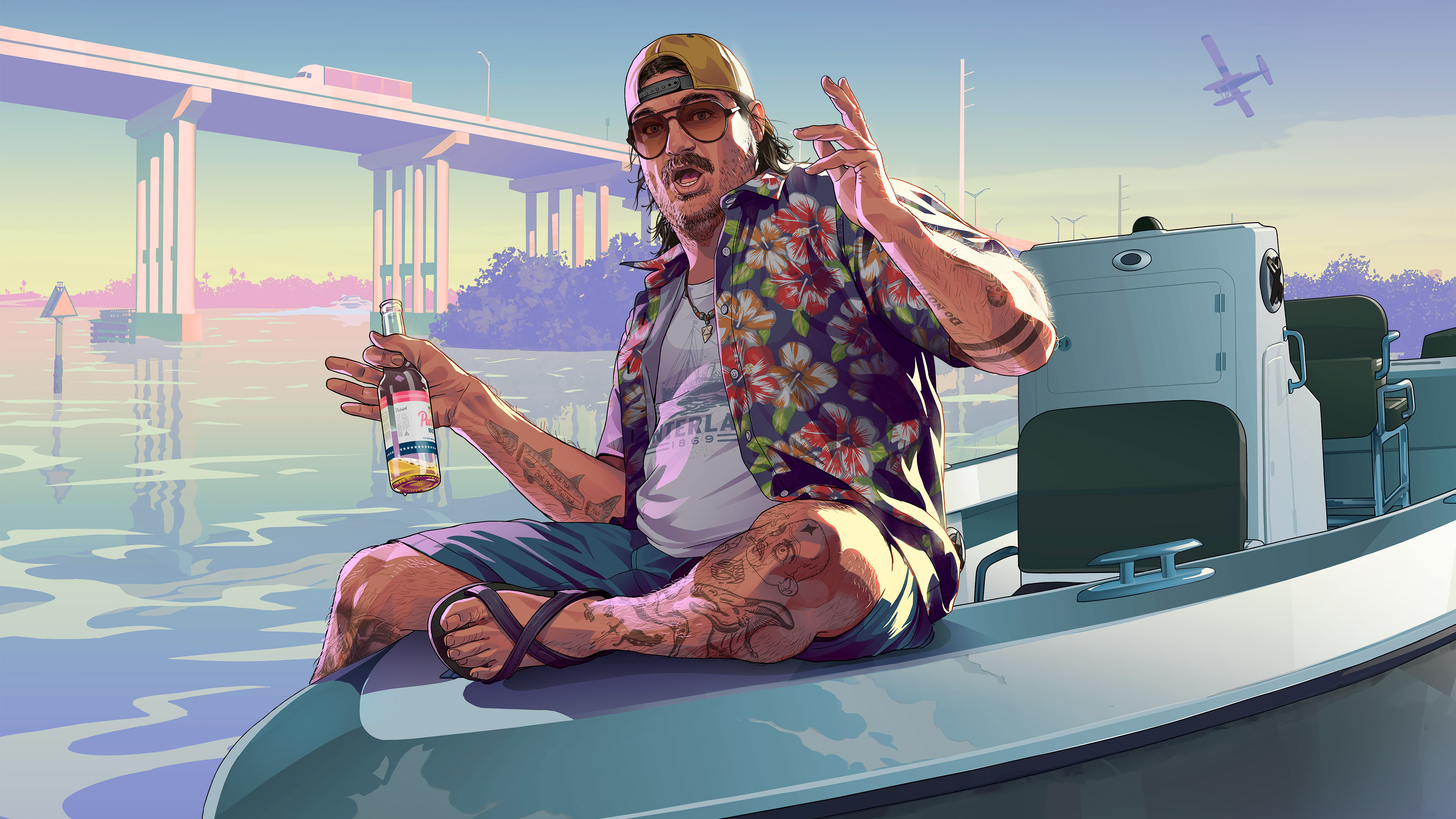
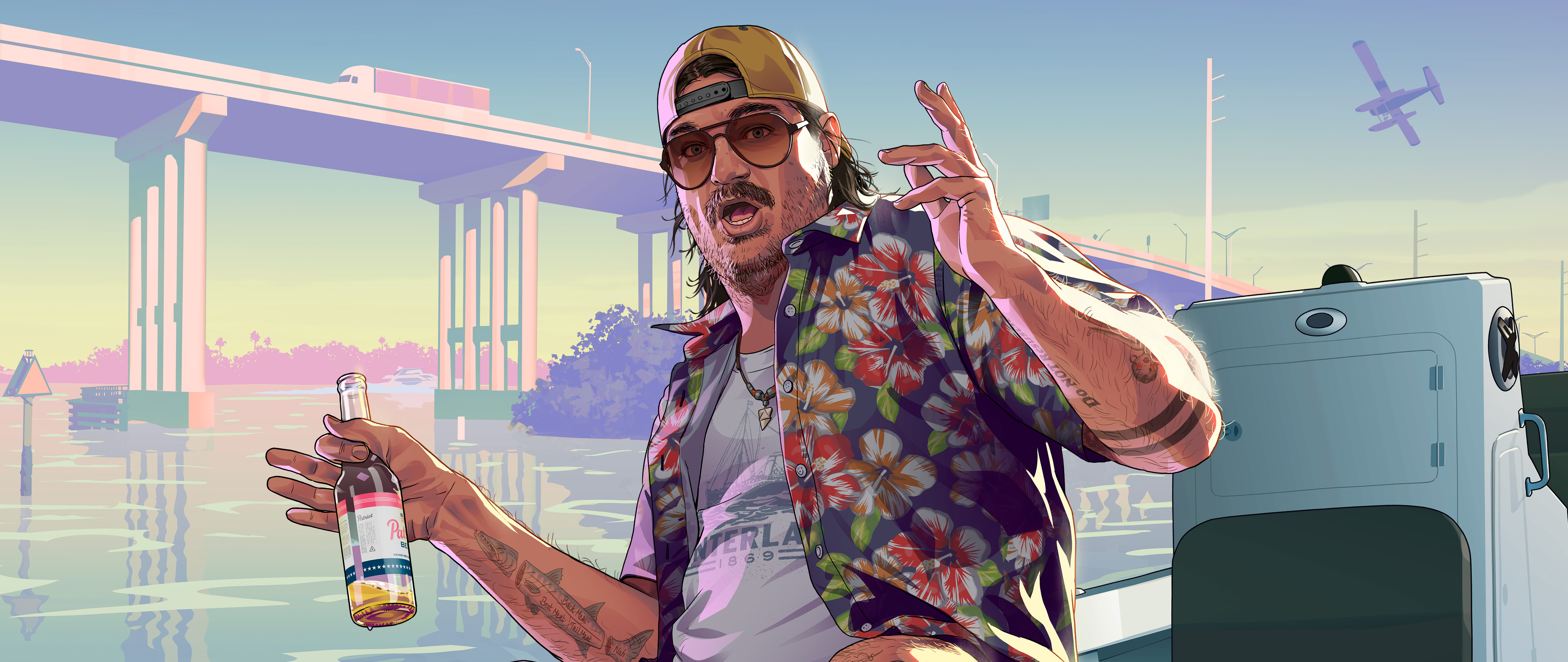
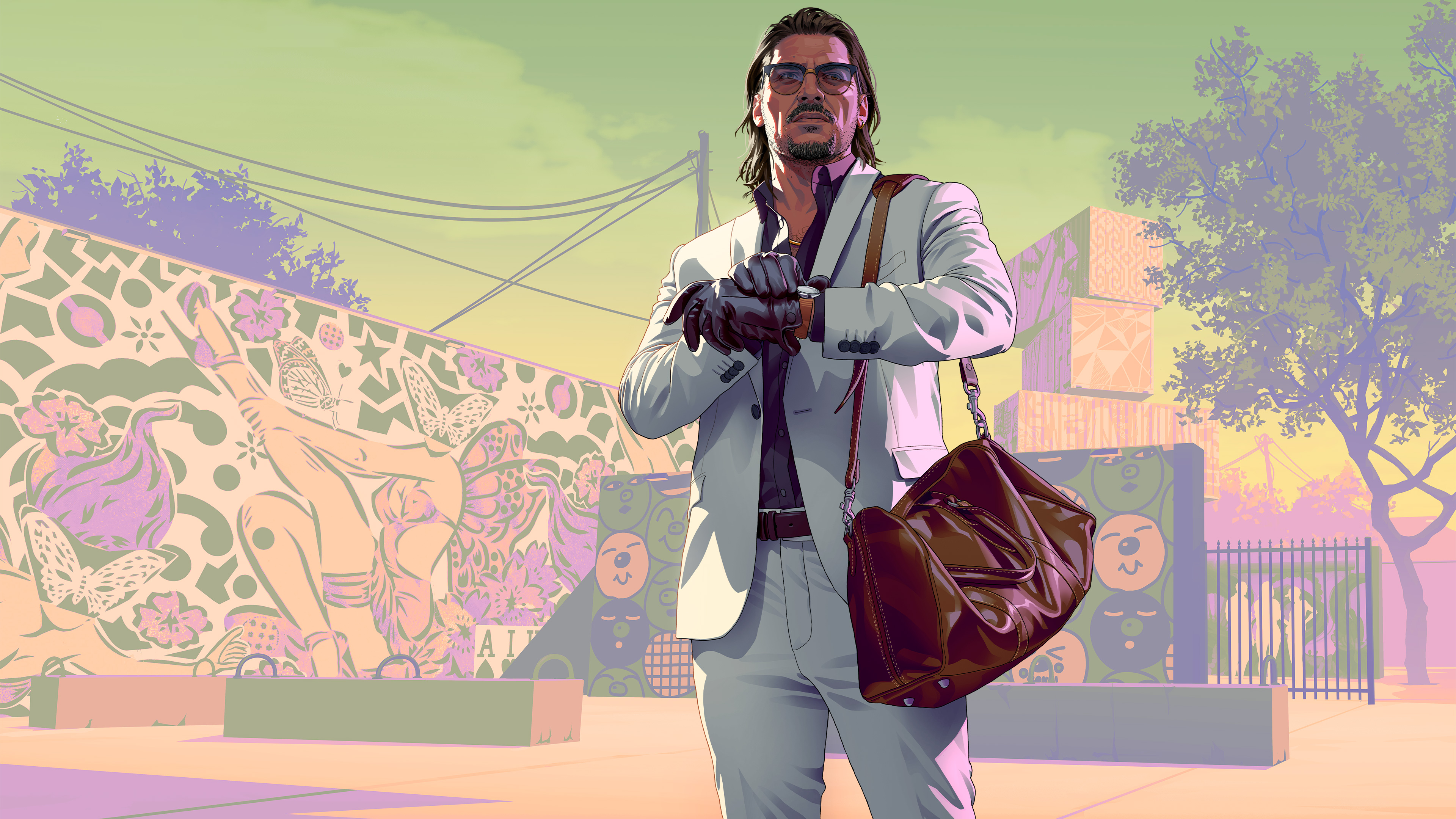
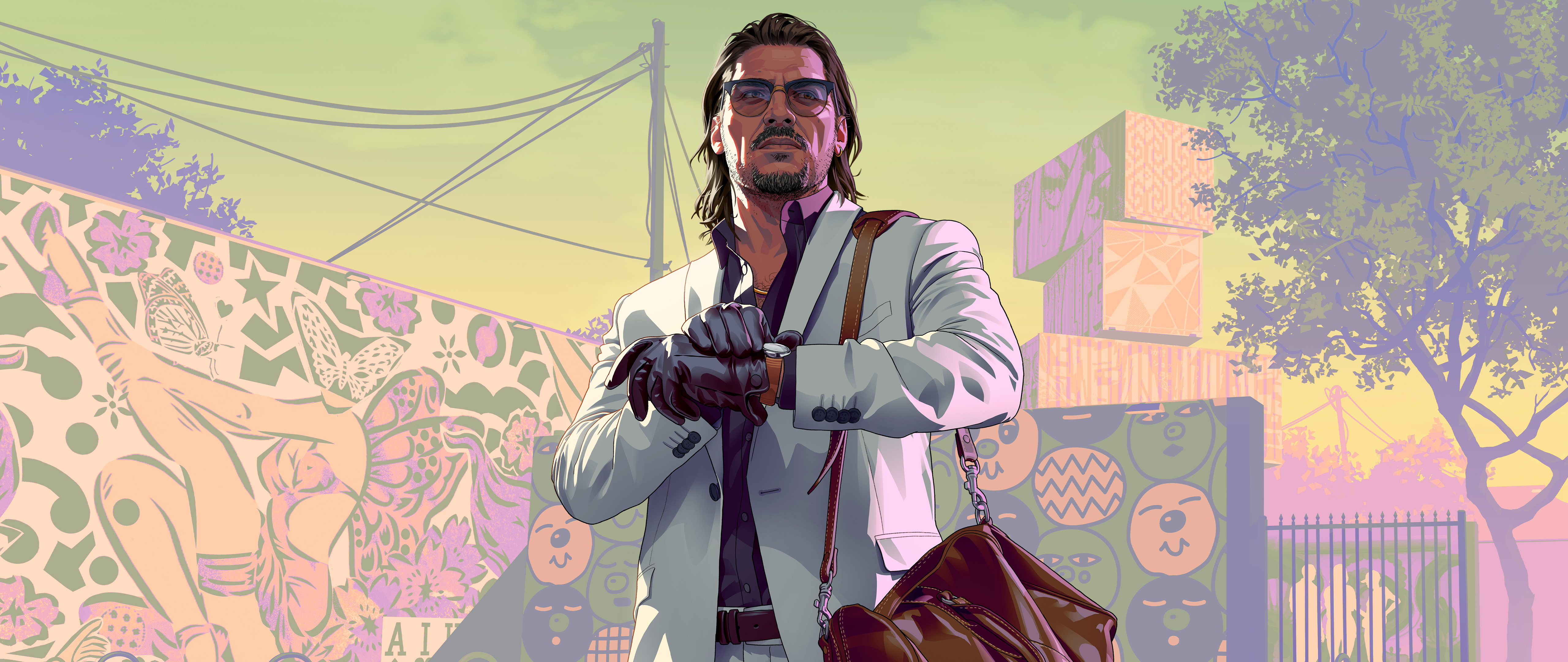
Seven key art pieces of the two leads, most in six sizes. Six also come in a version with the GTA VI logo.
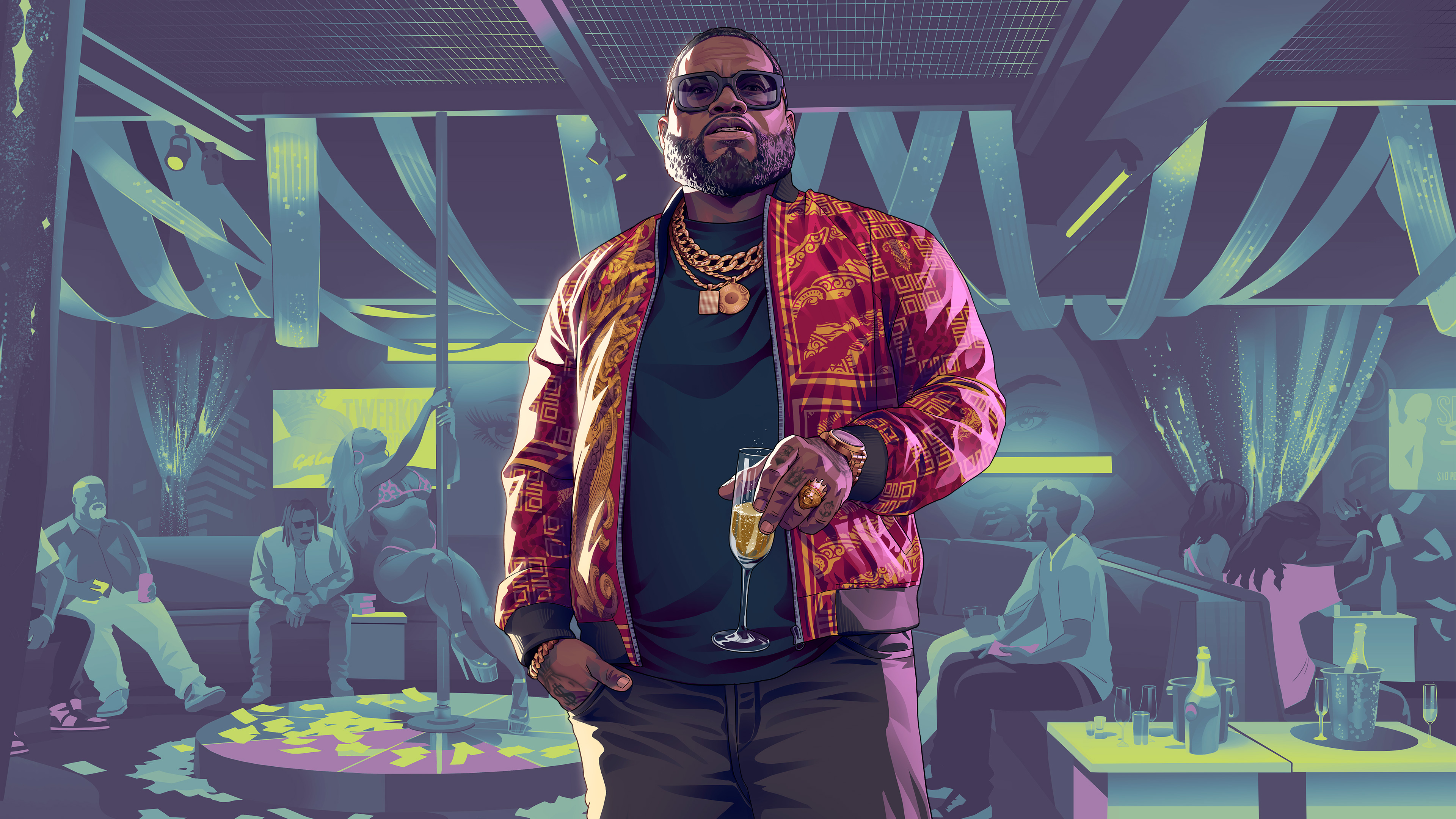
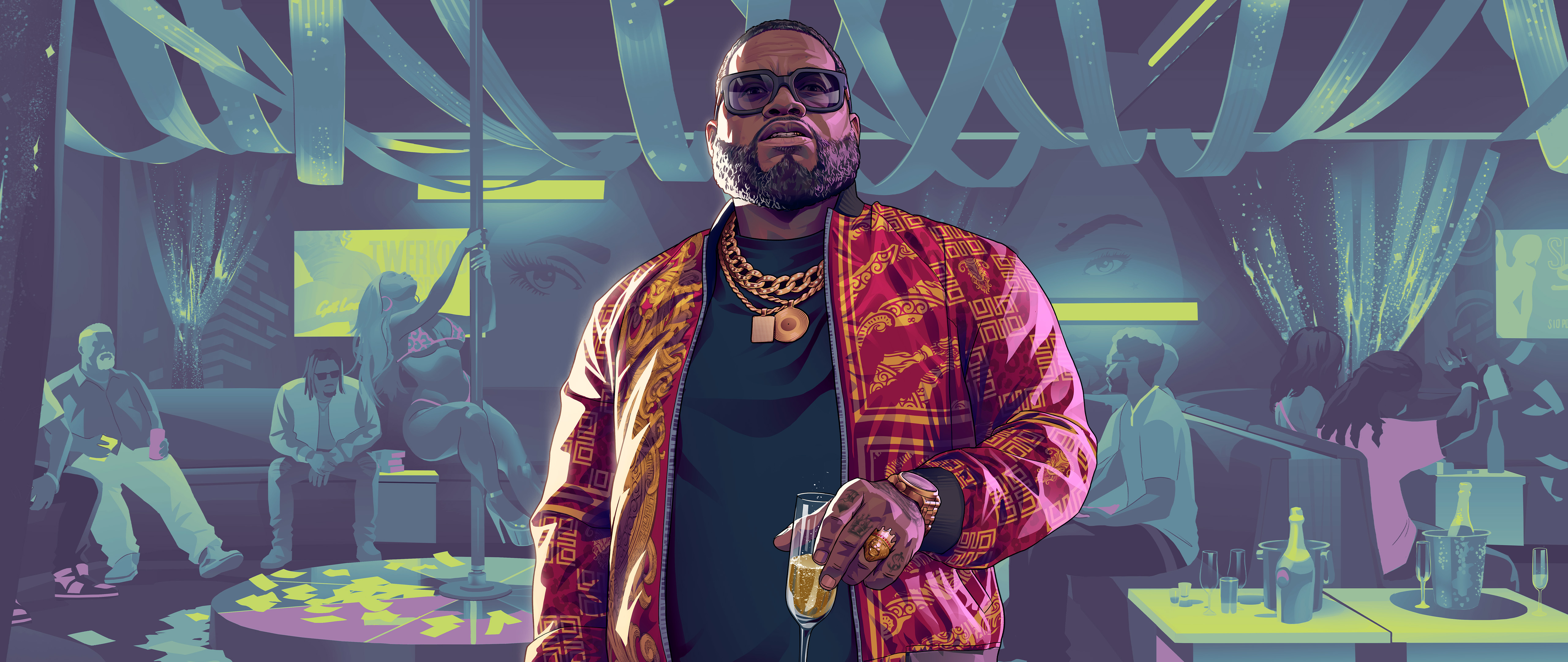
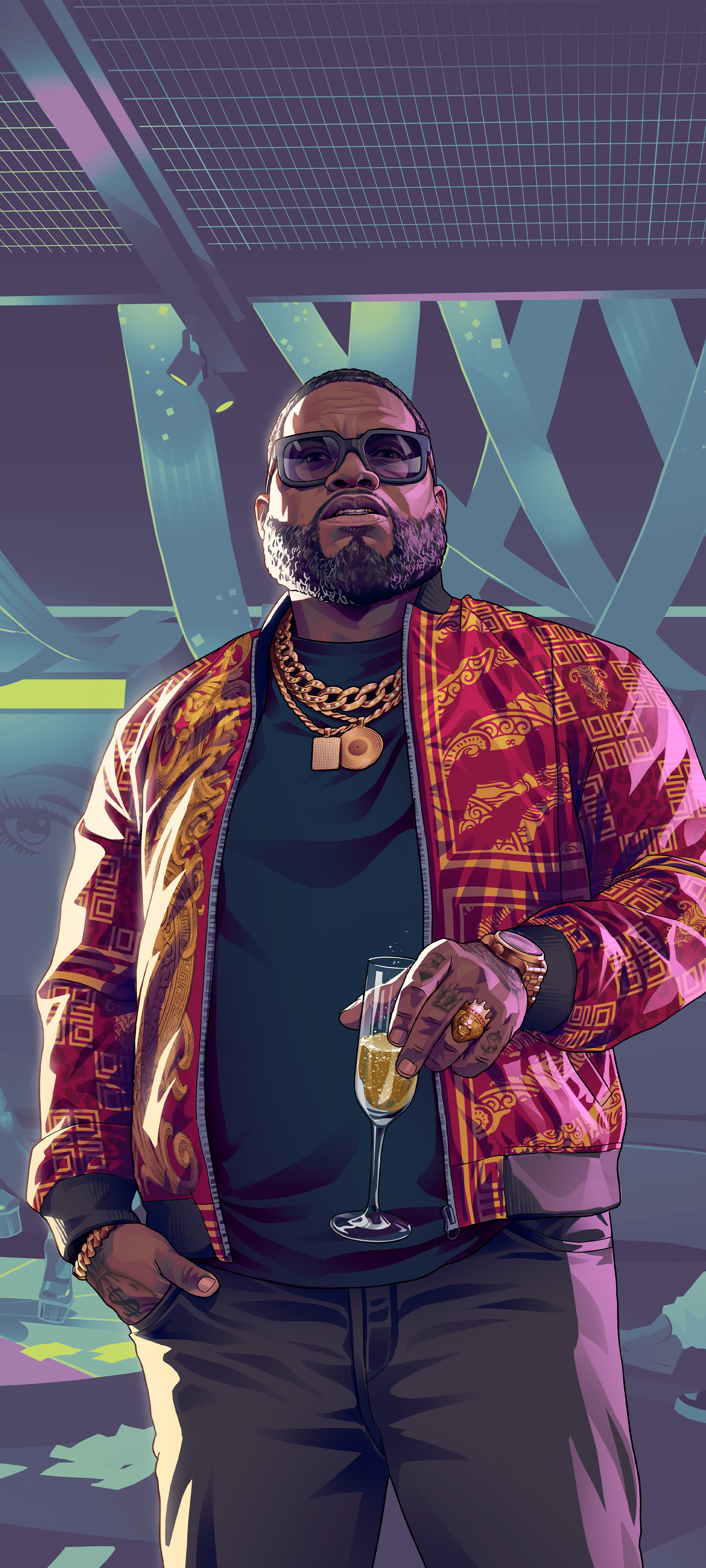
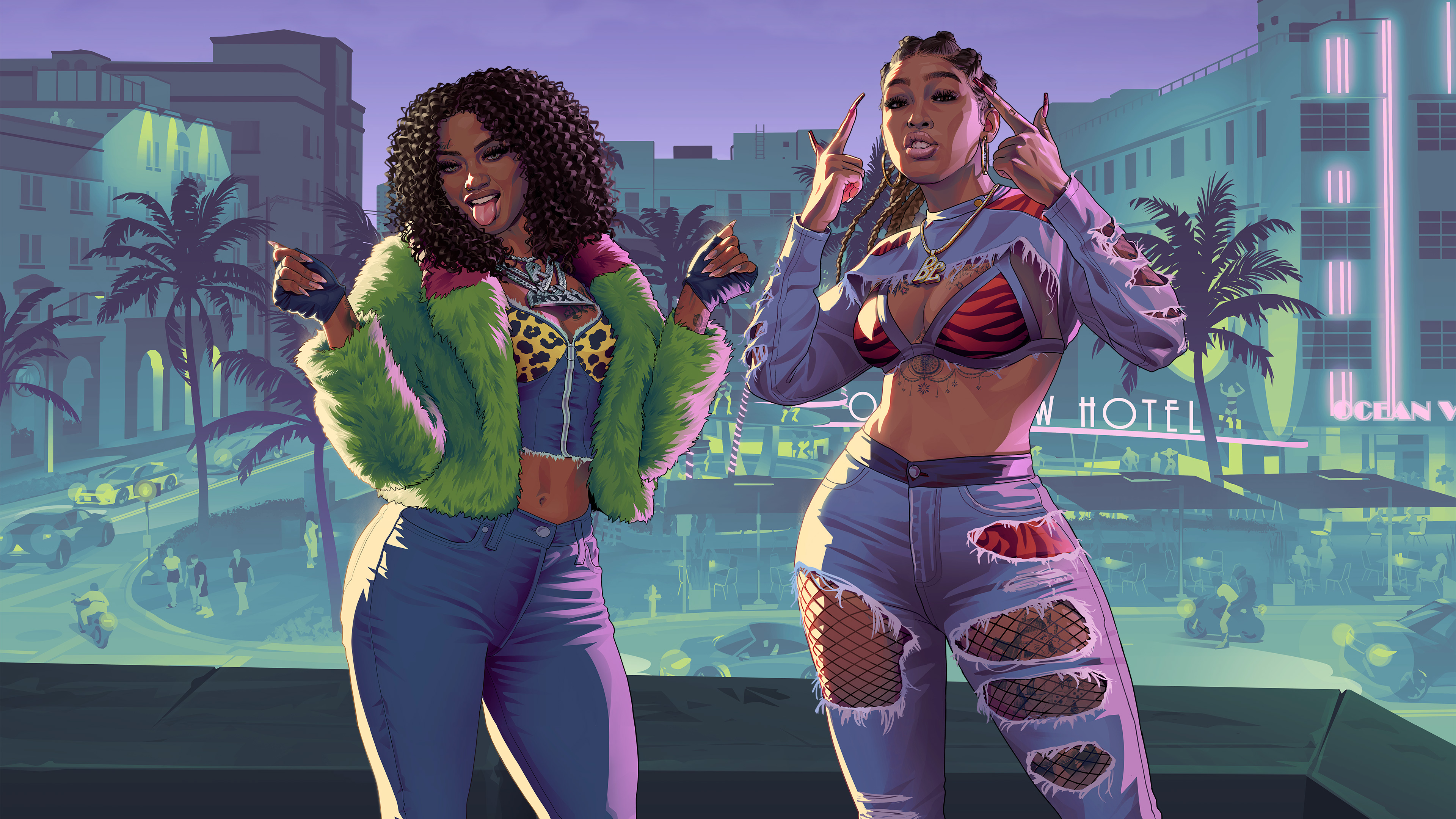
Character wallpapers
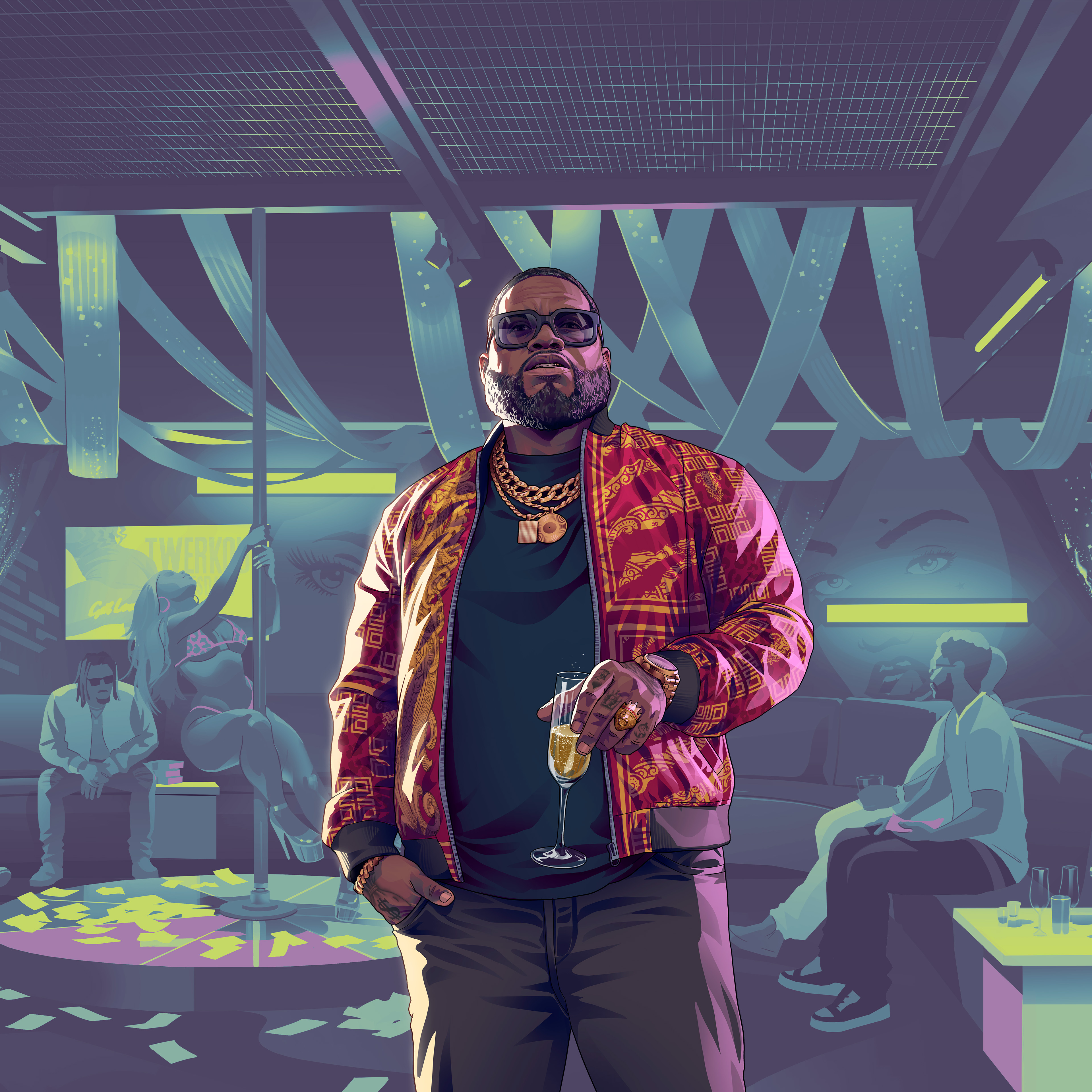
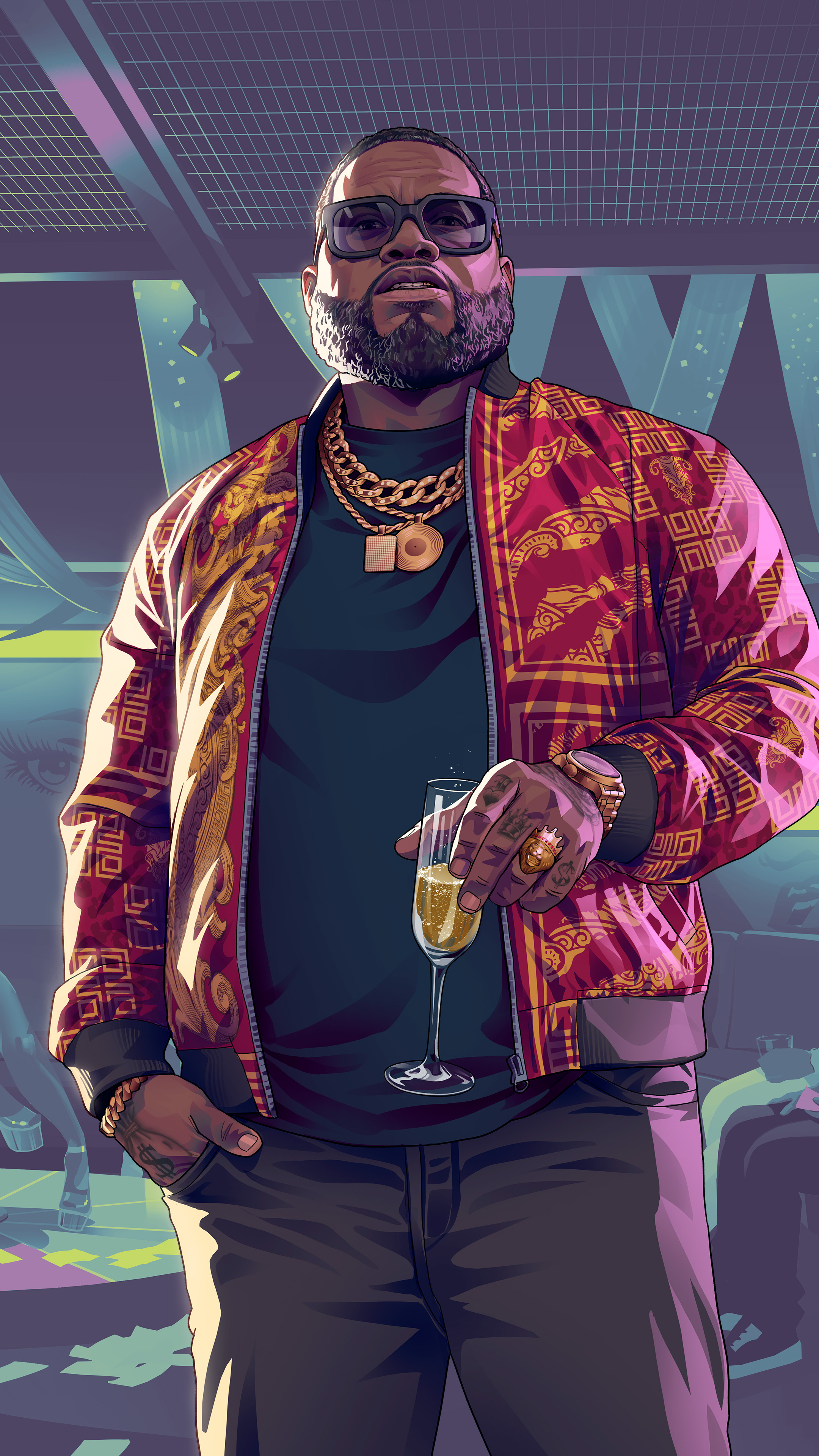
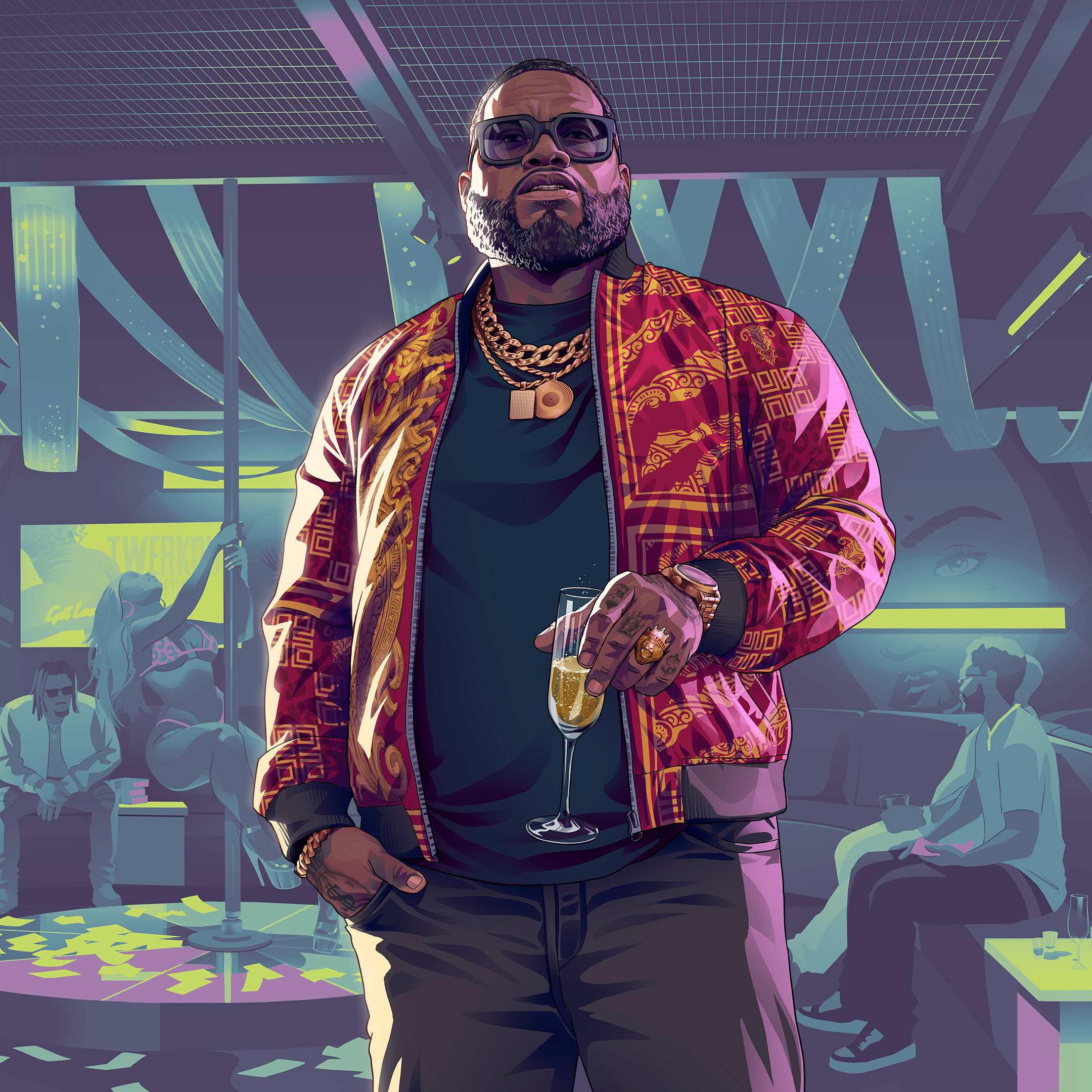
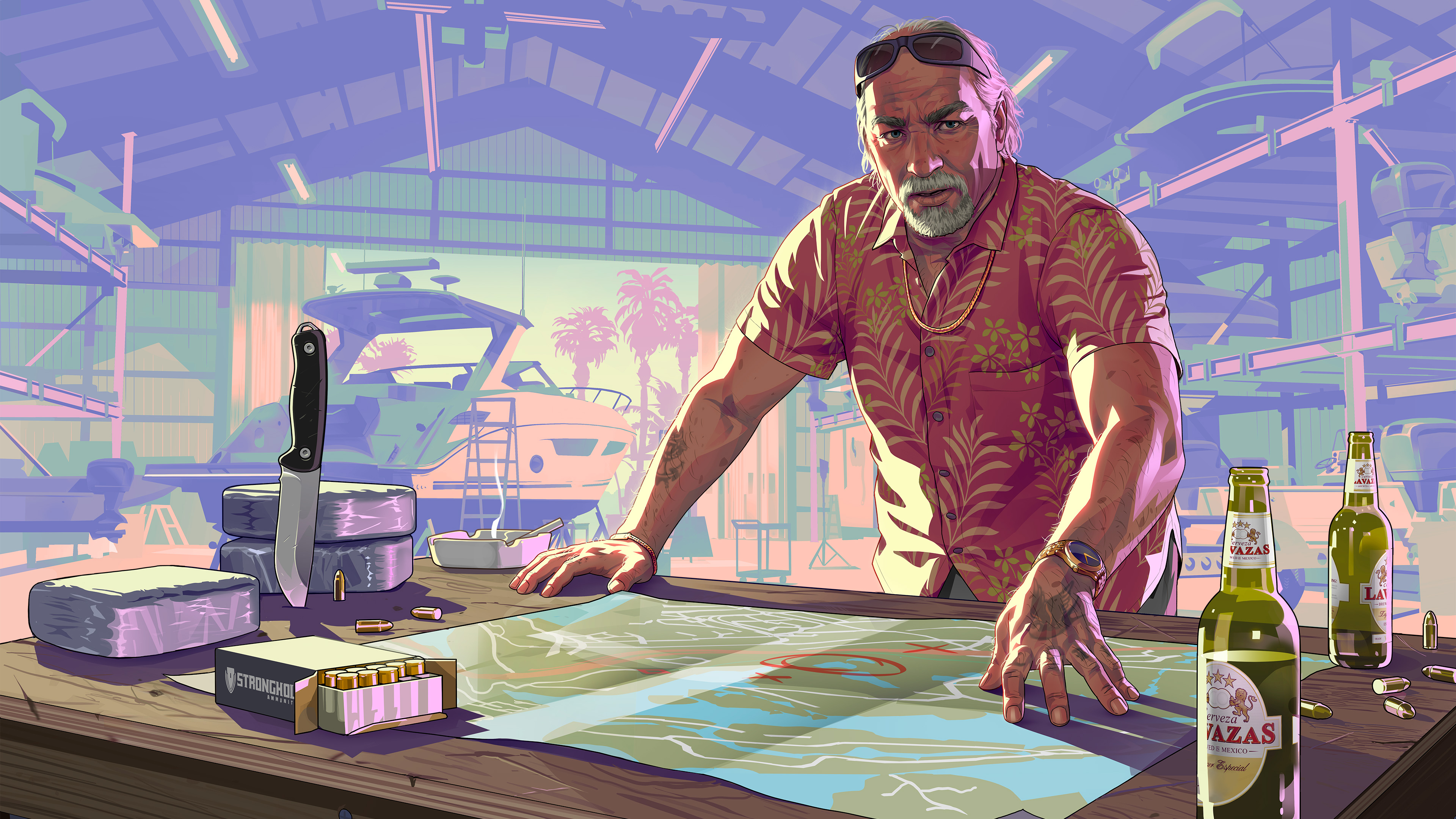
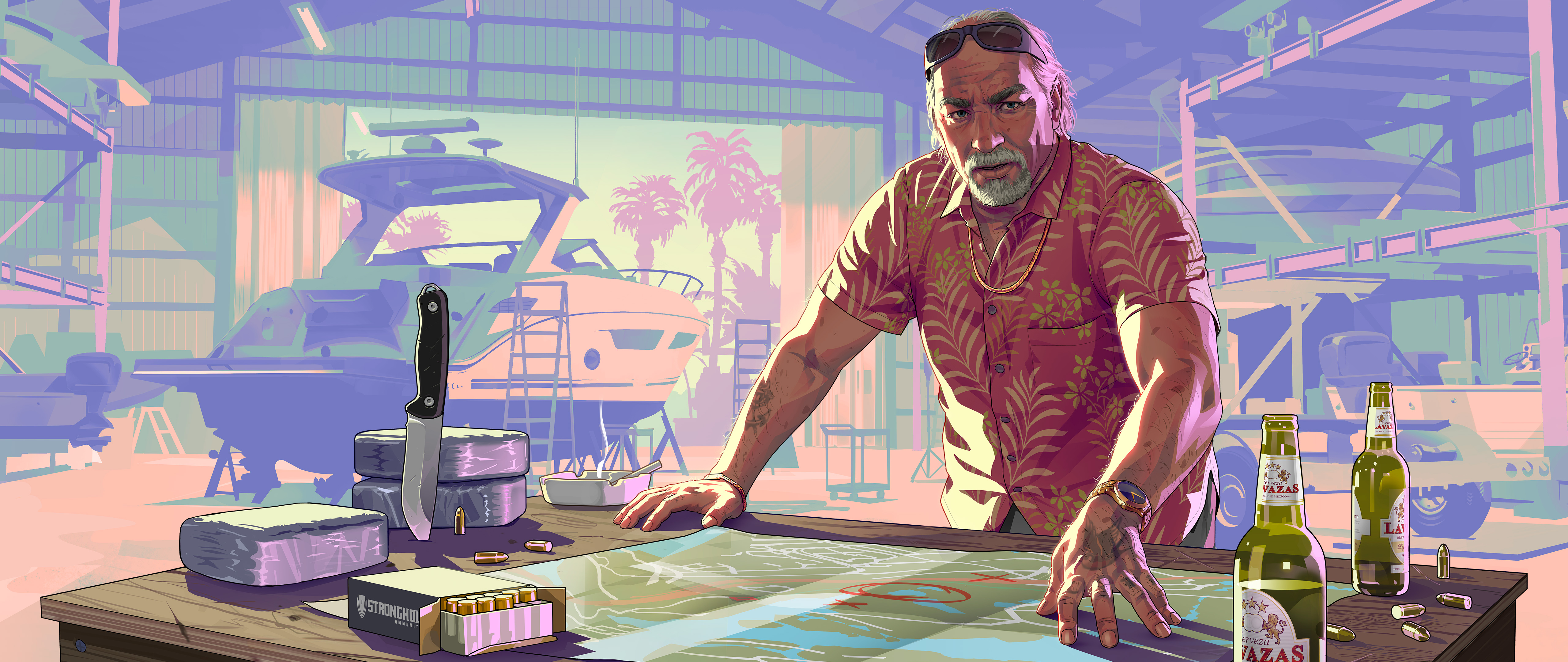
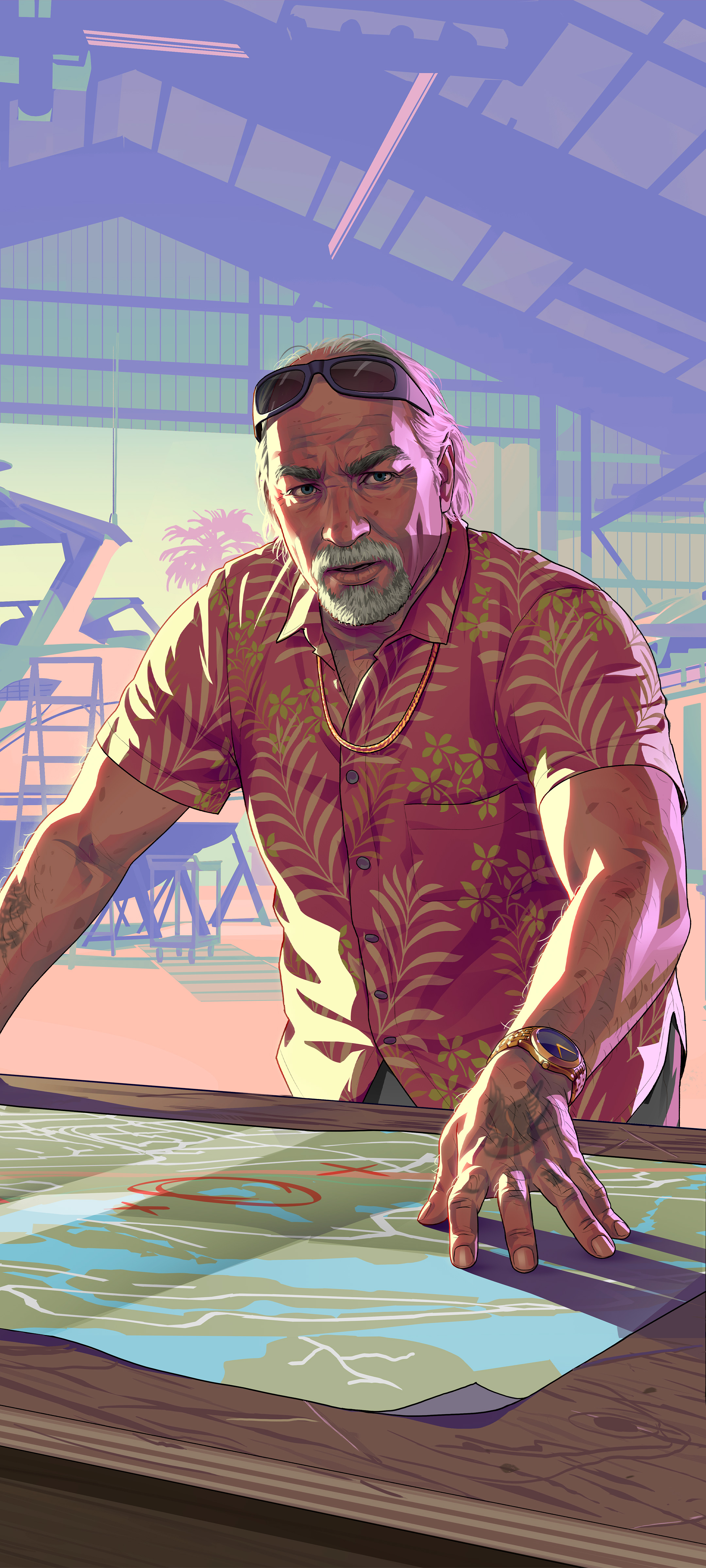
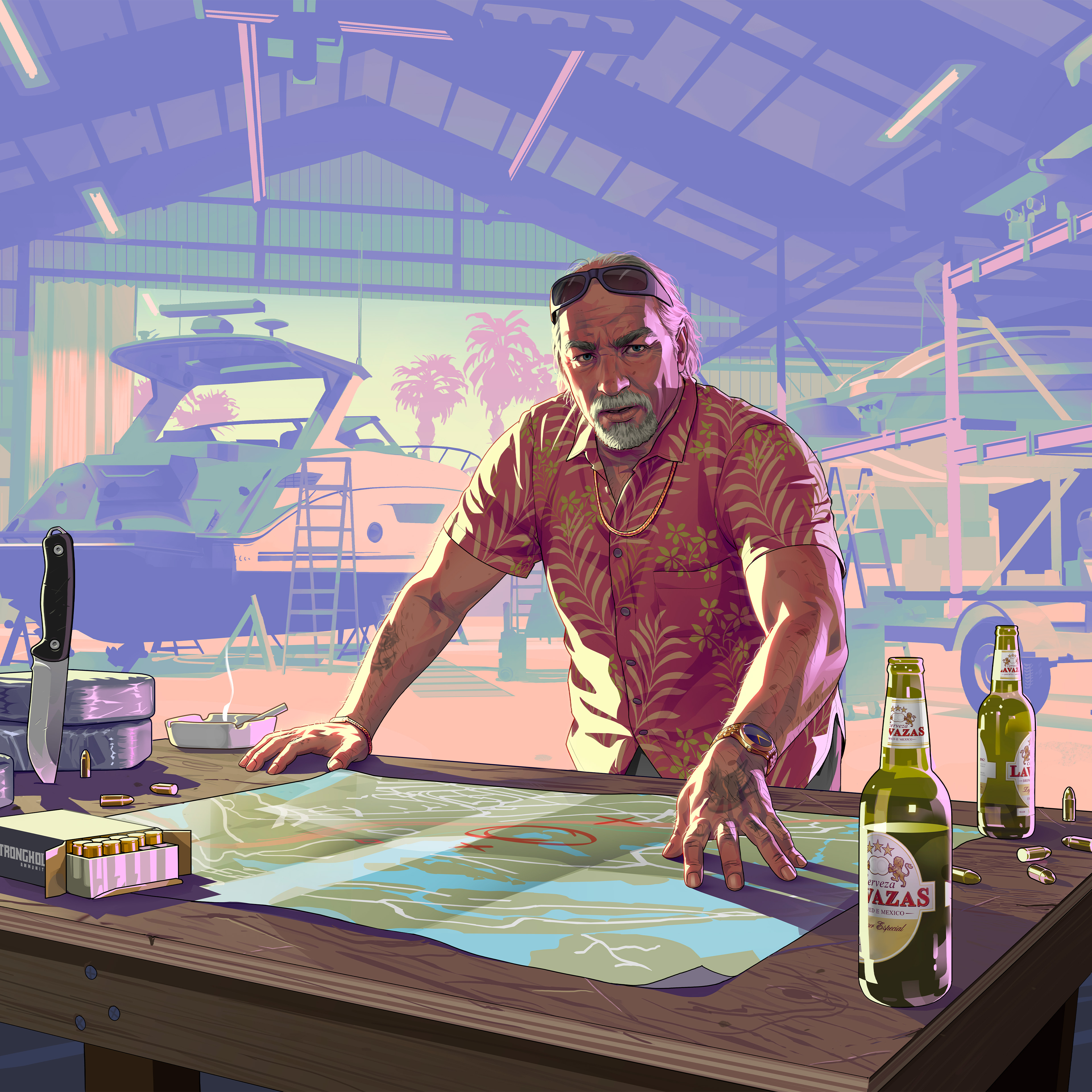
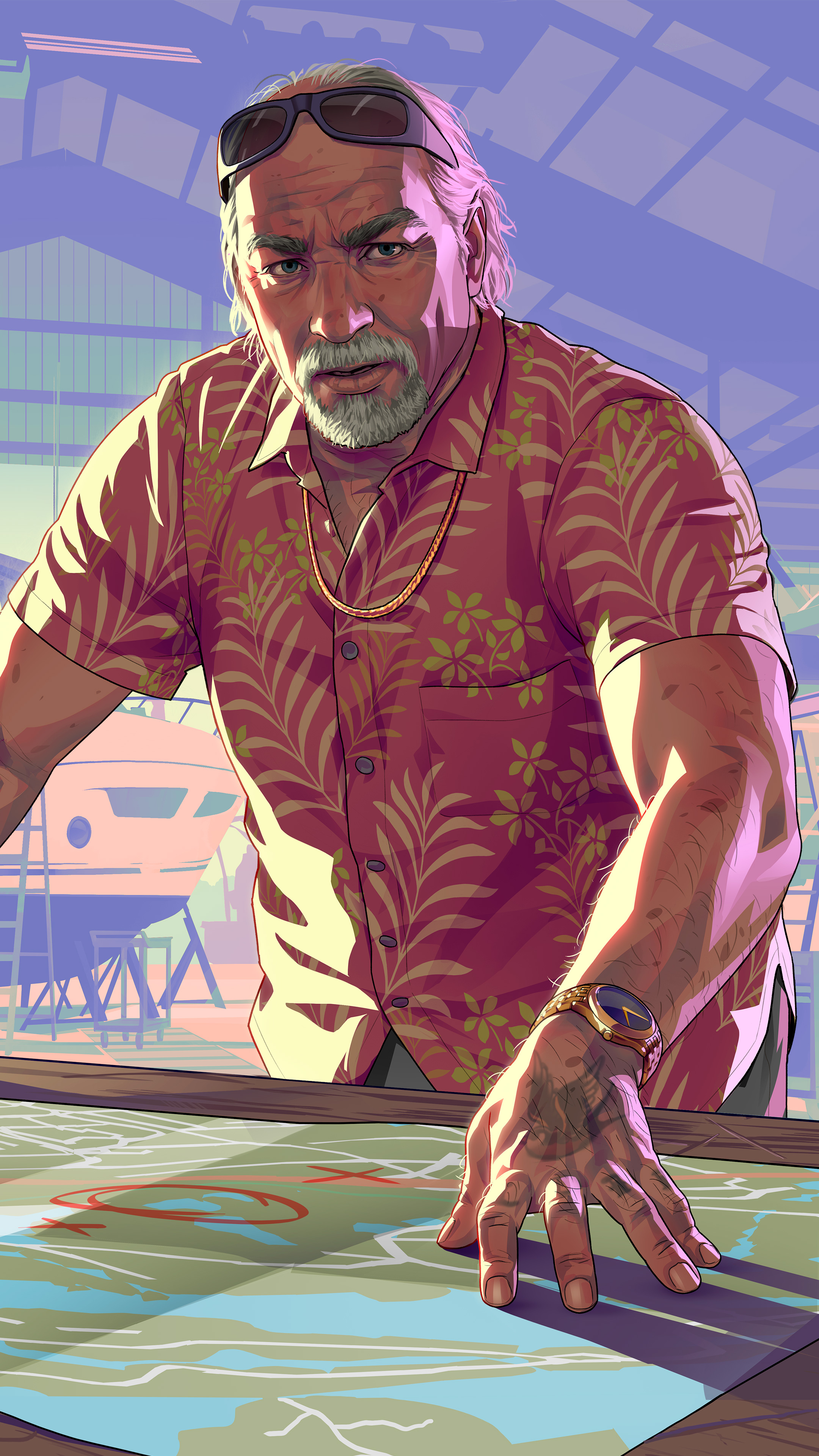
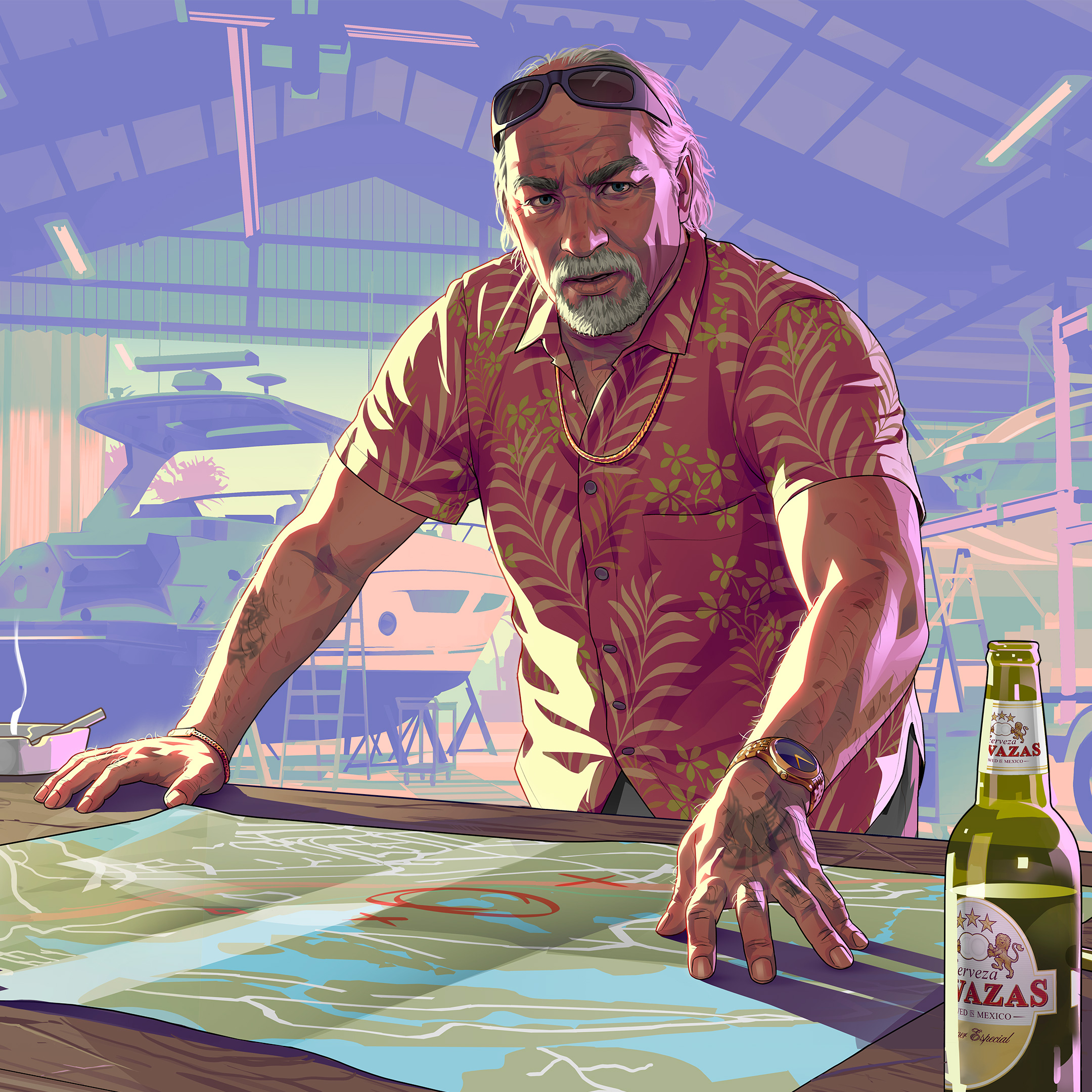
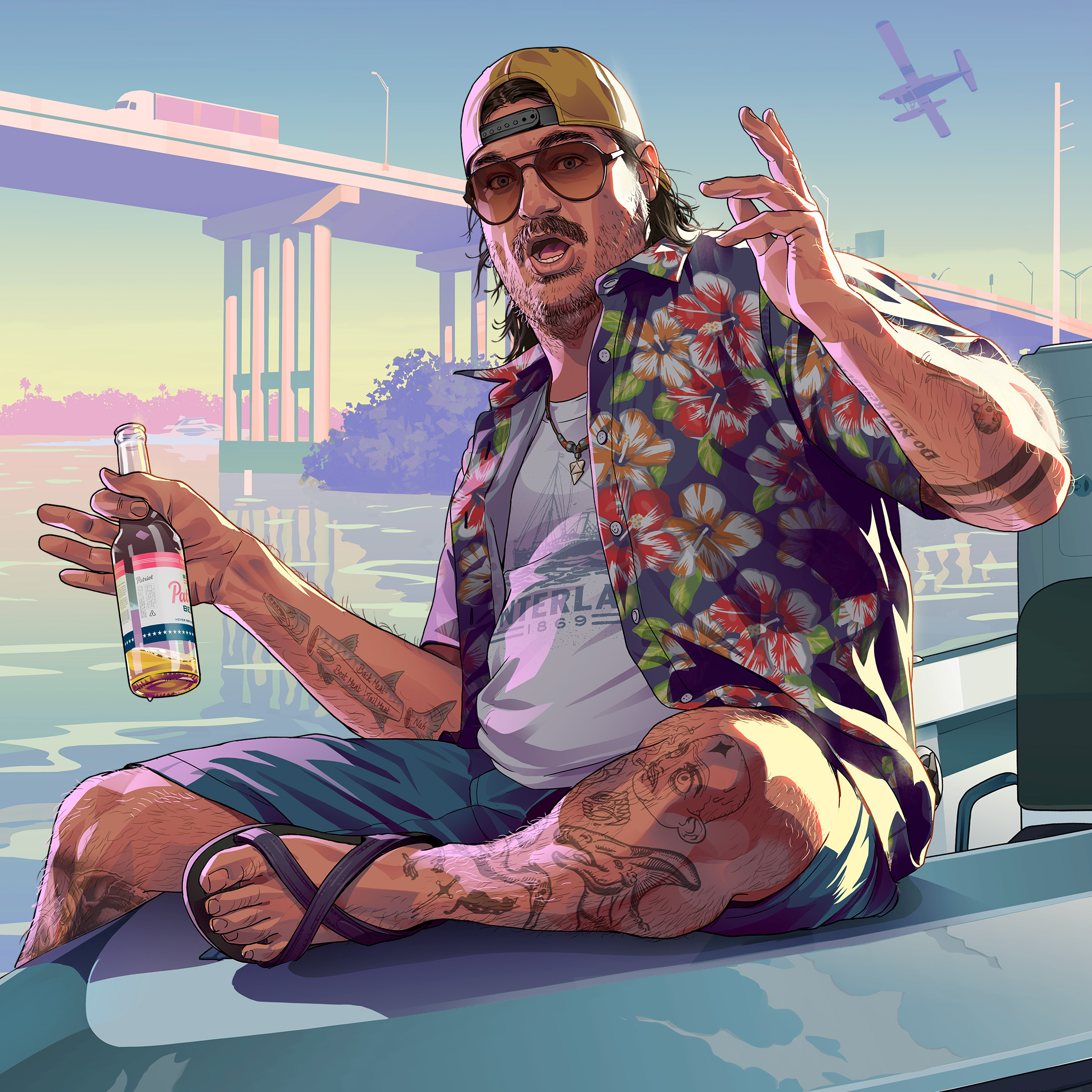
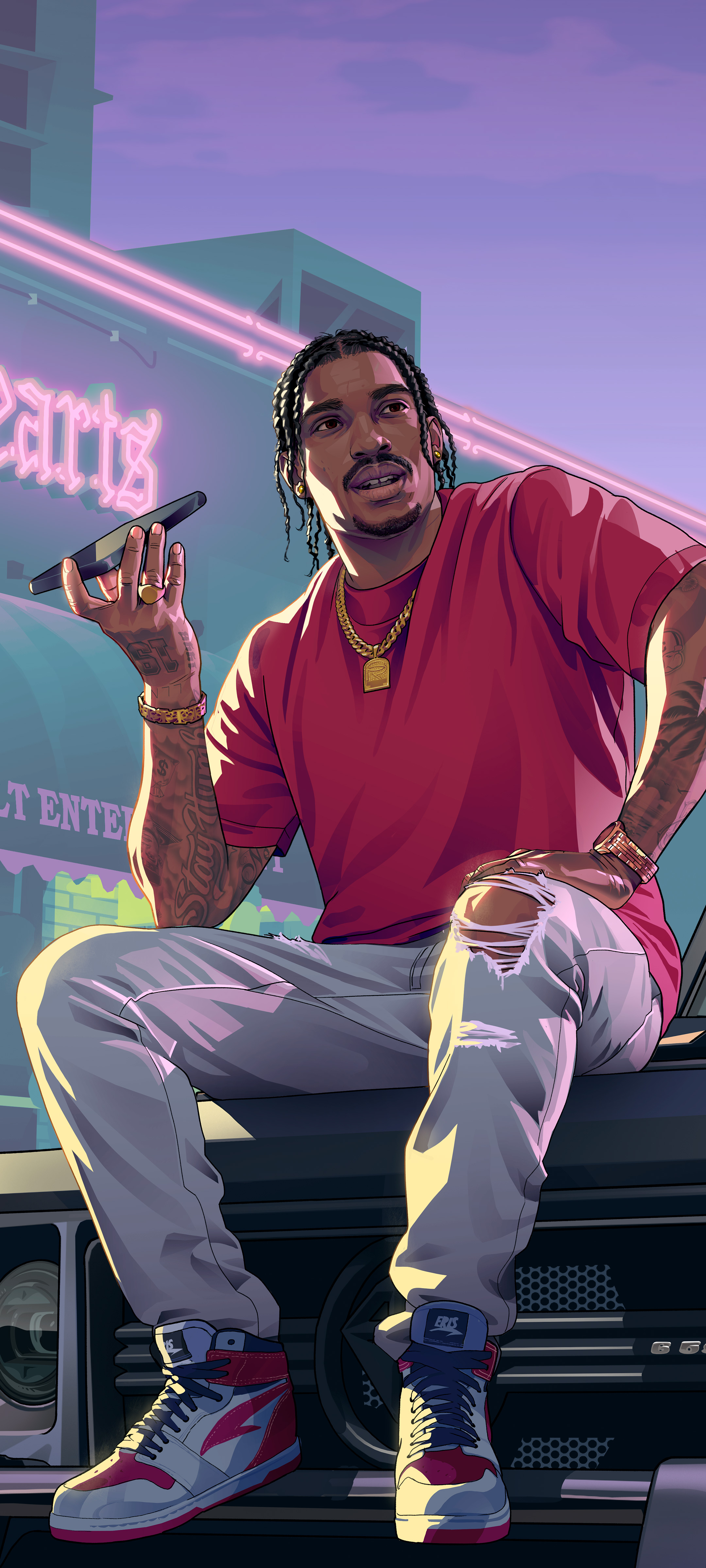
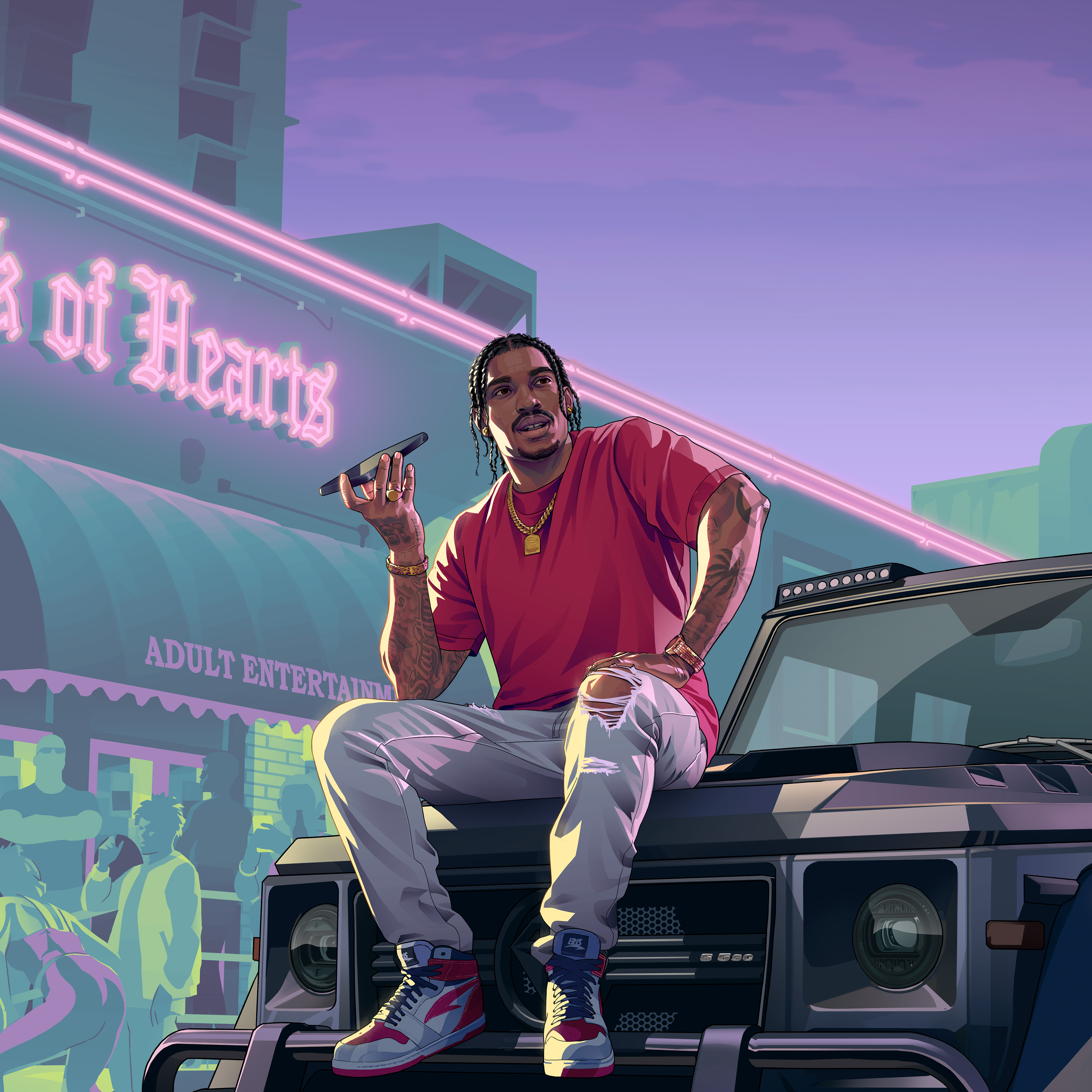
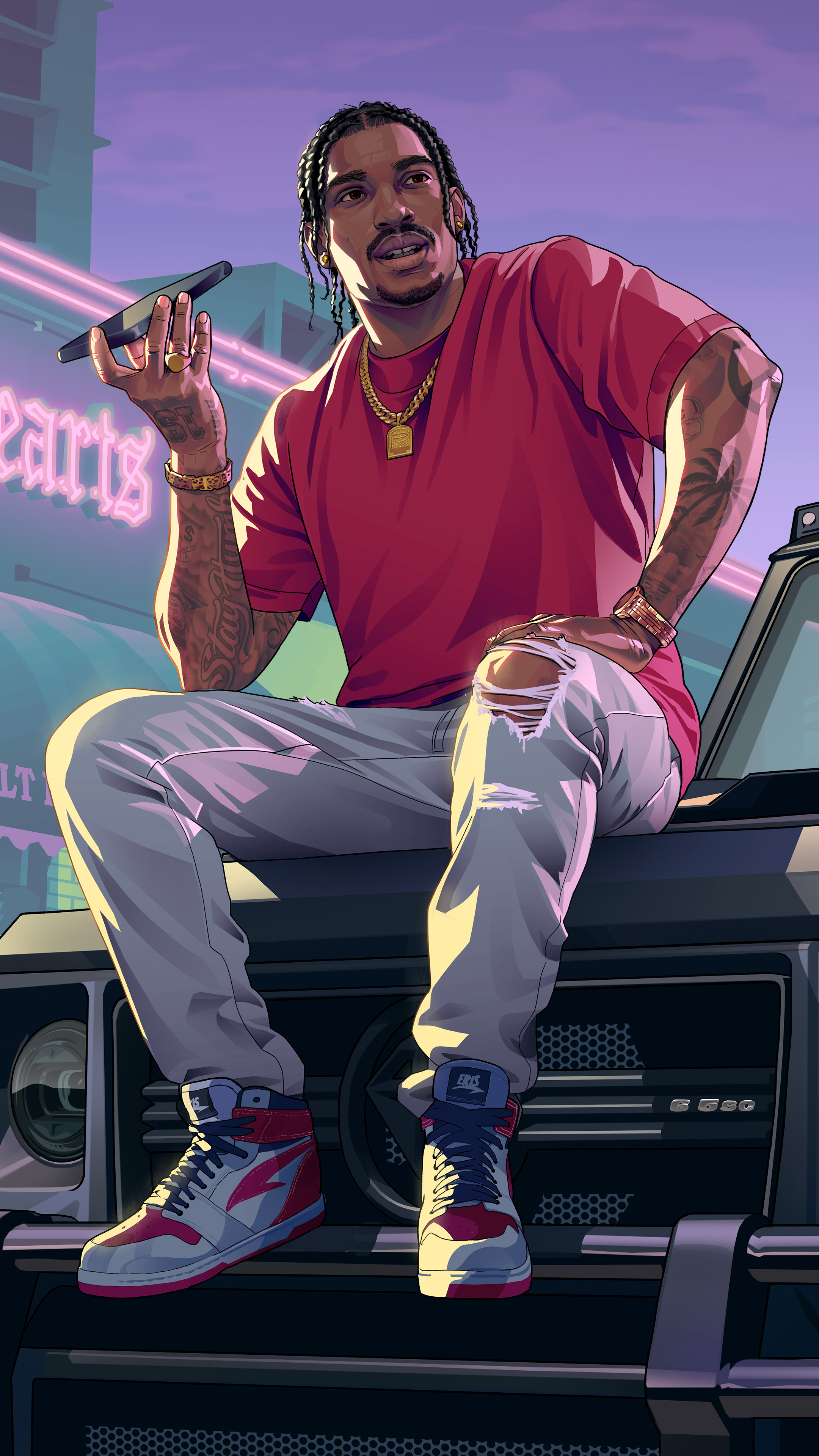
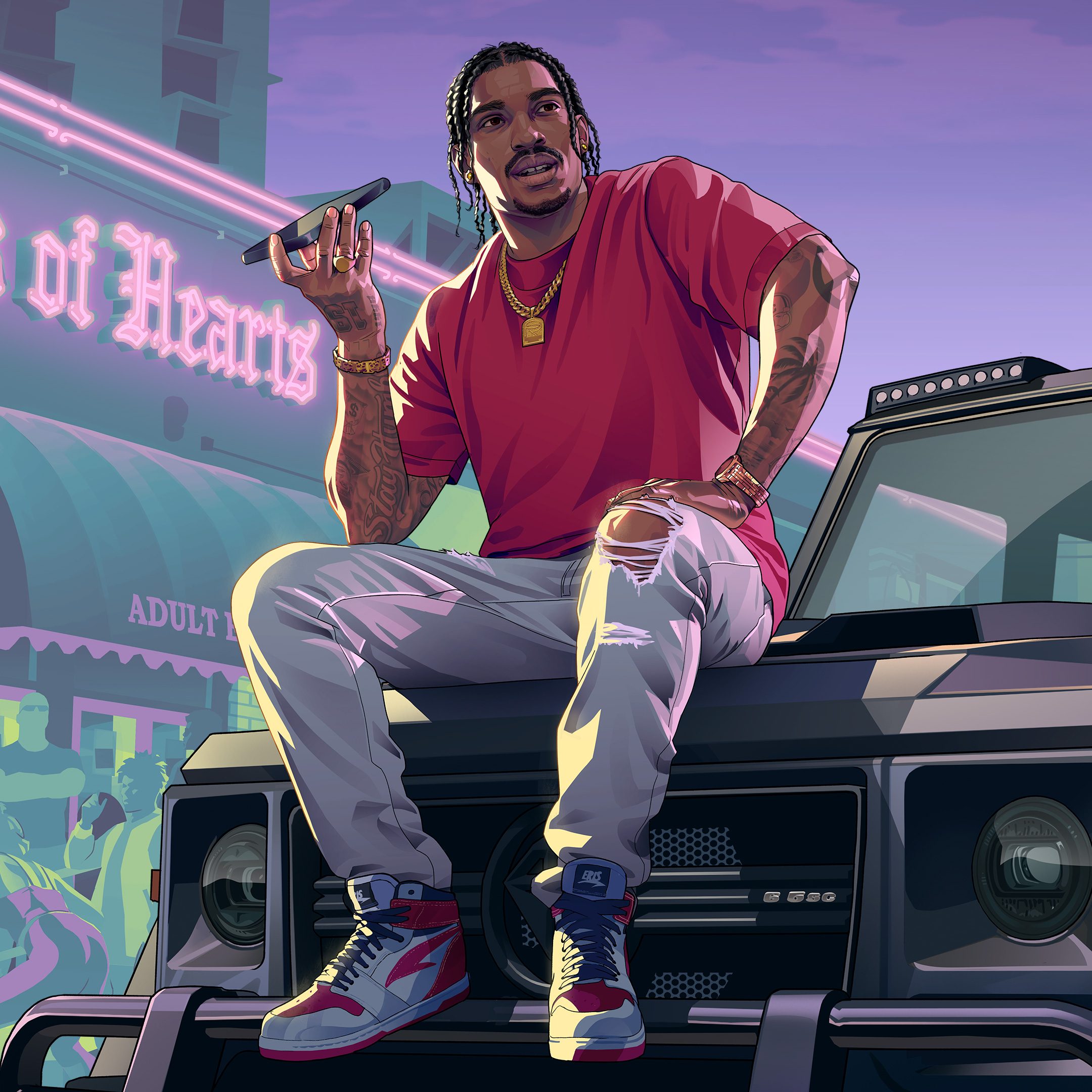
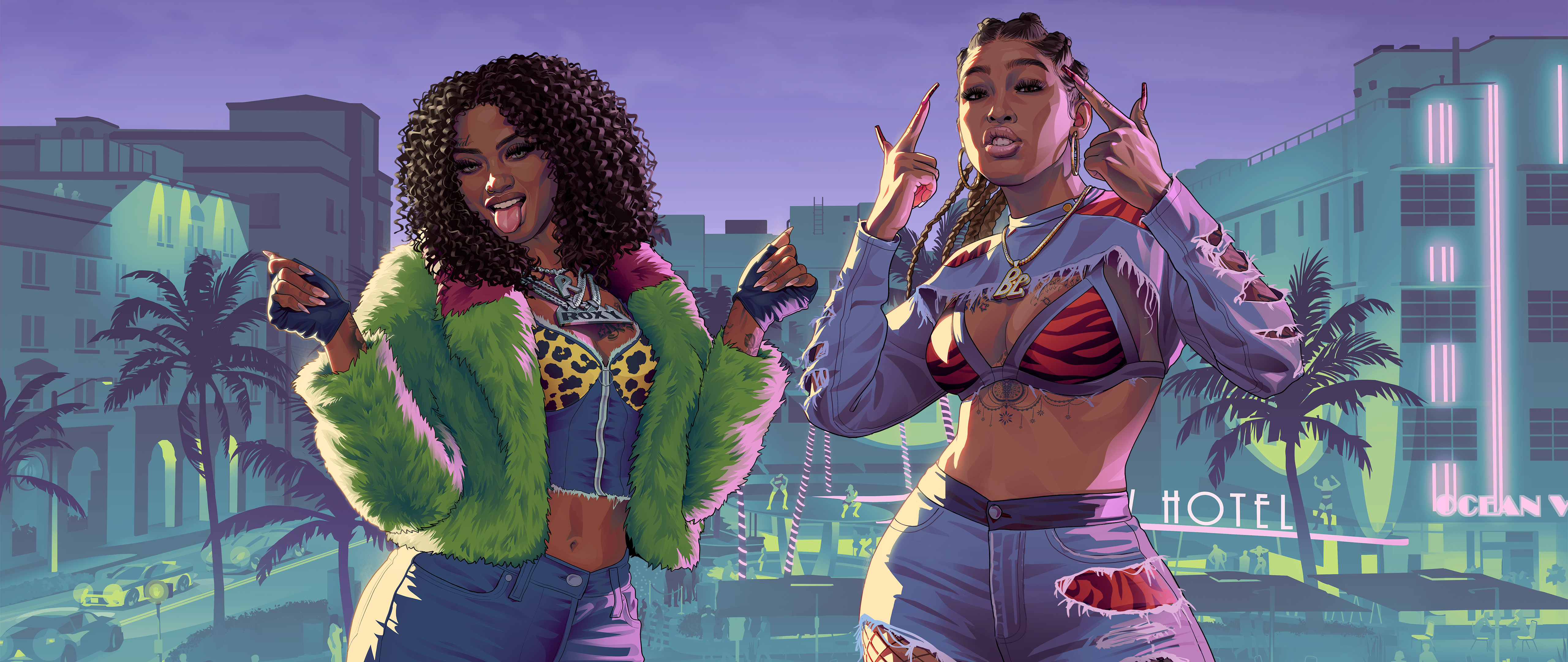
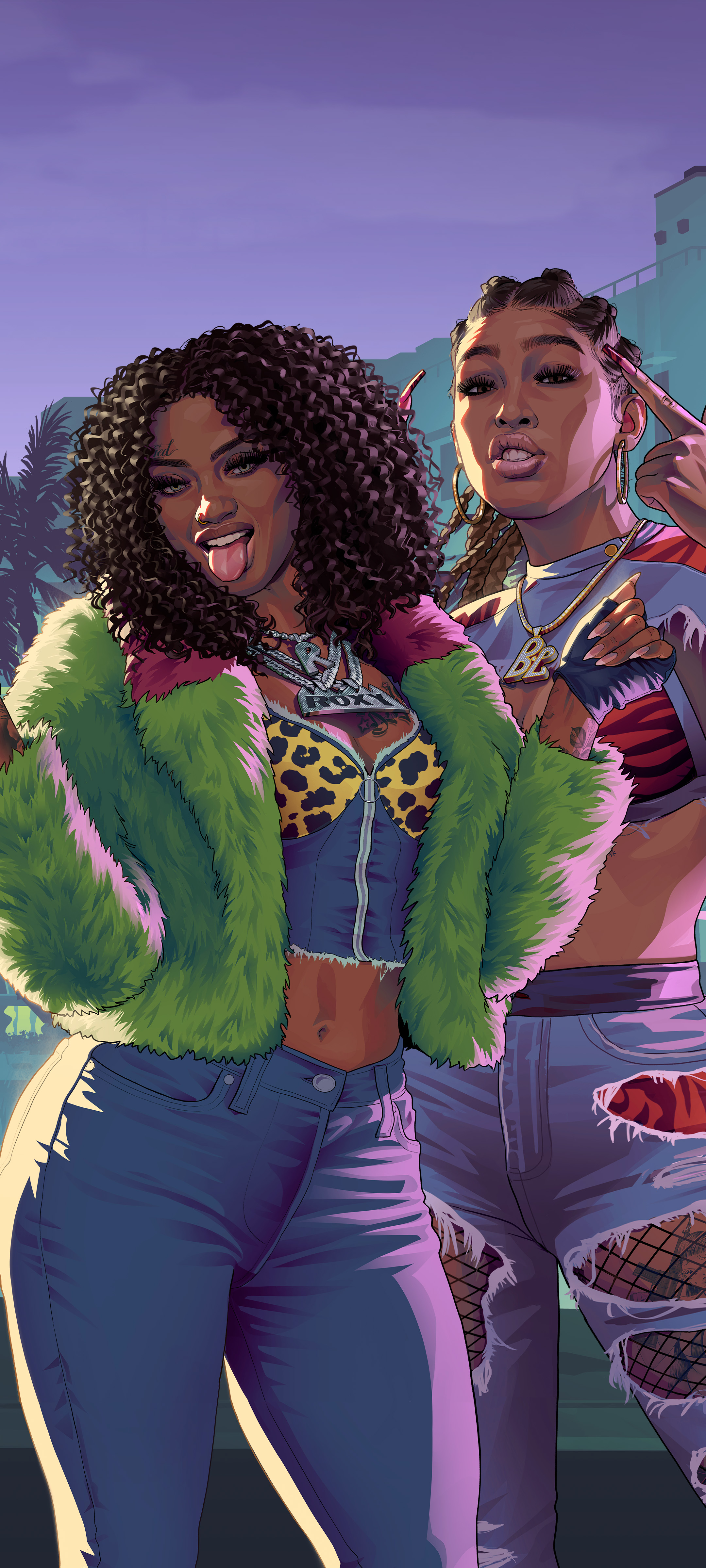
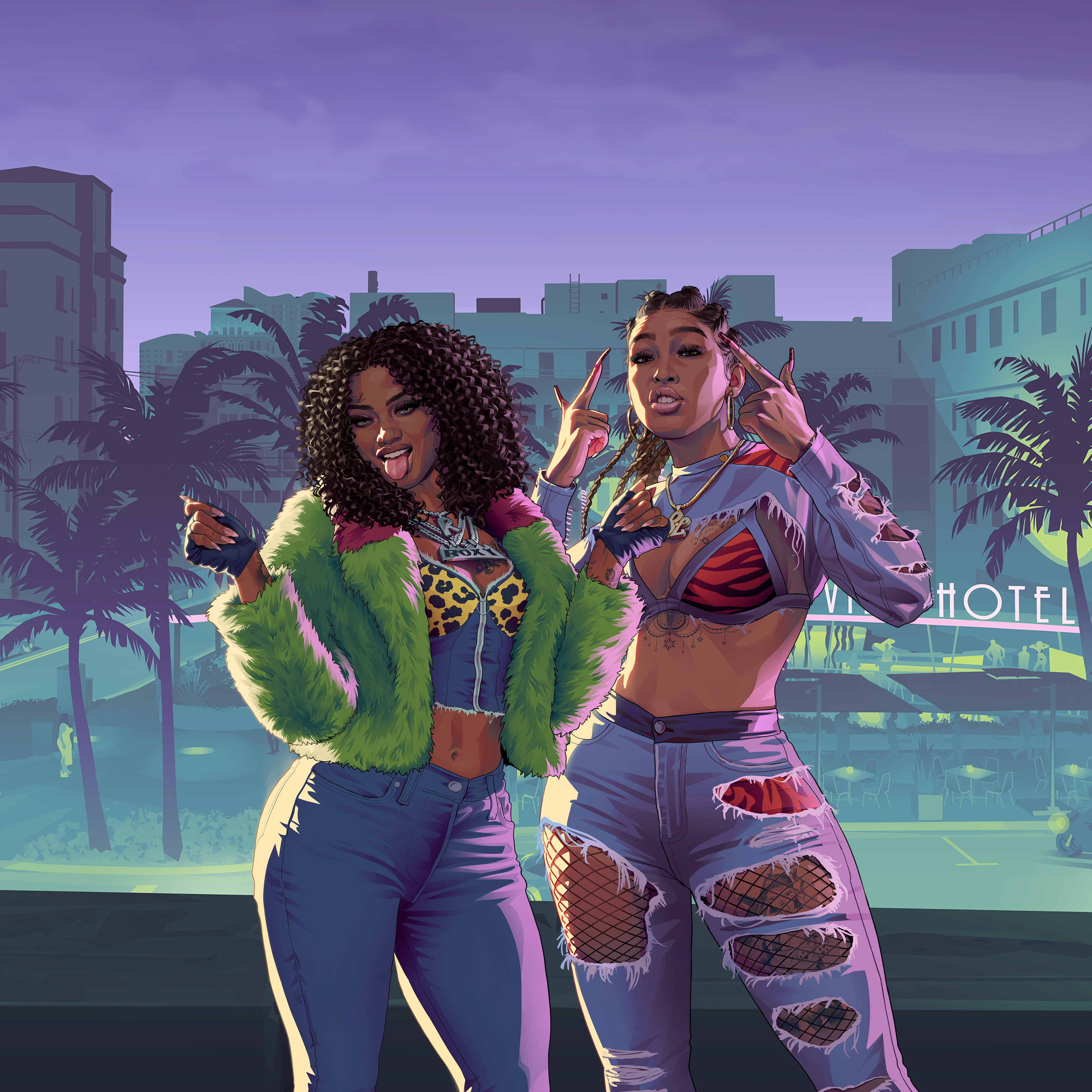
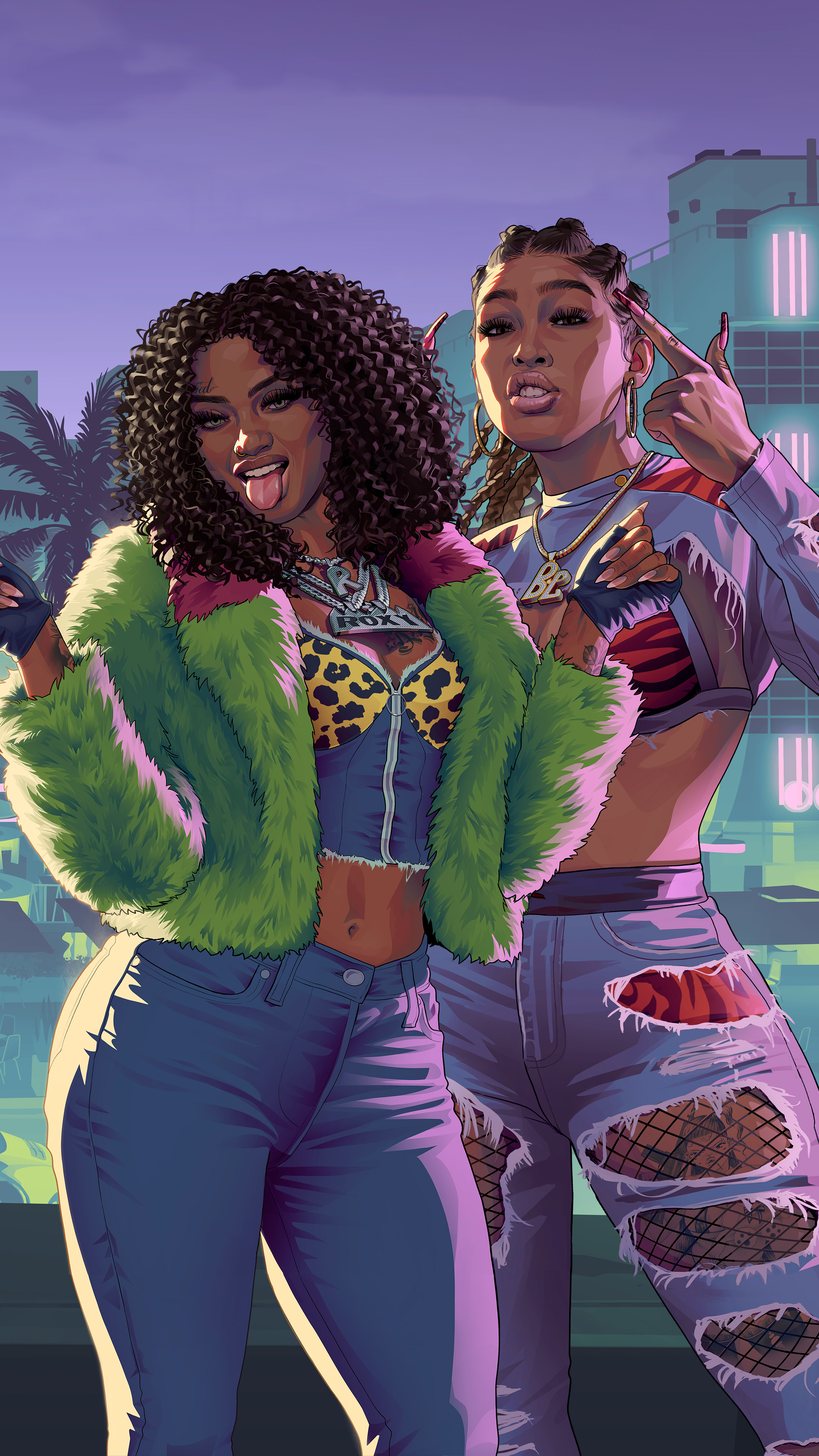
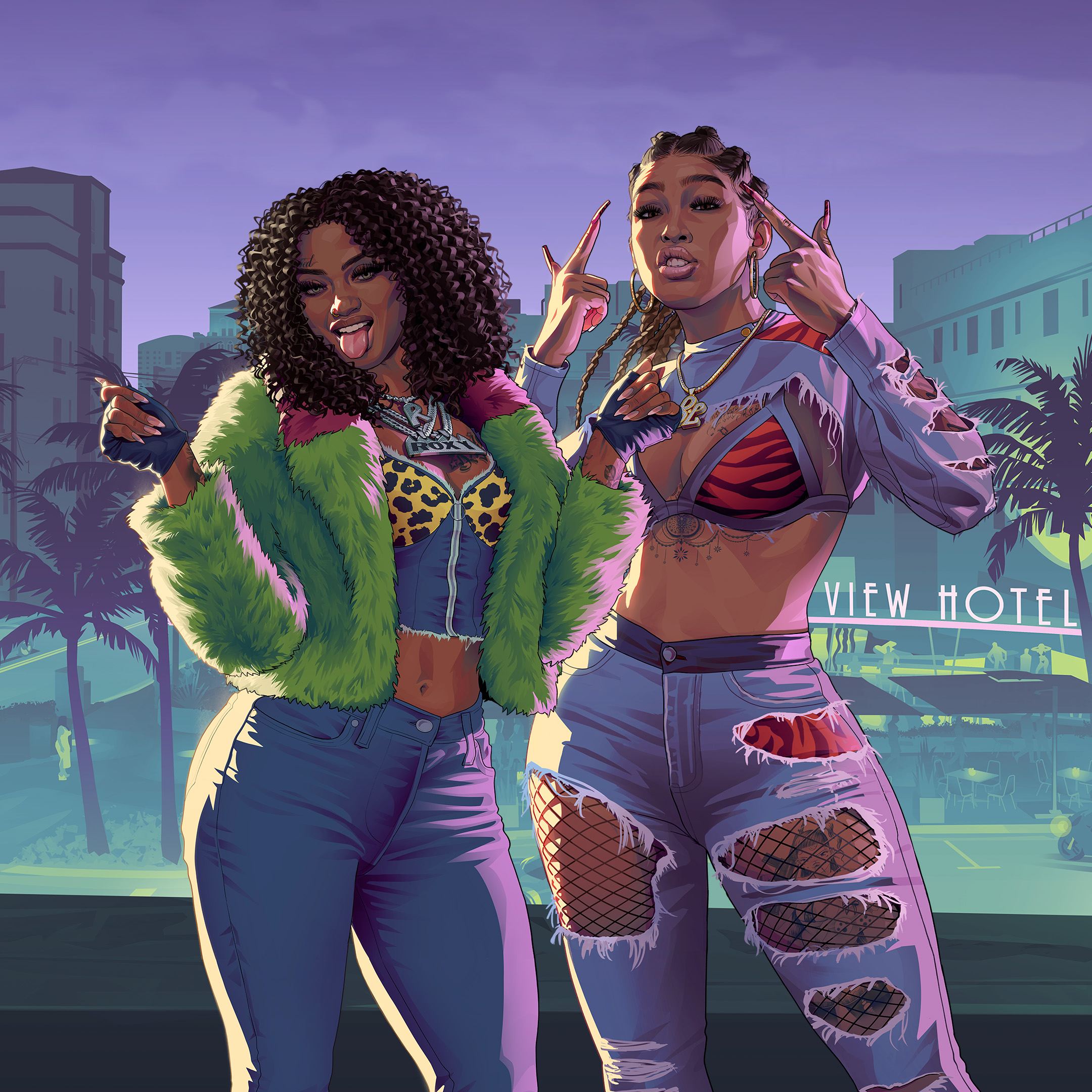
Rockstar's portrait art for the supporting cast, each in six sizes.
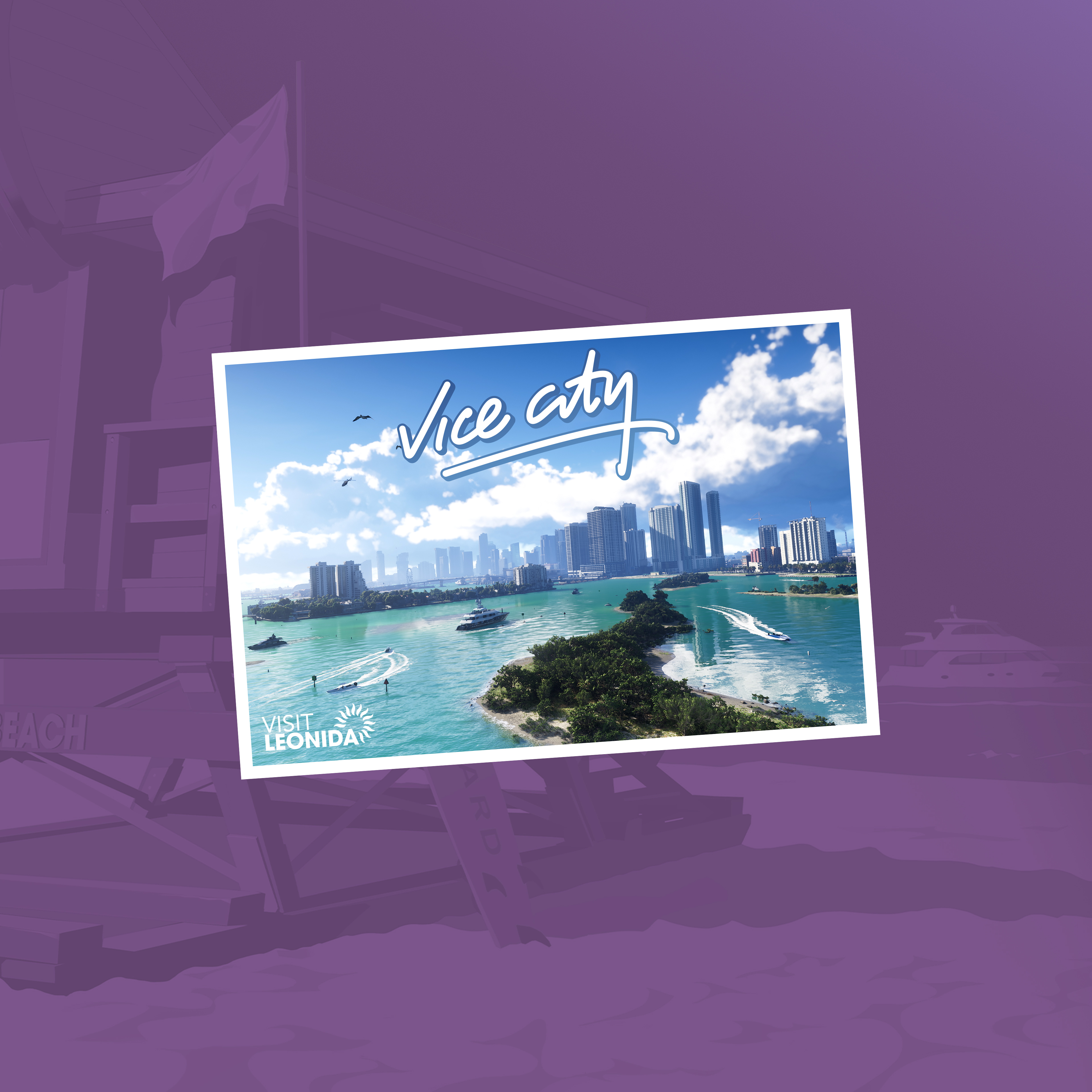
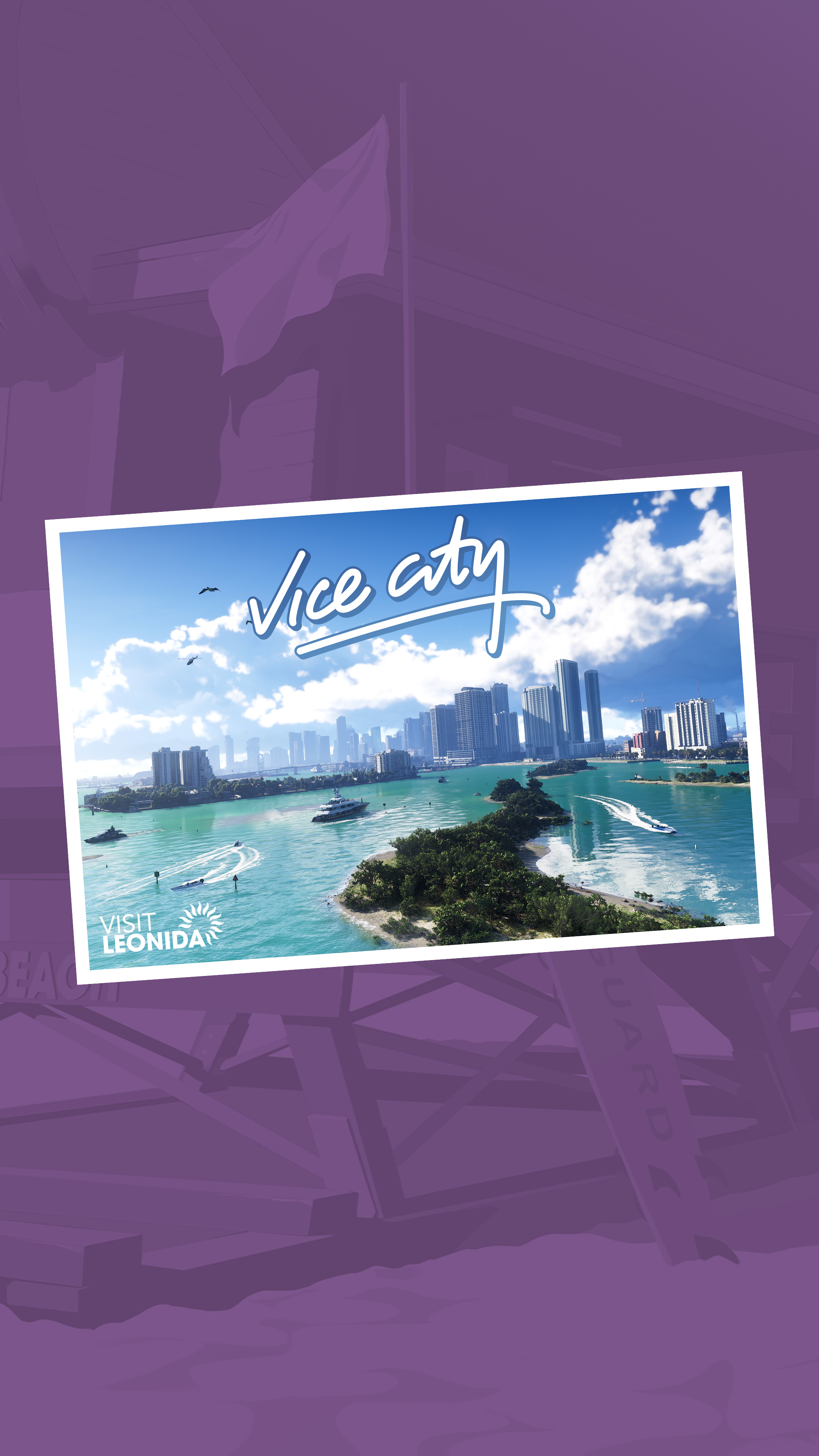
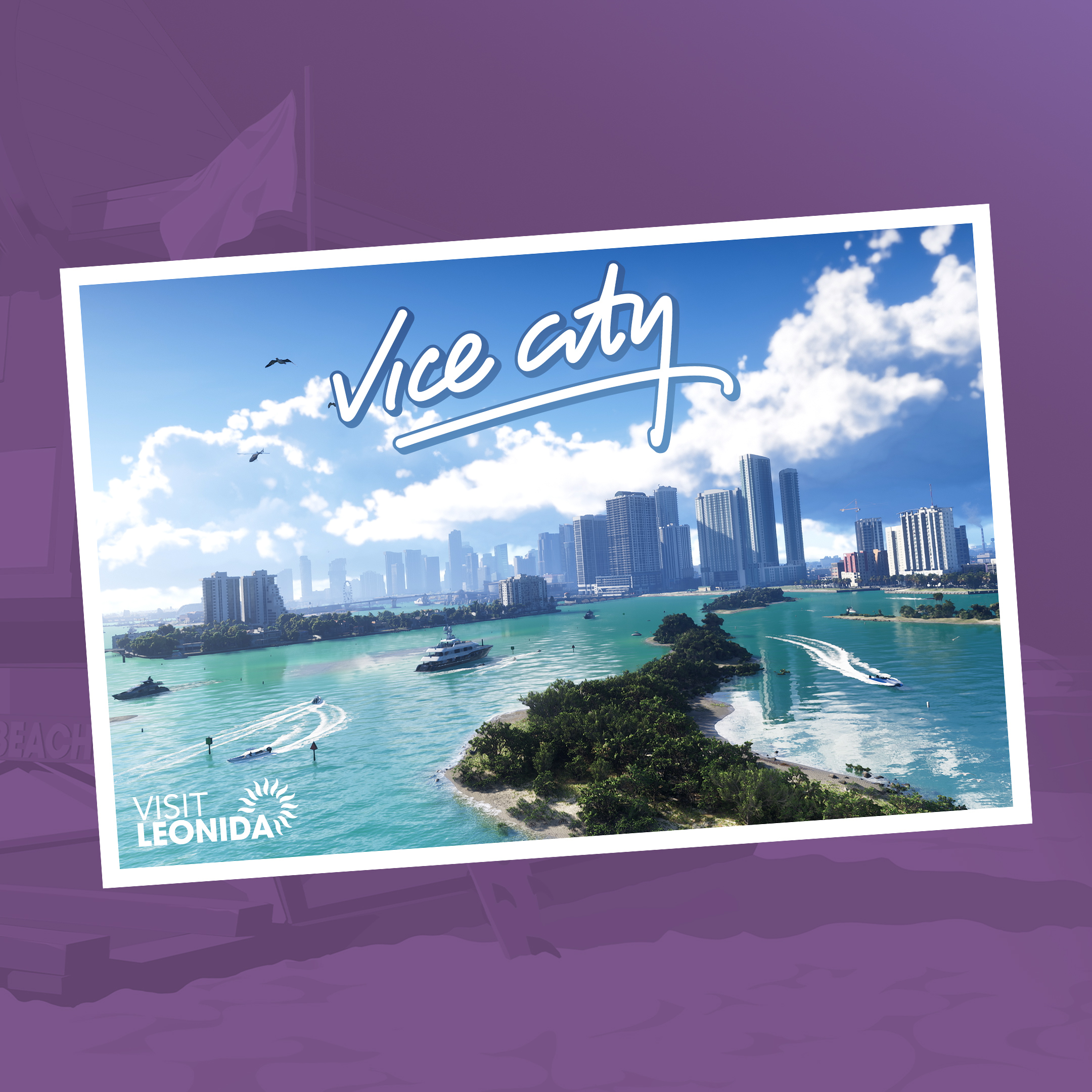
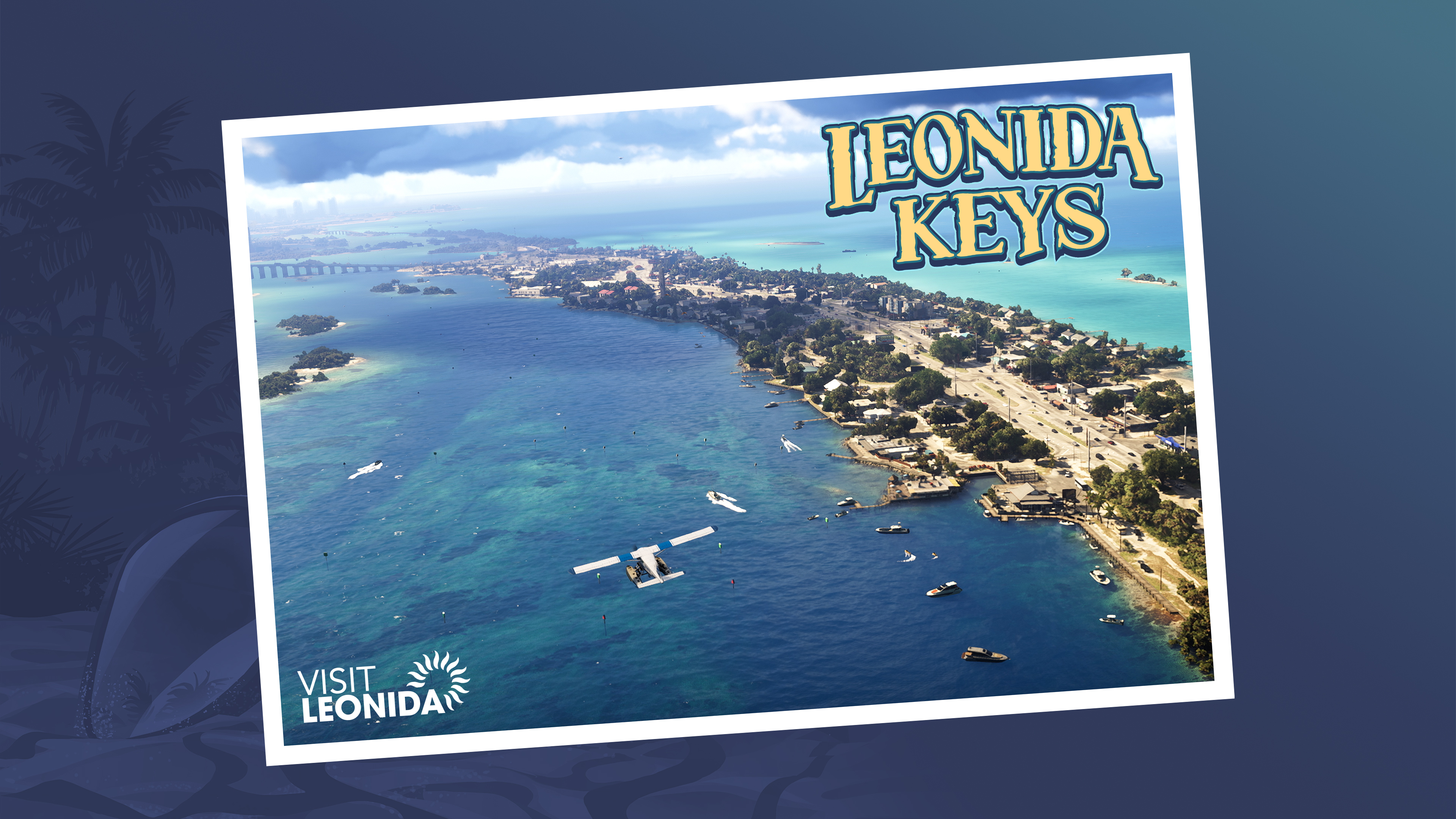
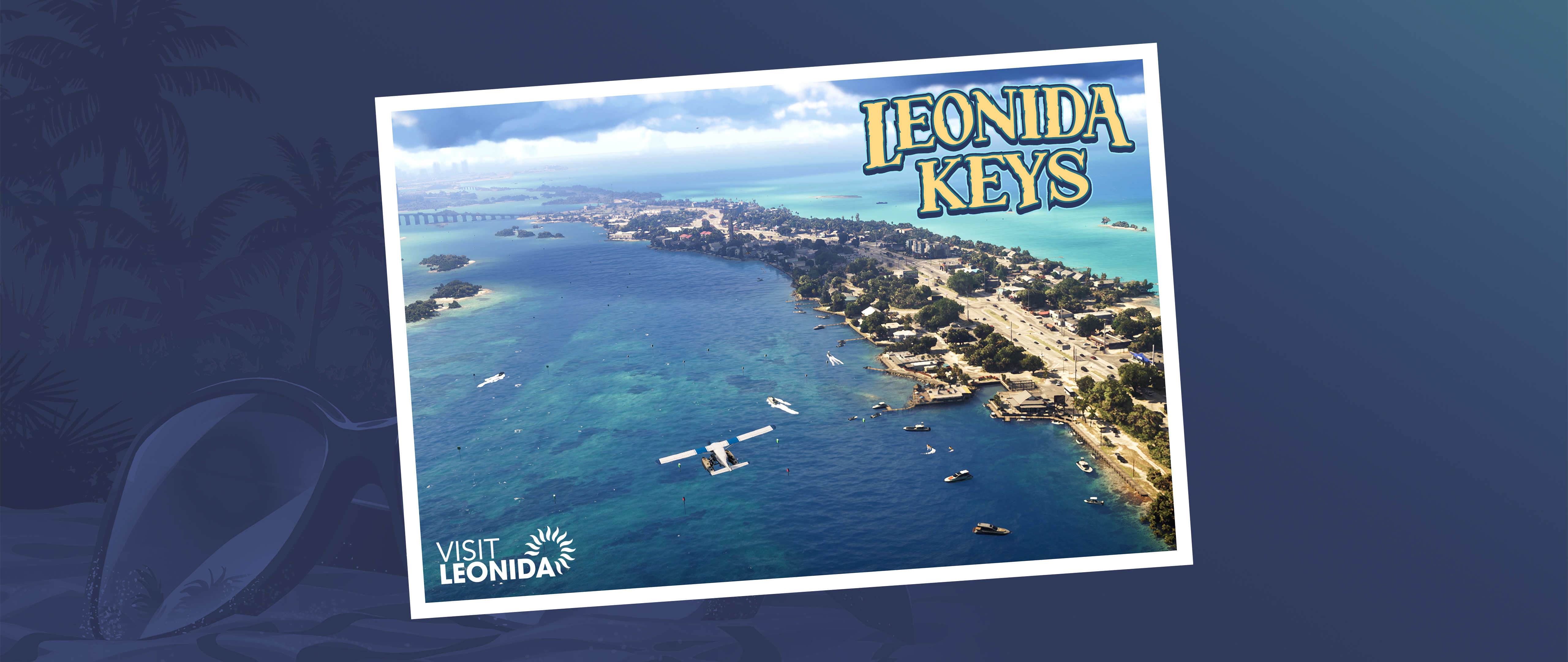
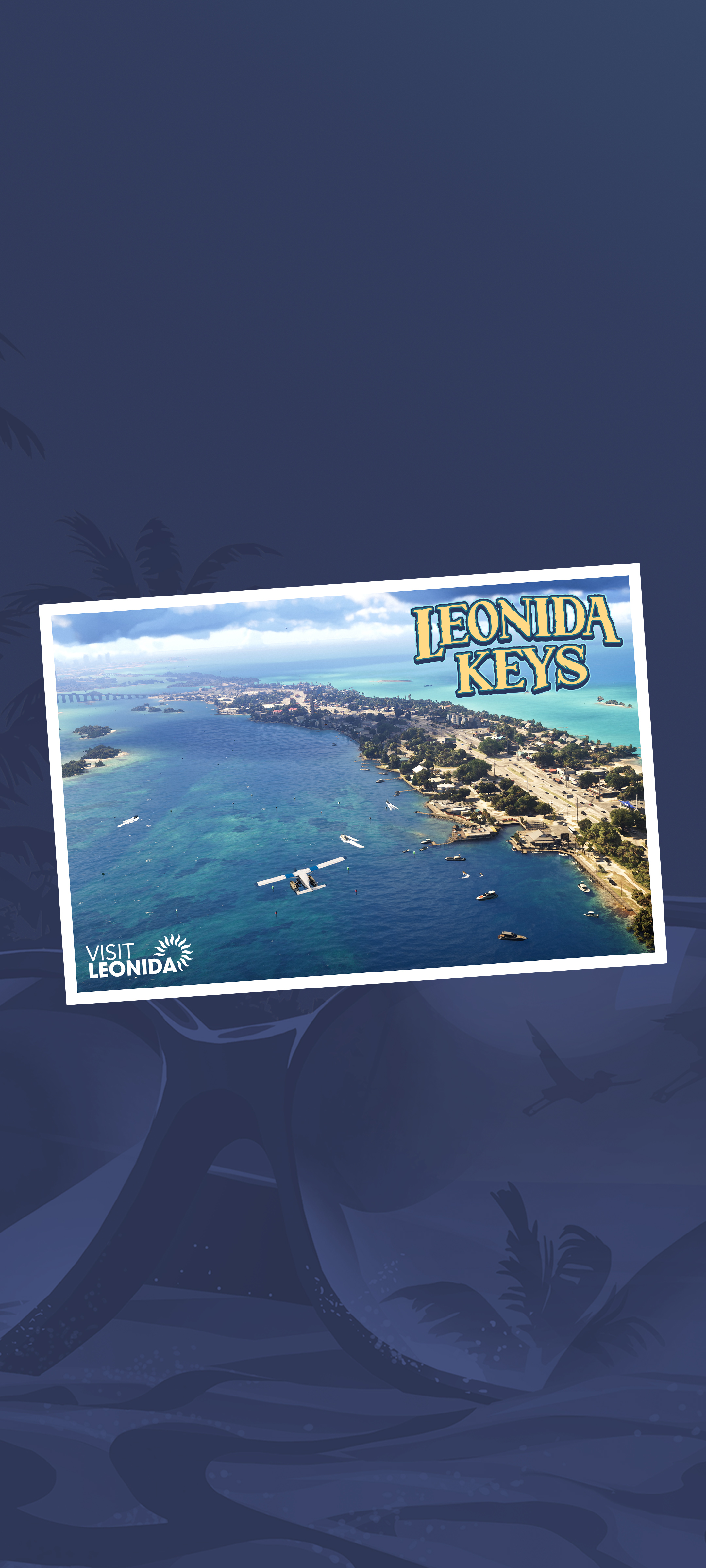
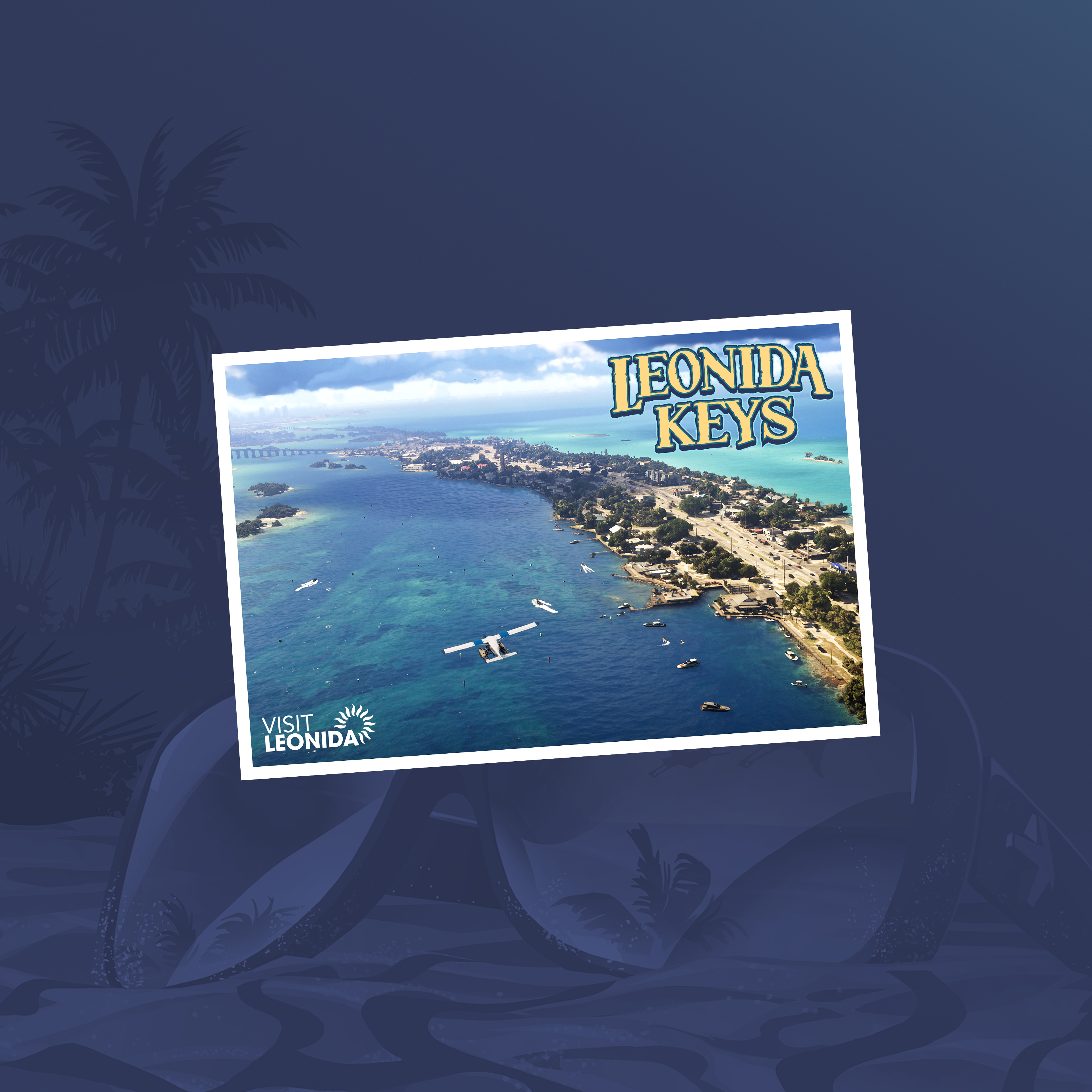
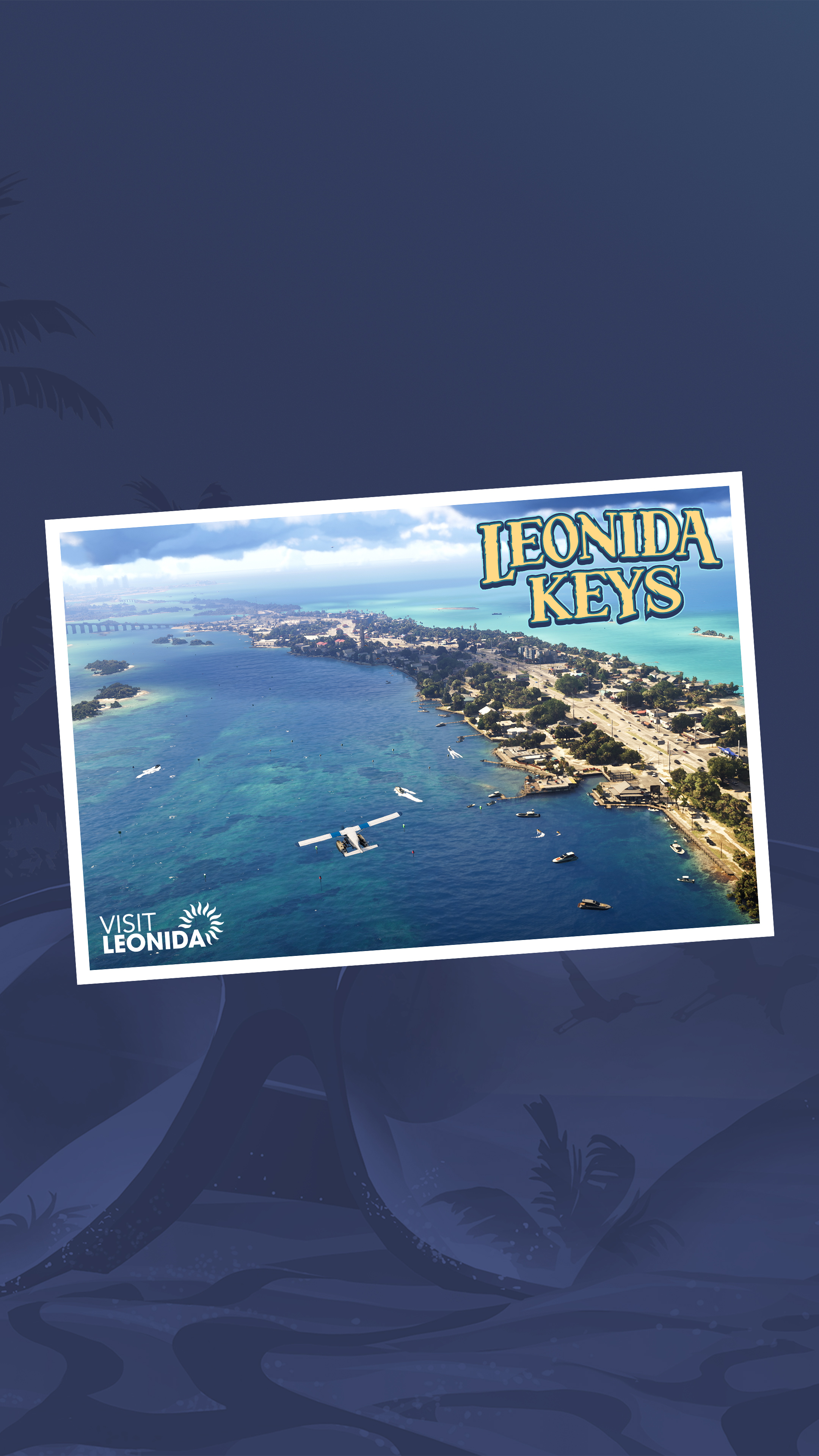
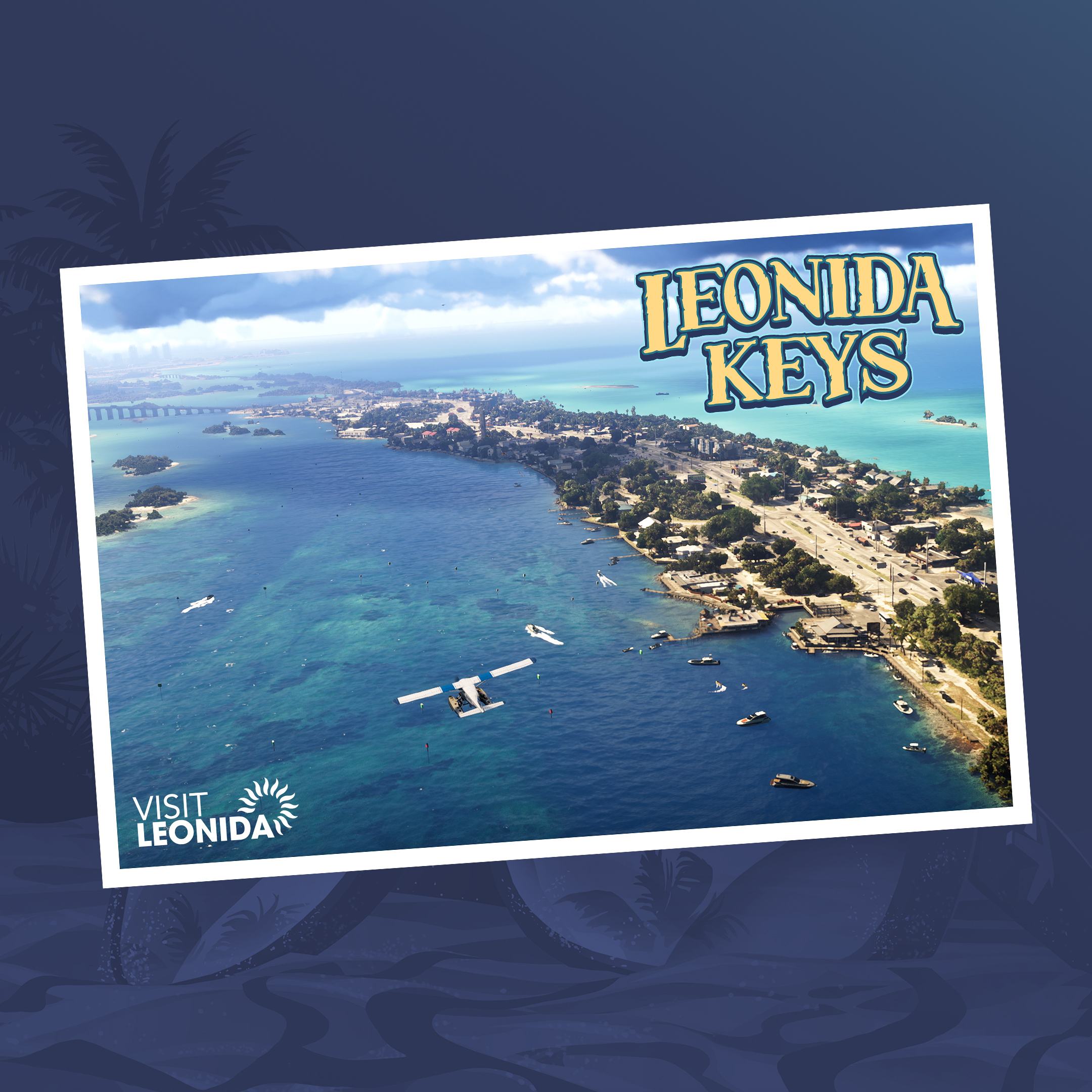
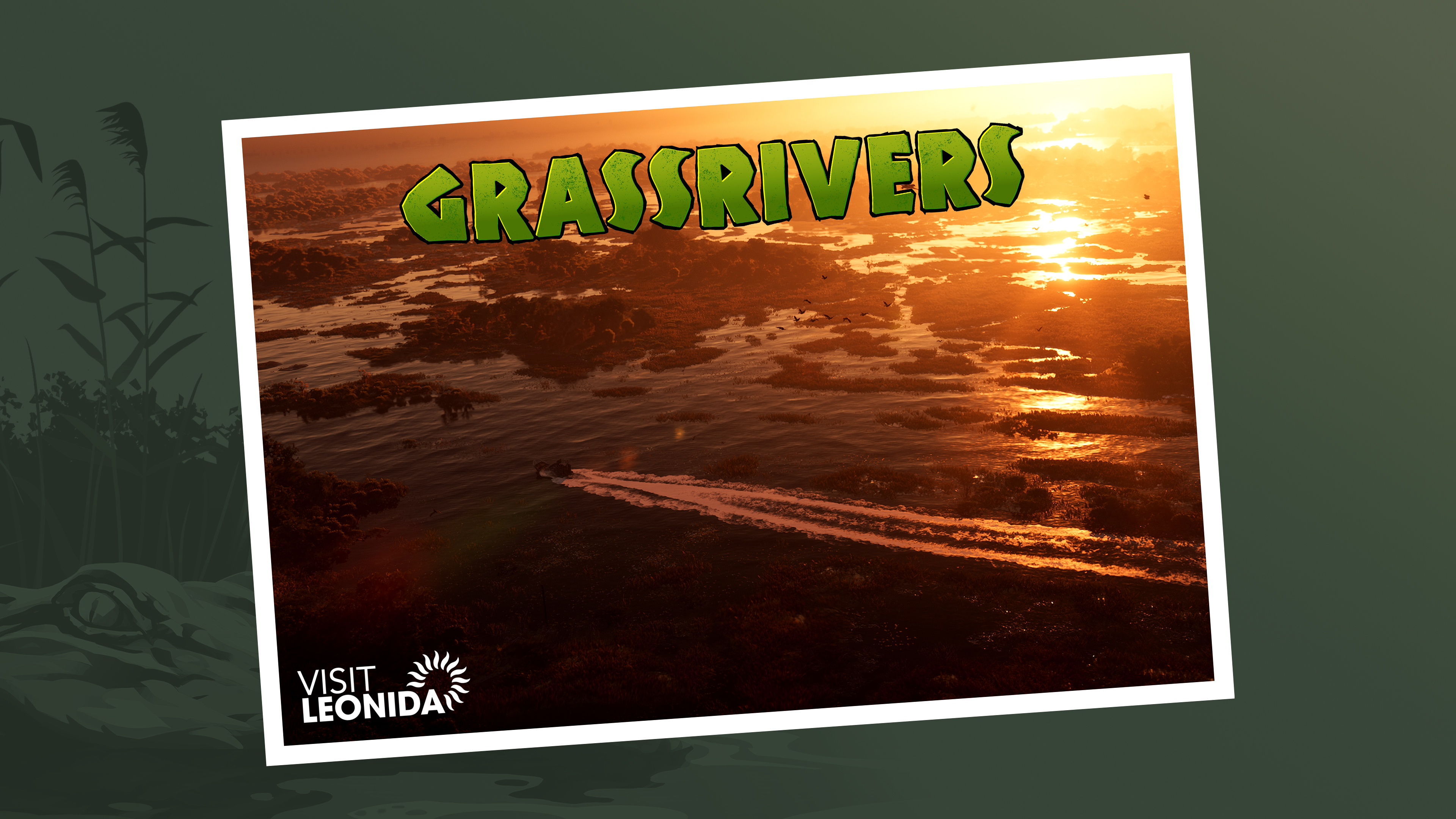
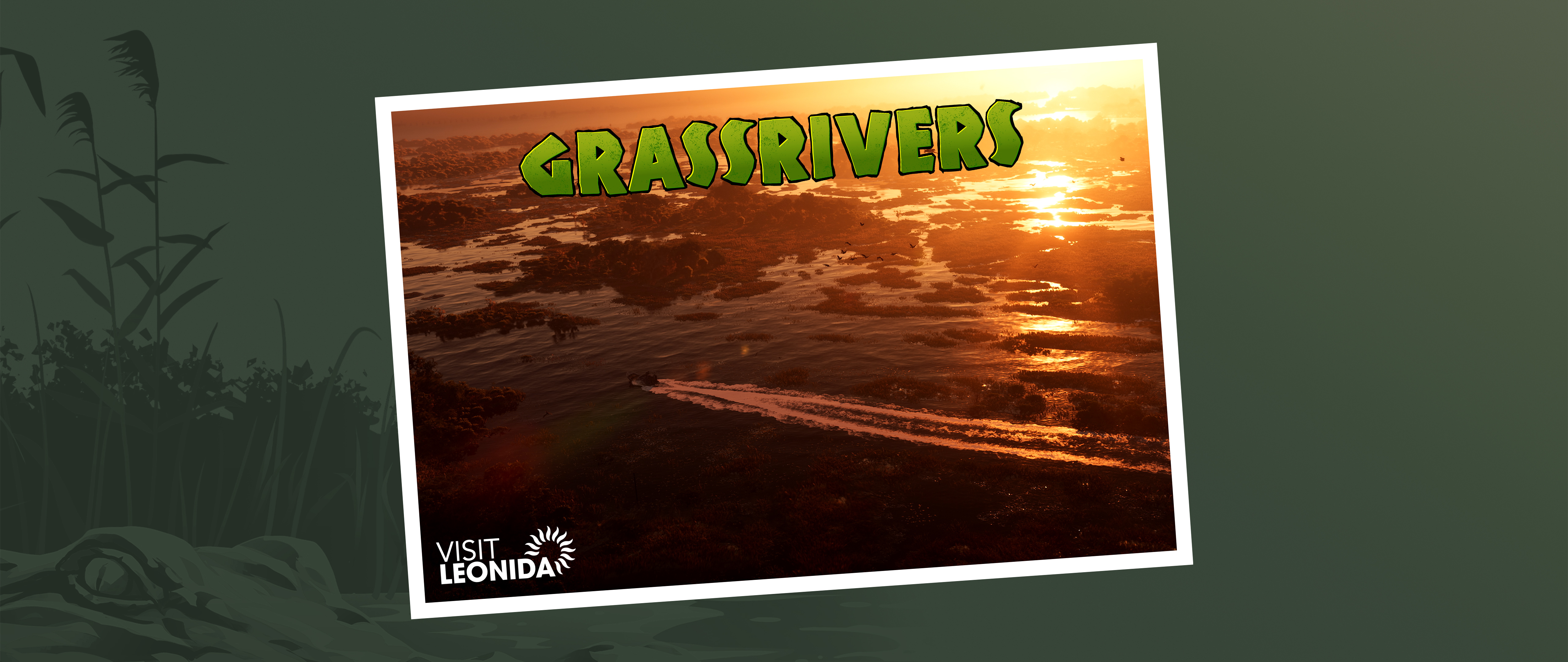
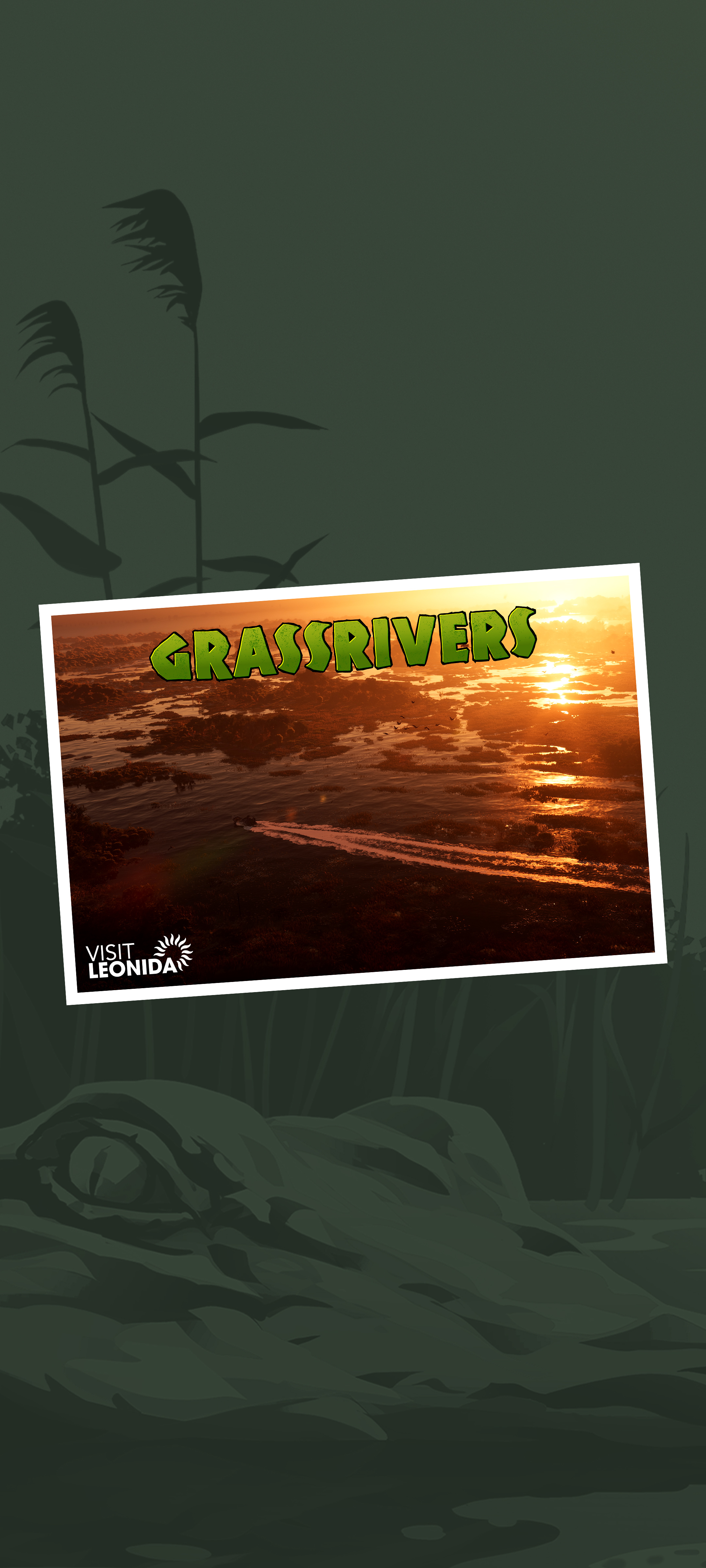
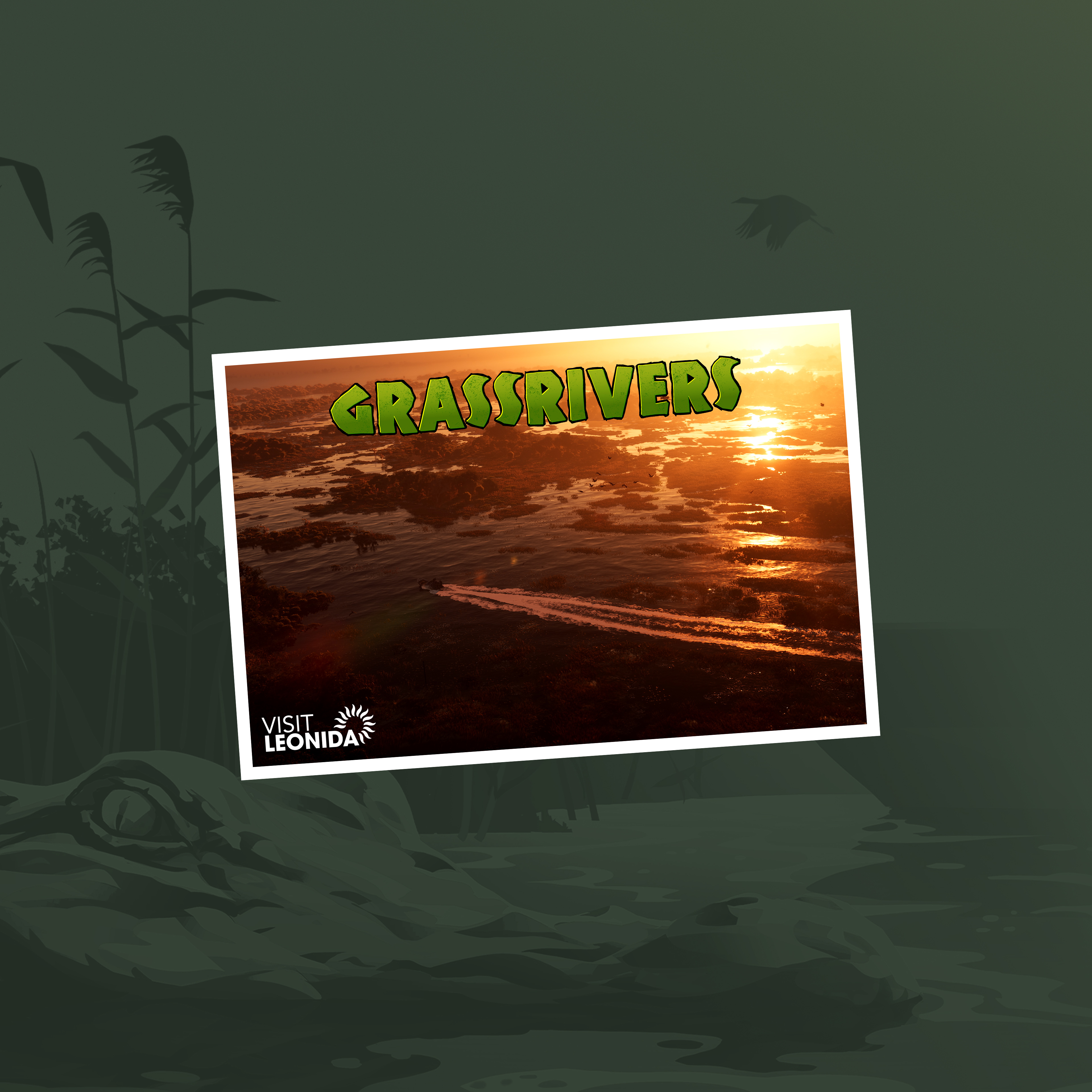
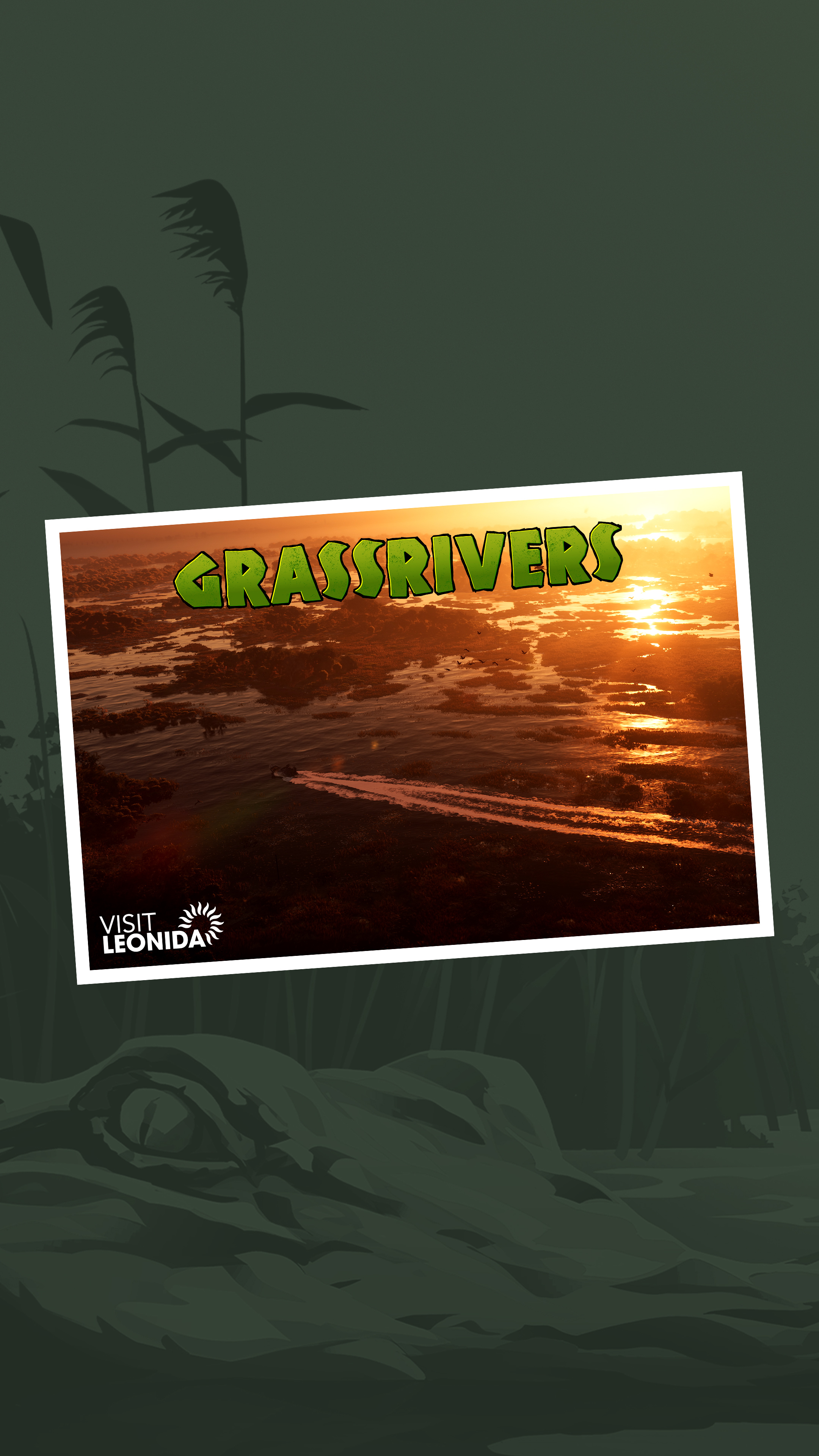
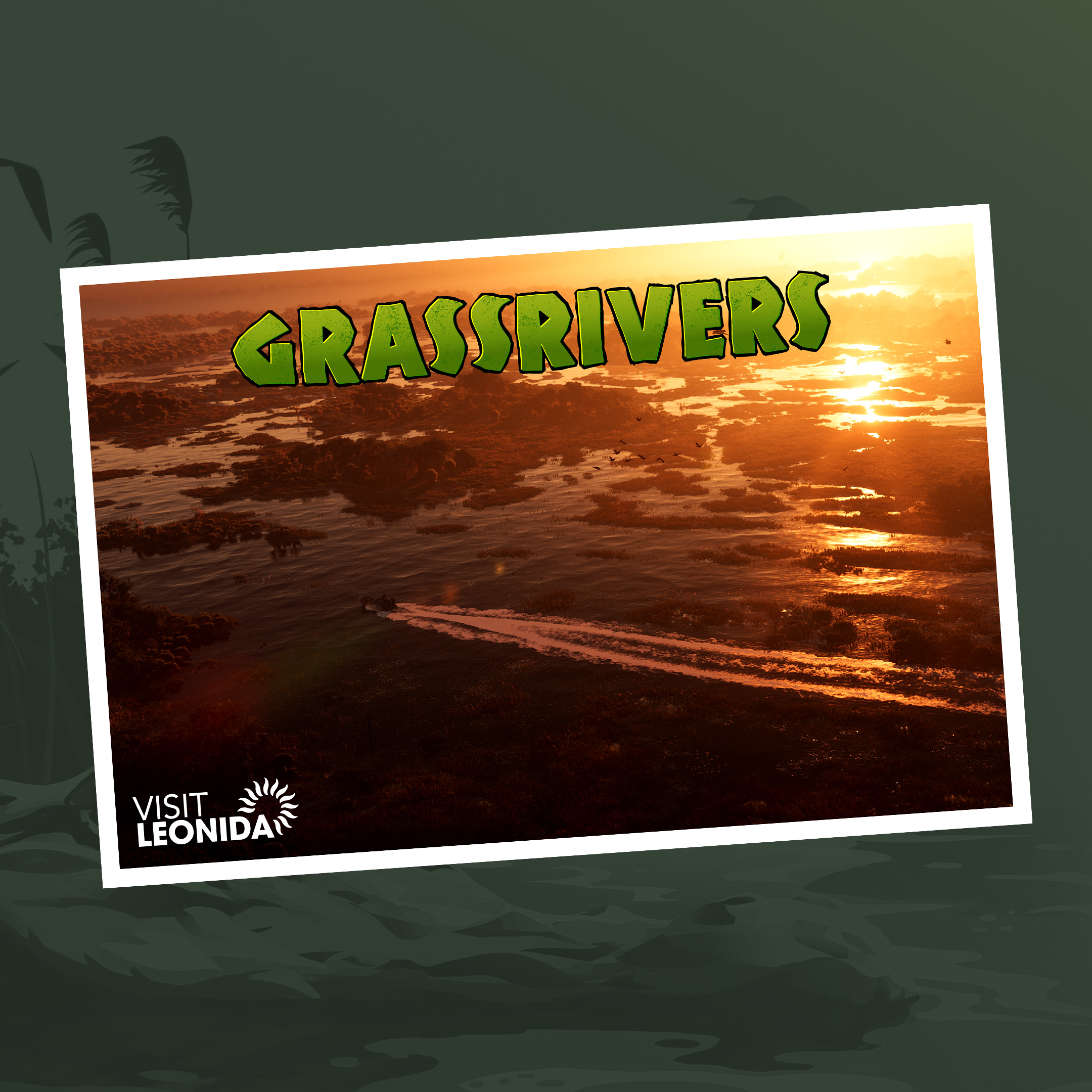
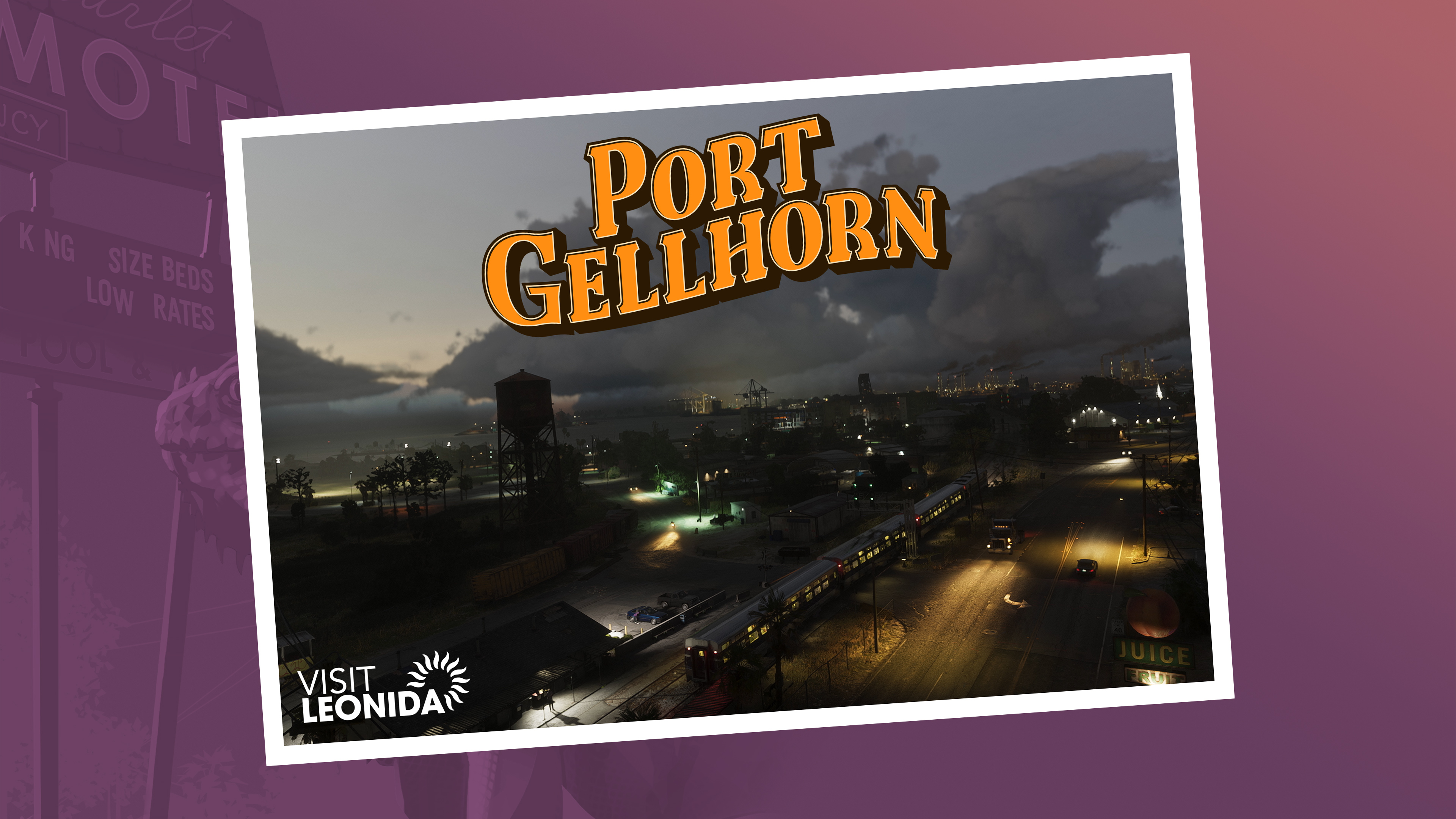
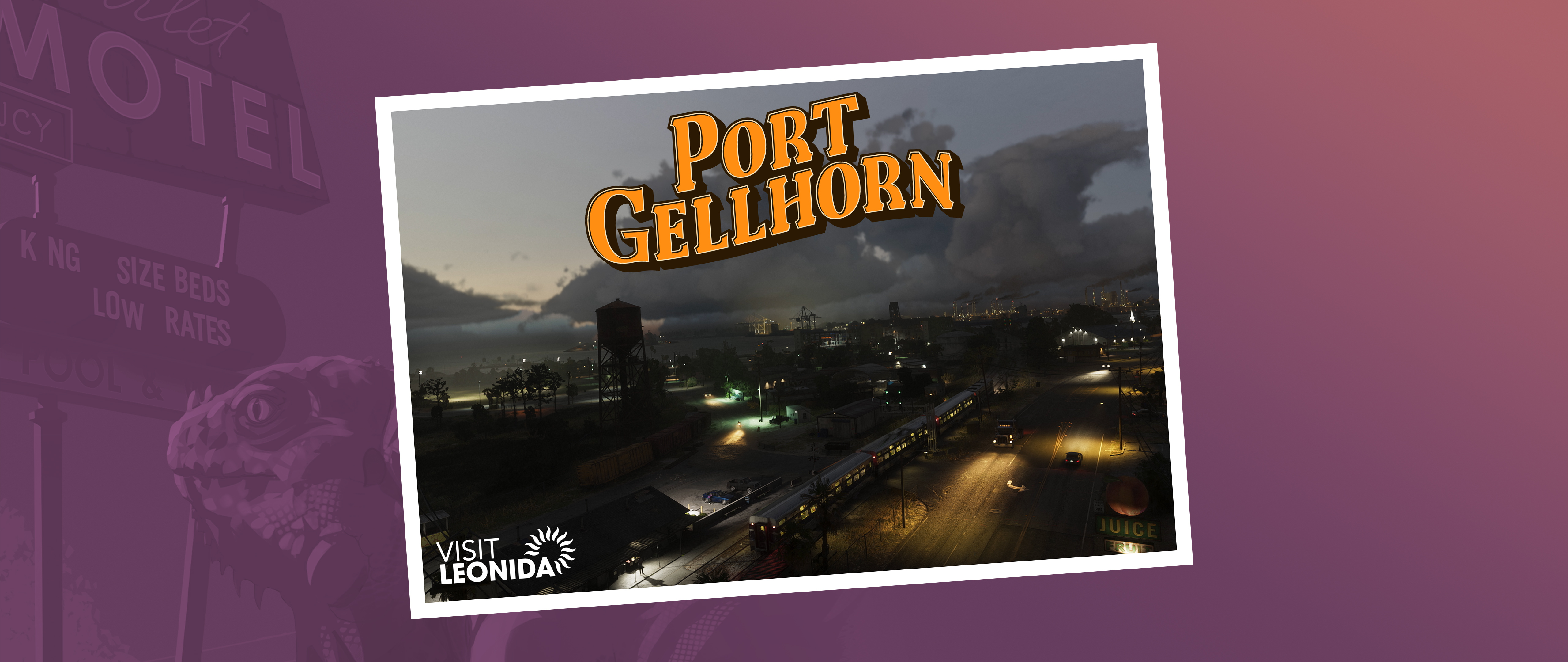
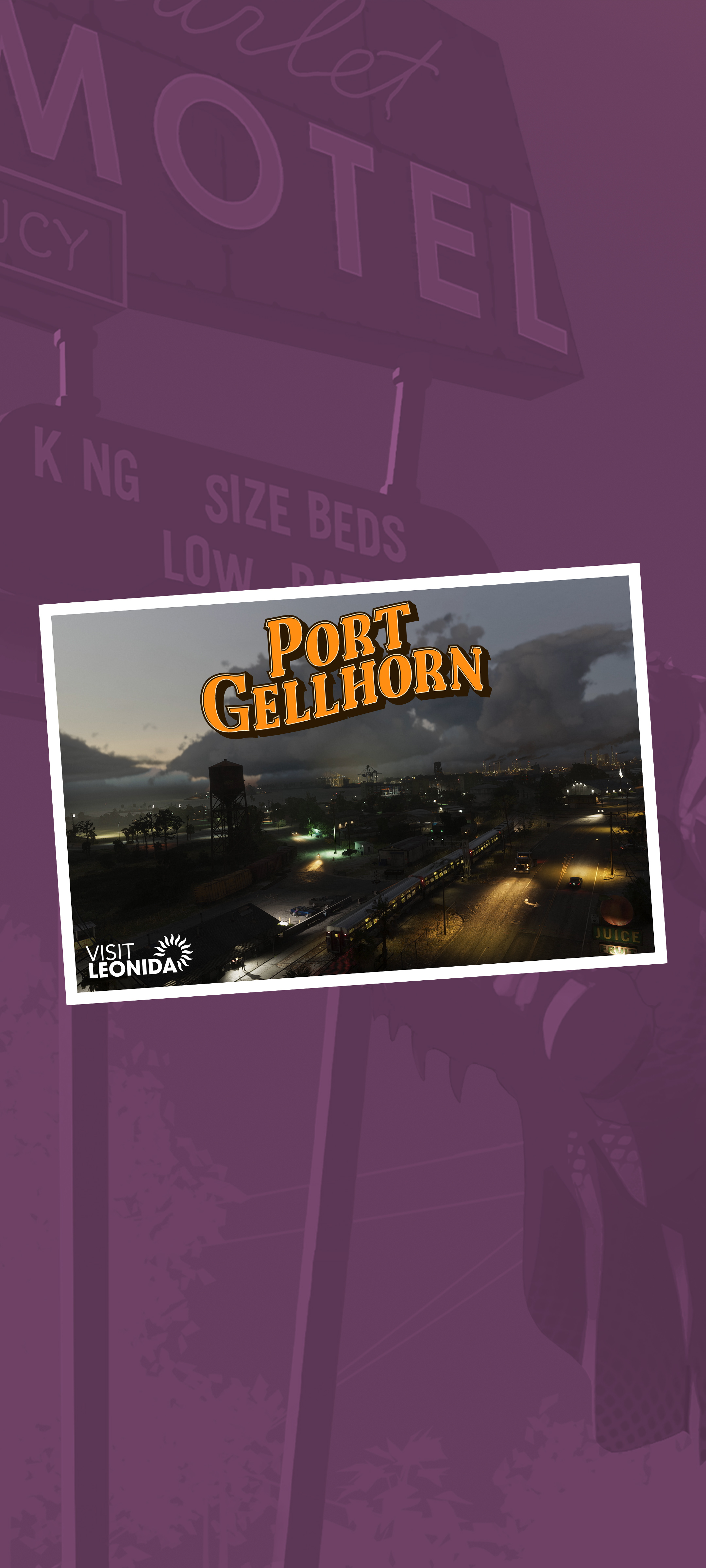
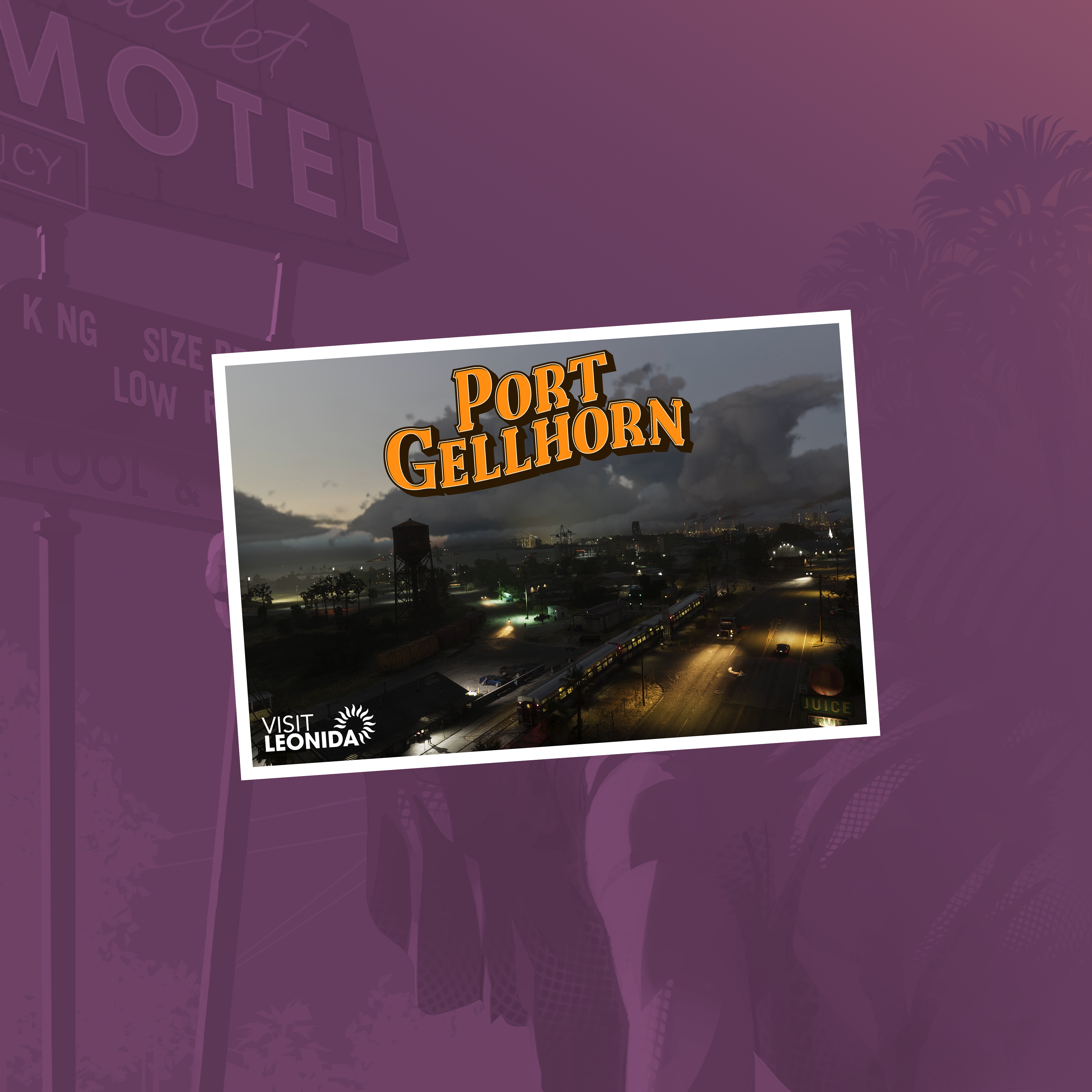
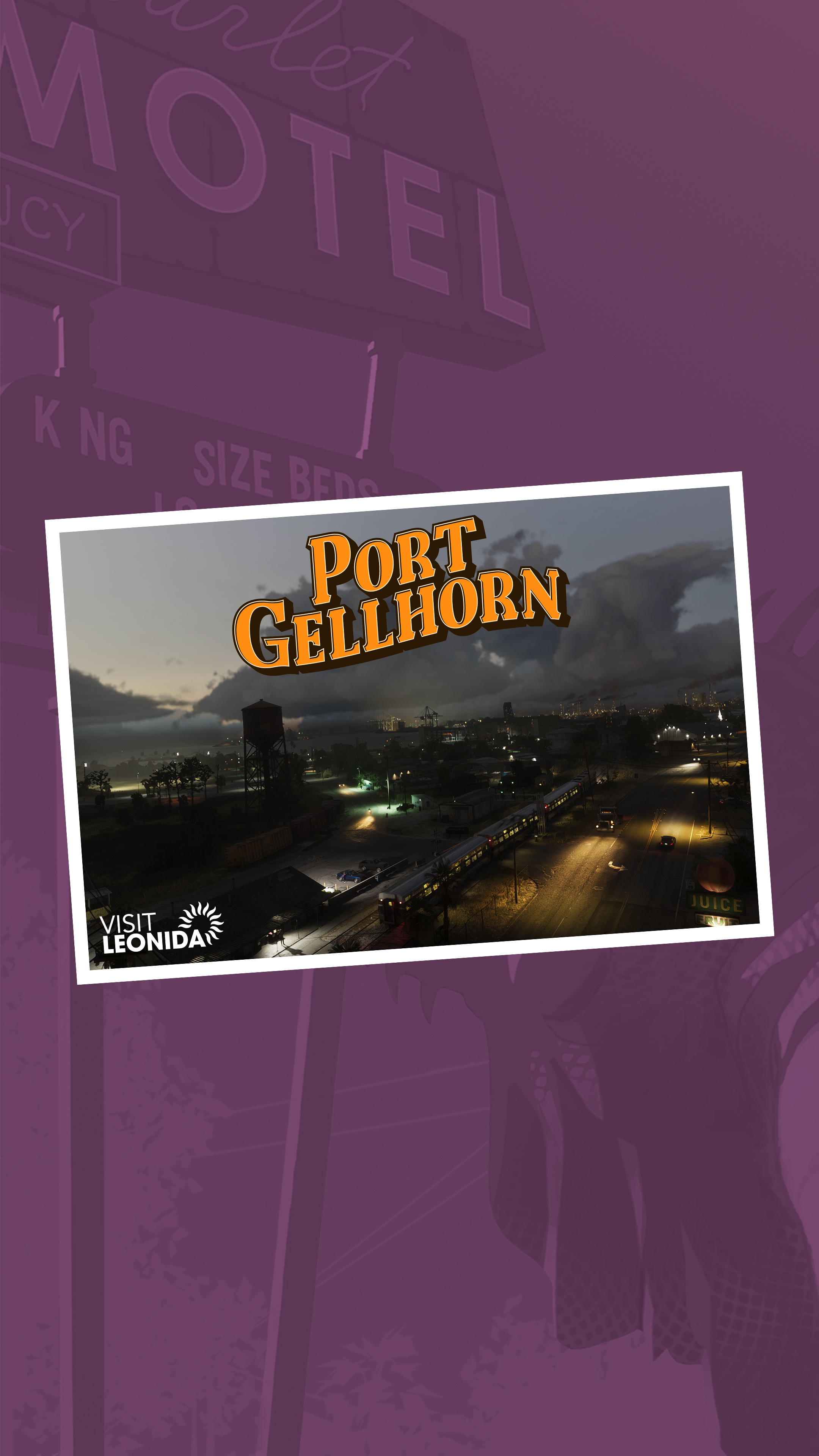
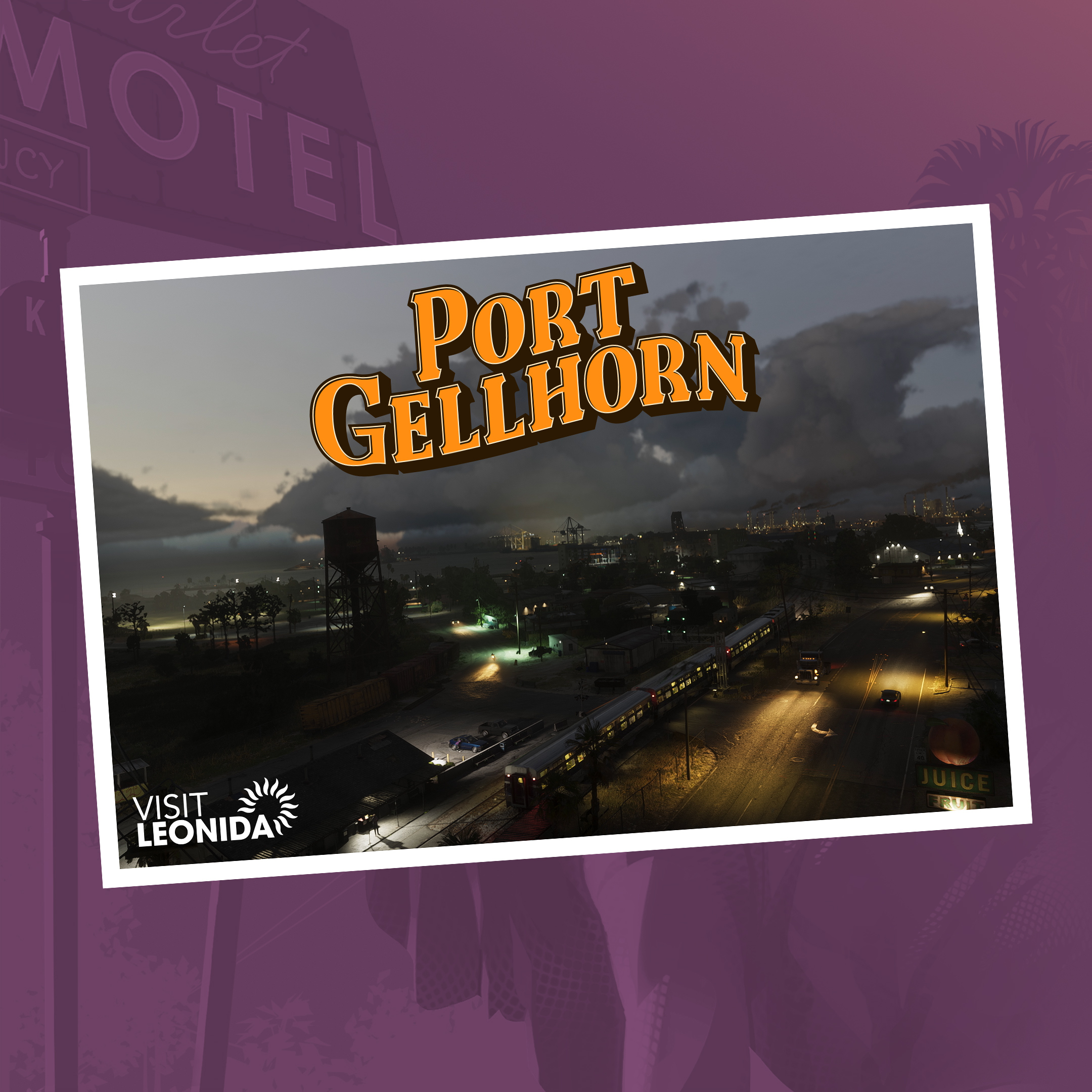
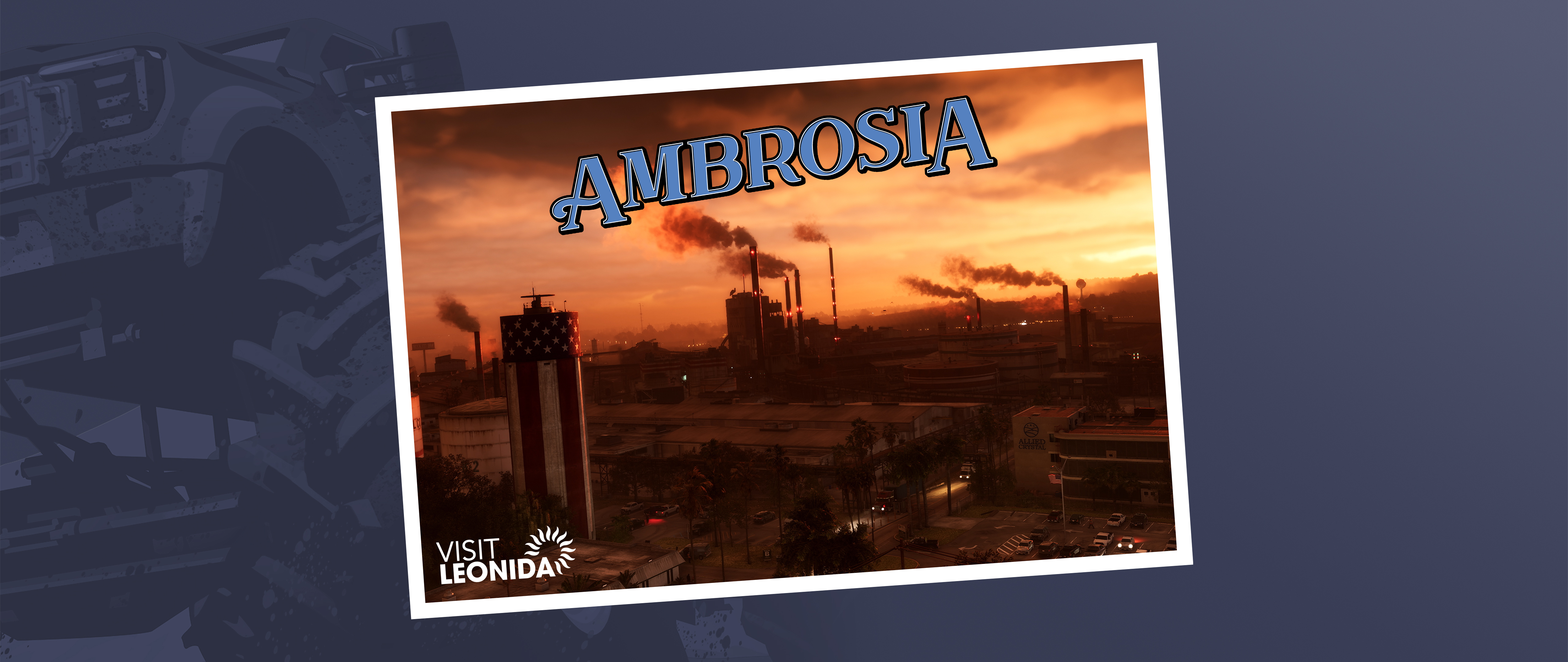
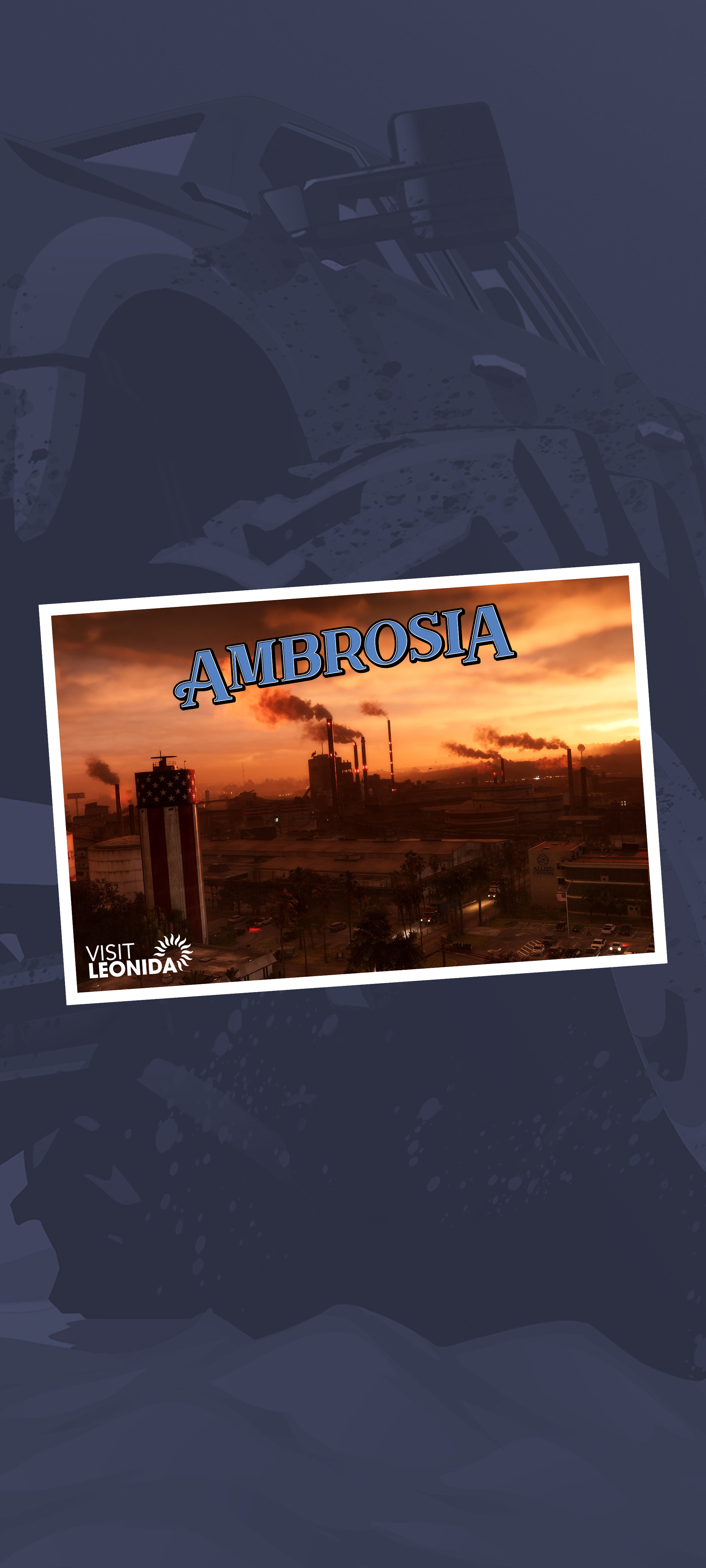
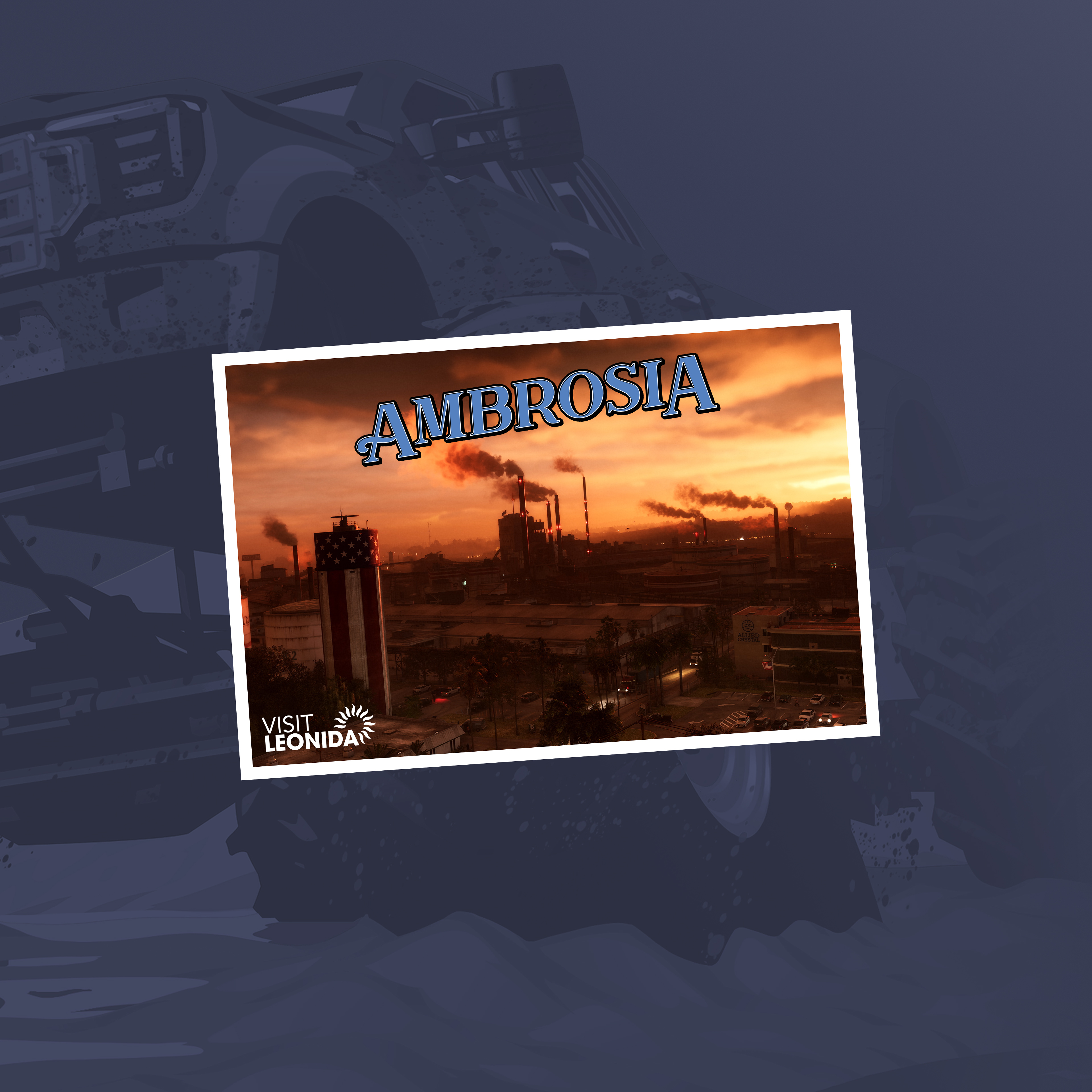
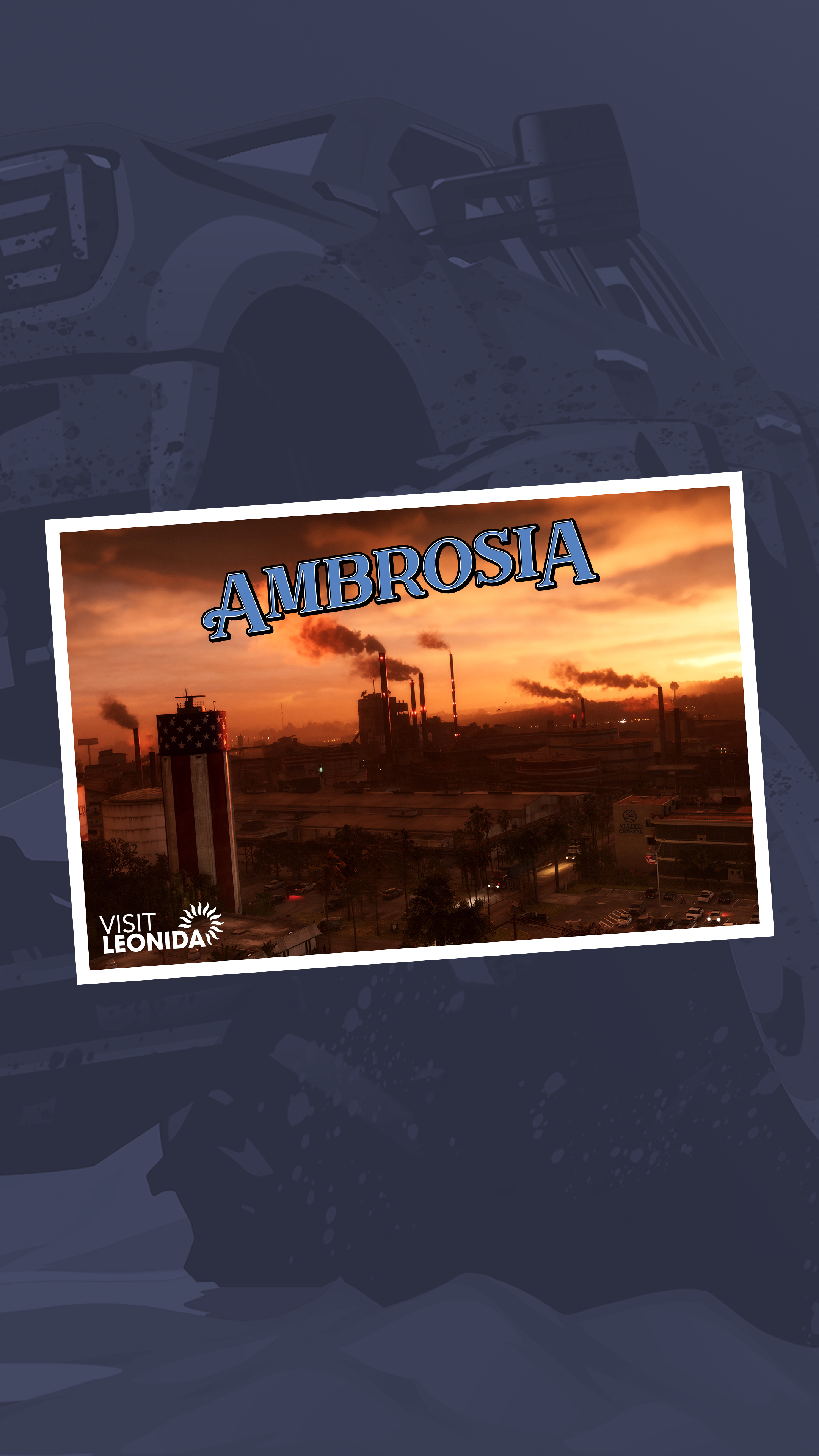
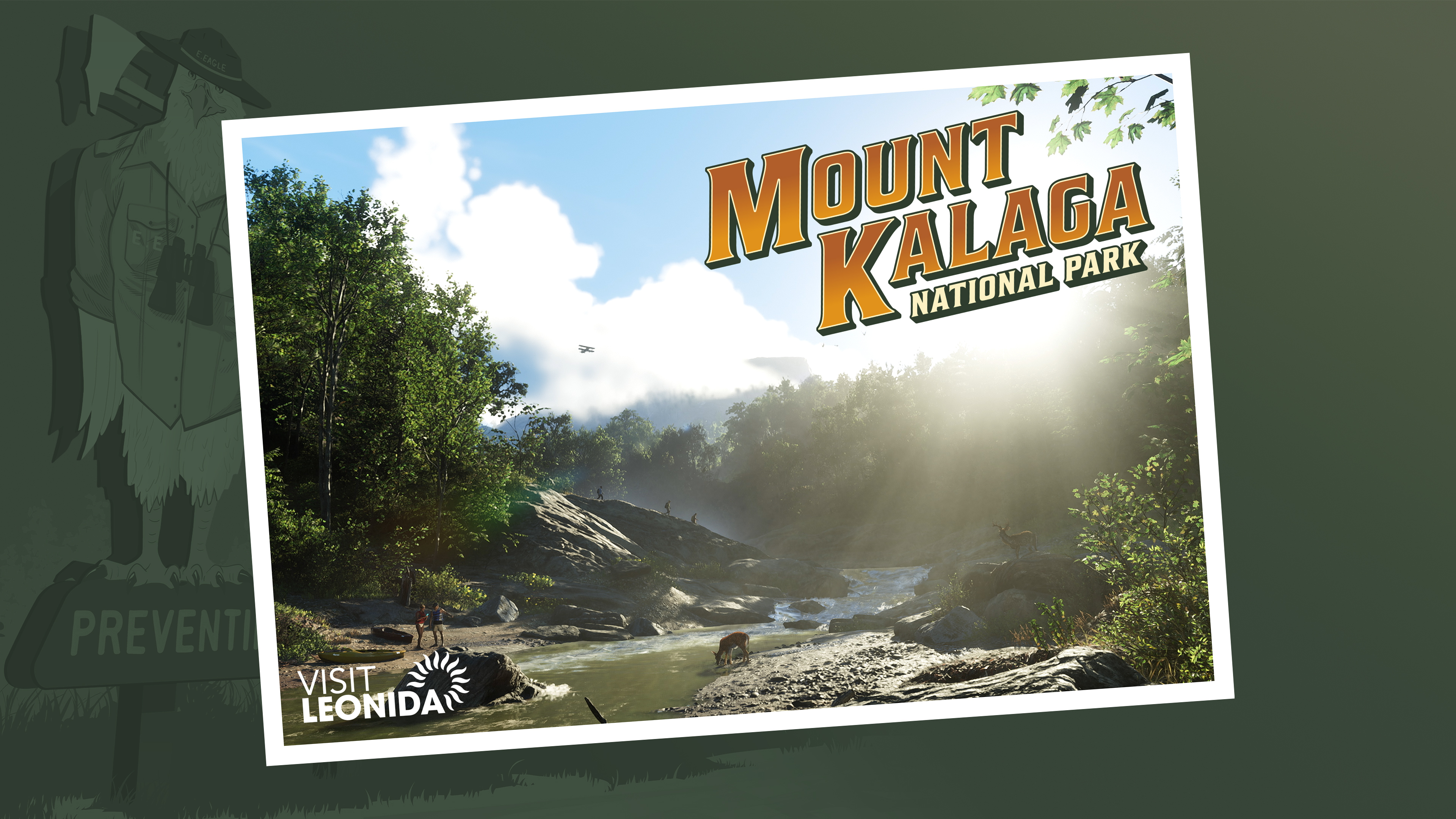
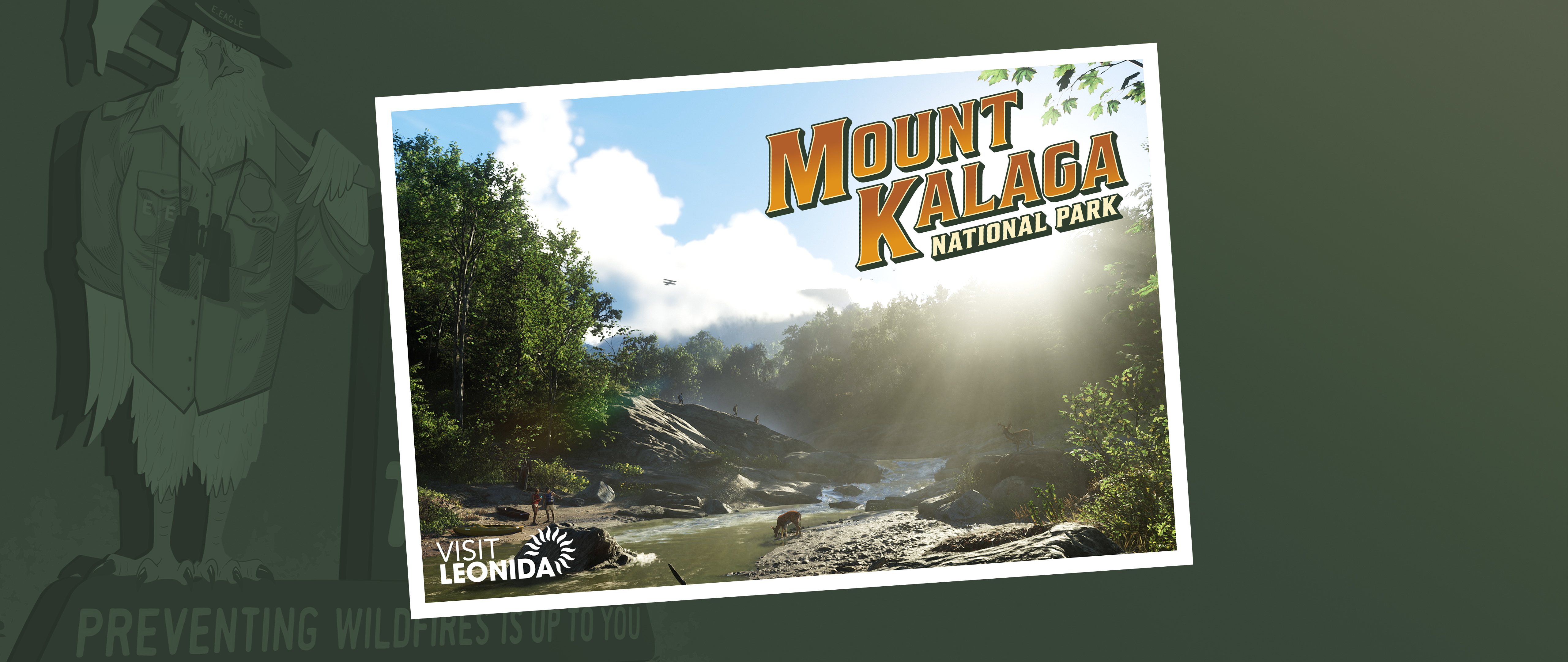
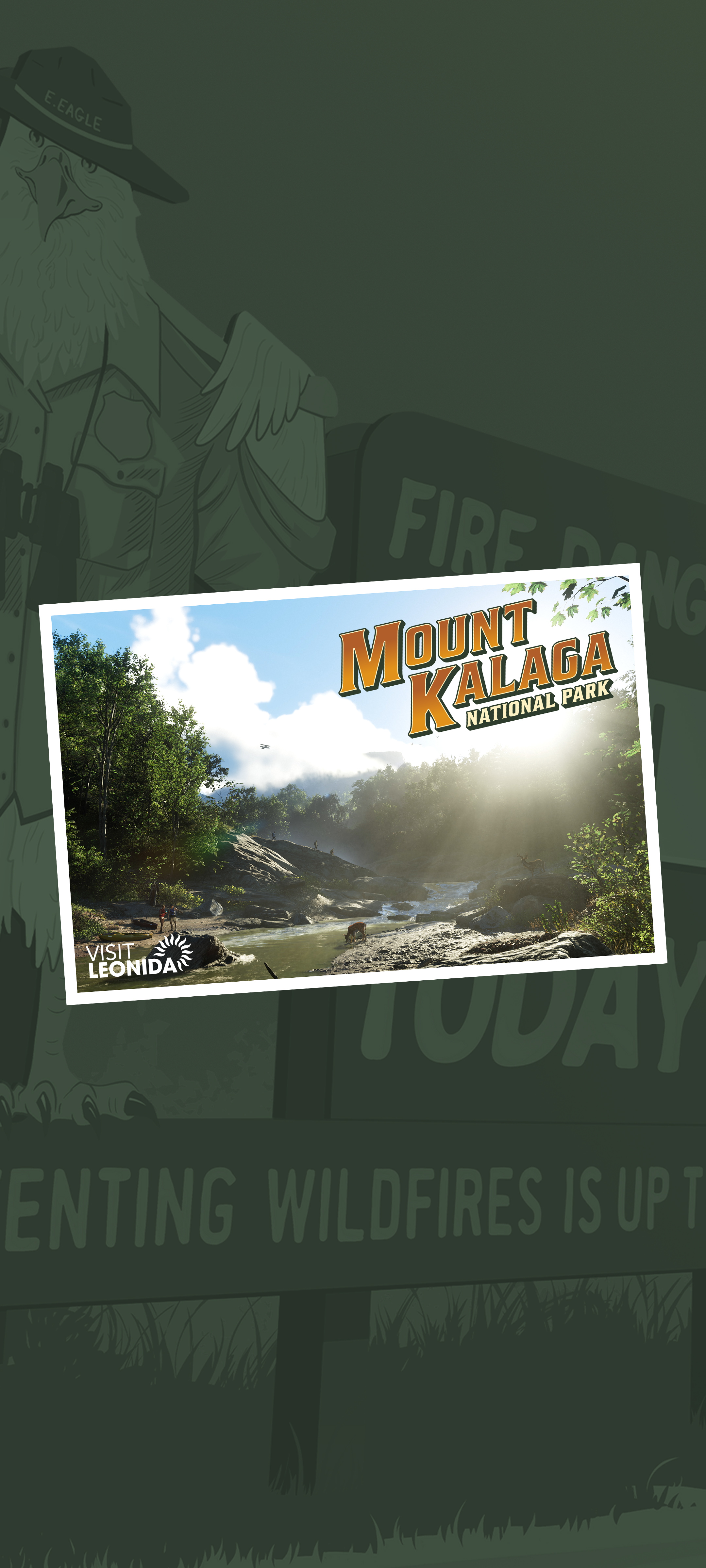
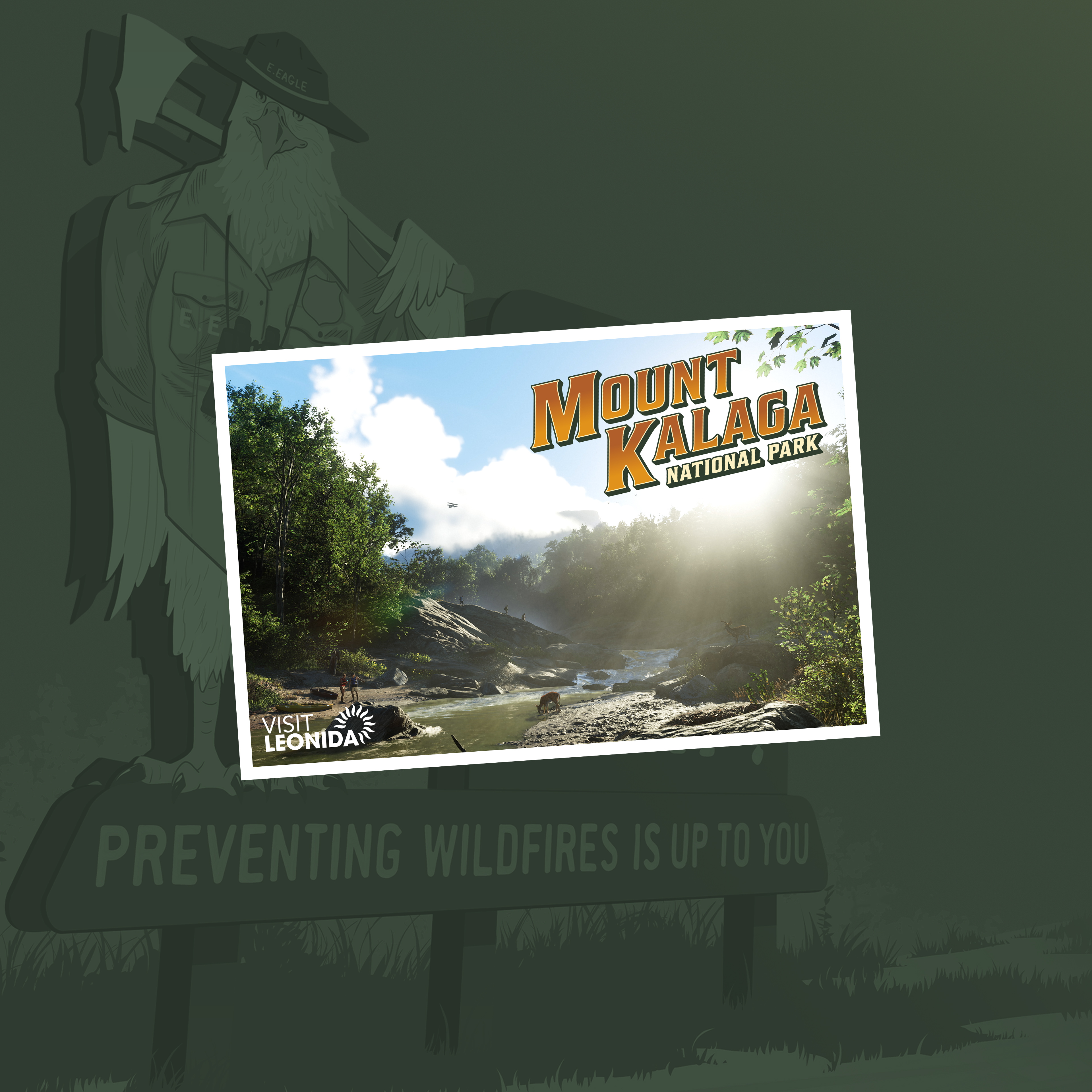
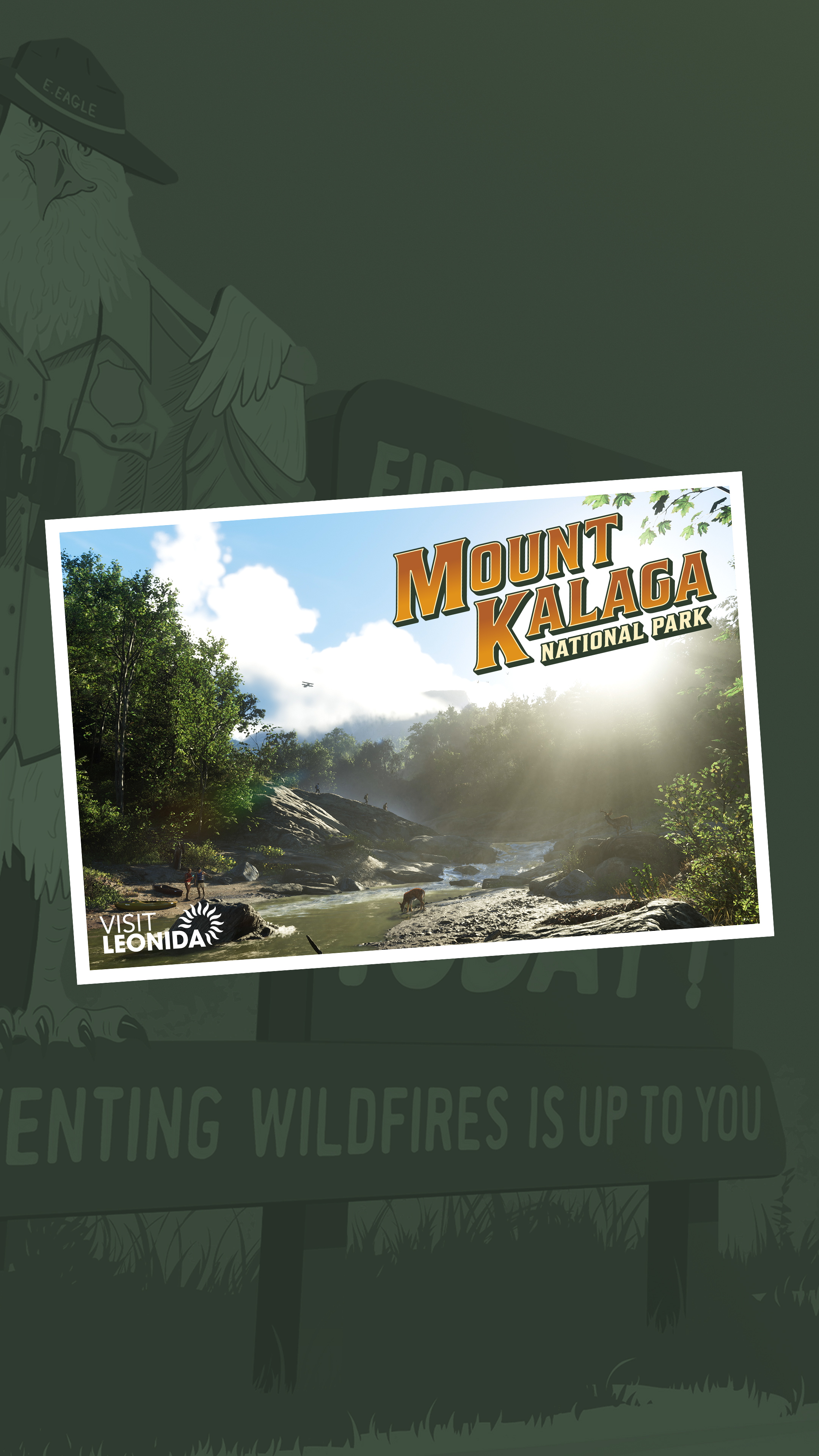
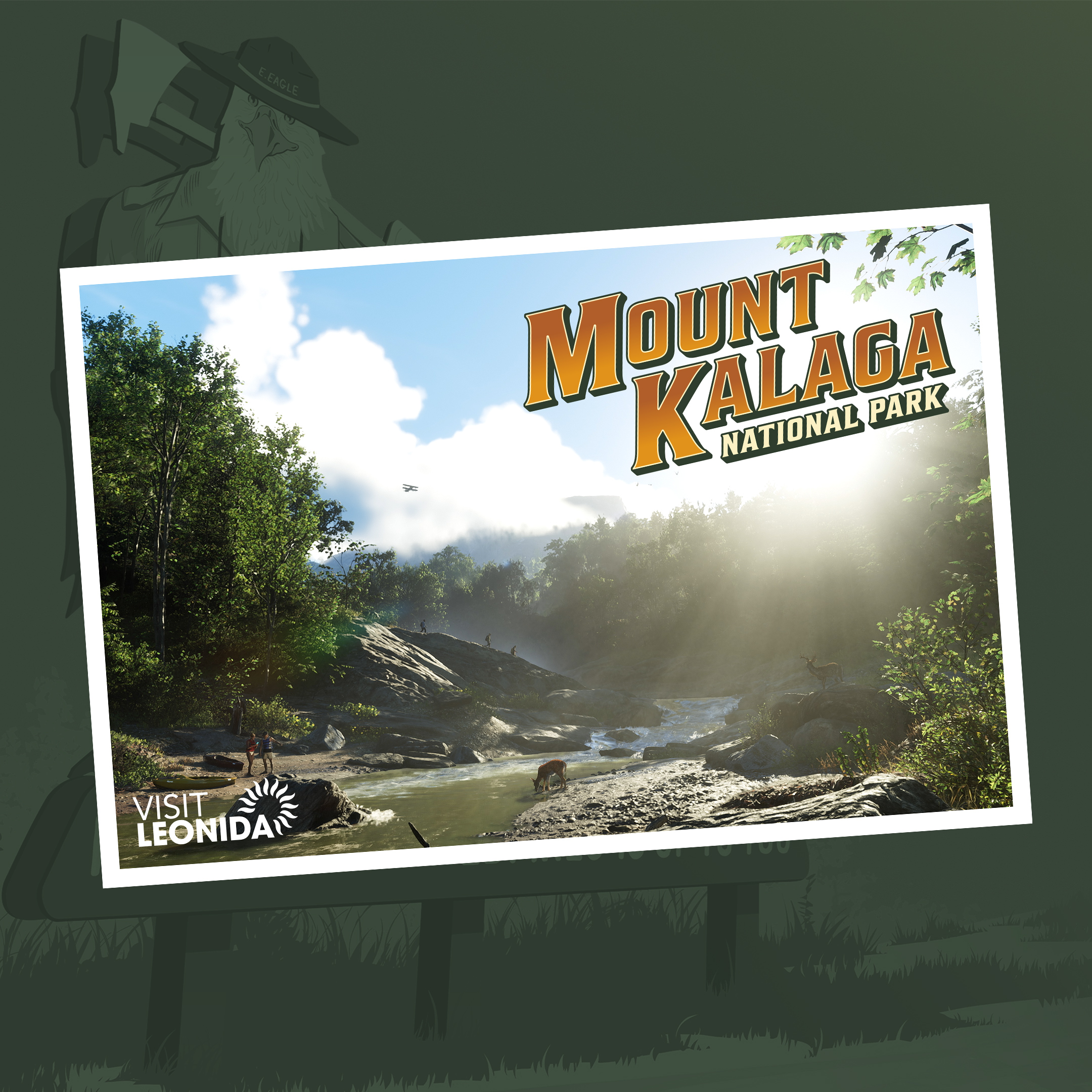
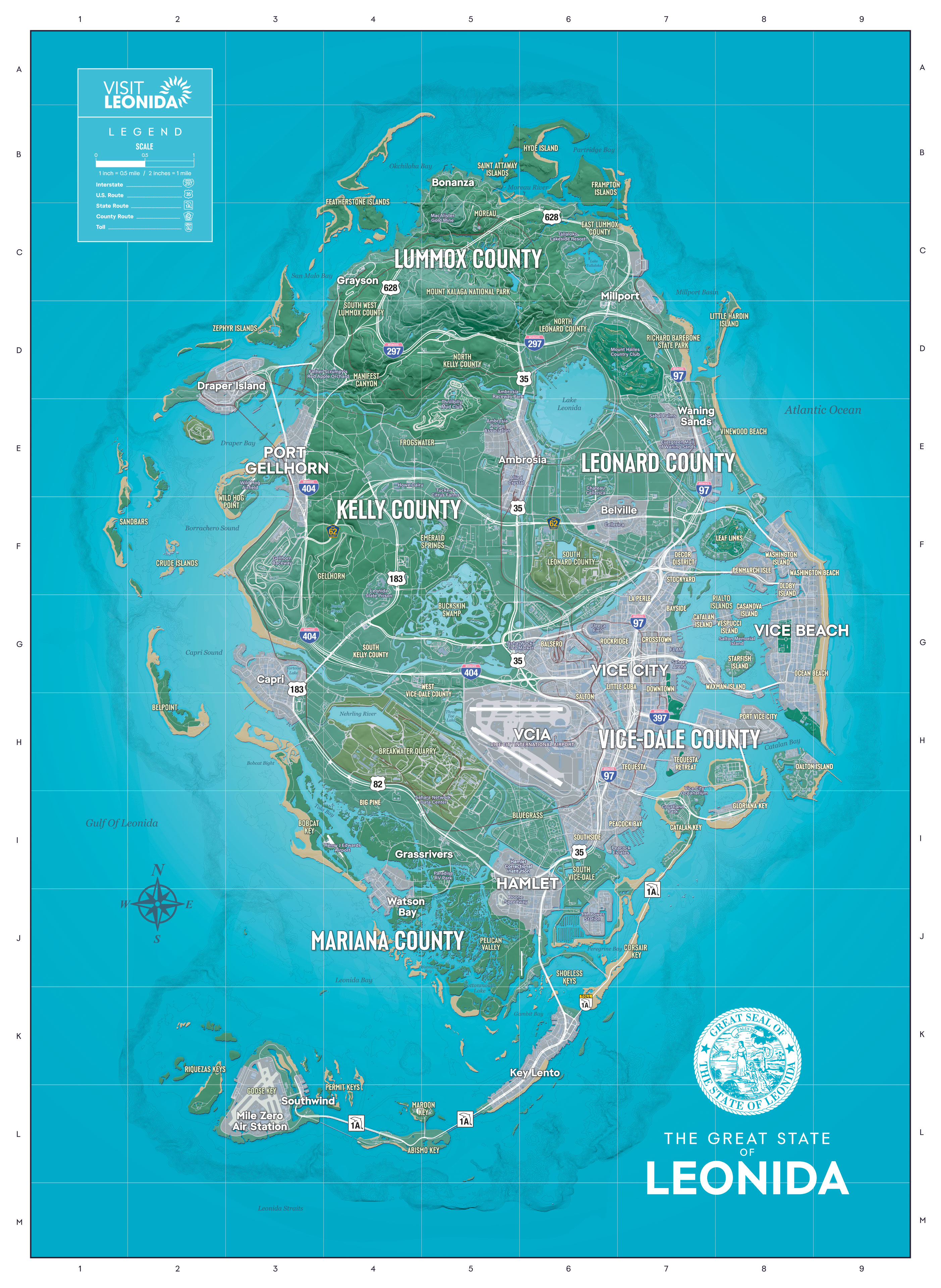
Leonida postcard wallpapers
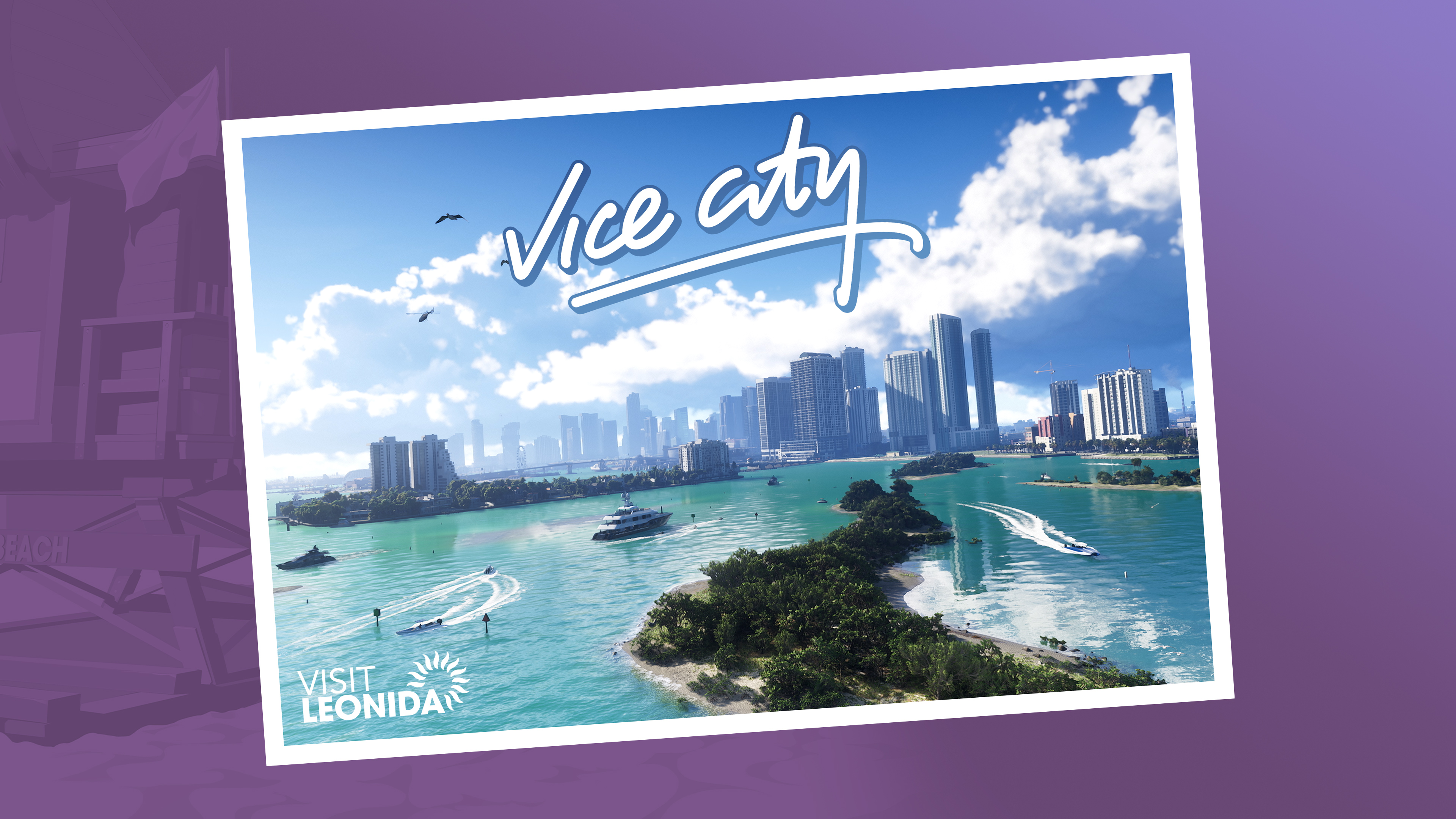
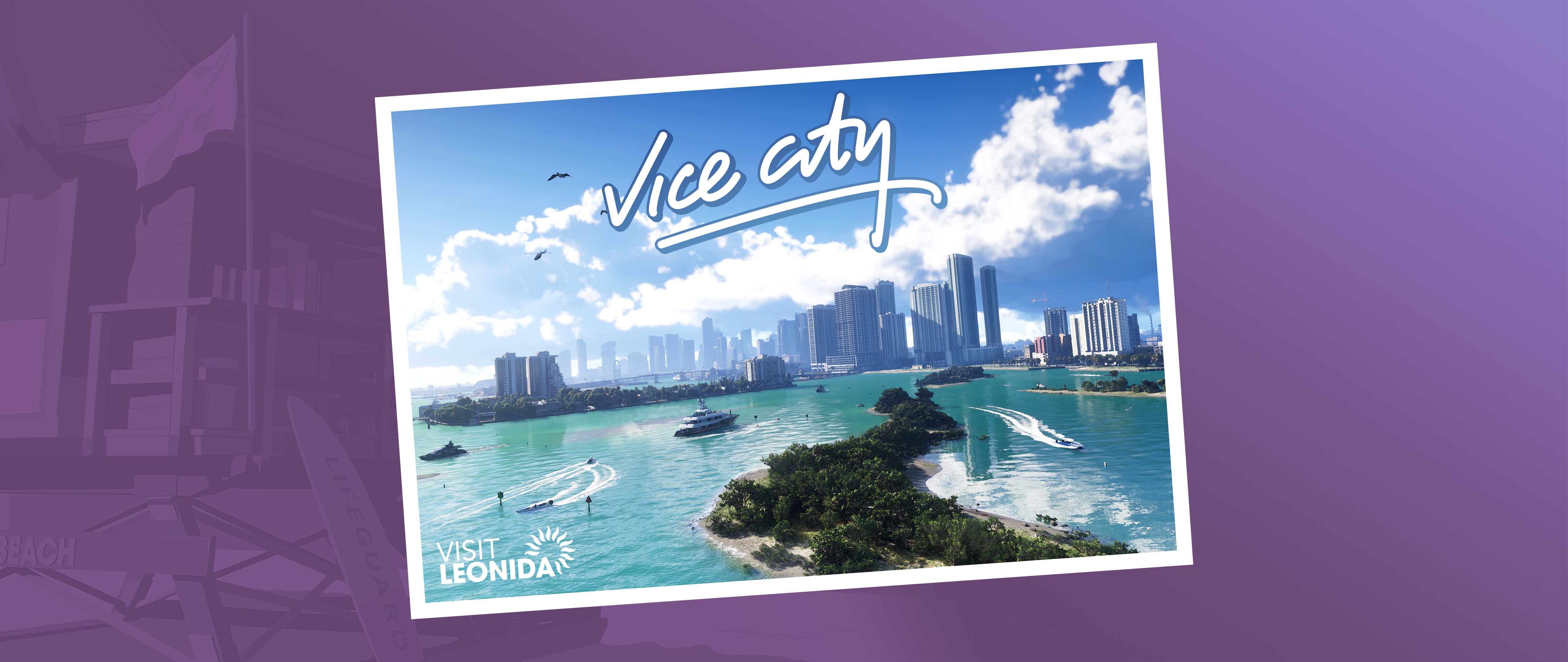
“Visit Leonida” postcards for the six regions of the map, each in six sizes.
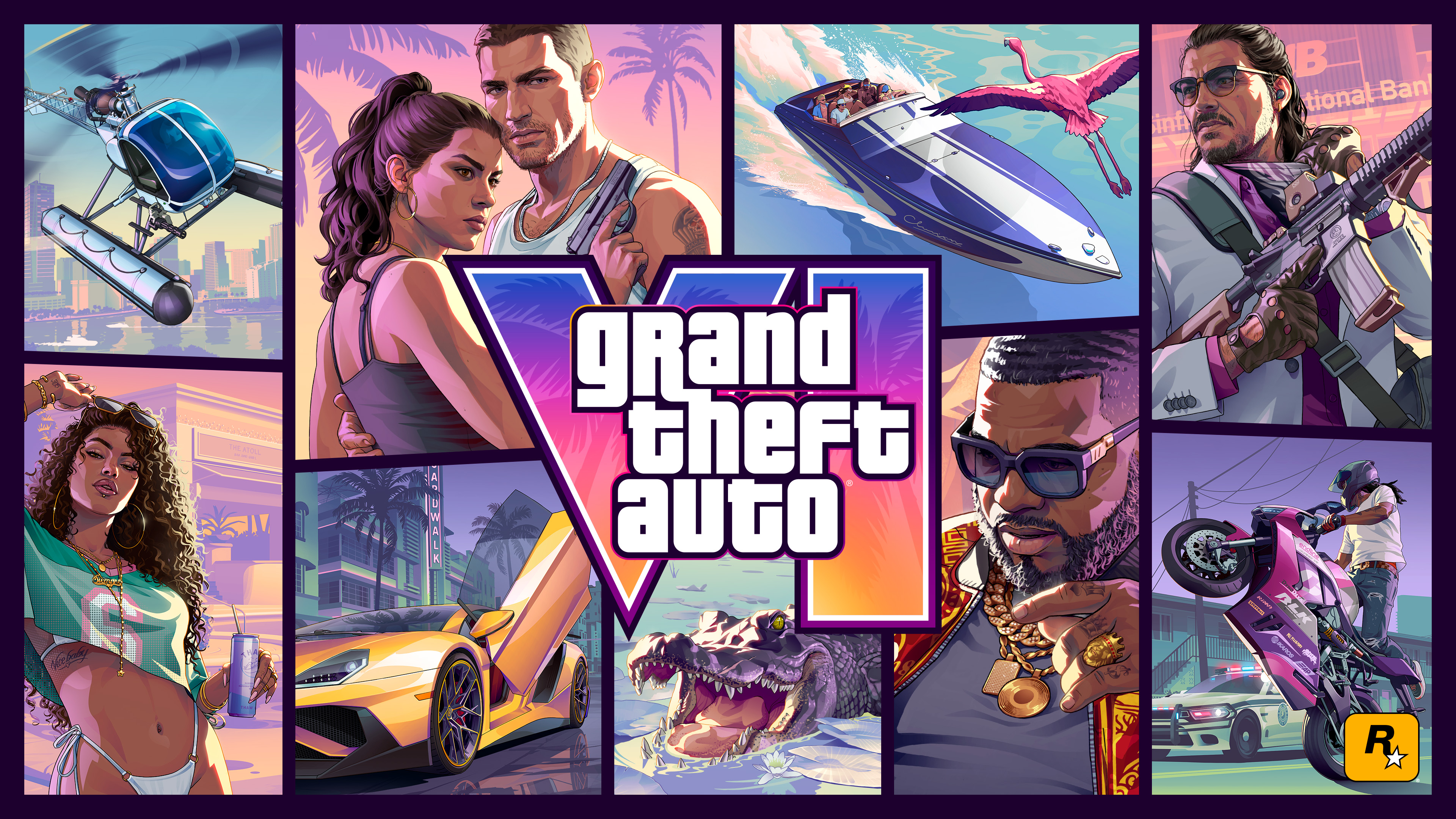
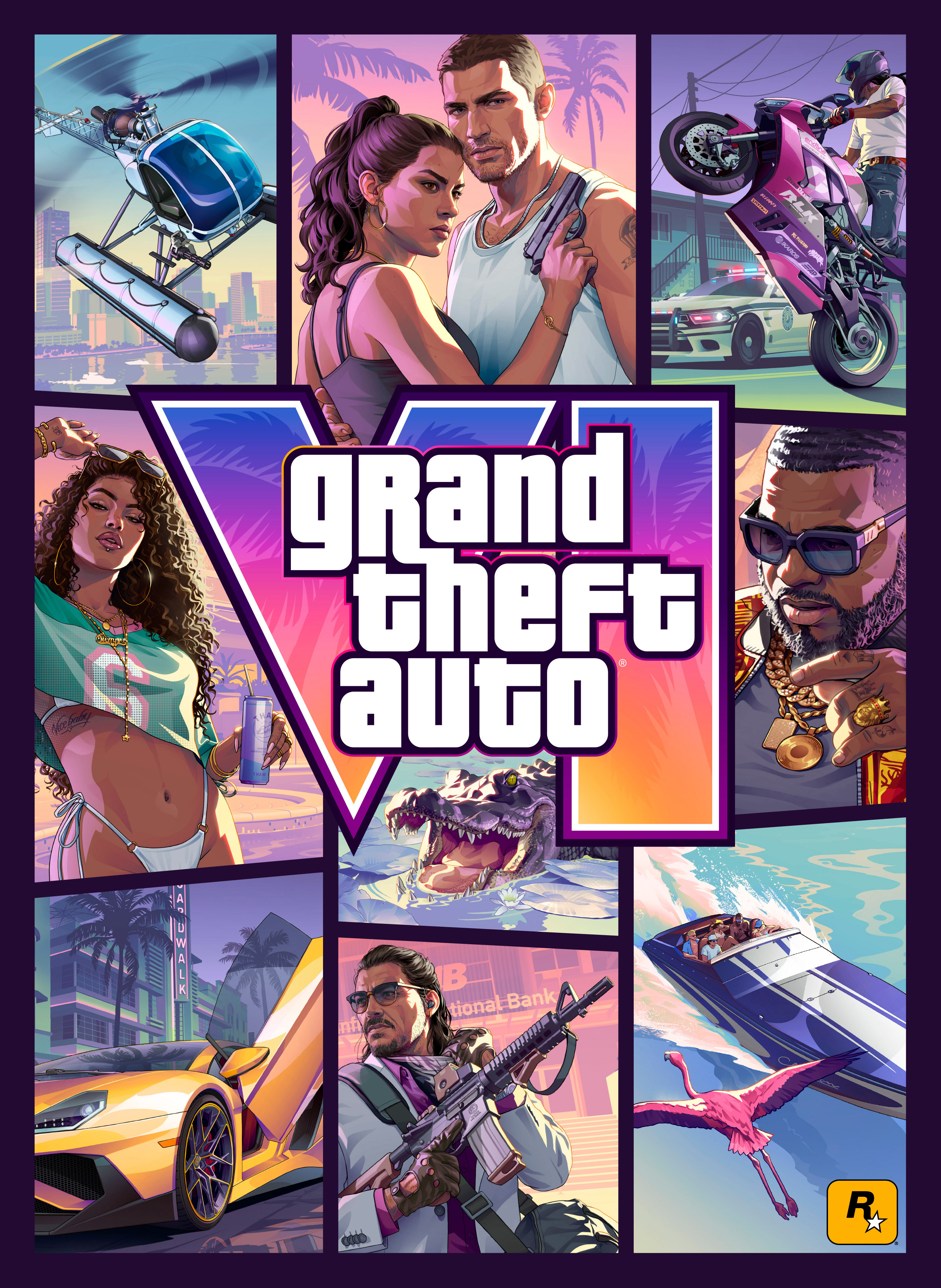
Cover art and posters
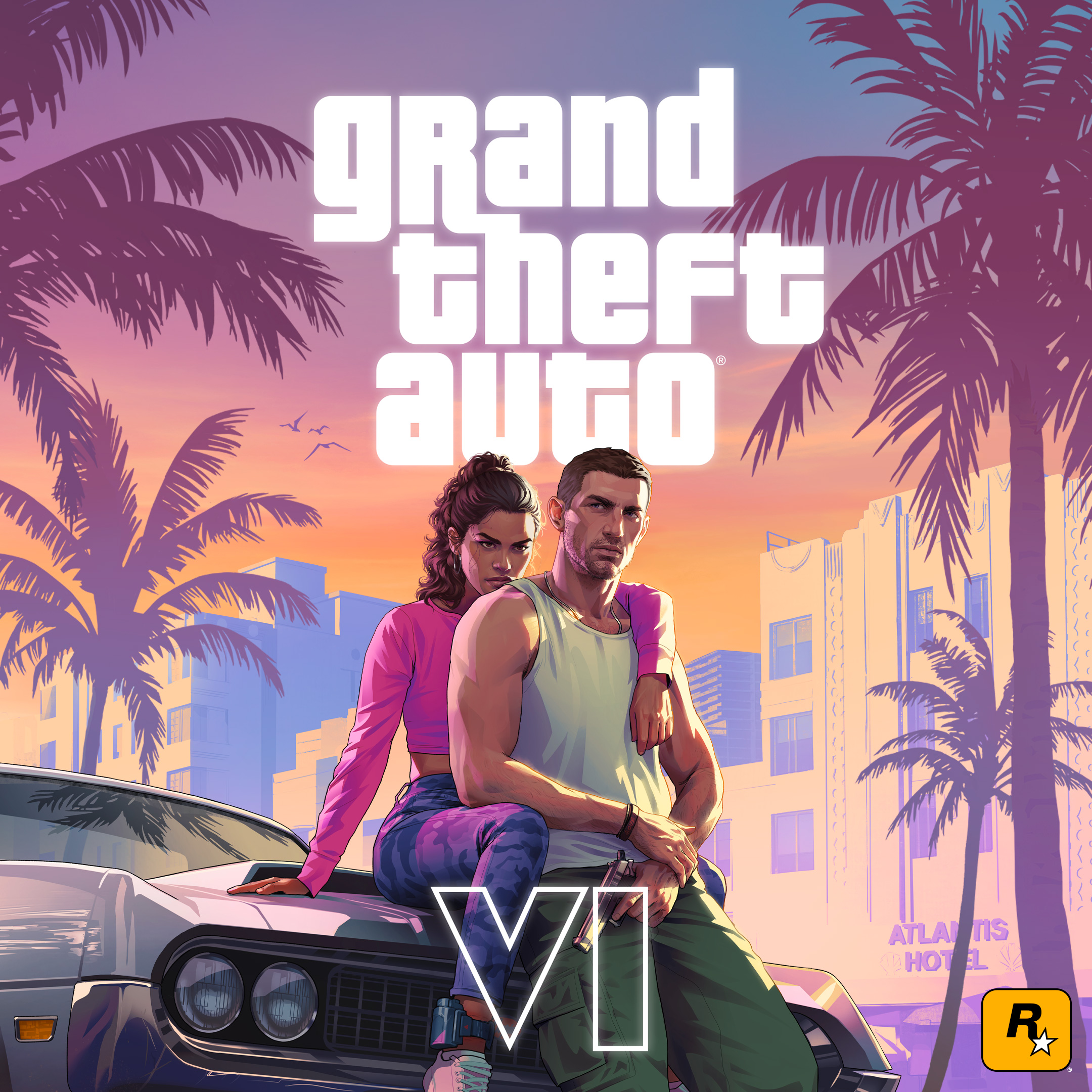
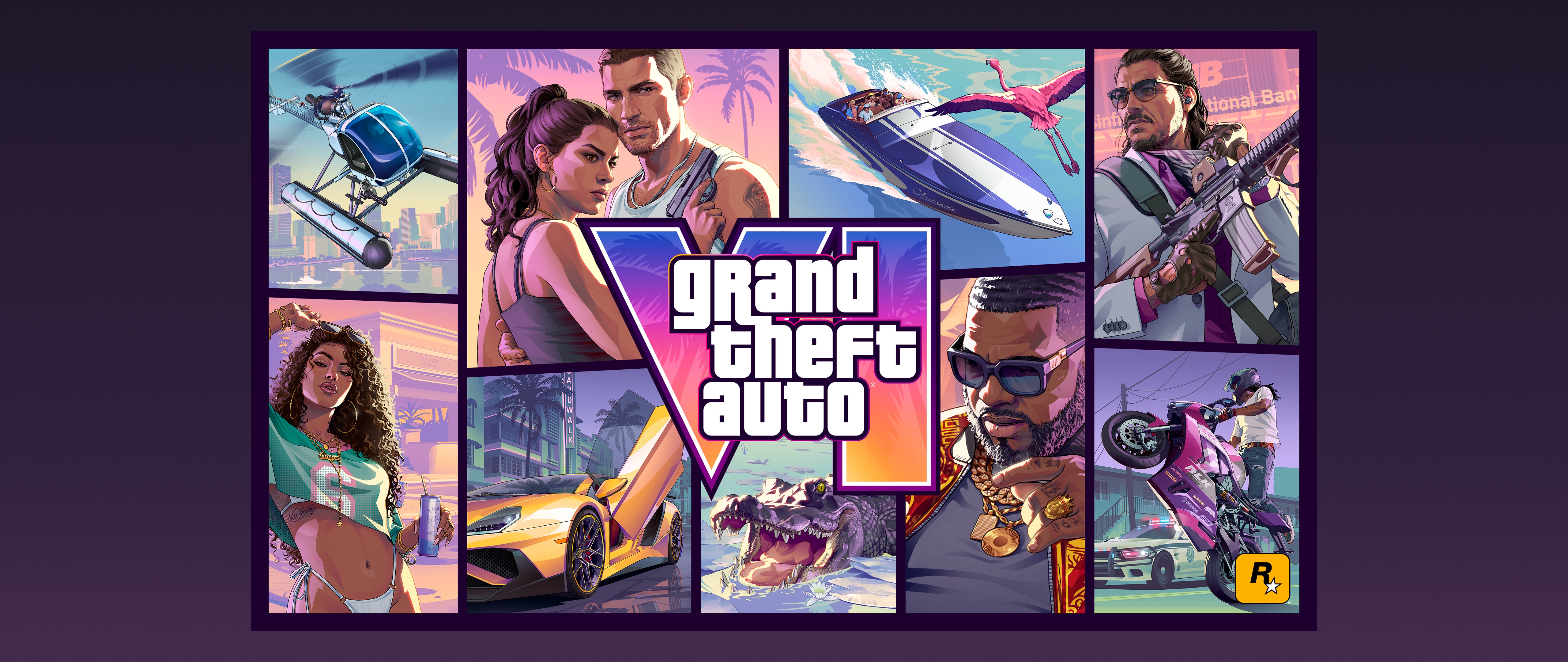
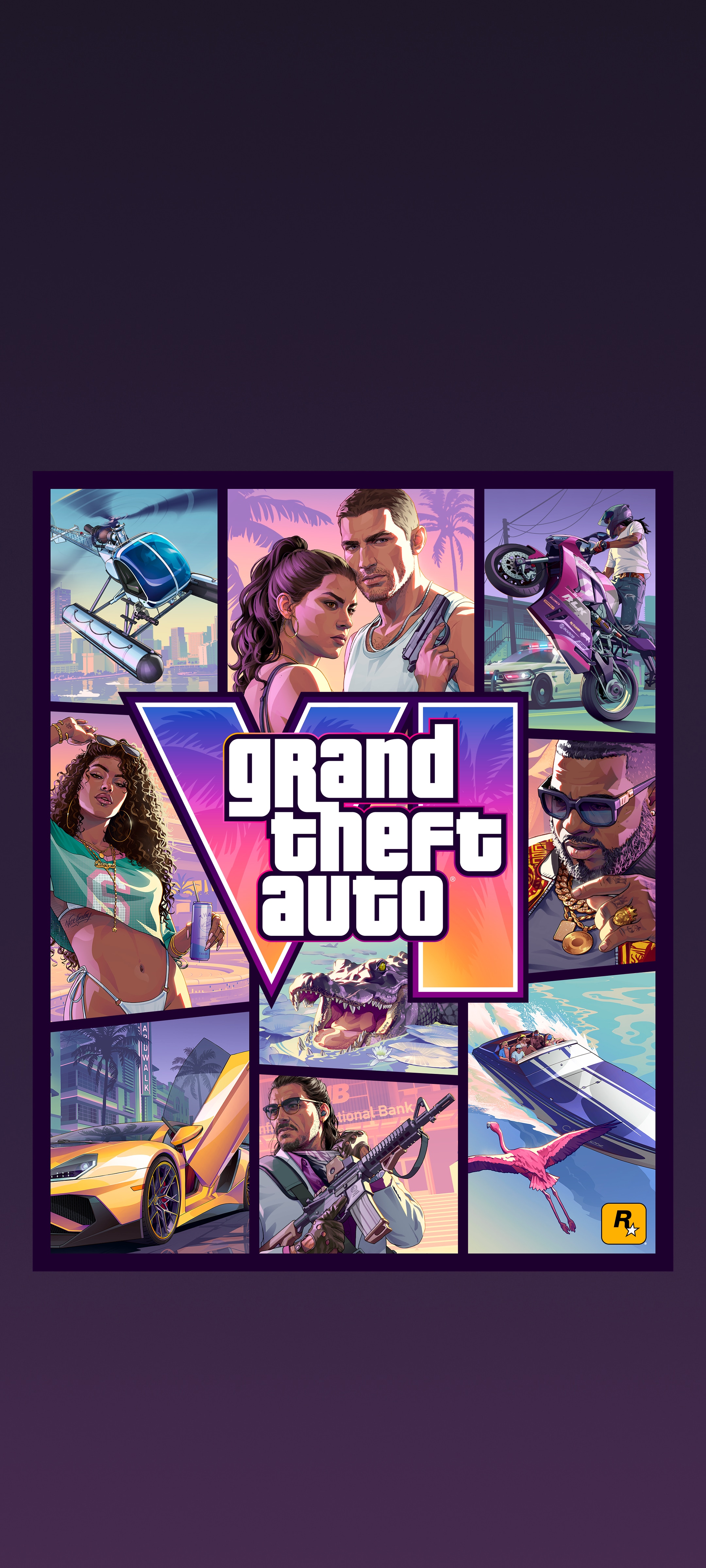
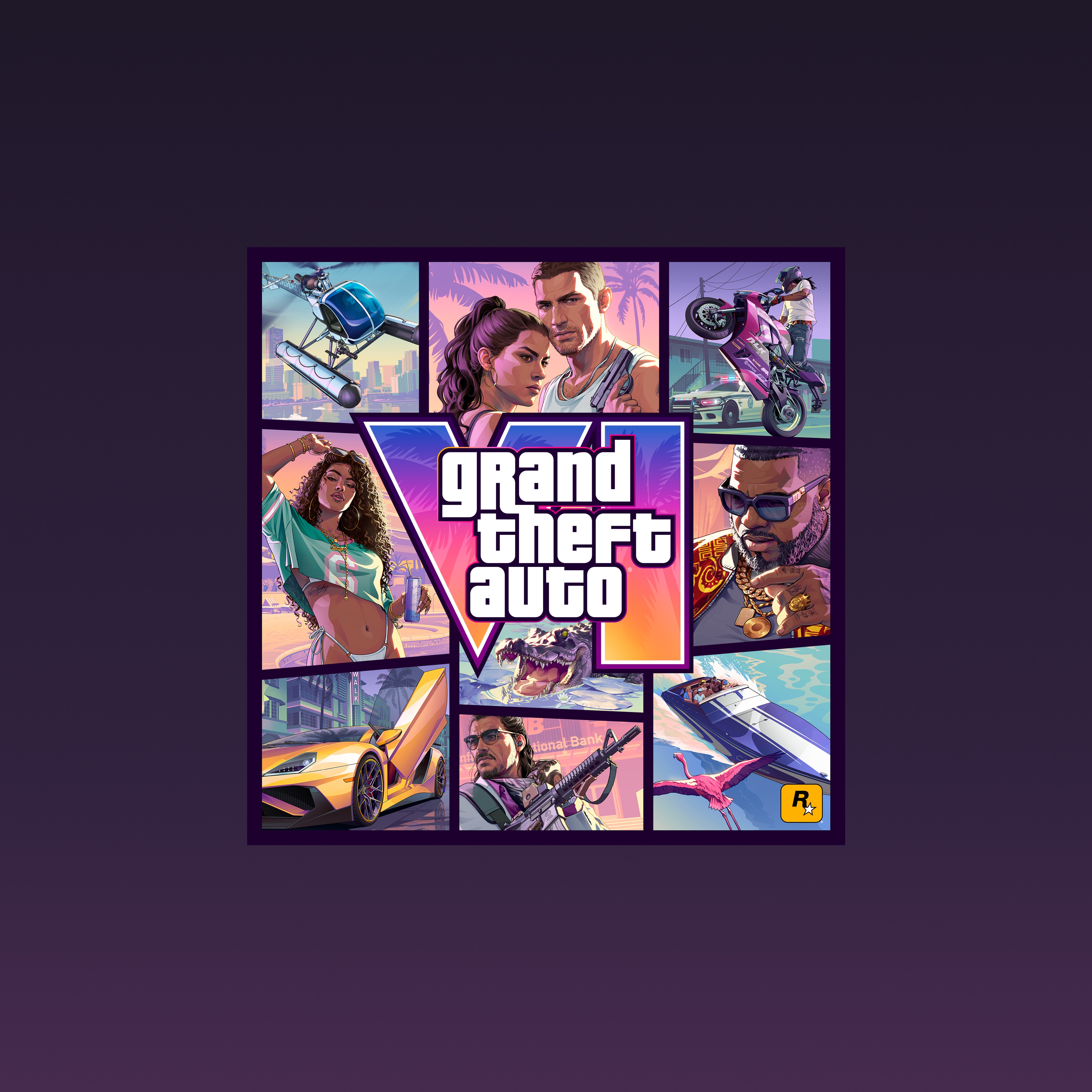
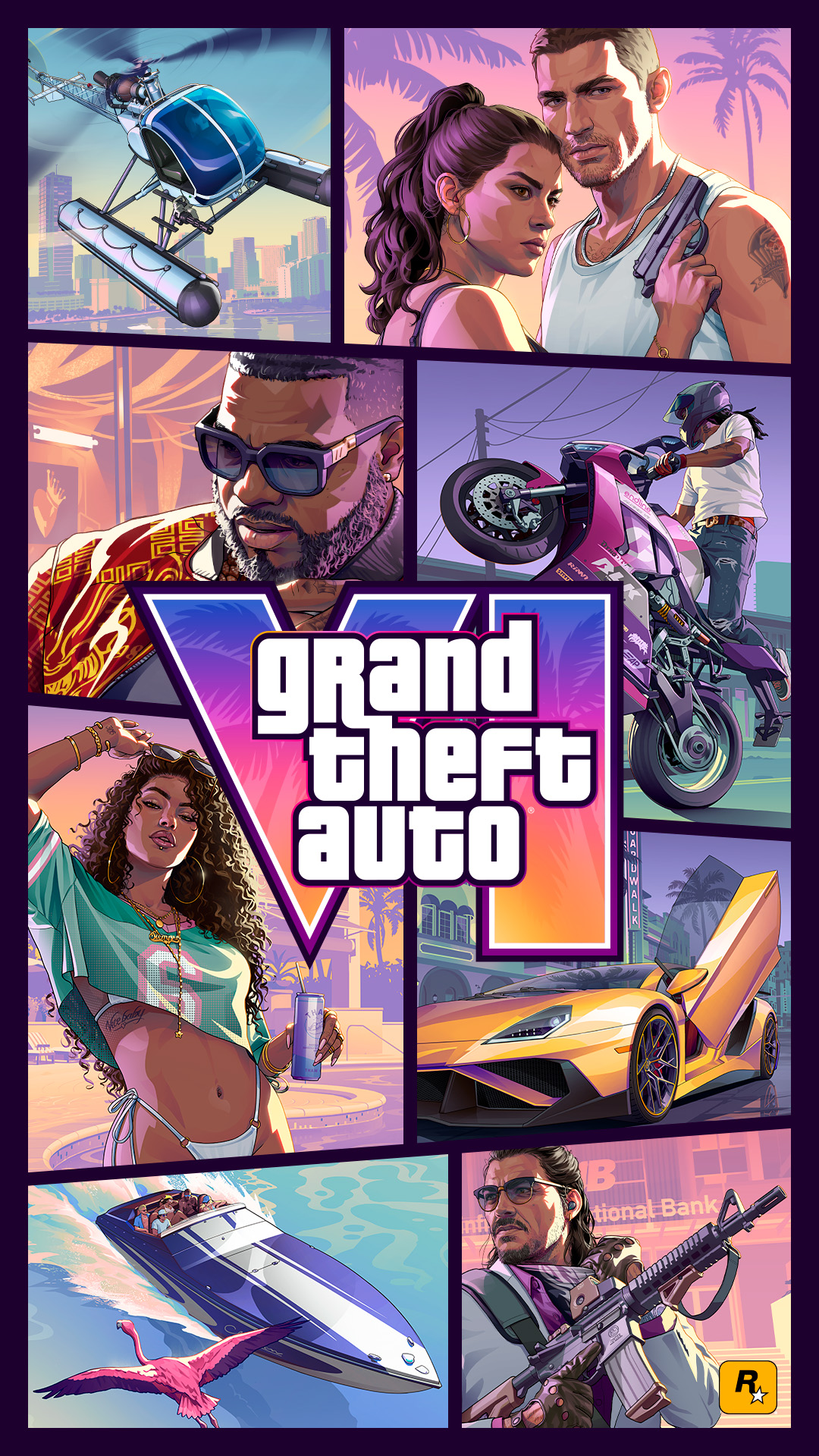
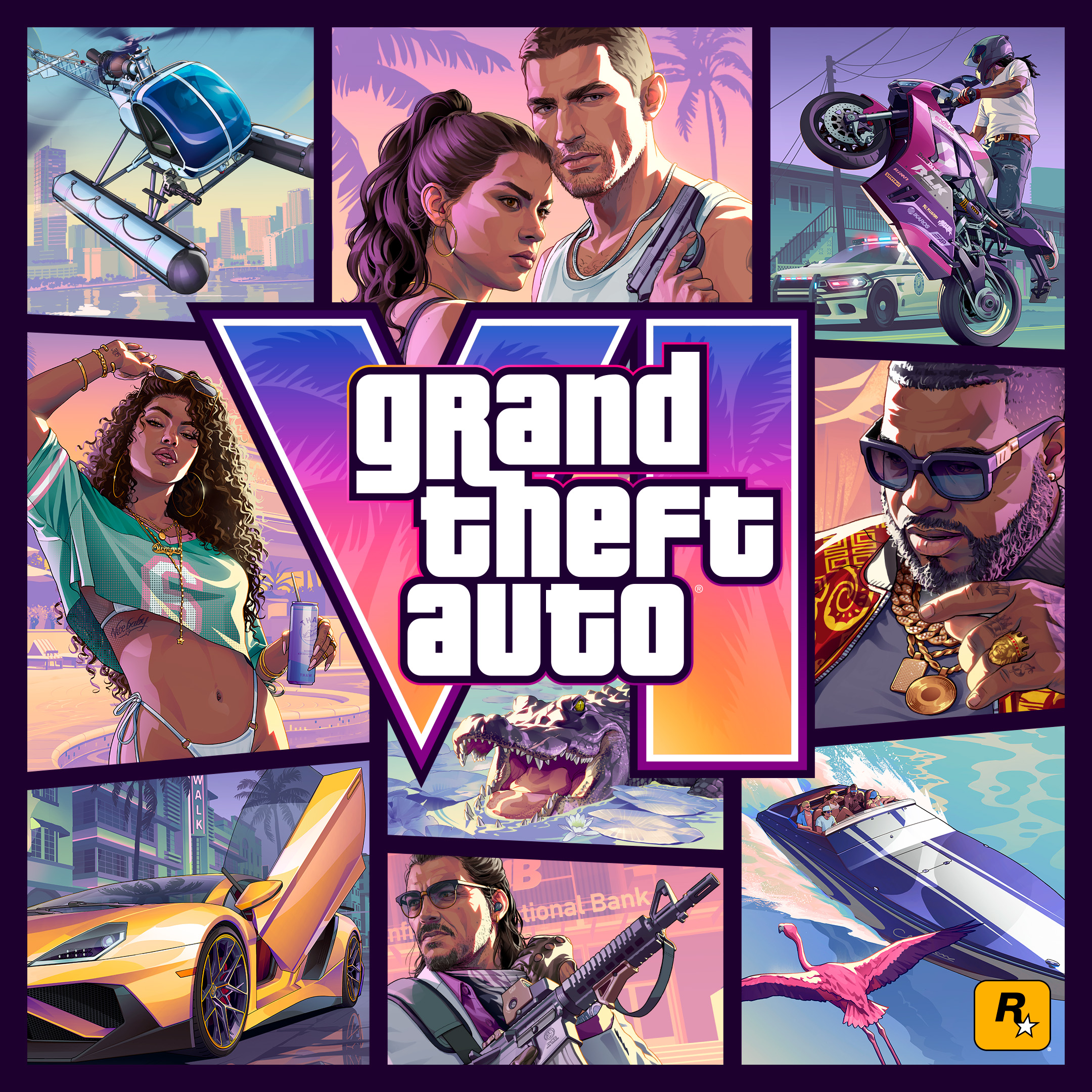
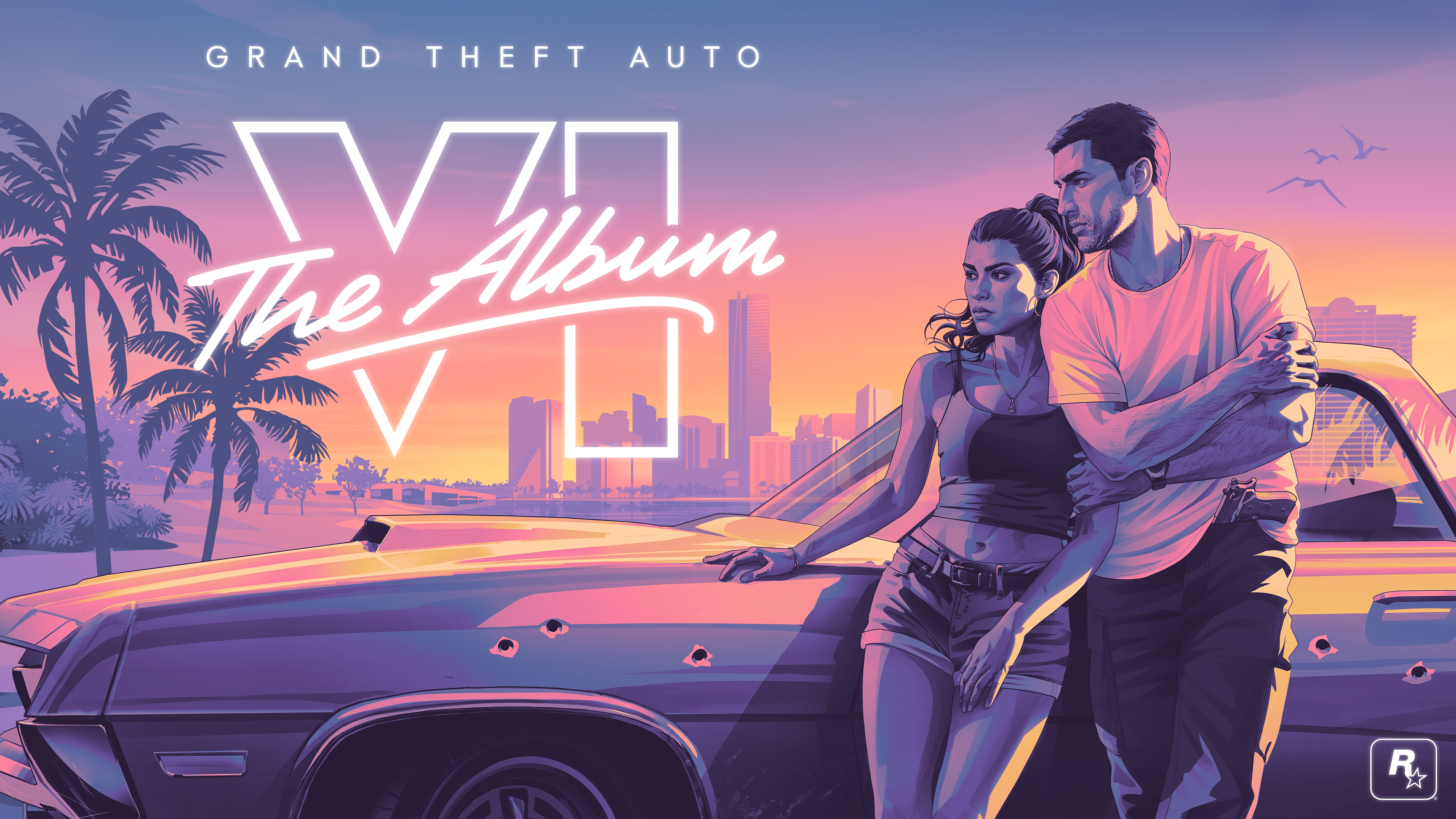
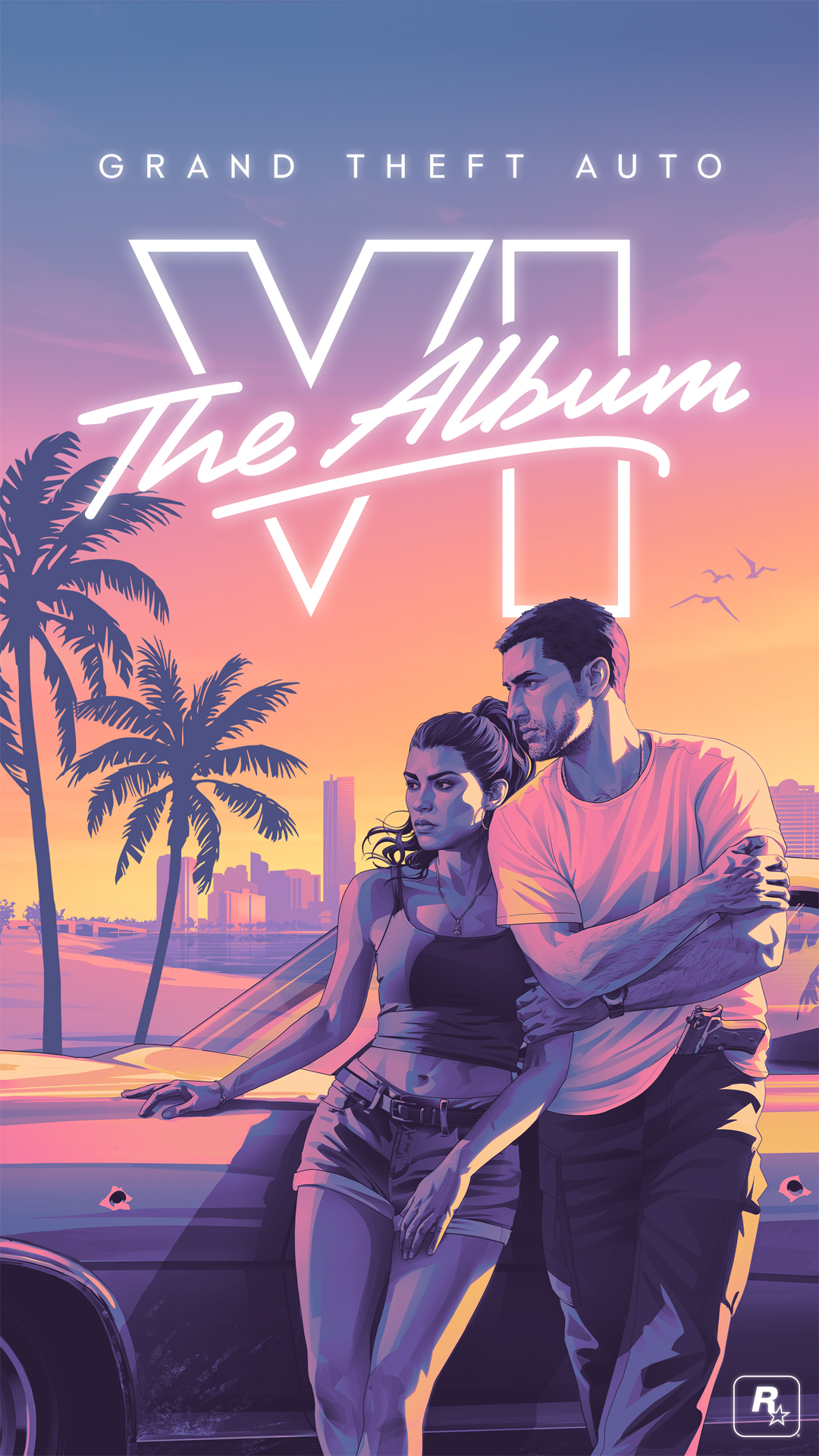
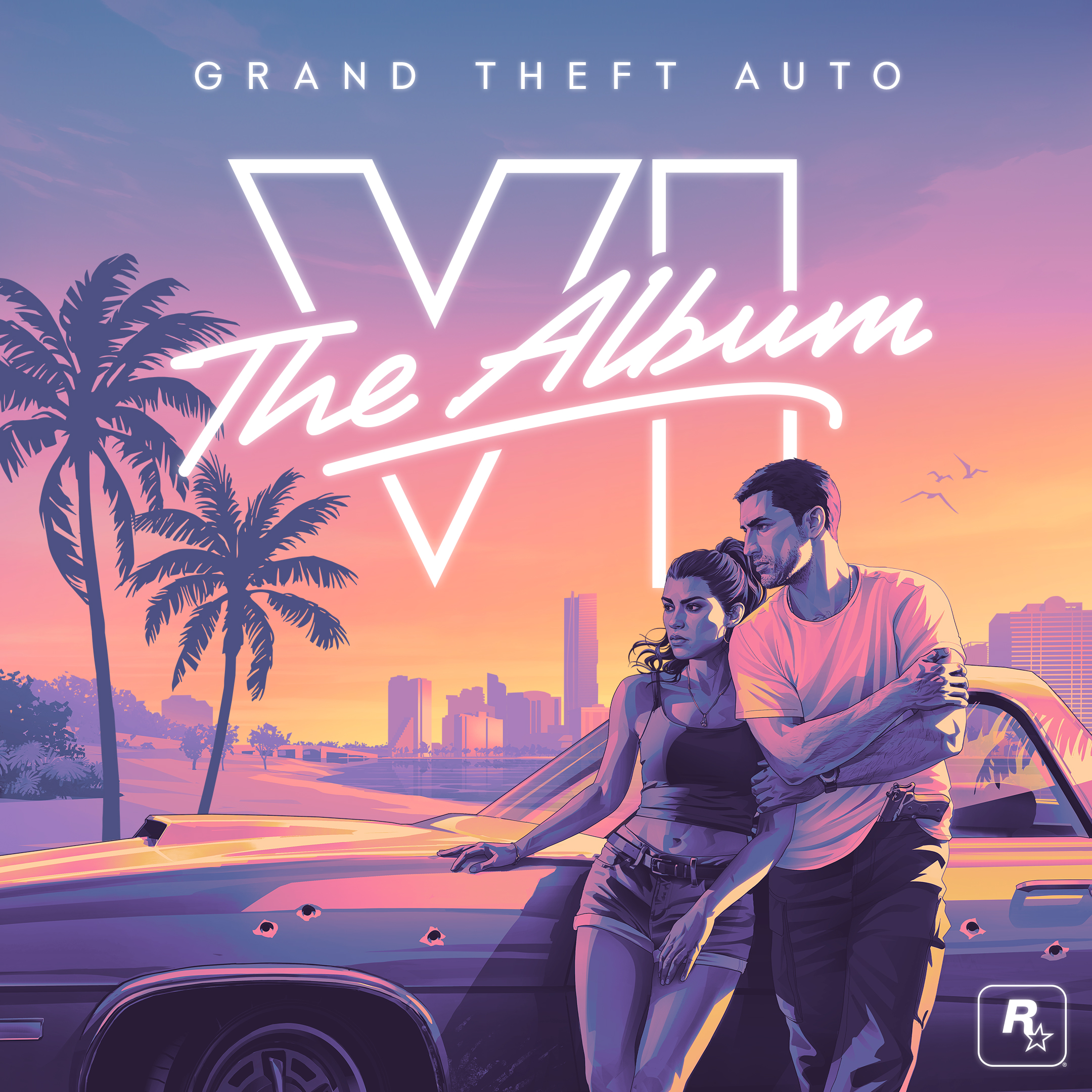
The official cover art, the album art and two portrait posters.
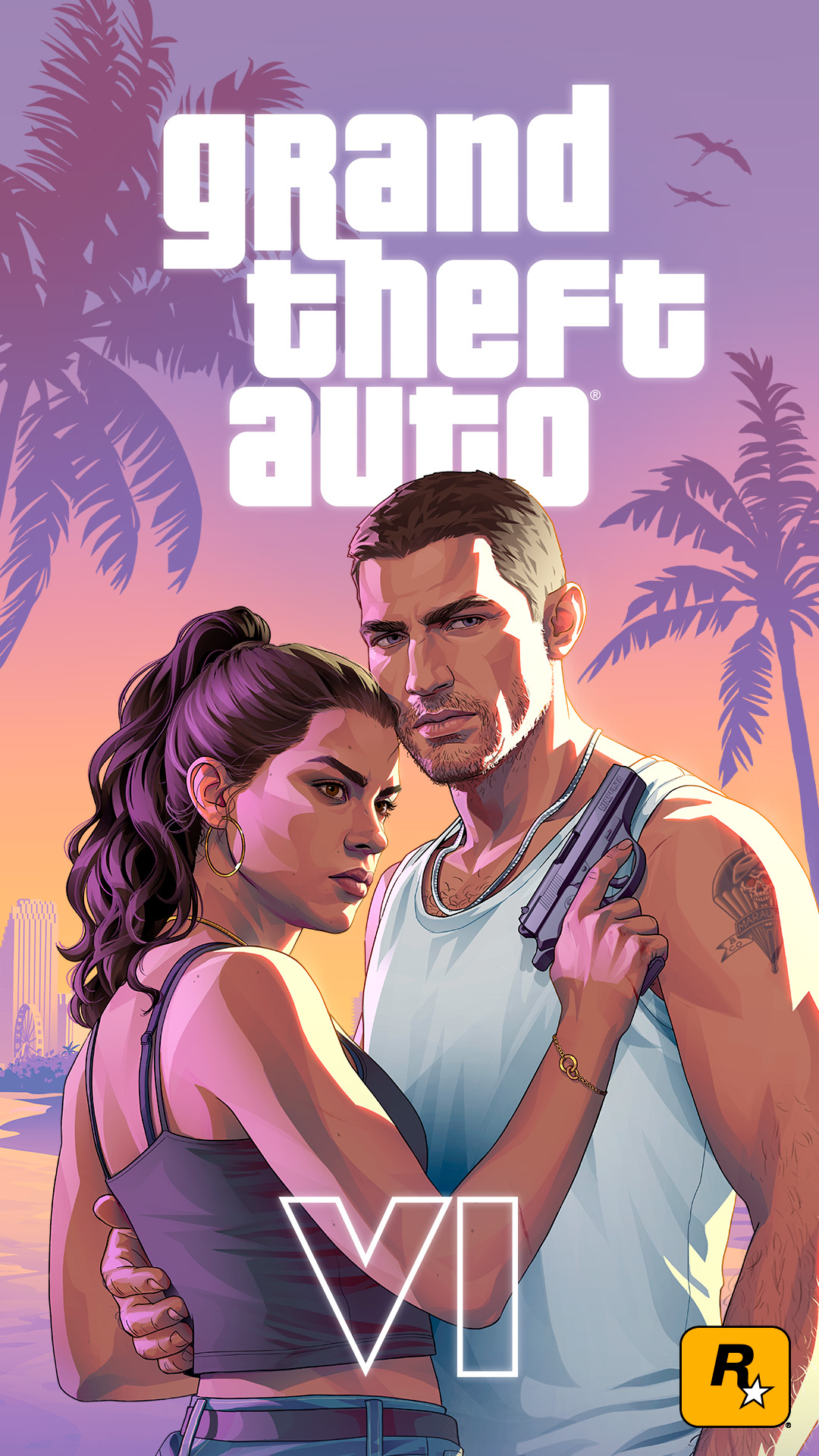
GTA 6 phone wallpapers
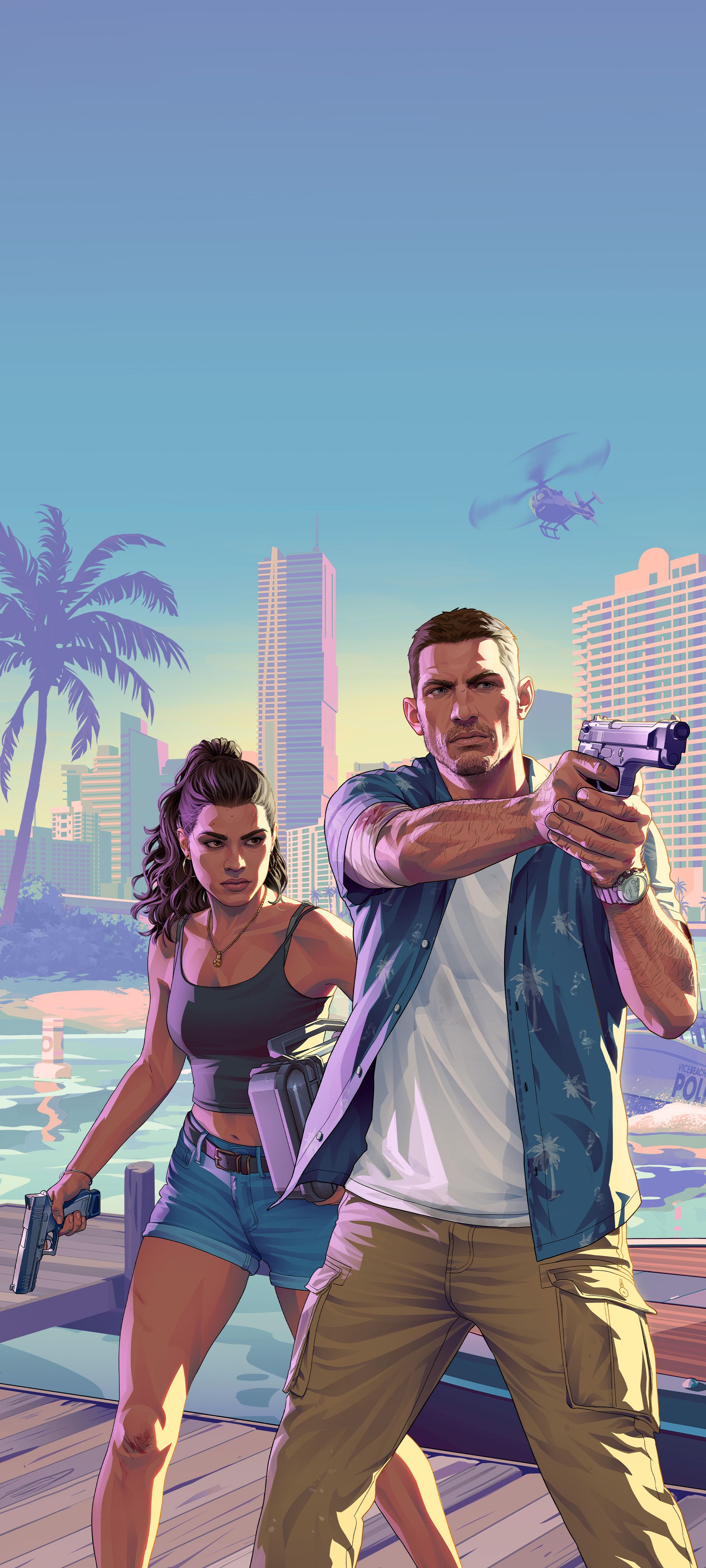
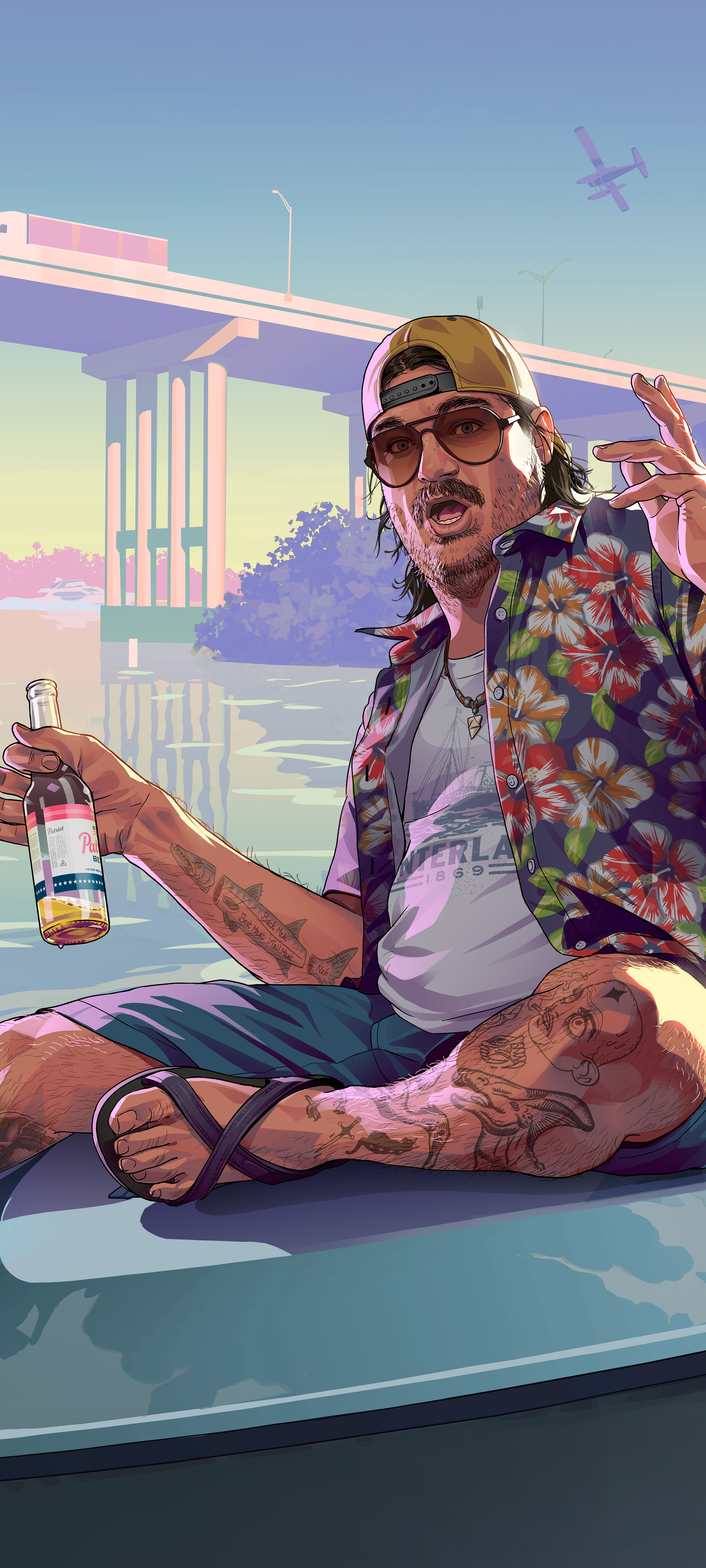
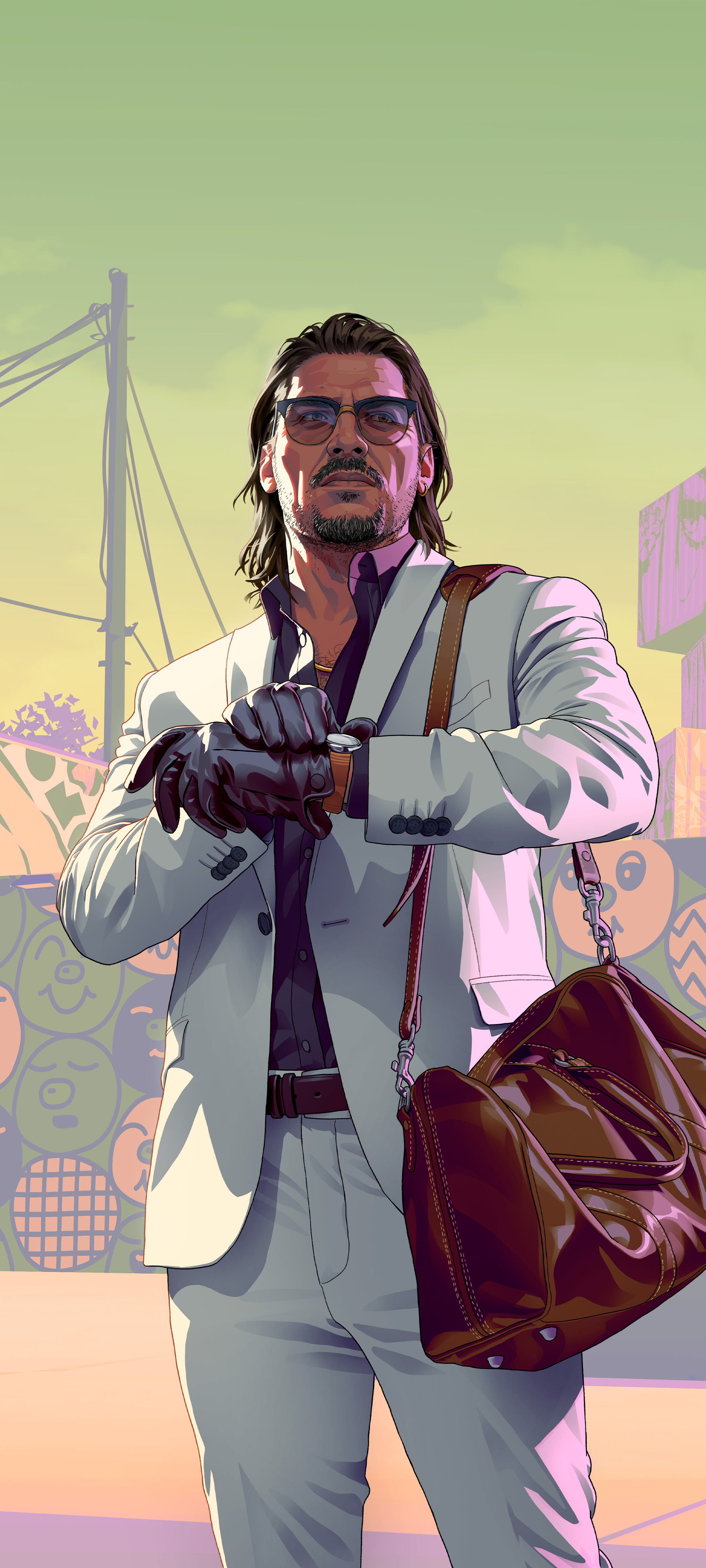
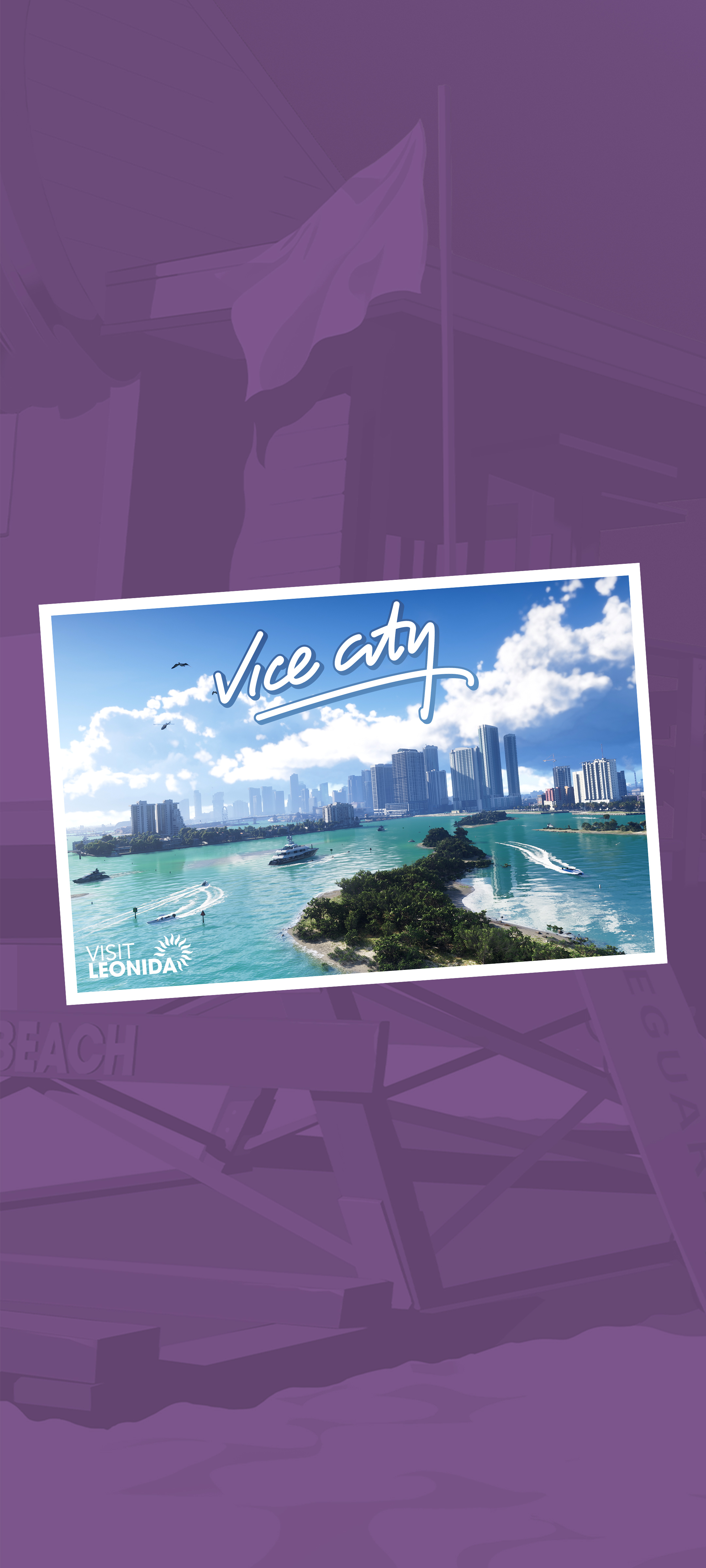
Every design cut for tall phone screens at 2160×4800, sharp on any current iPhone or Android phone.
All wallpapers © Rockstar Games, from the official GTA VI downloads page. Free for personal use only.
The official wallpaper set at a glance
| Designs | 23 |
|---|---|
| Full-size files | 144 on this page |
| Largest size | 5120×2160 ultrawide |
| Phone size | 2160×4800 |
| Price | Free personal use |
| Source | Rockstar Games official downloads page |
Which wallpaper size should I download?
Rockstar made most designs in six shapes. Pick the one that matches your screen, not just the biggest file: a wallpaper in the right shape fills the screen without being cropped or stretched.
| Your screen | Pick | Resolution |
|---|---|---|
| Laptop or desktop monitor (16:9, up to 4K) | Desktop | 3840×2160 |
| Ultrawide monitor (21:9) | Ultrawide | 5120×2160 |
| Modern iPhone or Android phone | Phone | 2160×4800 |
| iPad or other tablet | Tablet | 3840×3840 |
| Vertical monitor, older phone, Steam Deck lock screen | Portrait | 2160×3840 |
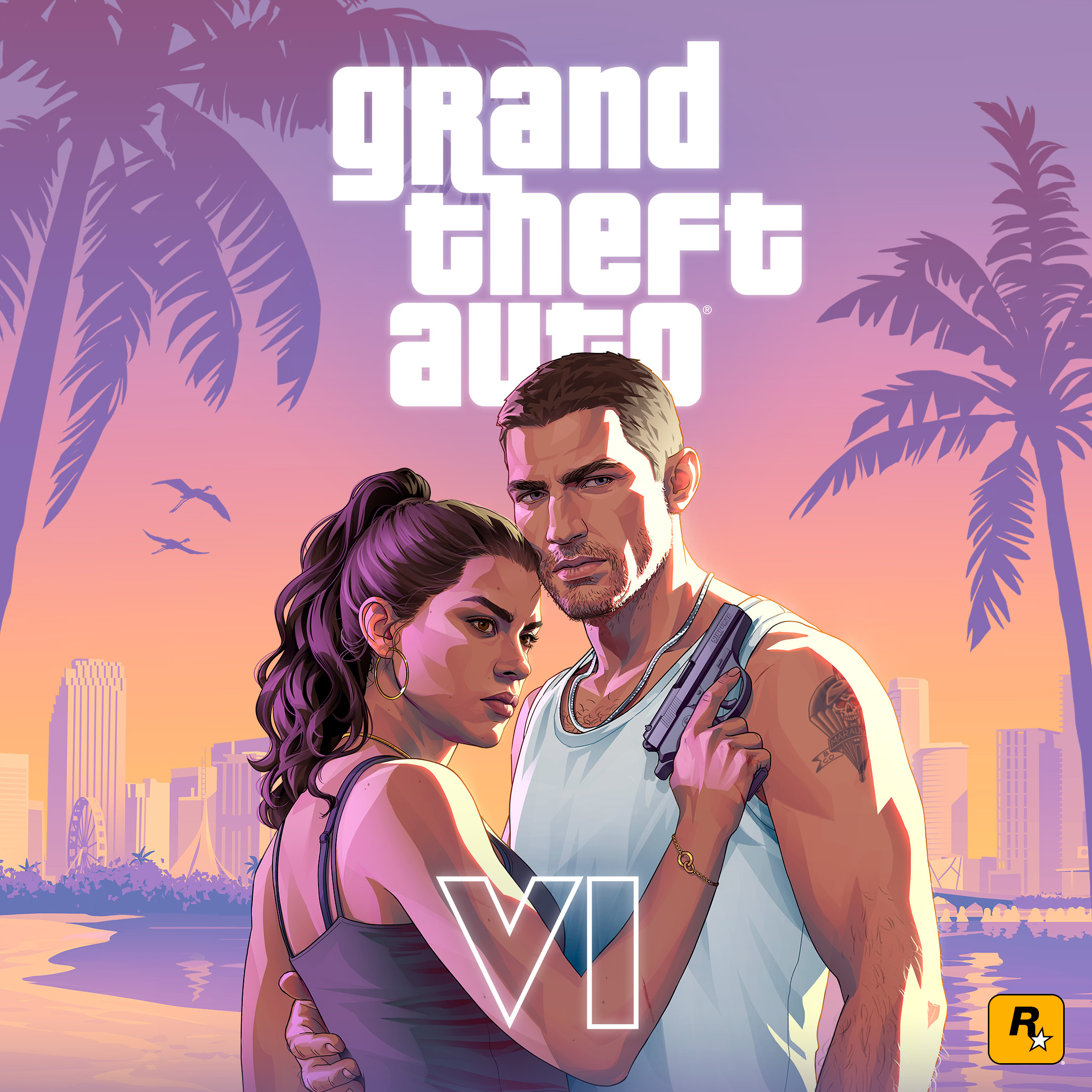
| Profile picture, smartwatch, square display | Square | 2160×2160 |
The tablet file is square on purpose. Tablets rotate, so a square image covers the screen in both portrait and landscape.
How to set a GTA 6 wallpaper
Windows 11: open the file, right-click the image and choose Set as desktop background. Or go to Settings > Personalization > Background and pick the file. For an ultrawide or multi-monitor setup, set the fit to Fill or Span.
Mac: right-click the file in Finder and choose Set Desktop Picture. Or open System Settings > Wallpaper, click Add Photo and pick the file.
iPhone: save the phone wallpaper to Photos, open it, tap the share button and choose Use as Wallpaper. Pinch to adjust the crop, then set it for the lock screen, home screen or both.
Android: save the image, open it in Photos or Gallery, tap the menu and choose Use as or Set as wallpaper. Menu names vary a little between phone makers.
About these wallpapers
Every image on this page is official artwork by Rockstar Games, taken unchanged from the GTA VI downloads page. We host copies so you can preview each one at full size and download a single file in one click, instead of fetching Rockstar's full archive of 146 files.
A few things are only in Rockstar's archive: the extra-large print versions of the two posters (each well over 30MB). If you want to print a poster, download the official wallpaper pack from Rockstar directly.
The wallpapers are free for personal use, such as your own desktop, phone or tablet. They remain © Rockstar Games: do not sell them, print them for sale or use them in ads or products. If you represent Rockstar Games or Take-Two and want an image removed, contact us and we will take it down.
Looking for more of Leonida? Our Leonida guide covers the six regions behind the postcard wallpapers, and the release date page has the trailers.
Frequently asked questions
Are these GTA 6 wallpapers official?
Yes. Every image is official artwork from Rockstar Games' GTA VI downloads page. We have not edited, upscaled or watermarked them.
Are the GTA 6 wallpapers free?
Yes, for personal use. You can put them on your own computer, phone or tablet. They are still © Rockstar Games, so selling them, printing them for sale or using them in ads or products is not allowed.
What is the best GTA 6 wallpaper size for iPhone?
Use the Phone size, 2160×4800. It is taller than any current iPhone screen, so iOS can crop it to fit without blurring.
Is there a 4K GTA 6 wallpaper?
Yes. The Desktop size of every design is 3840×2160, which is 4K UHD. The Ultrawide versions are 5120×2160.
Do the wallpapers come with the GTA VI logo?
Six of the Jason and Lucia designs come in two versions, with and without the logo. Use the chips under With logo to get the logo version.
Where are the printable posters?
The extra-large print files of the Cover Art and Leonida Map posters are only in Rockstar's official wallpaper pack. This page has screen-sized versions of both.
Related GTA 6 guides


Sources
- Rockstar Games: GTA VI downloads official wallpapers, artwork and screenshots
- Rockstar Games: GTA VI artwork and wallpapers the official wallpaper pack